

AdminPage by page
Usage
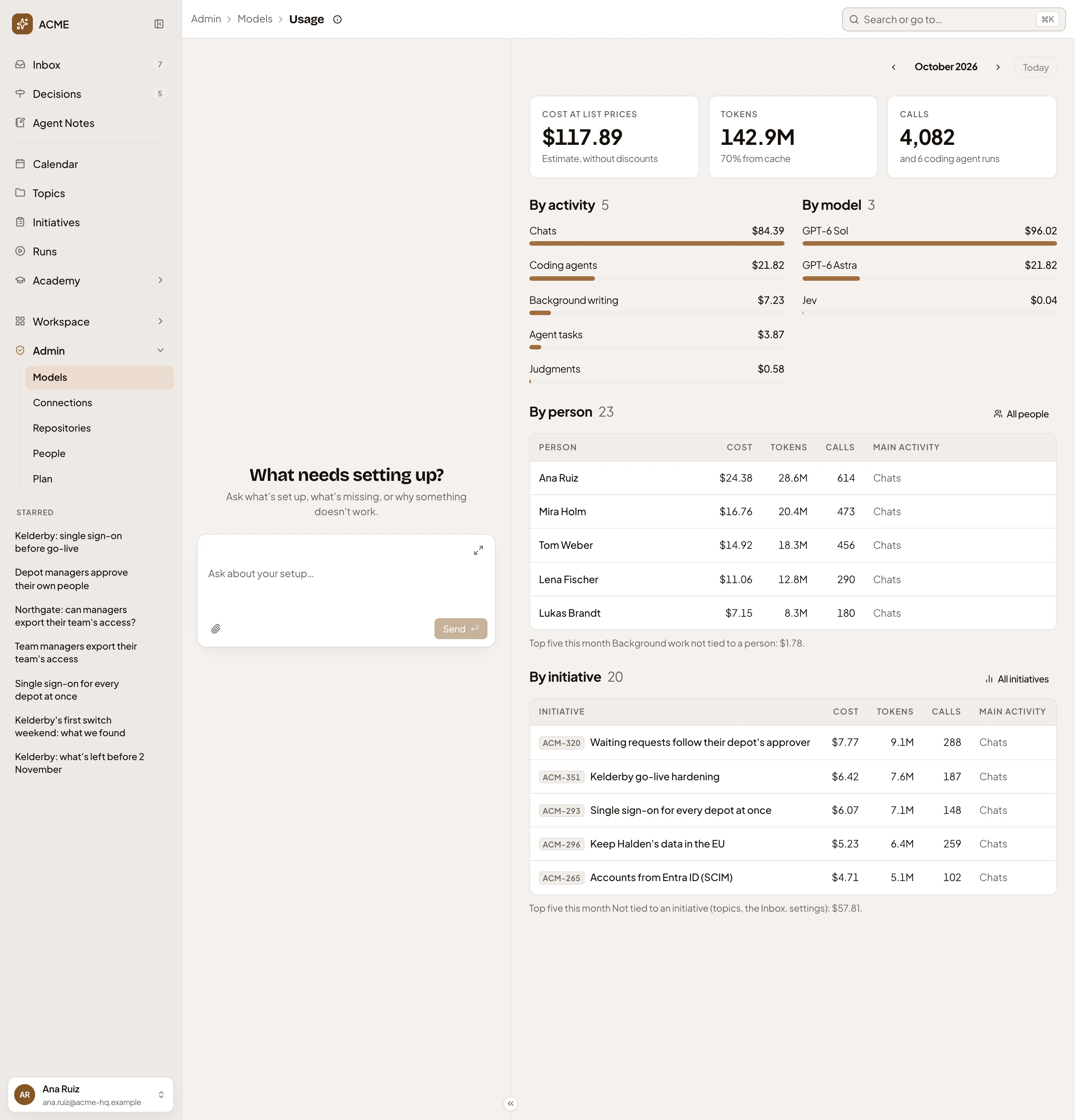
Usage shows a month of the record of AI use. It counts every call the organisation’s models answered. The record keeps who each call was for, what it was for, and its cost at list prices. Open it from Models, beside This month.
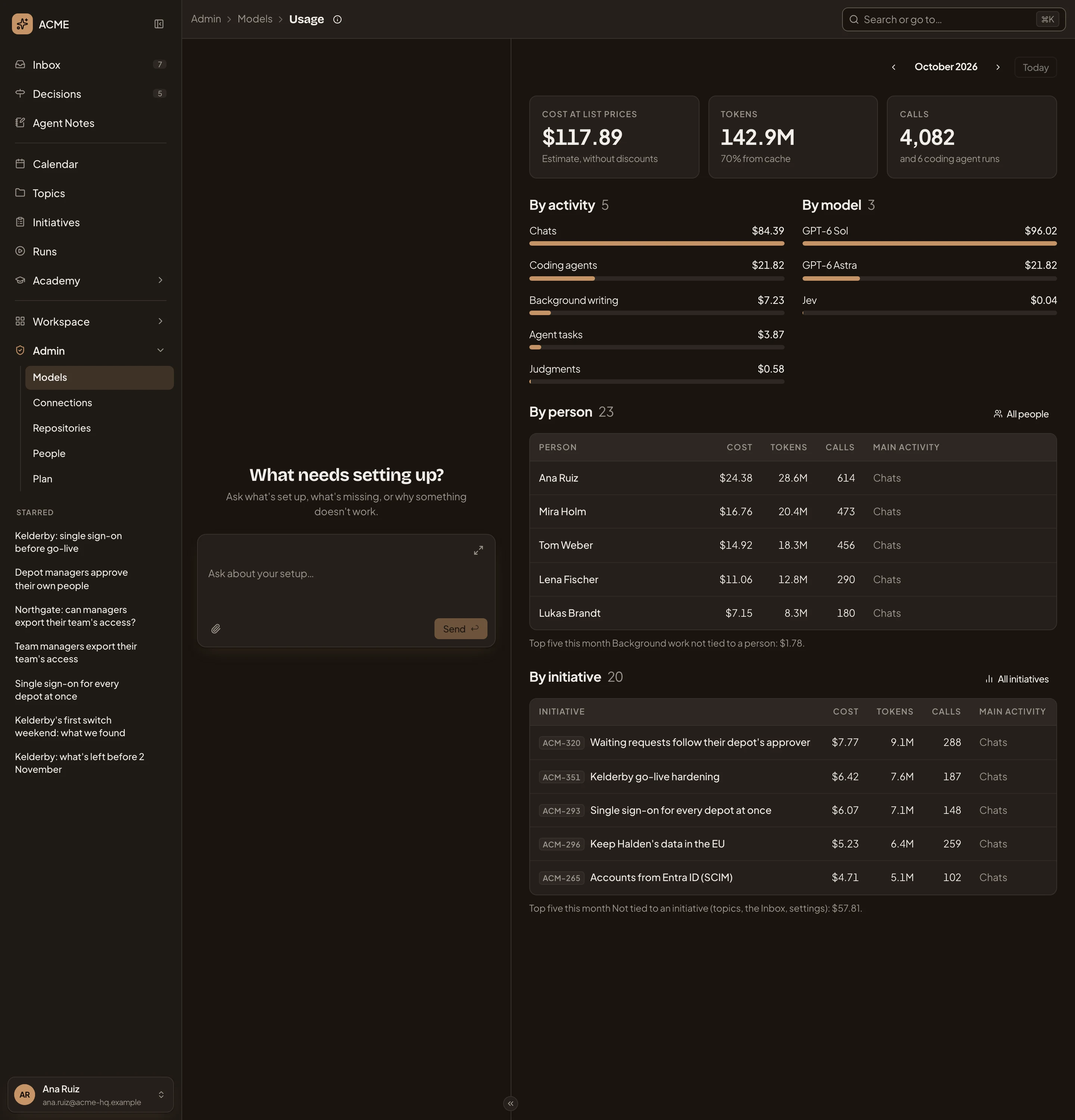
Open Usage (opens Emargen in a new tab)In the picture, ACME’s October 2026, seen on the 30th.
- Usage guide. What the page is for, and what to watch for.
- Previous and Next. The month before or after. The address keeps the month, so you can send a colleague the one you’re looking at.
- Today. Back to this month.
- Cost at list prices. What the month’s calls cost. It’s an estimate, without discounts.
- Tokens. How much the models read and wrote, and how much of what they read came from a cheaper cache.
- Calls. How many calls the models answered, and how many coding agent runs there were.
- By activity. What the month went on, such as Chats, Coding agents, Background writing and Judgments.
- By model. What each model cost.
- By person. The five people whose use cost most. Main activity says what each one’s use mostly went on. Under it, the background work not tied to a person, such as giving a topic its title.
- All people. Everyone who used the models this month.
- By initiative. The five initiatives whose chats and work cost most. Under it, what wasn’t about an initiative. Topics, the Inbox and settings.
- All initiatives. Every initiative the models were used for this month.
When some calls ran on a model without a price, a line under the figures says how many. Their tokens count, but their cost doesn’t. Give the model a price with Prices on its provider’s page.
Everyone, and one person
Section titled “Everyone, and one person”All people lists everyone who used the organisation’s models in the month, the most costly first, with each one’s share.
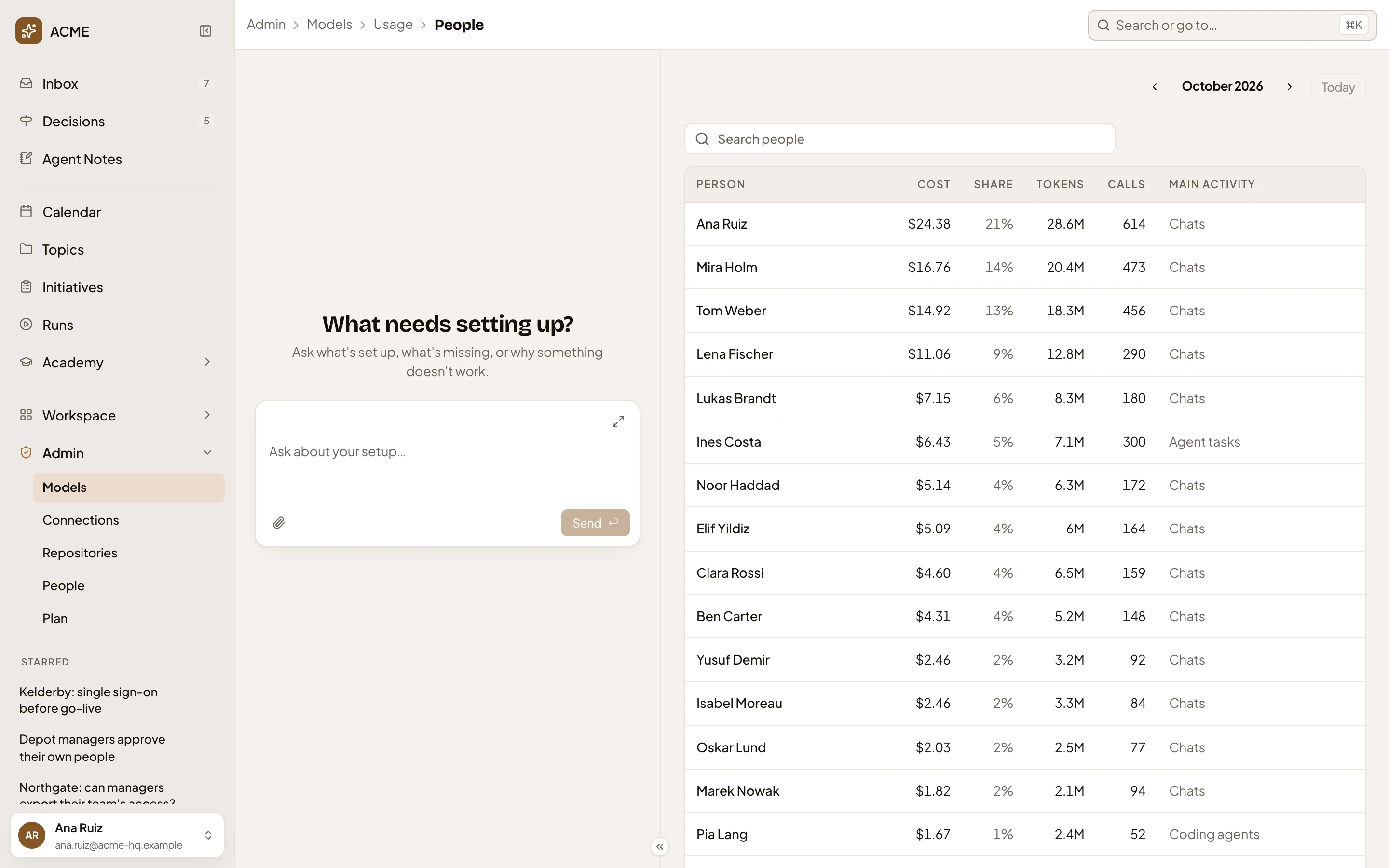
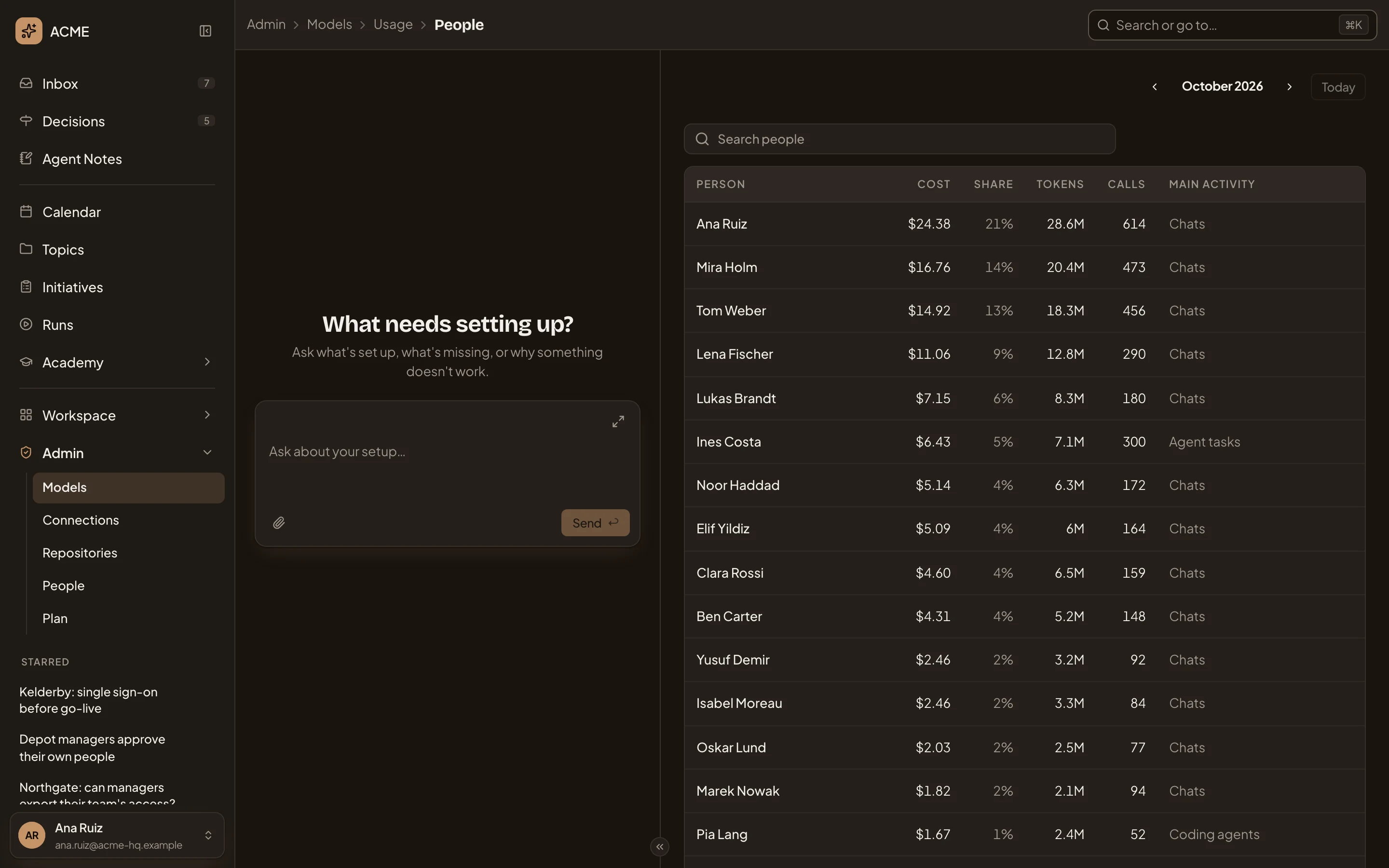
- Admin, Models, Usage, then People. Click Usage to go back to the month.
- Search people. Narrows the list by name.
- Share. The person’s share of the month’s cost.
- A person. Click the name to open their month.
A person’s month shows the same figures for them alone, and the initiatives they used the models for. In the picture, a sales engineer’s October.
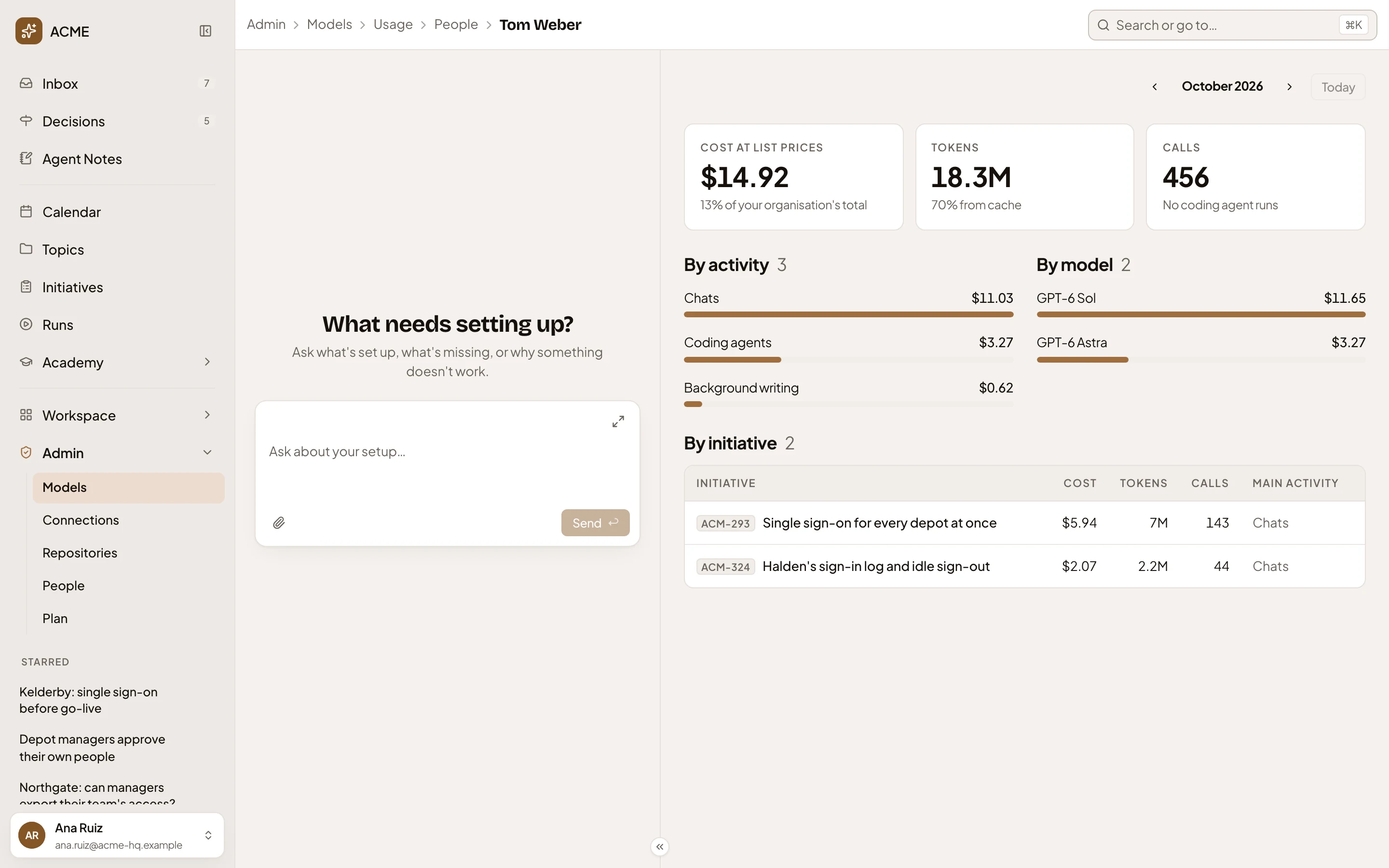
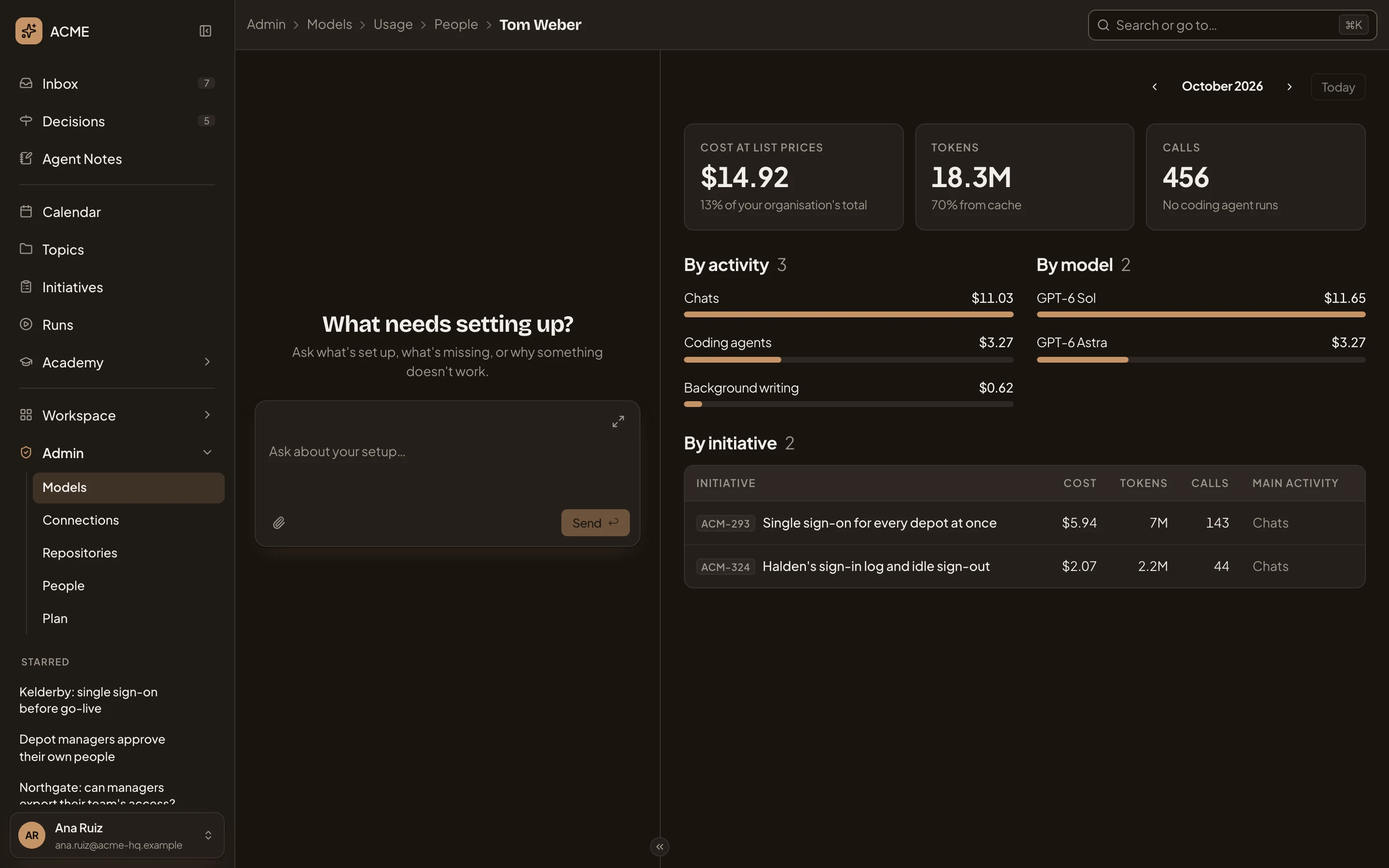
- The person’s name. Click People to go back to everyone.
- Their share of the organisation’s cost this month.
- By initiative. What their use was for. Click one to open that initiative’s month.
Every initiative, and one initiative
Section titled “Every initiative, and one initiative”All initiatives lists the initiatives the models were used for in the month. Search initiatives finds one by key or title. An initiative’s month shows its figures and who used the models for it. In the picture, ACM-296’s October.
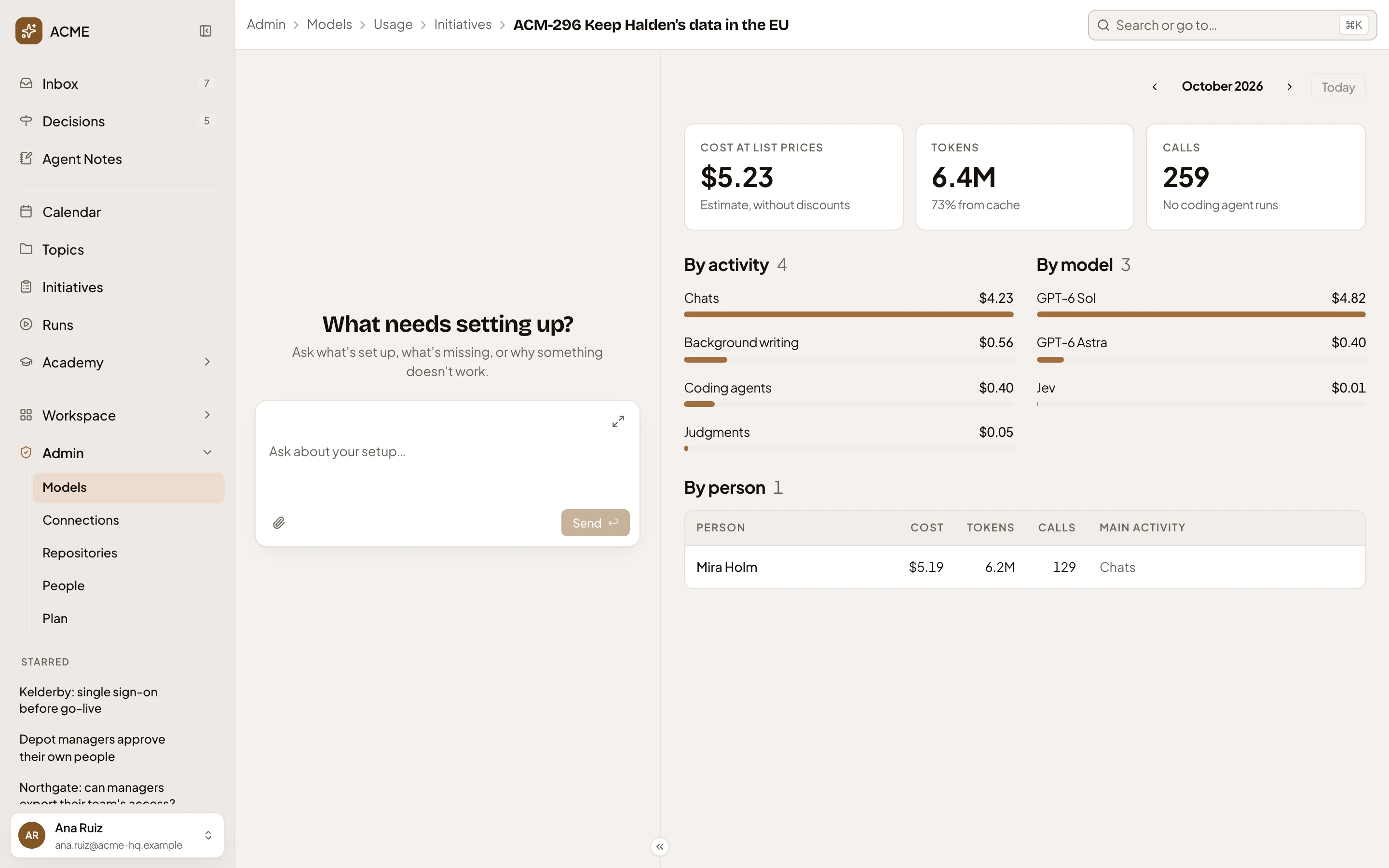
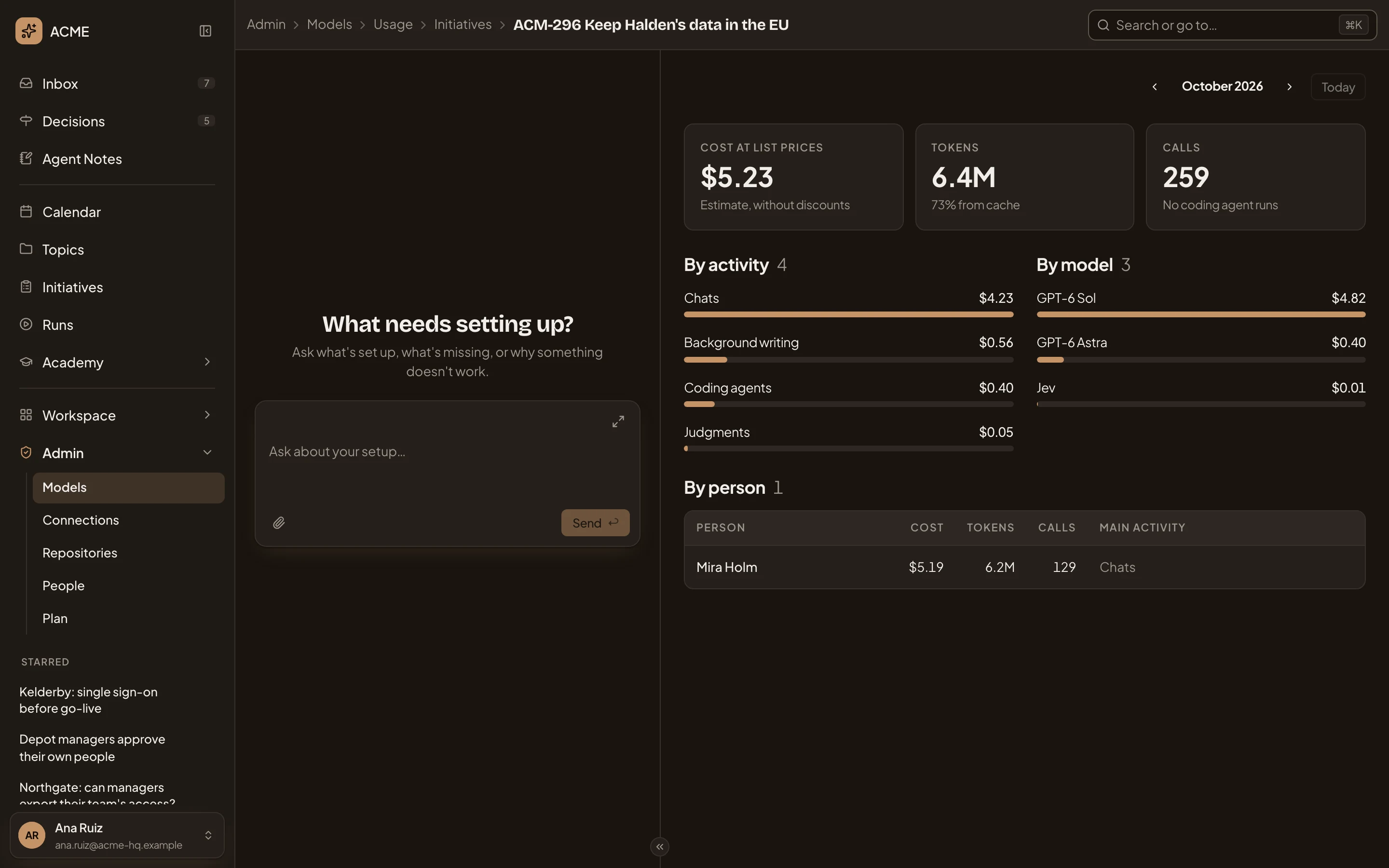
- The initiative’s key and title. Click Initiatives to go back.
- By person. Who used the models for the initiative. Click a name to open their month.
The people on an initiative don’t see its cost. Only Usage shows it.
A month with no calls says “Nothing used this month”. A search that finds nobody says “Nothing matches”.
On a phone
Section titled “On a phone”The breakdowns and tables stack in one column, and the page takes turns with the admin agent’s chat. See Admin.
Access
Section titled “Access”Only people whose role lets them manage models see Usage. That’s administrators, unless your organisation gives it to another role. Everyone else sees their own month in their profile. Only the organisation’s own models are counted. See roles and permissions.