

AdminIdea
Models
A model is the AI that reads and writes. The agent you talk to in Emargen is a model that works from your organisation’s documents, tools and code. A provider is a company that sells models, like OpenAI or Anthropic. Your organisation picks its providers, keeps the models it wants from each, and sets a default for each kind of work.
Your account, your choice
Section titled “Your account, your choice”The agent writes its answers and reads your repositories with a model. Your organisation pays for that with its own key at each provider. The provider bills you directly, on your terms. Your people’s chats and your agents’ work go to the providers you picked. When a better or cheaper model comes out, you can switch that day.
We built it so your organisation’s work runs on models it chose. If you haven’t set a default, Emargen tells you when one is needed, and won’t use one of its own models instead. The record of AI use shows what each model was used for.
Admin’s own work is the exception. The admin agent runs on a model Emargen chose, so it works before you’ve added a provider. The scan that finds a new repository’s parts runs on one of Emargen’s models too.
Providers and the models you keep
Section titled “Providers and the models you keep”You add each kind of provider once, with a key from your account there. Emargen checks the key with the provider before saving it, then stores it encrypted and never shows it again. An Azure OpenAI key is tested later, by its first deployment. A provider can also be your own Azure OpenAI, or a gateway your IT team runs.
A provider offers many models, and you keep the ones you want. Each is tried as it’s added, so a model that doesn’t answer is never kept.
Three defaults
Section titled “Three defaults”- Chat runs every conversation with the agent, and the writing the app does in the background, like naming a topic or summarising a file.
- Agents runs the jobs an agent works through on its own, like a repository’s analysis, a spike or writing an initiative’s brief. You choose a harness, Claude Code or Codex, to run the model through the job. Each harness runs only some providers’ models, so the dialog offers the ones yours can run.
- Classification runs the small judgments the app makes on its own, like how far each requirement of an initiative is built. Only a classifying model, such as TypeSafe’s Jev, can take it. It’s optional. Without it, a build’s progress is counted from its tasks.
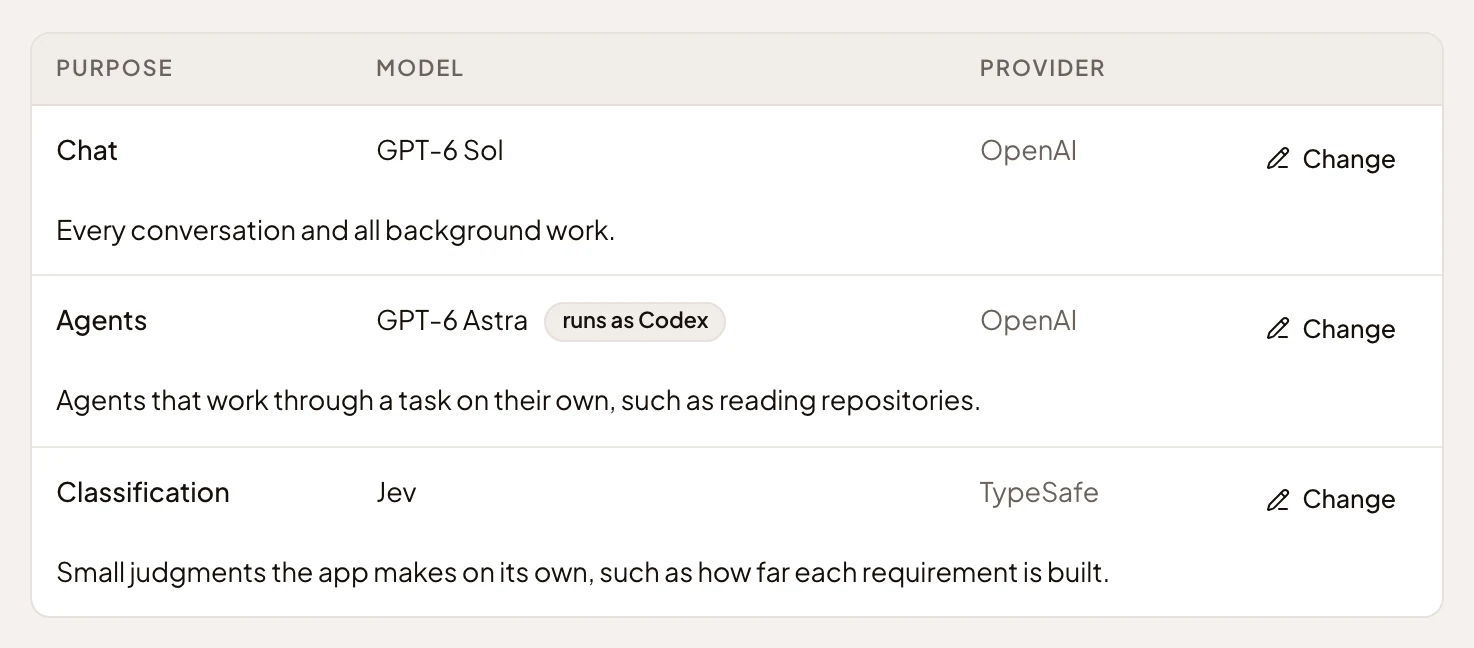
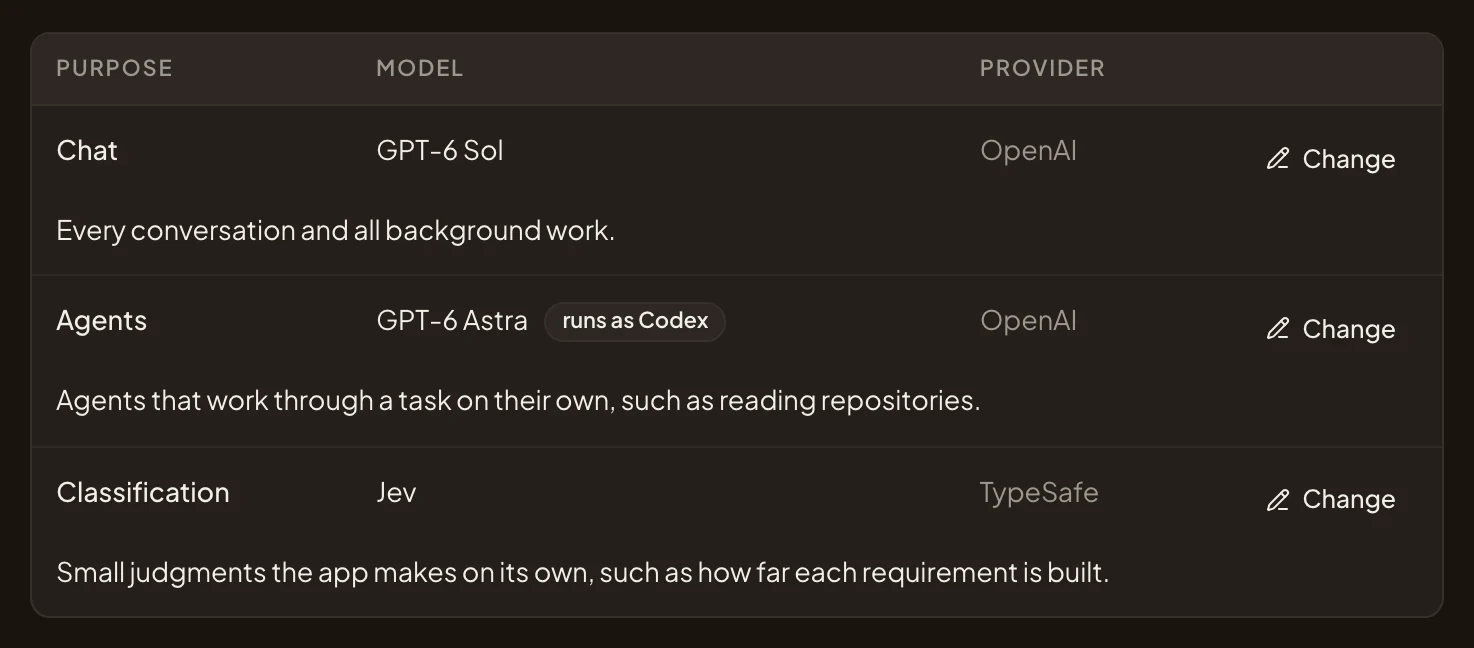
- Chat, on GPT-6 Sol from OpenAI.
- Agents, on GPT-6 Astra from OpenAI.
- The harness that runs the agents’ model through a job, here Codex.
- Classification, on Jev from TypeSafe.
- Change, to pick another model for a default.
You can give a persona a model of its own. Its chats then run on that model, whatever the chat default says.
A change, checked first
Section titled “A change, checked first”A change applies from the next call. An answer being written finishes on the old model. Before a new agents default takes over, Emargen runs the harness on the new model. That can take a few minutes, and the default changes once the harness answers. If the harness can’t run on that model, the default stays as it was, and the dialog says why.
Until there’s an agents default, no agent can run, and a banner says “No agent model is set” where you’d start agent work. It links to Models for whoever may choose one. Repositories are still scanned when they’re added, but their analyses wait.
Everyone in the organisation can see which models it uses. You can change them if your role may manage models. Administrators can. A provider or model that a default runs on can’t be removed until another default is chosen.