

InitiativesPage by page
Slices
The Slices tab lists an initiative’s slices in order: the steps it’s built in. Click Slices in the bar on the right of an initiative. Until the initiative is approved, the tab is a plan. Once it’s approved, it shows the build as it goes, and the initiative opens on it. Click a slice to open its own page.
The plan
Section titled “The plan”Before approval, the tab lists the slices in the order they’ll be built. ACM-290, Team managers export their team’s access, waits for approval in its owner’s view.
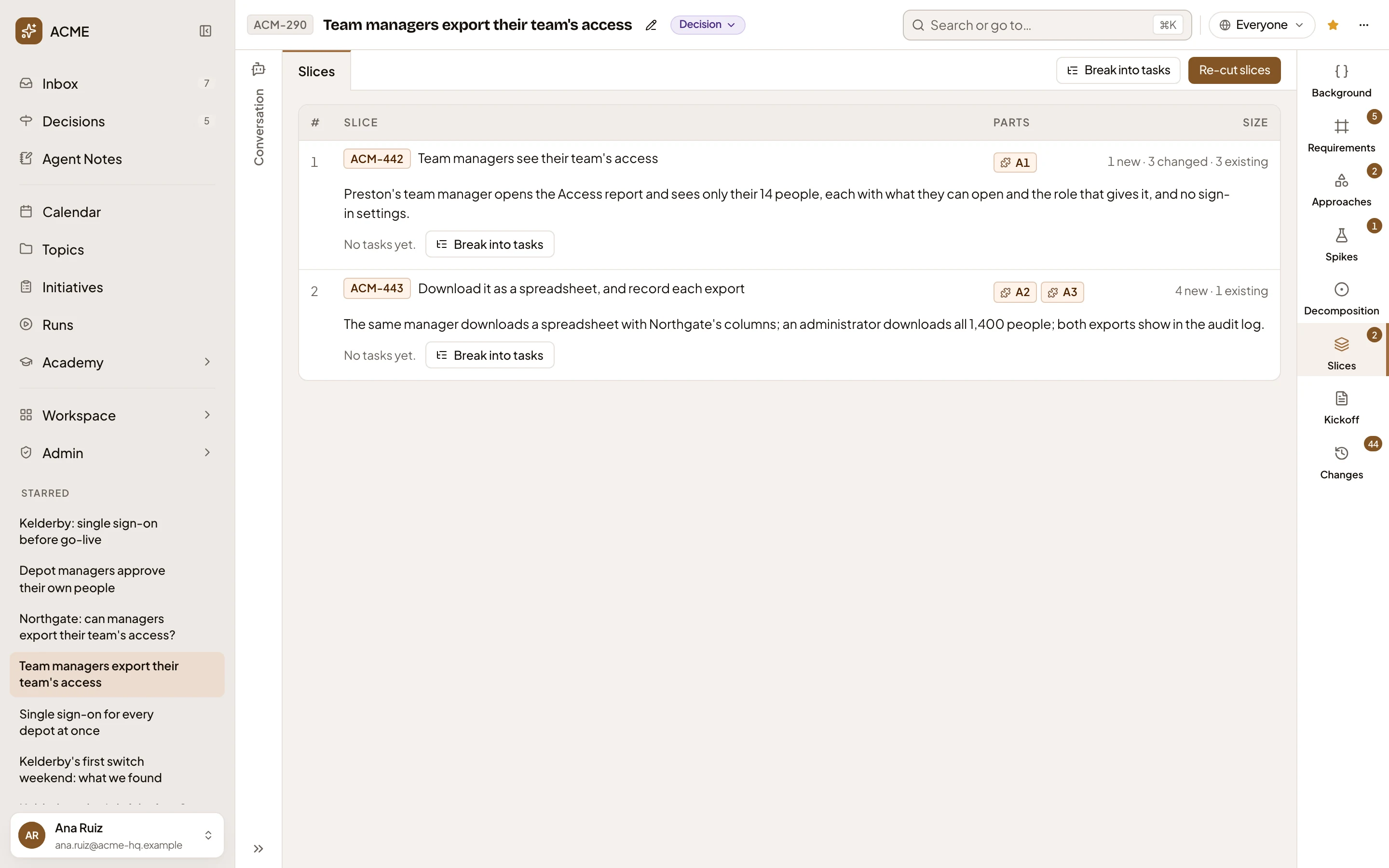
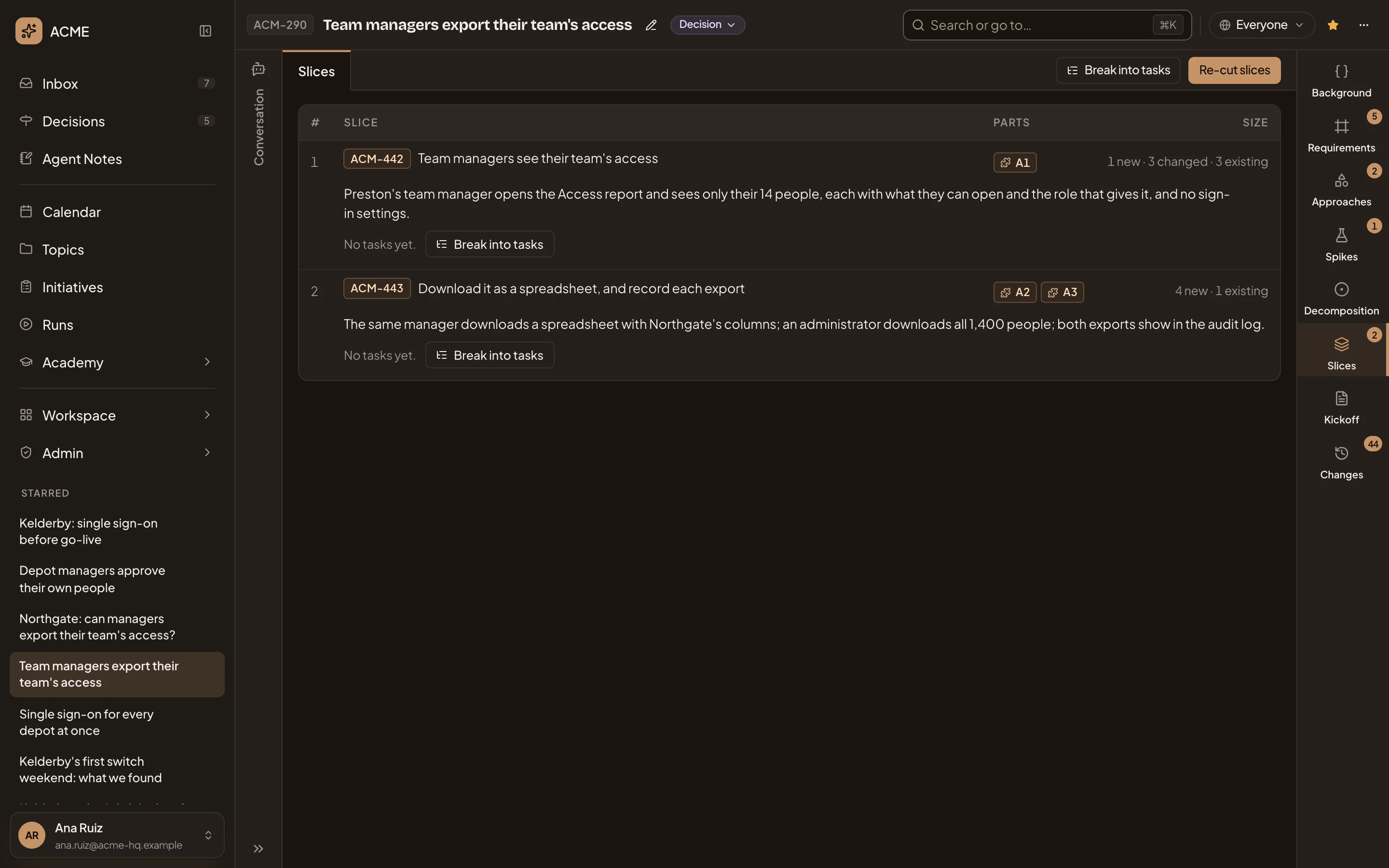
- Break into tasks. Asks the agent, in your chat, for the tasks of every slice that has none yet.
- Re-cut slices. Asks the agent to cut the decomposition into slices again. Once the initiative is approved, the agent proposes a change instead (see Re-cut slices once approved).
- A slice shows its key, its title, and the demo: what it shows when it’s done. Click the row to open the slice.
- A1. The parts of the approach the slice builds. Click one to see it.
- 1 new · 3 changed · 3 existing. How many pieces of the decomposition the slice adds, changes or uses as they are.
- Break into tasks, on one slice: asks for that slice’s tasks alone.
Once a slice has tasks, its row shows how many and in which repositories, and a button opens them under it.
The build
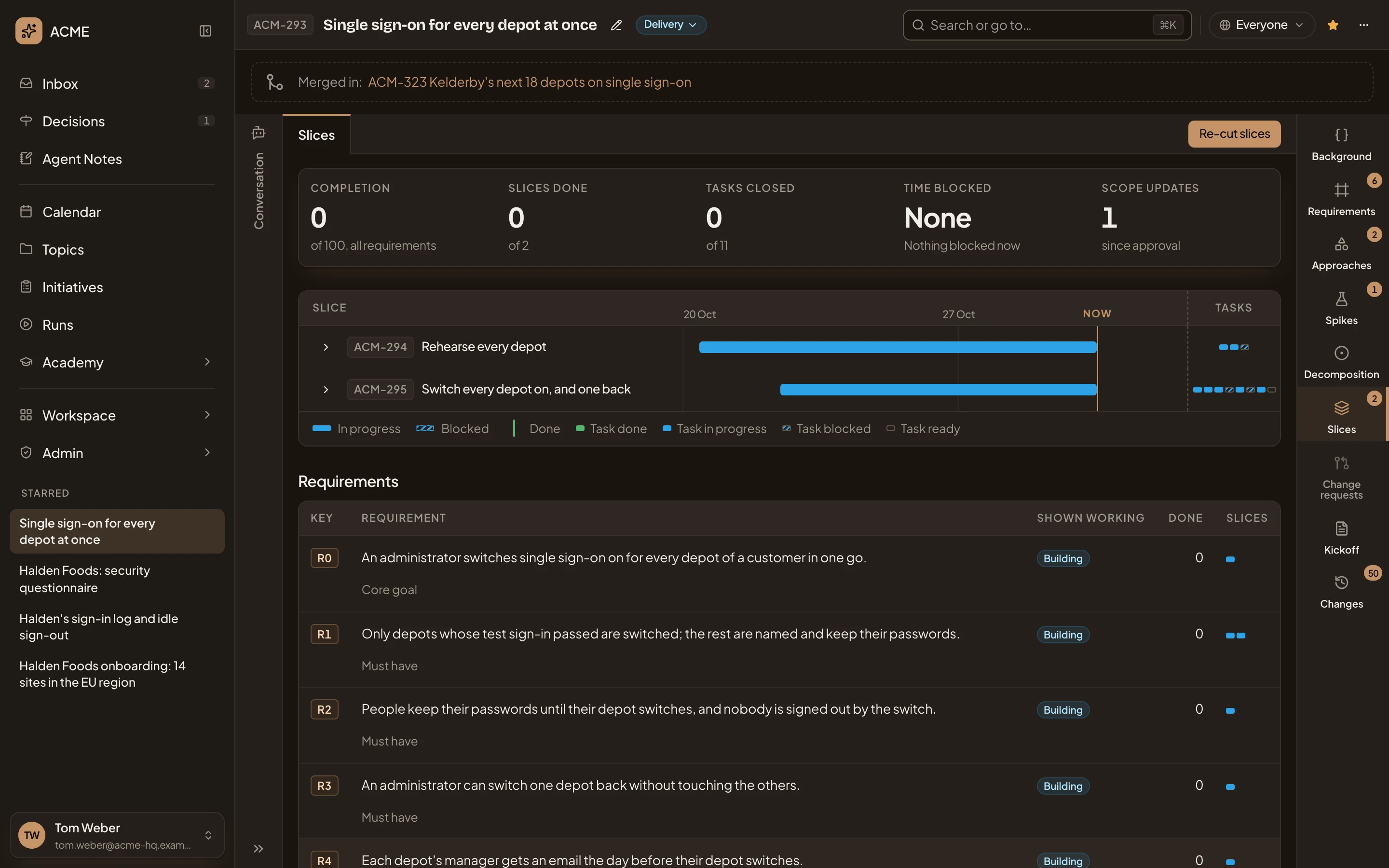
Section titled “The build”In the pictures, ACM-293, Single sign-on for every depot at once, is being built, as its owner sees it with the chat hidden.
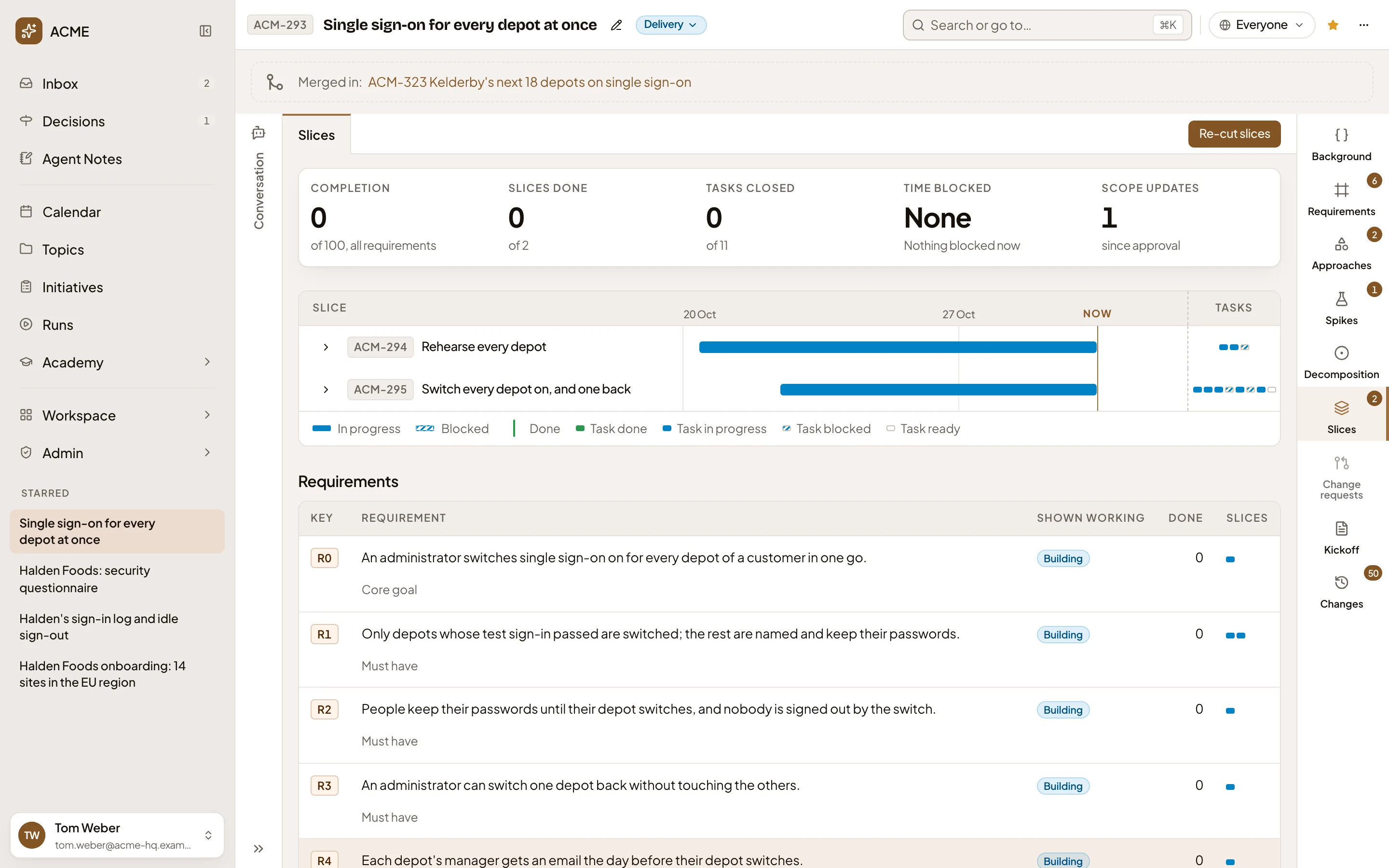
- Completion. How much of the requirements is built, out of 100, from the slices that serve each one. The agent adds “indicative” when it judges rather than counts.
- Slices done. Done slices, out of all of them.
- Tasks closed. Closed tasks, out of all of them.
- Time blocked. How long slices have been blocked in all, and which are blocked now.
- Scope updates. Change requests decided with an option since approval. New tasks, the tasks added during the build, shows beside it once there are any.
- Show the tasks of ACM-294. Lays the slice’s tasks out under it, on the same timeline.
- The slice’s title. Click it to open the slice.
- The slice’s tasks, one cell each, coloured by where they stand.
- A slice is In progress, Blocked or Done. A task is done, in progress, blocked or ready.
- Re-cut slices. Proposes cutting the slices again.
Each lane runs from when its slice started to Now. It’s solid while in progress and hatched while blocked, with a mark where it was done. A slice that hasn’t started shows only where it comes next. When an open change request touches a slice, its key shows on the slice’s lane. Click it to open the request.
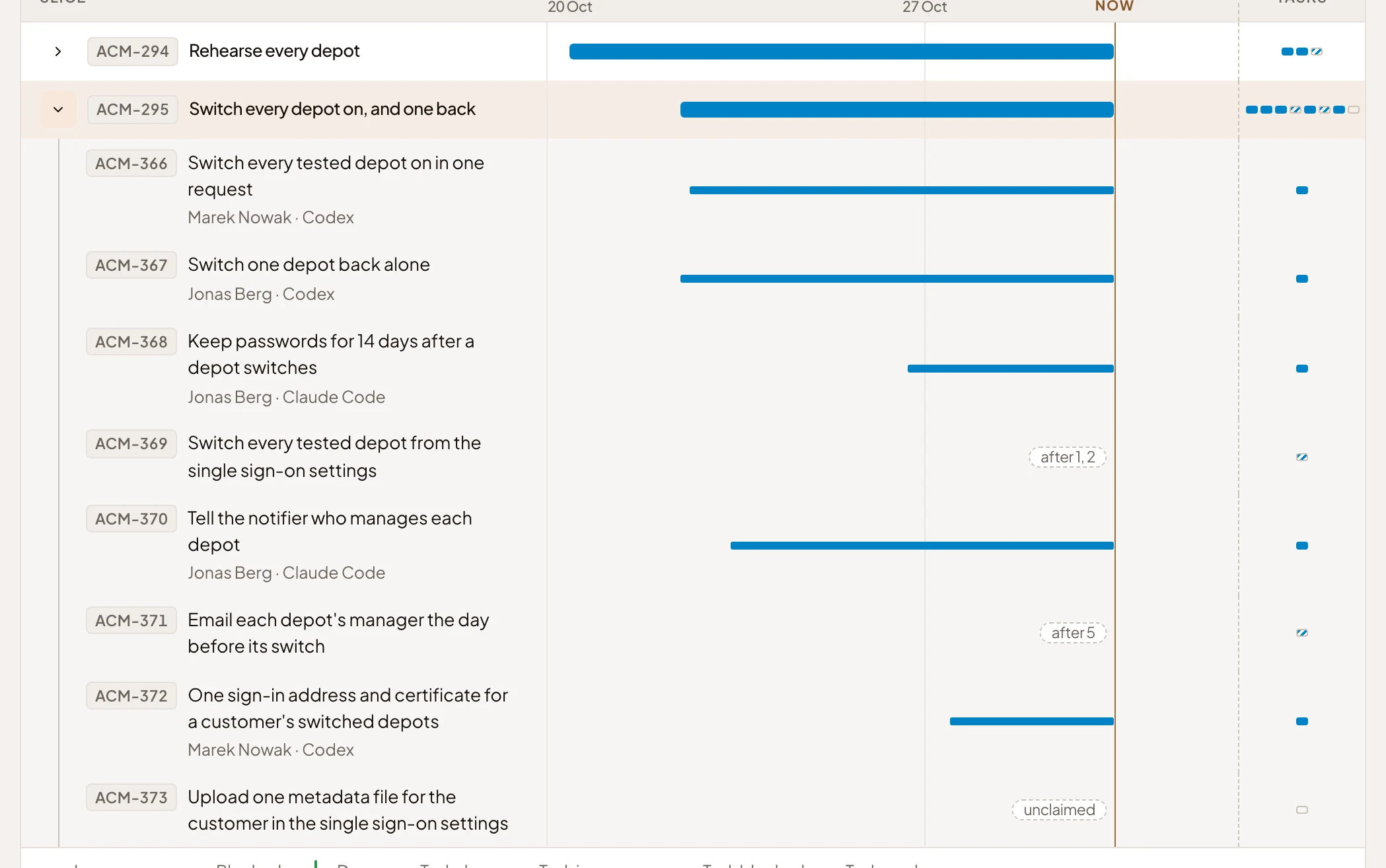
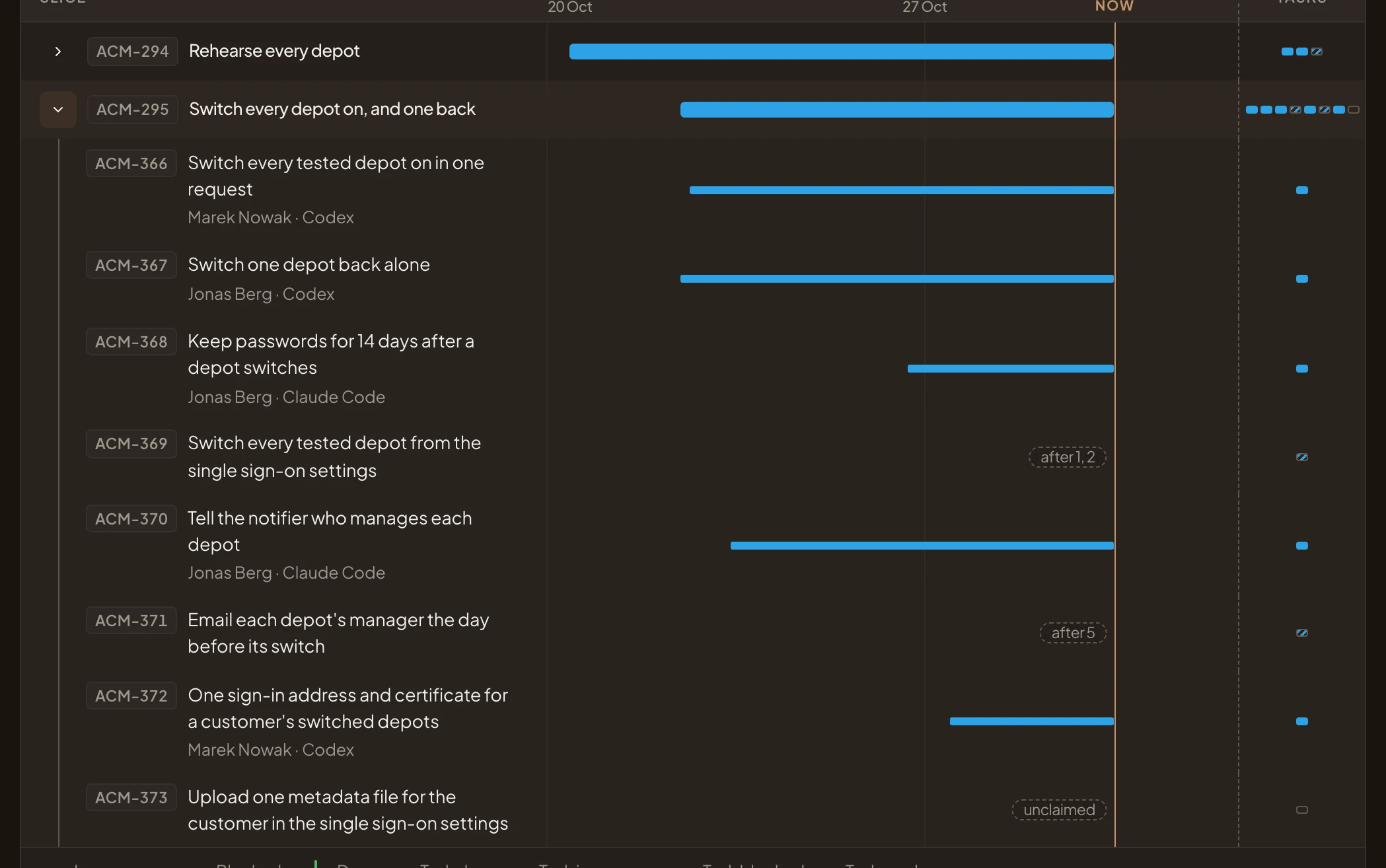
- Hide the tasks of ACM-295. Folds the tasks away.
- A task, with who has it and their coding agent. Click it to open its page.
- A blocked task, with the tasks it waits for.
- A task nobody has claimed yet.
Requirements
Section titled “Requirements”Requirements lists each requirement in scope, and how far the build has come with it.
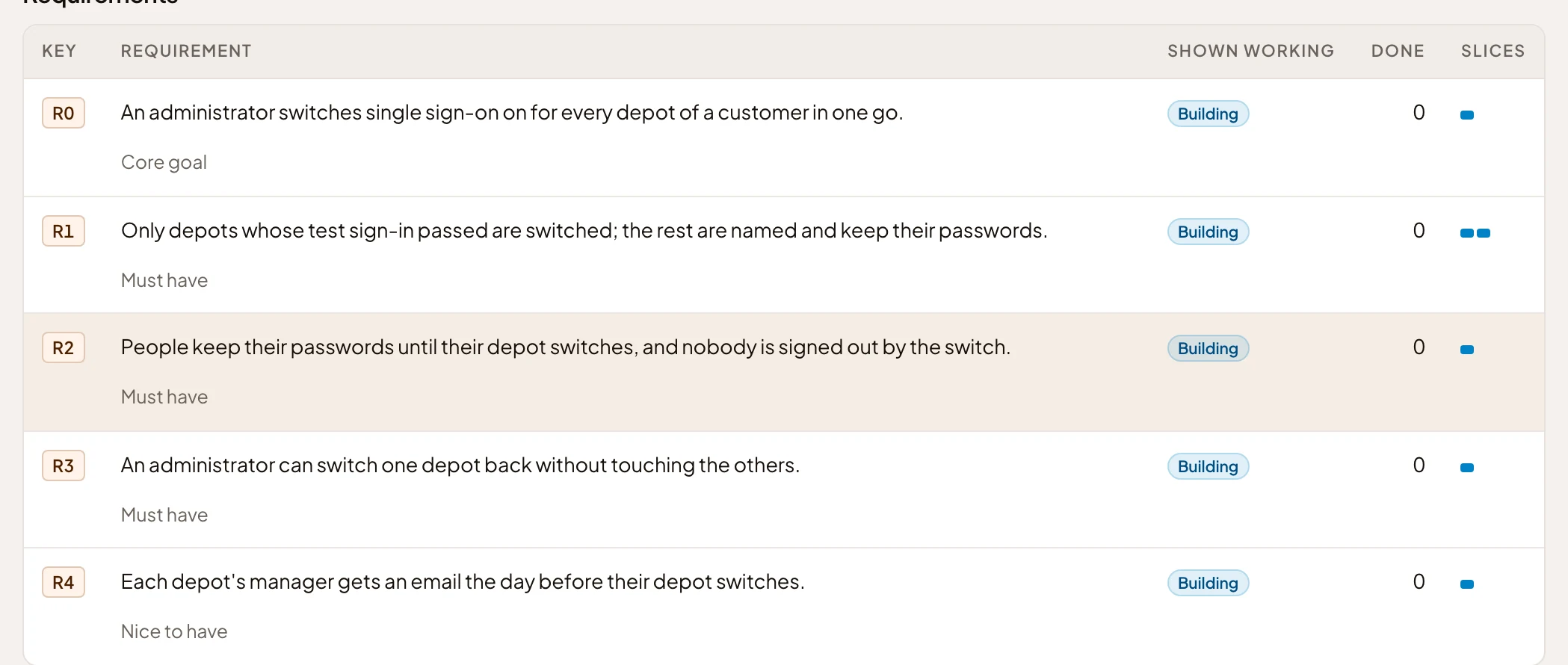
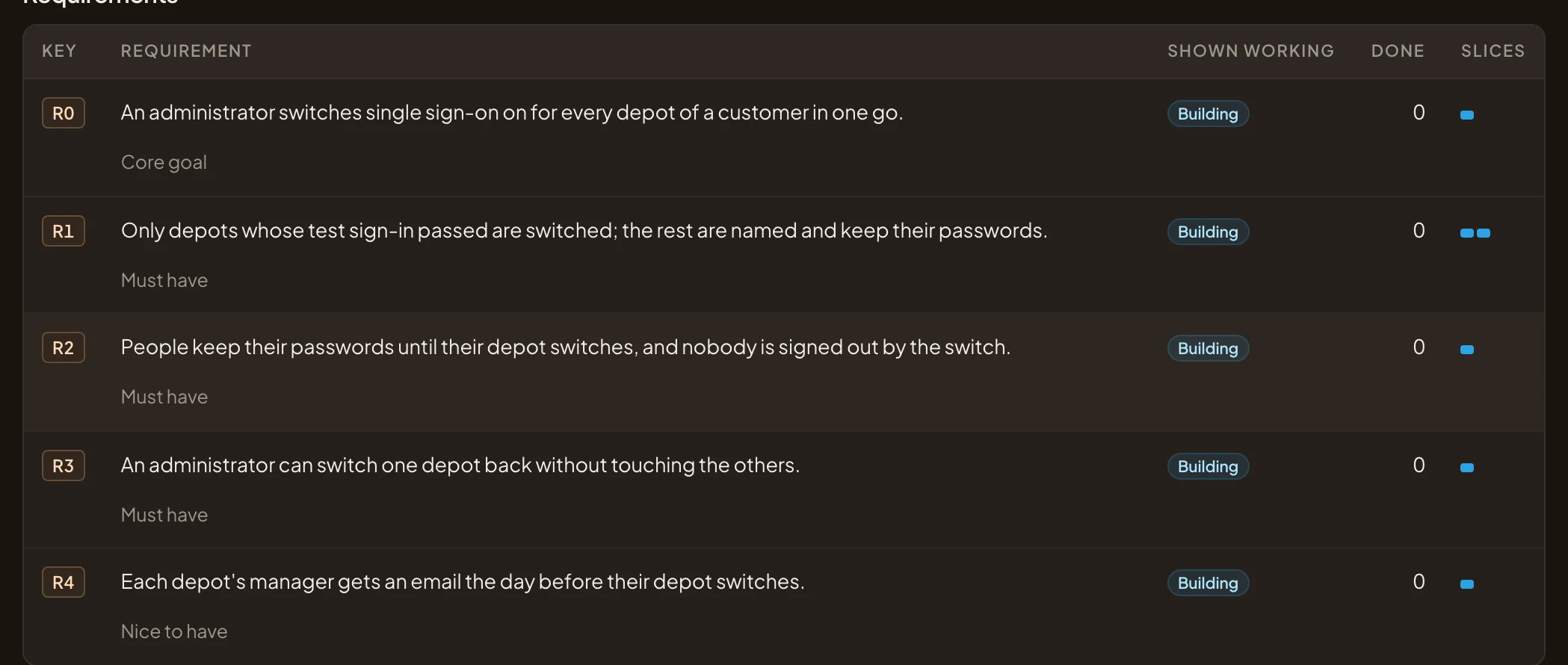
- R0. The requirement’s key, and its words.
- Shown working. Shown once the slices serving it are done. Partly, Building or Not started on the way.
- Done. How much of it is built, out of 100.
- The slices that cover it, one cell each.
- Core goal. How much it matters: Core goal, Must have or Nice to have.
Click a row for Quote and Comment.
Blockers
Section titled “Blockers”Blockers holds only work that can’t start, in two lists. Blocked by lists each task here that waits on other work, with what it’s waiting on. Blocks lists this initiative’s unfinished tasks that hold work up, with what needs them. Both lists reach into other initiatives you can see. A slice someone blocked is a row of its own, with Unblock.
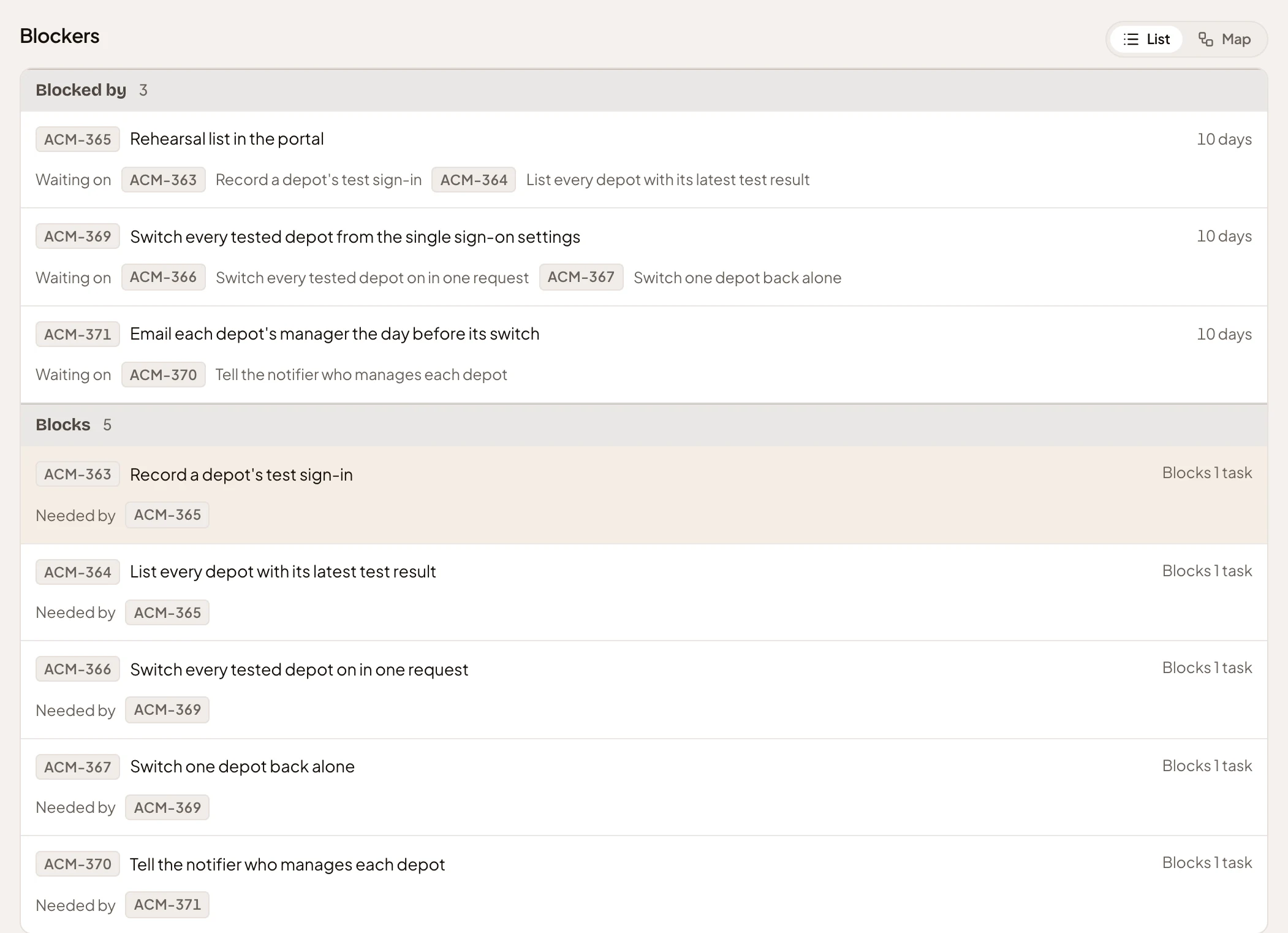
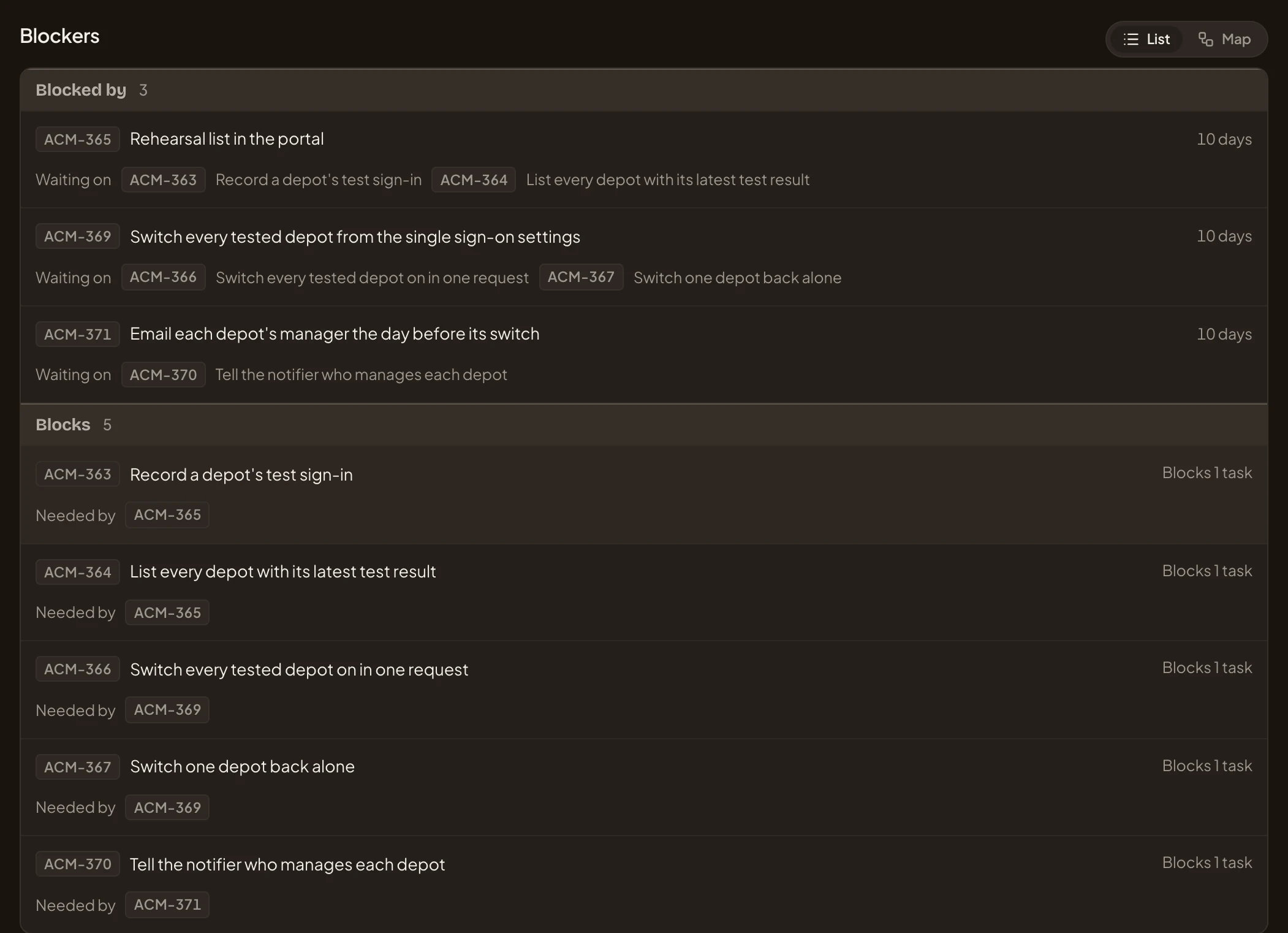
- List and Map.
- A task that can’t start, and how long it has waited.
- What it’s waiting on.
- A task holding work up, and how much.
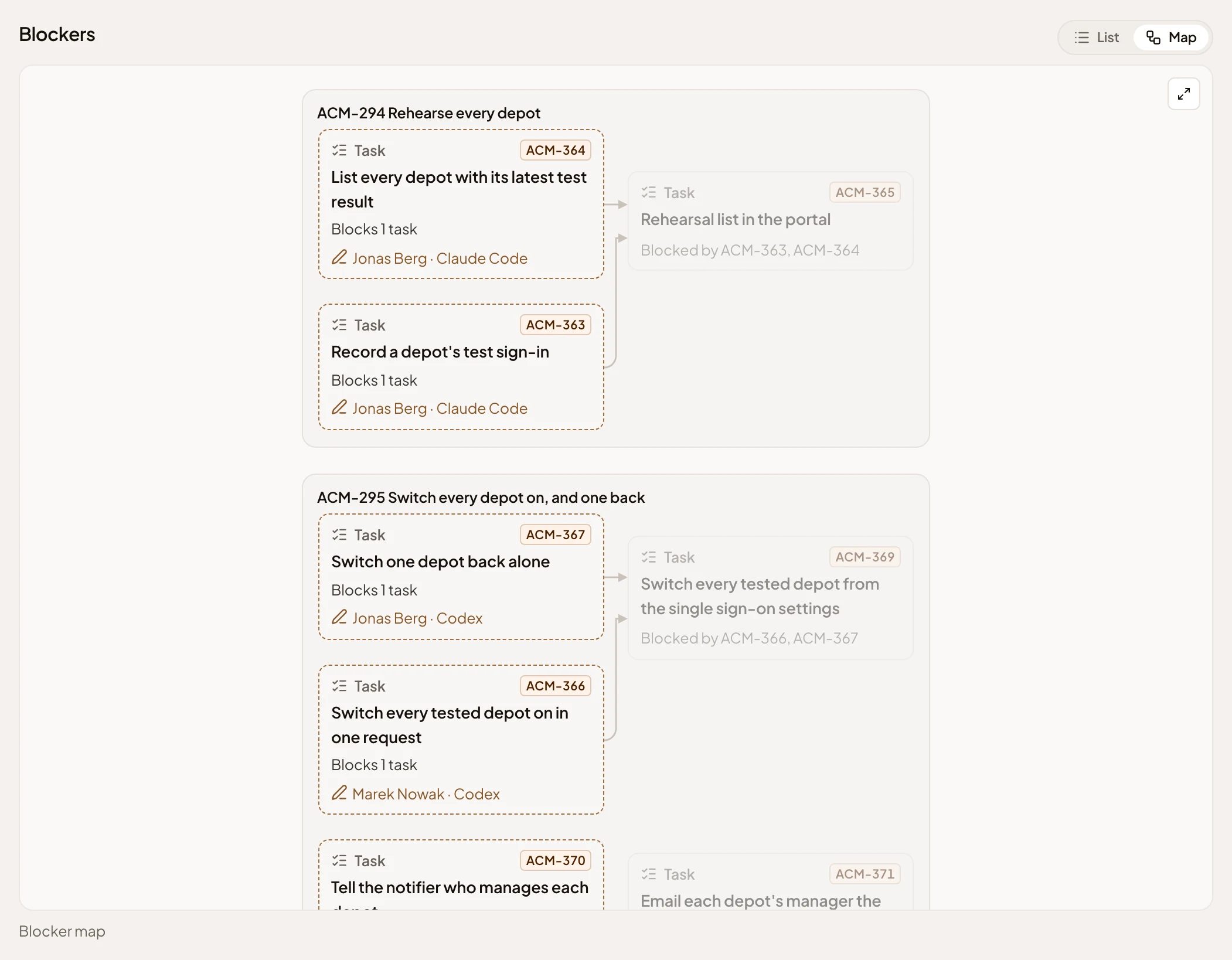
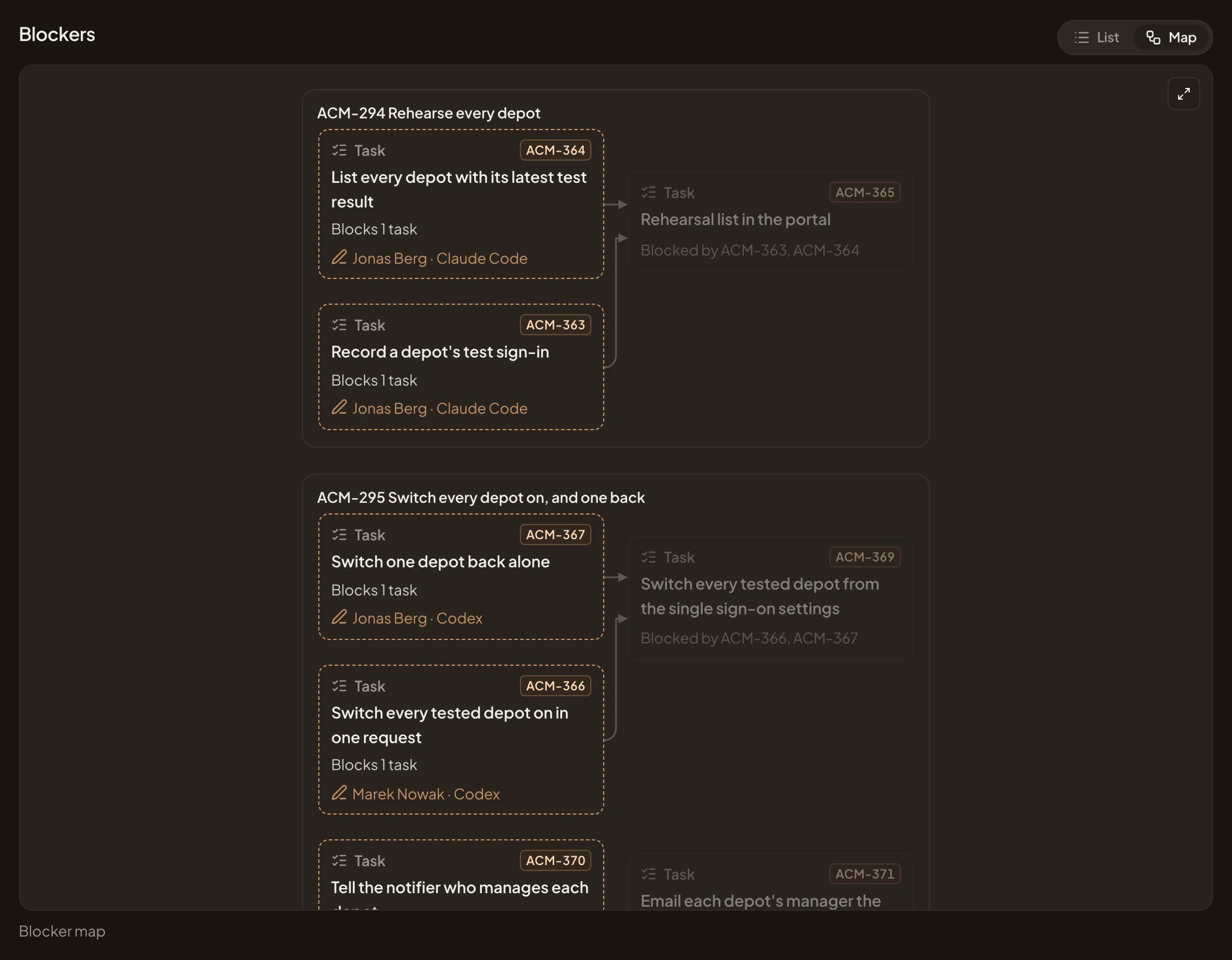
Map shows the same. A box for each slice, a card for each task, and an arrow from what blocks to what waits. Each card says who has the task, or what blocks it. Click a card for Open, and for Unblock on a blocked slice. There’s no map on a phone. With nothing to show, the section says “Nothing blocks this initiative, and it blocks nothing.”
To reply and to do
Section titled “To reply and to do”To reply and to do lists work waiting on a person. To reply has questions, from the build or from colleagues. To do has change requests to decide, and slices whose tasks are all closed. Someone checks the demo before marking such a slice done. Each row says how long it has waited, and what stays undone meanwhile. Click a row for what you can do. Answer and Reassign on a question, Decide on a change request, Mark done on a slice. With nothing open, the section says “Nothing to reply to or do.”
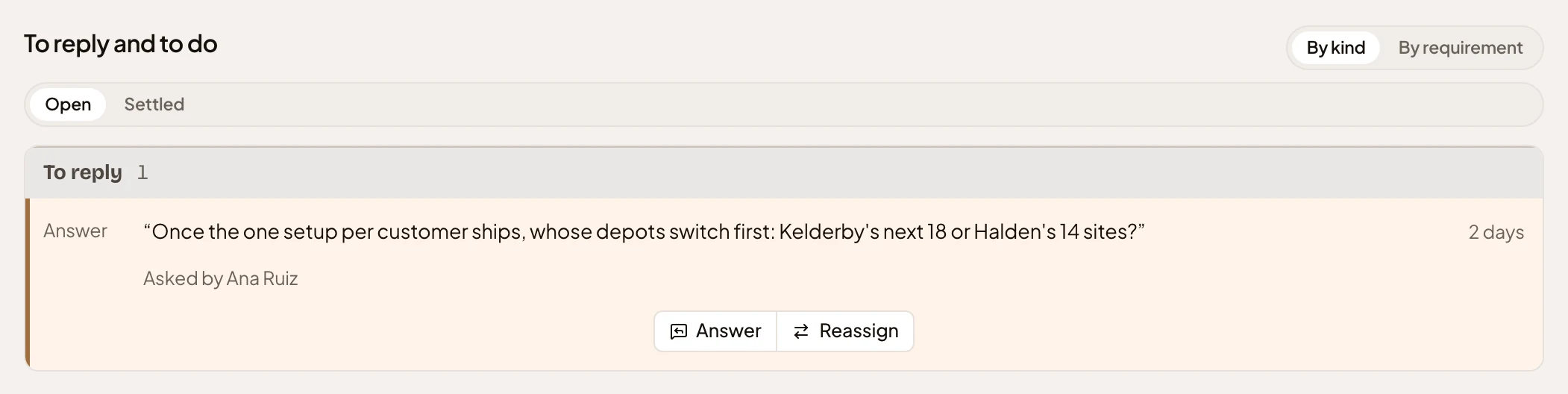
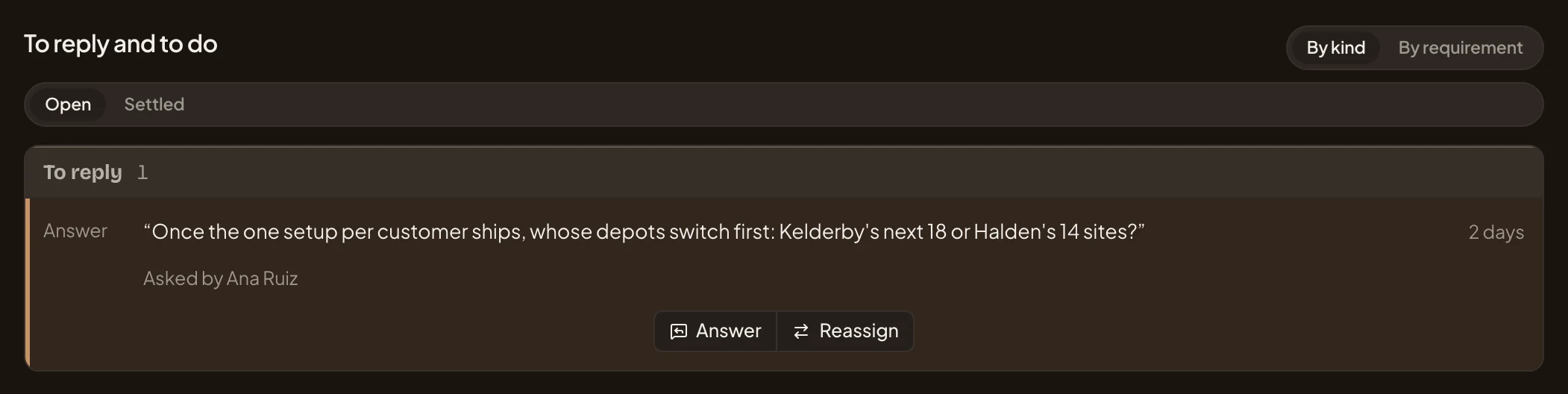
- By kind and By requirement. Group the rows by what they are, or under the first requirement each touches.
- Open and Settled. The rows still open, and the ones answered or decided.
- A question, and how long it has waited.
- Who asked. A question from the build names the coding agent, whom it works for and the task.
- Answer. Opens a box for your answer (see Answering a question).
- Reassign. Hands the question to someone else.
Settled lists what was answered, with the answer, and what was decided or skipped. It also keeps the questions asked during shaping about how much each requirement matters.
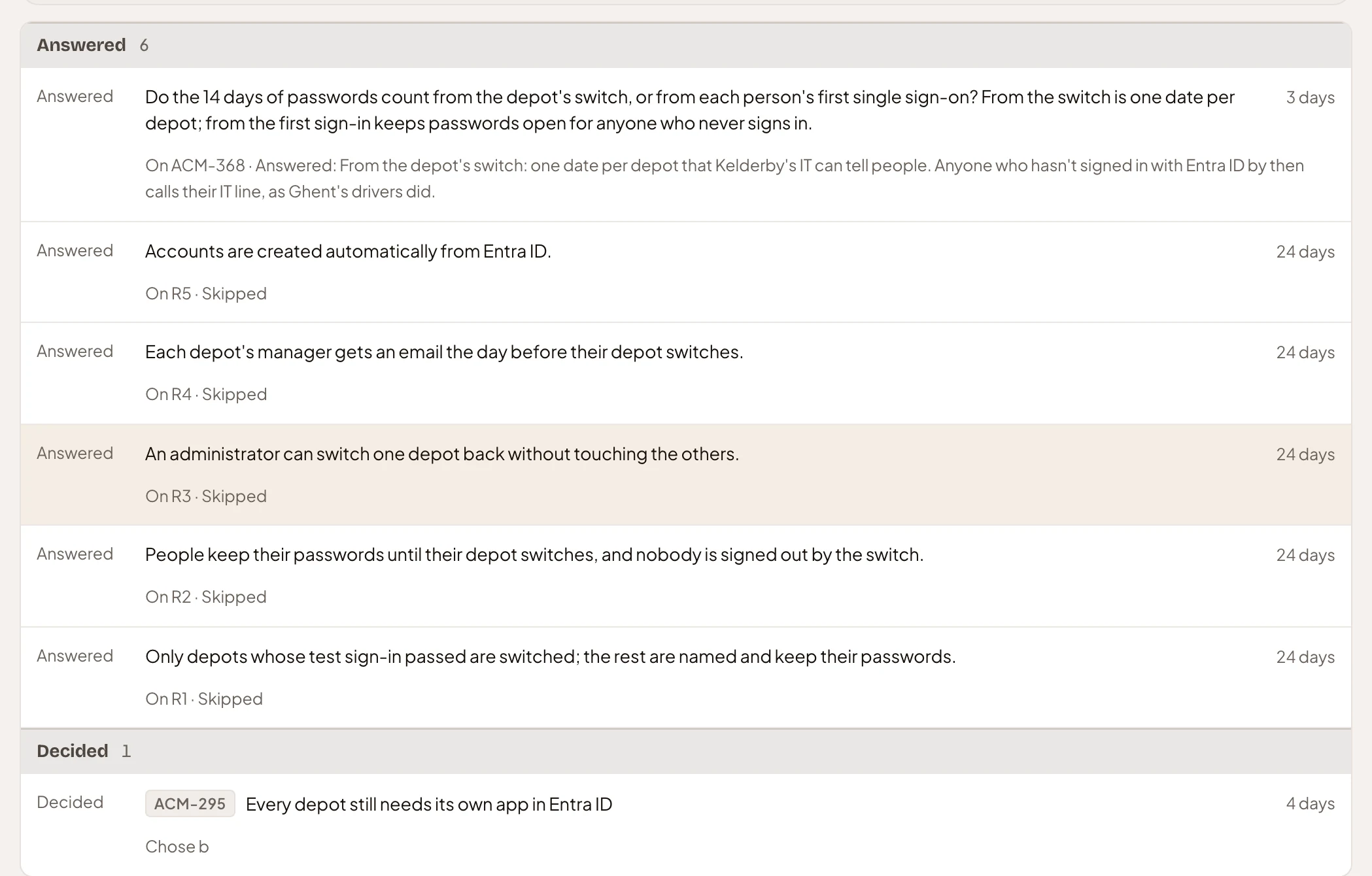
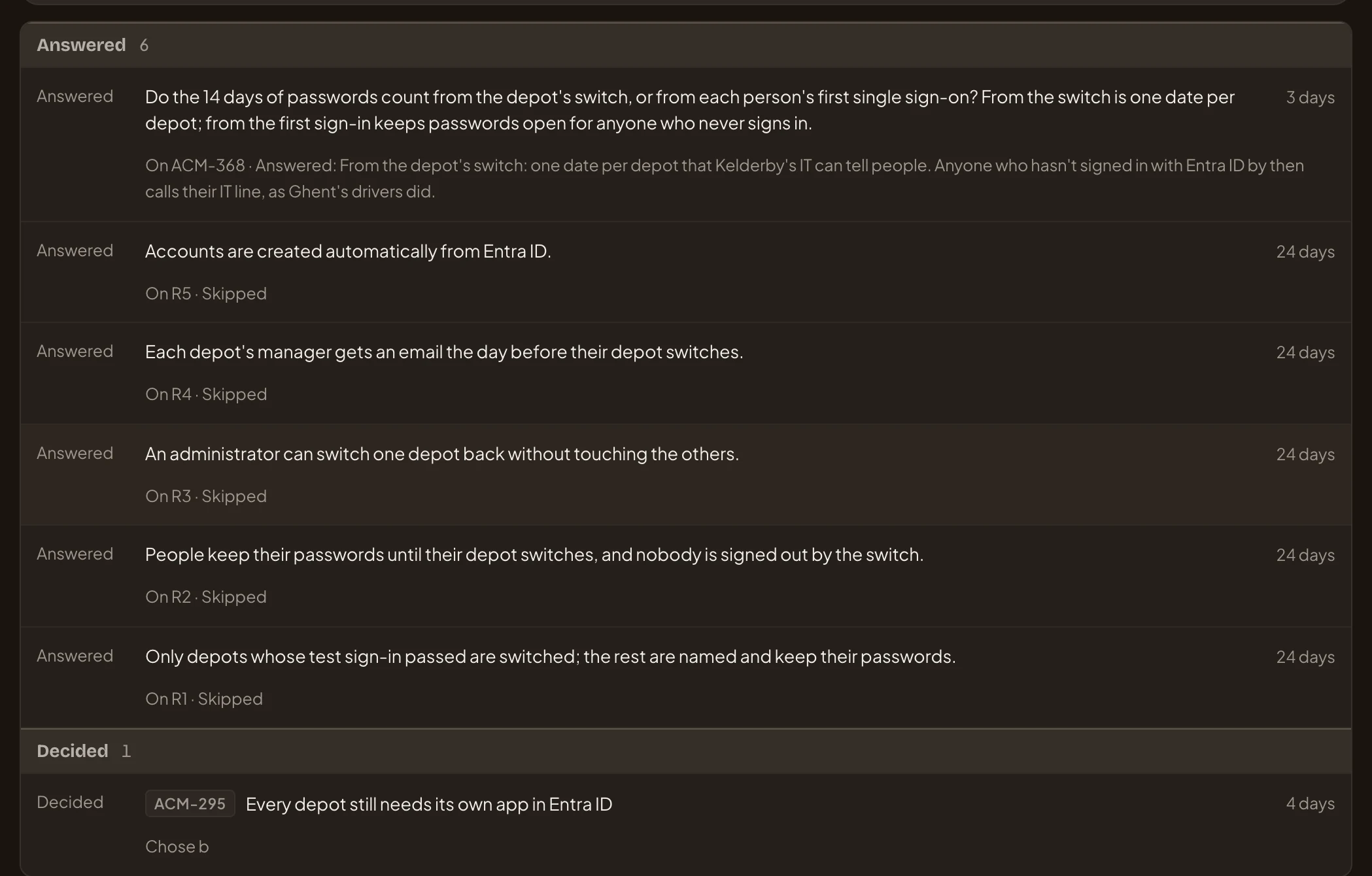
- A question from the build.
- The task it was asked on, and the answer.
- A question about how much a requirement matters, from shaping, decided without an answer.
- A change request, with the slice it’s on and the option chosen.
Answering a question
Section titled “Answering a question”Answer opens Answer the question, with the question at the top. Write Your answer and click Answer. The question moves to Settled, and whoever asked sees your answer. A coding agent reads it when it next works on the slice. The first answer stands. See Answer a question from the build.
Reassign opens Reassign the question. Write their Email and click Reassign. They answer it in your place, and whoever asked sees who did.
Re-cut slices once approved
Section titled “Re-cut slices once approved”Once the initiative is approved, the slices change only through a change request. Re-cut slices opens Propose a re-cut, with where each slice stands.
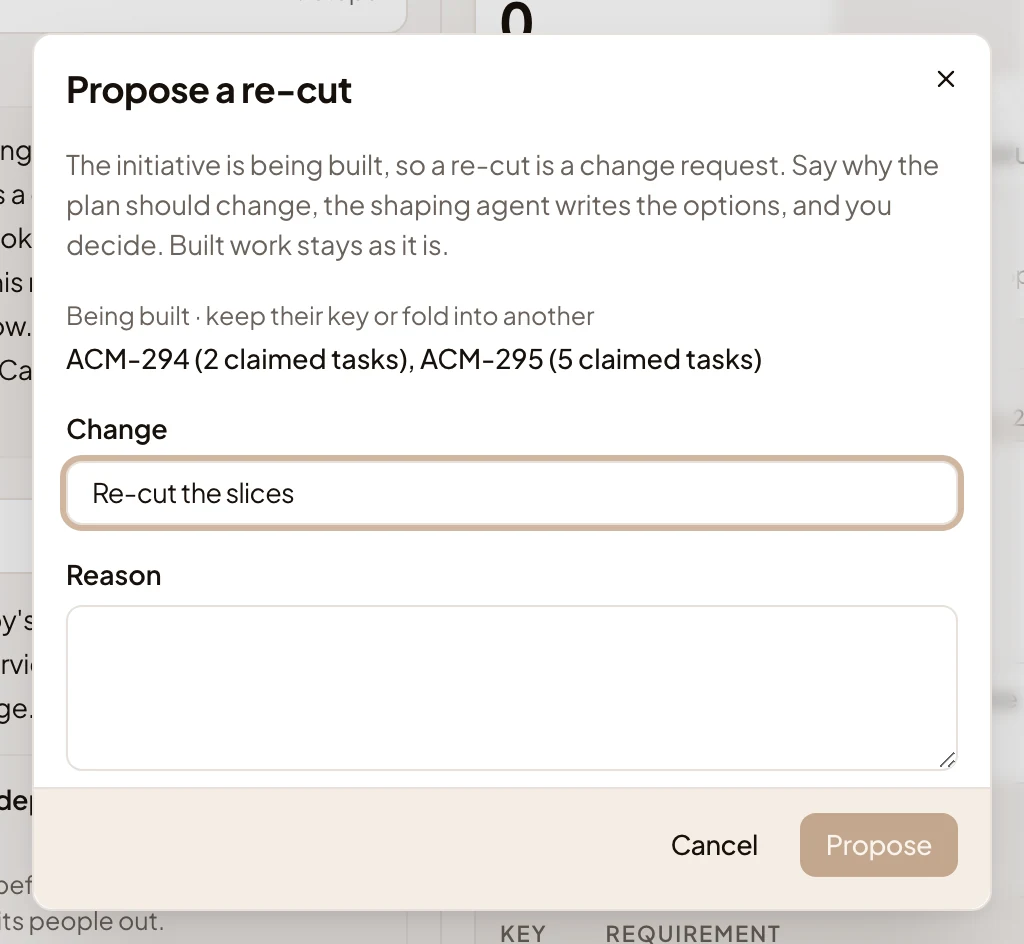
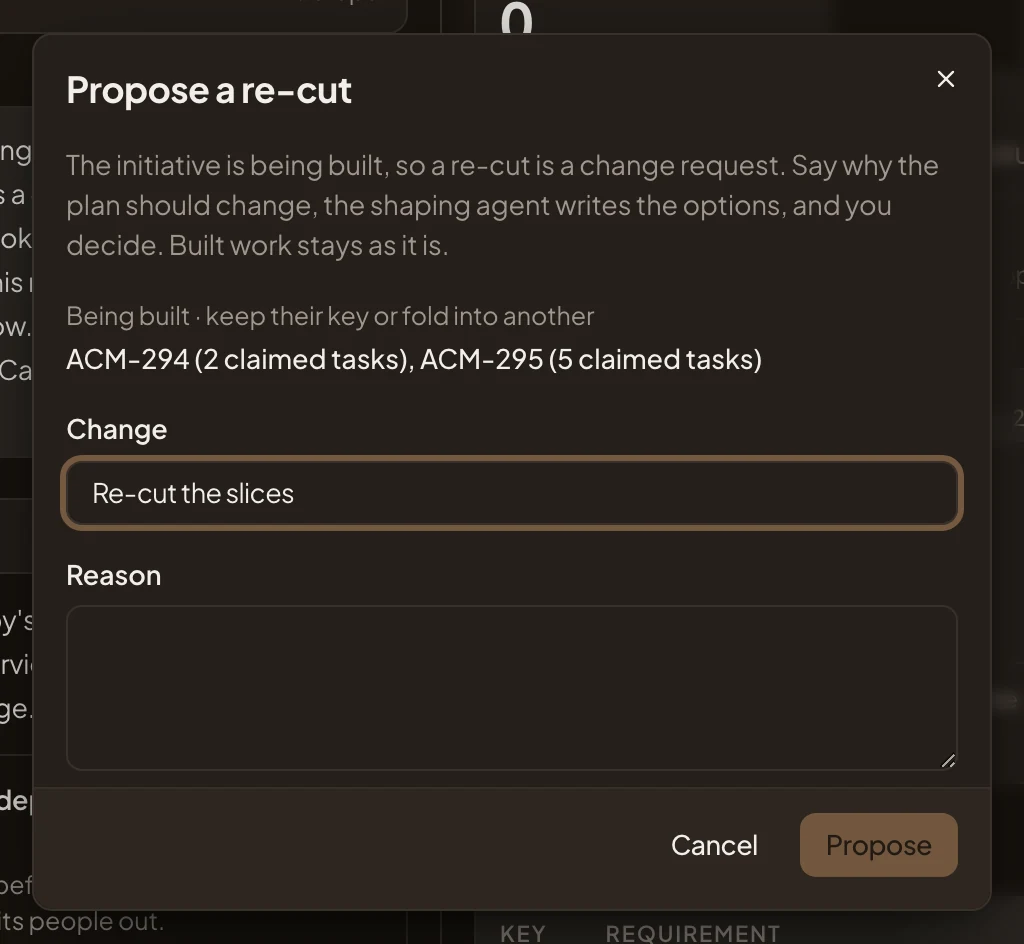
Done slices stay as they are. Slices being built keep their key or fold into another. Slices not started are free to change. Say why under Reason, and click Propose. You land on the new change request, where the agent writes the options for the owner to decide.
A done initiative
Section titled “A done initiative”In the picture, ACM-247, Depot managers approve their own people, shipped on 1 October, as its owner sees it.
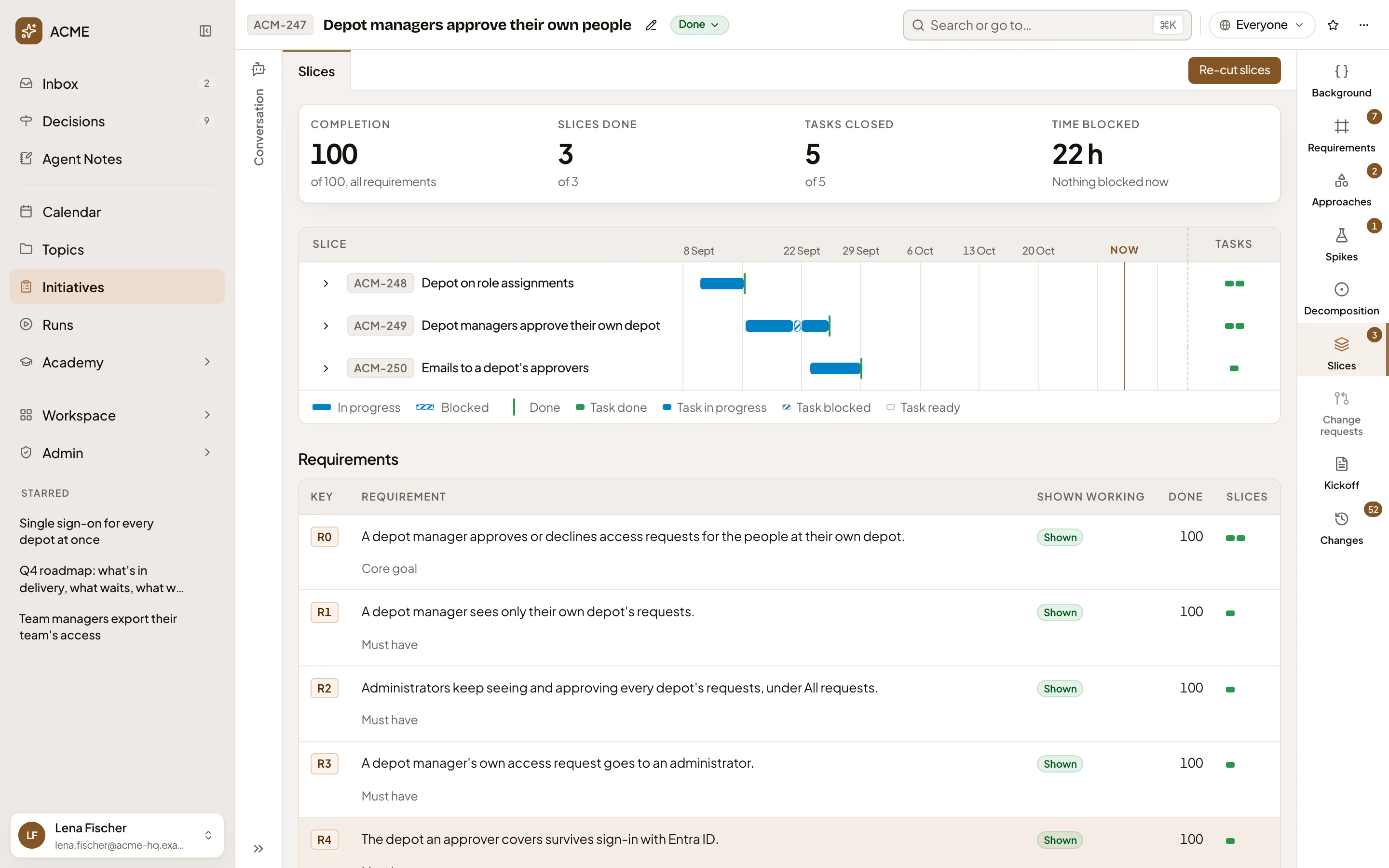
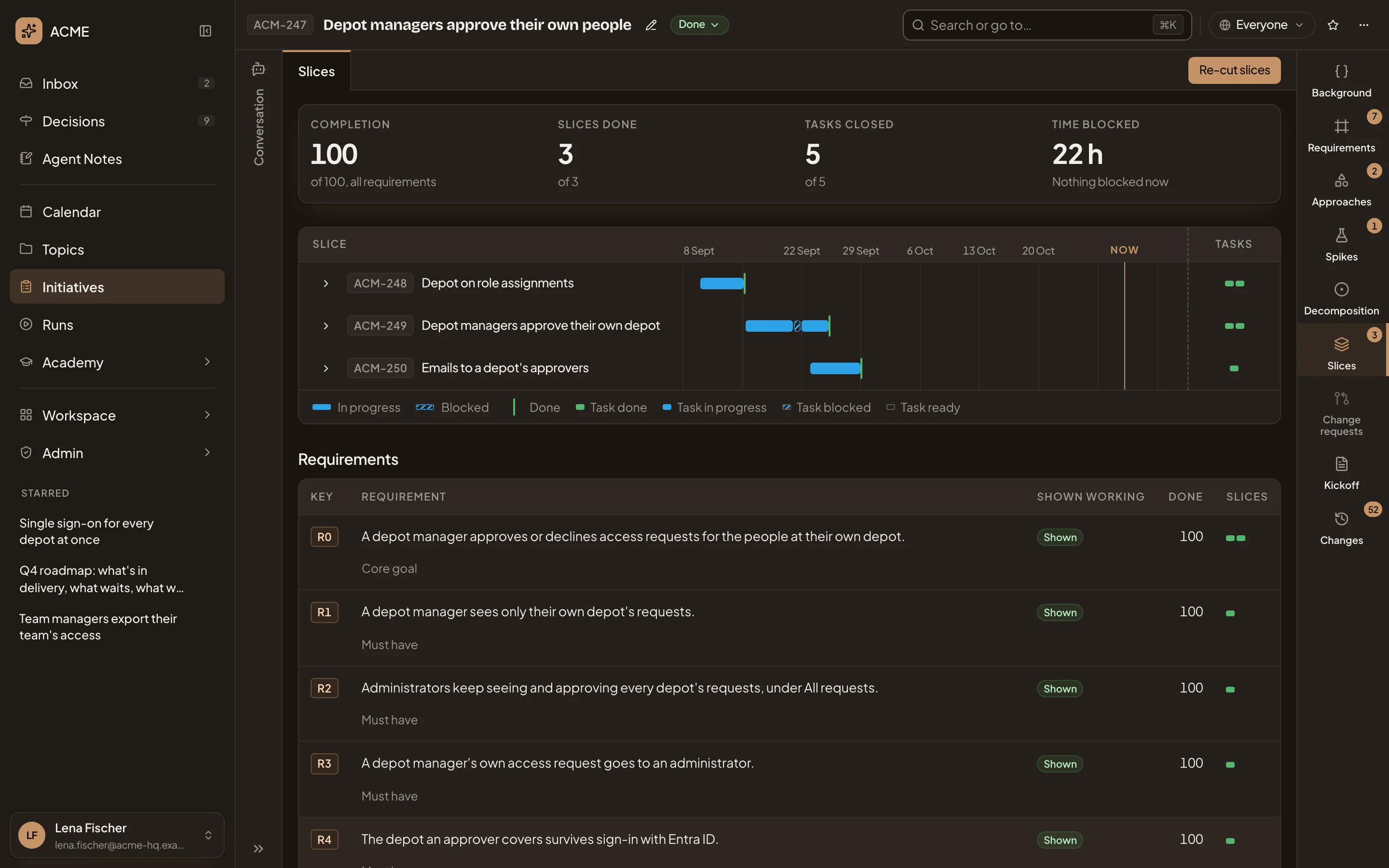
- Time blocked. 22 hours in all: ACM-249 was blocked on 21 September and unblocked the next morning.
- ACM-249’s lane, hatched where it was blocked, with a mark where it was done.
Until the agent cuts the decomposition into slices, the tab says “No slices yet.” and “They’re cut from the decomposition, each a step you can demo.” Under that, a short guide shows how slices come together. It has no buttons.
On a phone
Section titled “On a phone”On a phone, switch to Initiative at the top. The initiative’s tabs run in a row you scroll sideways, and the Slices tab shows the same sections, one under the other. Blockers shows its list only.
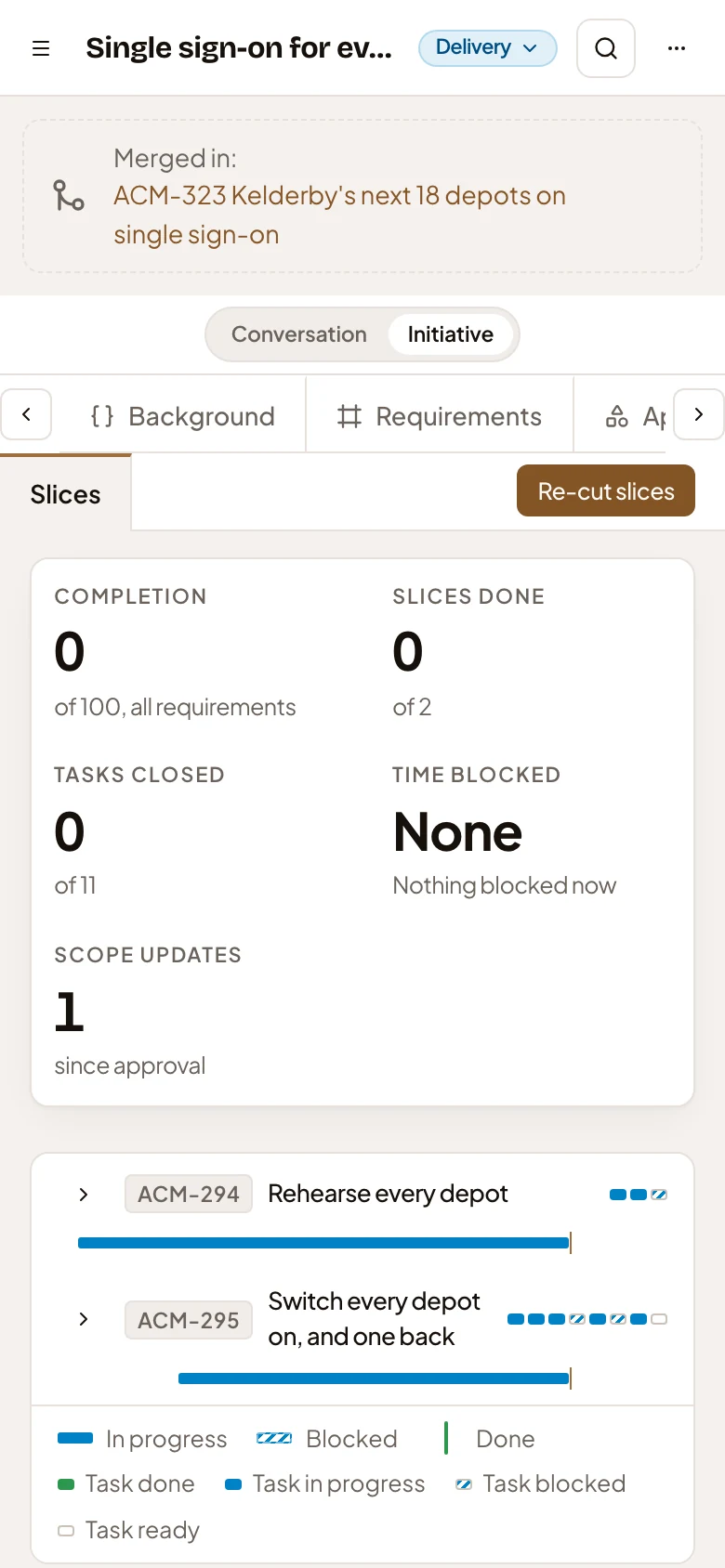
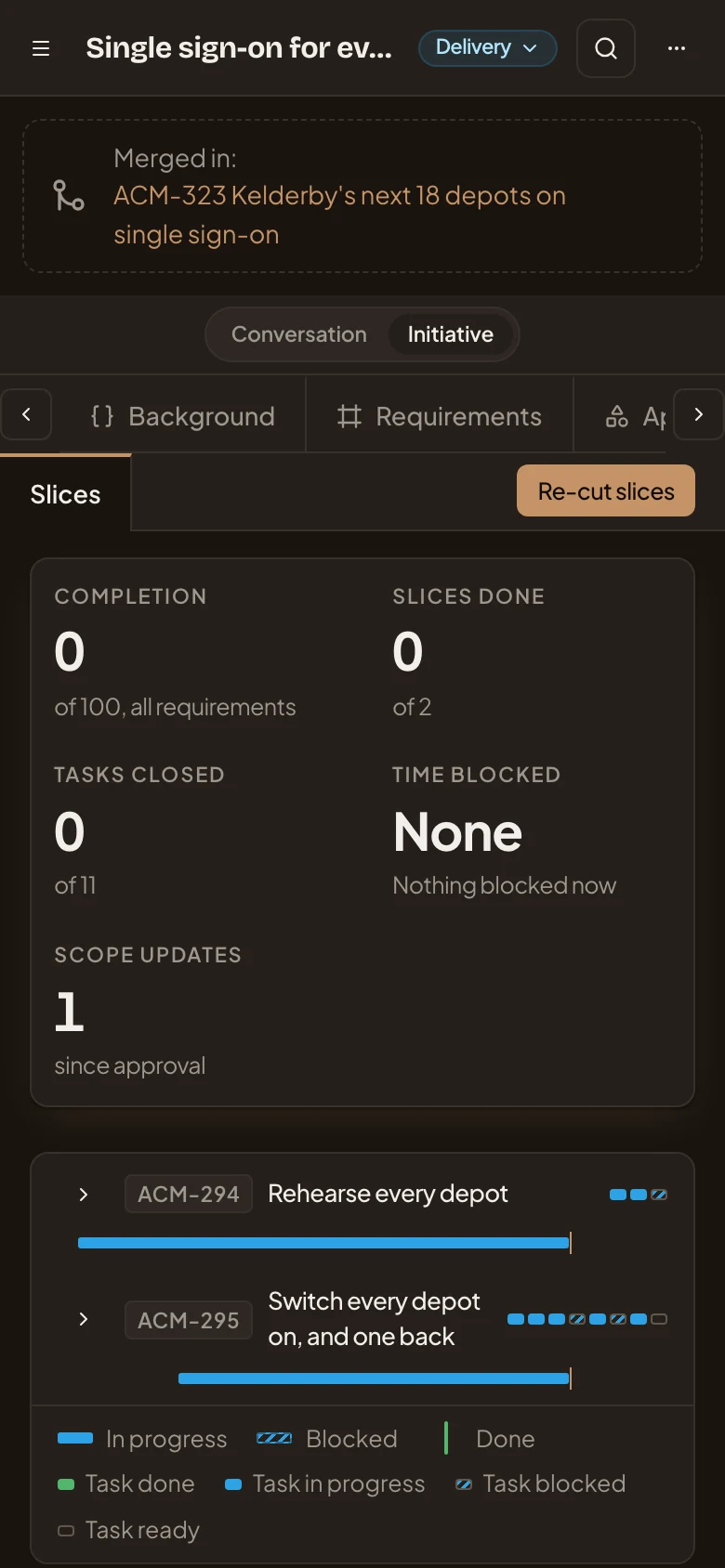
- Conversation and Initiative. Switch between your chat and the initiative.
- The build’s numbers.
Access
Section titled “Access”Everyone who can open the initiative sees its slices and its build, and quotes and comments on a requirement. Only the owner, and anyone who edits the initiative, see Break into tasks and Re-cut slices. They also decide change requests, mark slices done and unblock them. Whoever a question waits on answers it. If you don’t own the initiative, you see the owner’s name beside what waits for them.