

AgentsPage by page
Skills
This tab lists every skill you can use: know-how the agent loads when the work calls for it. Open it with the Skills tab on Personas & skills.
Open the skills (opens Emargen in a new tab)In the picture, one built-in skill, two of the organisation’s own, and four that colleagues share.
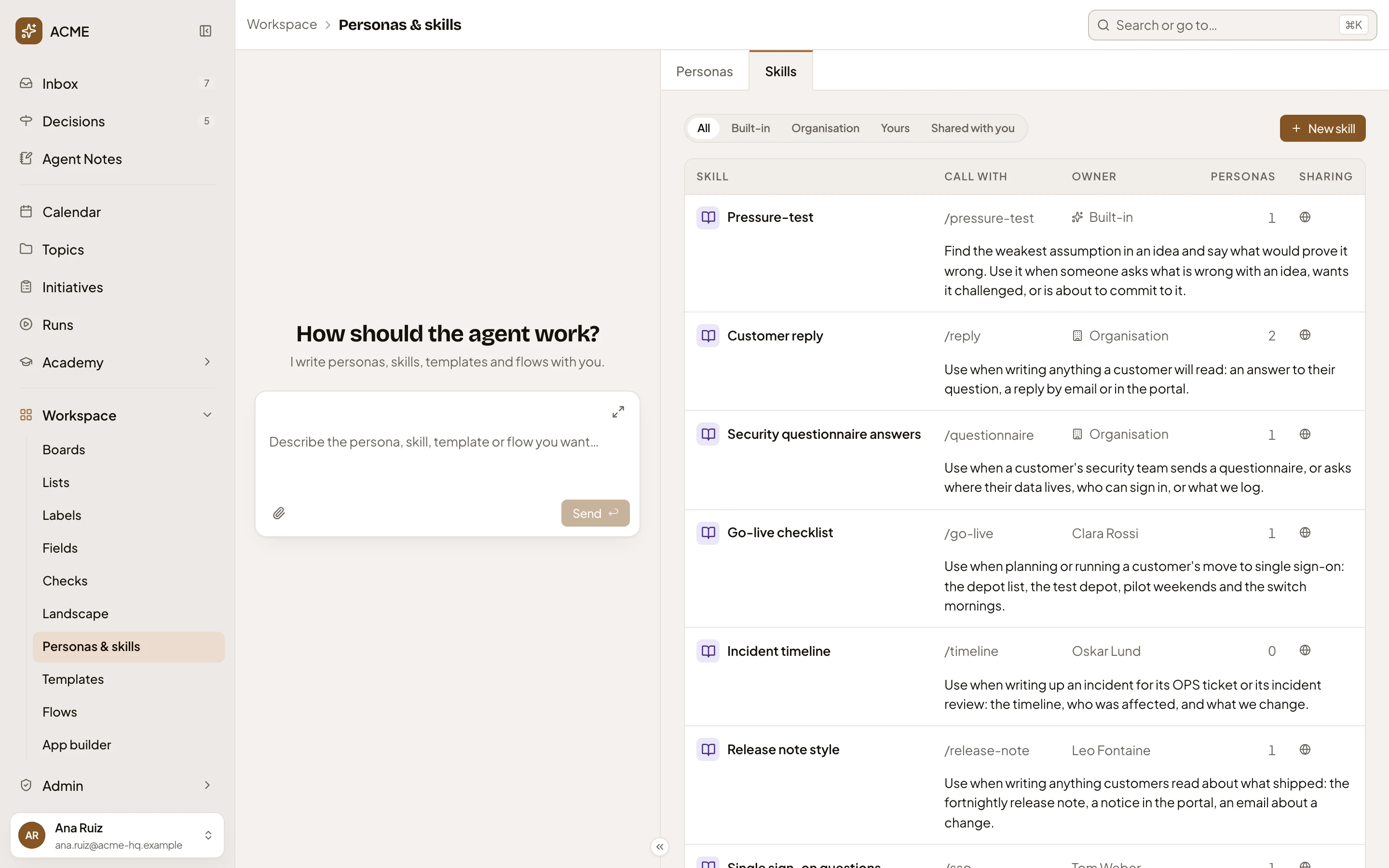
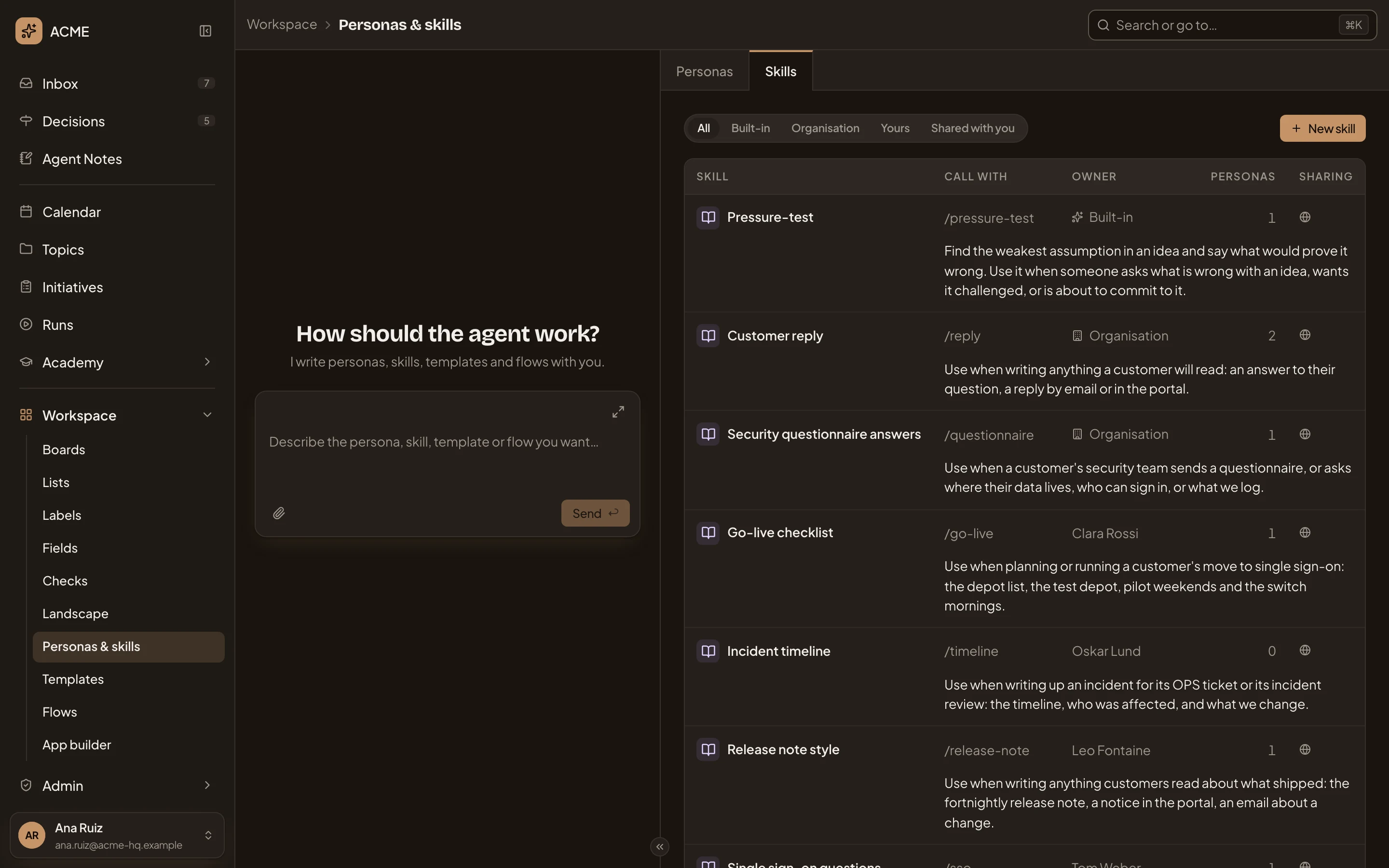
- Skills. Lists the skills you can use. Personas goes back to the personas.
- Show. Narrows the list to All, Built-in, Organisation, Yours or Shared with you. Built-in skills are Emargen’s own.
- New skill. Opens a new skill’s page.
- A skill’s name. Opens the skill.
- Call with. The word that adds the skill to one message: type / and the word in the message box of any chat with a persona. A skill with no word shows a dash.
- Owner. Built-in, Organisation, You, or the colleague who shares it with you.
- Personas. How many personas use it.
- Sharing. A globe for everyone, two people for some people, a lock for only its owner.
- When to use it. The agent reads this line to decide when the skill applies.
The personas agent’s chat sits on the left (see The personas agent).
A selected skill
Section titled “A selected skill”Click a skill’s row, anywhere but its name, to select it.
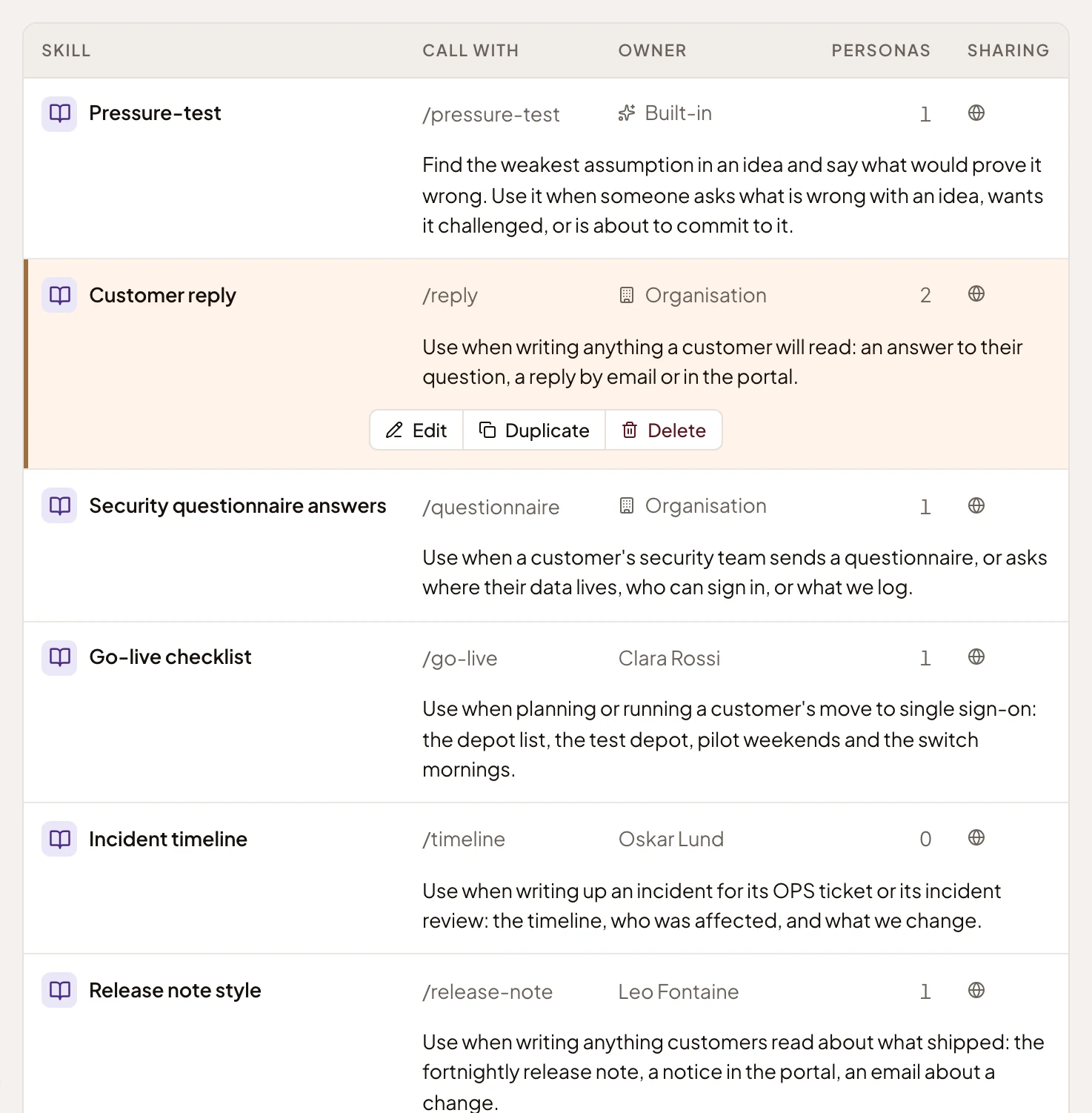
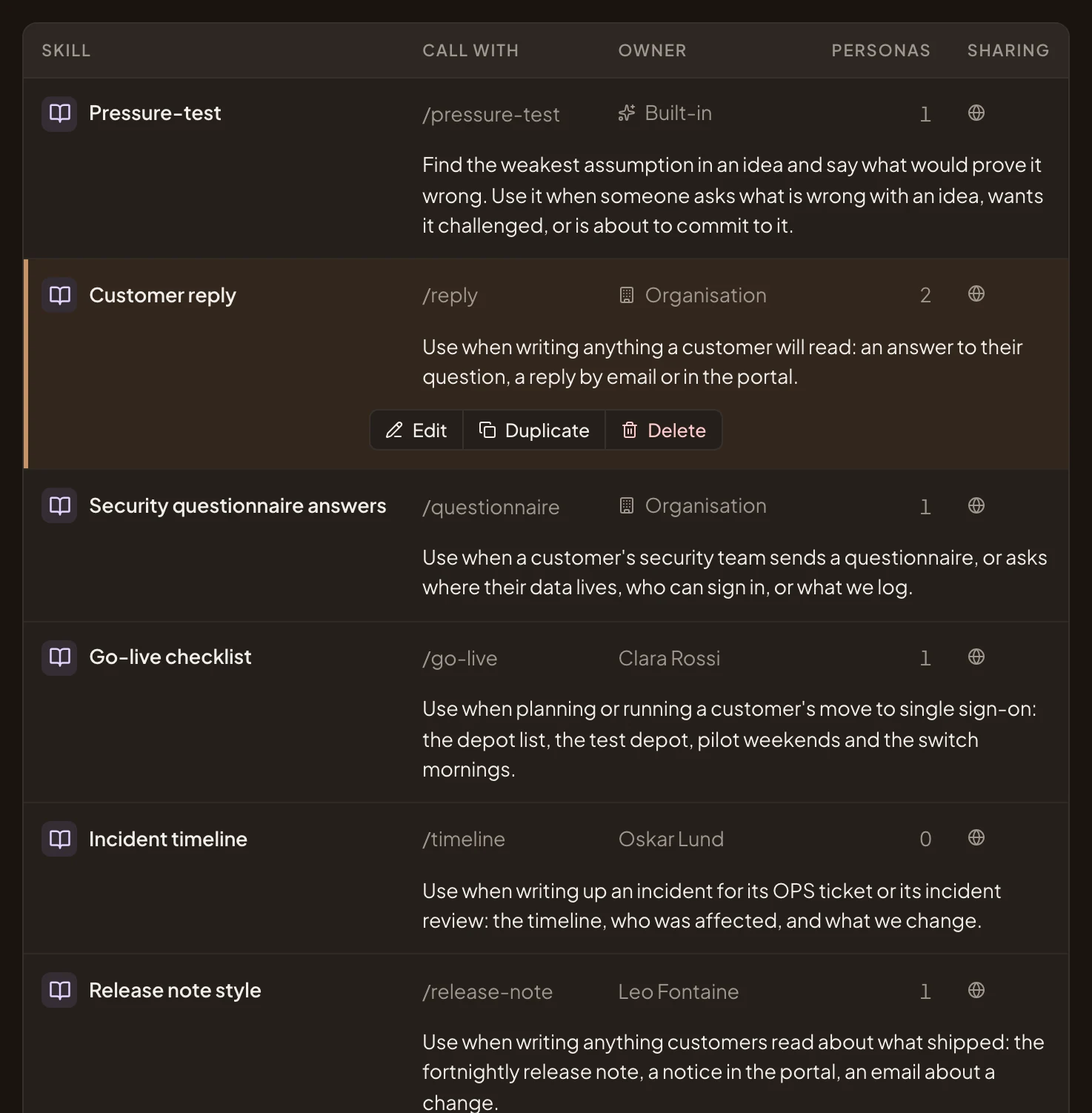
- Edit. Opens the skill to change it. A skill you can only use says Open instead.
- Duplicate. Makes your own copy and opens it. This is how you change a built-in skill: copy it, then change the copy.
- Delete. Deletes the skill once you confirm. It goes from every persona that has it on.
Show with nothing to list says “No skill matches”. Every organisation has Emargen’s built-in skills, so All is never empty.
Access
Section titled “Access”Everyone can use them. People whose role lets them manage personas and skills make and change the organisation’s skills. Everyone can make and share their own. Built-in skills change only with Emargen’s releases.