

Area of Emargen
Calendar
The Calendar shows what’s due, what happened, and the jobs you’ve handed the agent to do on a schedule.
Work that comes round again
Section titled “Work that comes round again”Some work comes back every week, like the new support requests to look at every Monday and Thursday. It gets done only when someone remembers, and each time someone gathers the material again.
On the Calendar you hand that work to the agent once, as an agent task. You give it the job in your own words, and say when to do it. From then on its work comes back in a topic. It can write a new topic each run, or keep one topic up to date. For things that keep arriving, like support requests, it writes a topic for each new one and puts it on one of your lists. We put tasks on the Calendar itself, so you set a job up beside the days it runs on.
The agent reads your words first
Section titled “The agent reads your words first”Before a task runs, the agent reads what you wrote together with the schedule, and shows you how it read it. Where it will look first, how far back it reads, and who “me” is. If that isn’t what you meant, change the words and it reads them again.
Each run is the agent doing the job as if you’d asked it in a topic. It searches Emargen and the tools your organisation has connected. When it writes a new topic each run, it reads the one before, so each week builds on the last. Each run also remembers what it found. When nothing is new or changed since the last run, it writes nothing, and the Calendar says “Nothing new”.
A run that works sends you no message. Its topic is on the Calendar, on the task’s own page and on its list, so we left the message out. When a run fails, a task in your Inbox says why, with Run again.
Due dates and the day’s work
Section titled “Due dates and the day’s work”Everything else on the Calendar comes from work your organisation already has. You put nothing on it by hand except tasks.
What’s due is an initiative’s target, and dates on topics that your organisation chose to show, like a customer’s reply-by date. Each stays on its day. It shows as late if the day passes with the work undone, and as done once it’s done. Nobody ticks it off. To move one, change the date where it lives.
What happened is the work done on the topics and initiatives you can see. A topic started or worked on, an initiative published, a slice of its build done, a decision taken. On the Week, each topic or initiative gets one entry a day, like “Topic started · worked on 24 times”. Each entry opens what it’s about.
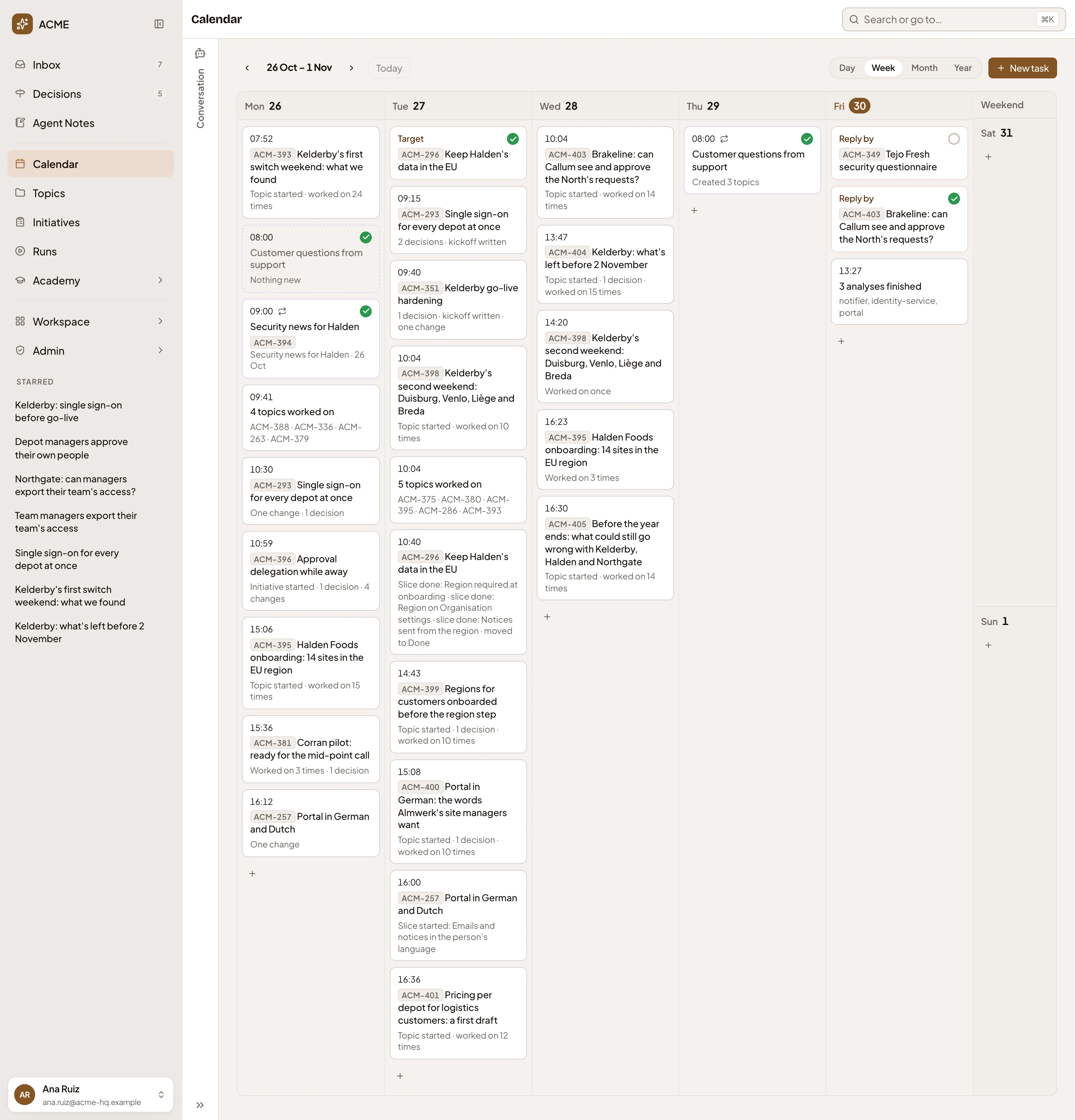
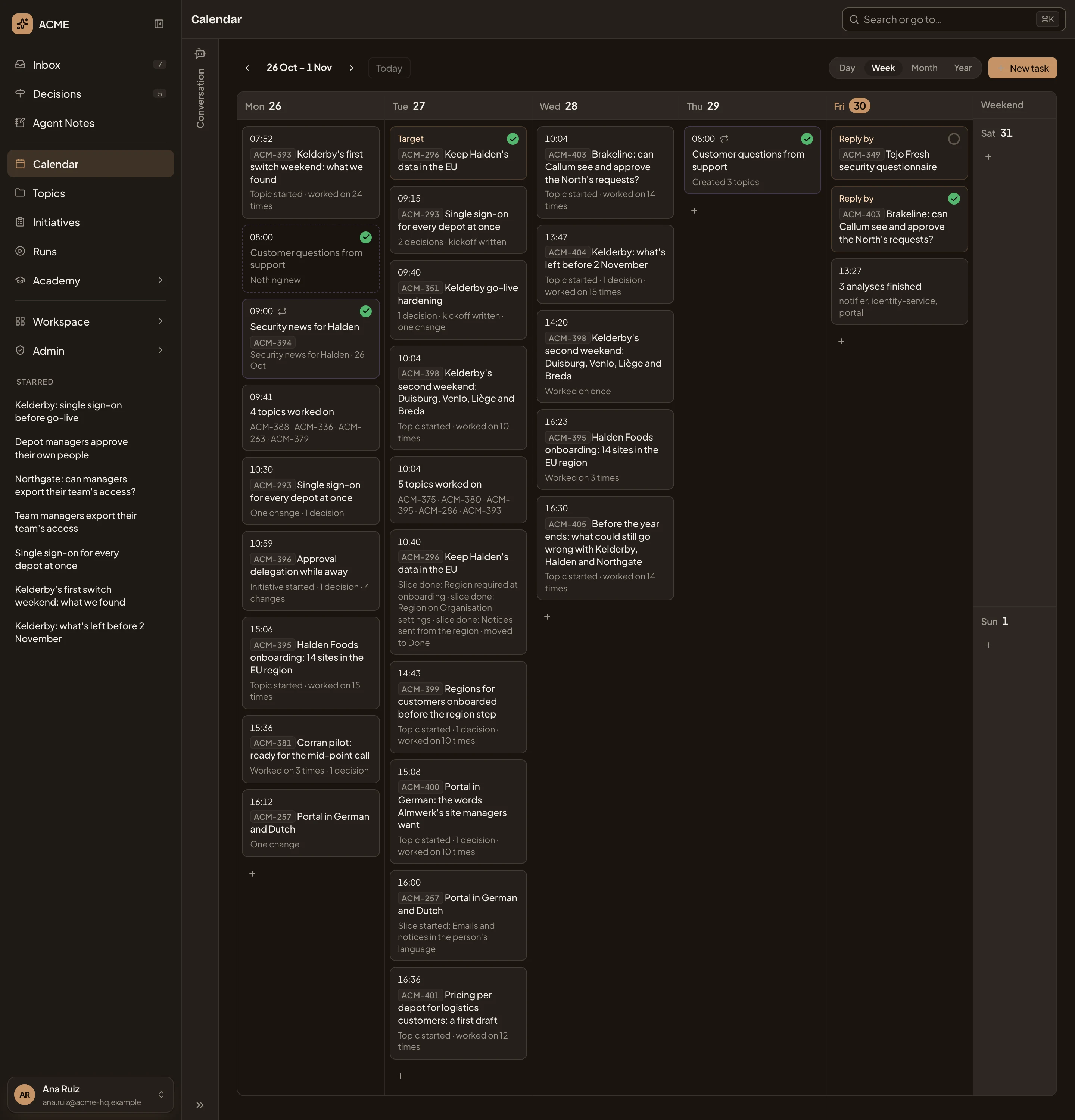
- New task. Hand the agent a job on a schedule.
- A run that found nothing new since the last one, so it wrote nothing.
- A run that wrote a topic.
- What happened to one initiative that day: its slices were done, and it moved to Done.
- A run that made three topics, one for each new support request.
- Reply by. A date from a customer’s question. It turns late if the day passes first, and done once the work is.
A week, start to finish
Section titled “A week, start to finish”Friday shows two reply-by dates, one already done. The agent has already put three new support requests on a colleague’s list. They open Monday’s Day to catch up on what moved while they were with a customer. A colleague spent the day on a topic about another customer’s first weekend on single sign-on, and someone took a decision on an initiative.
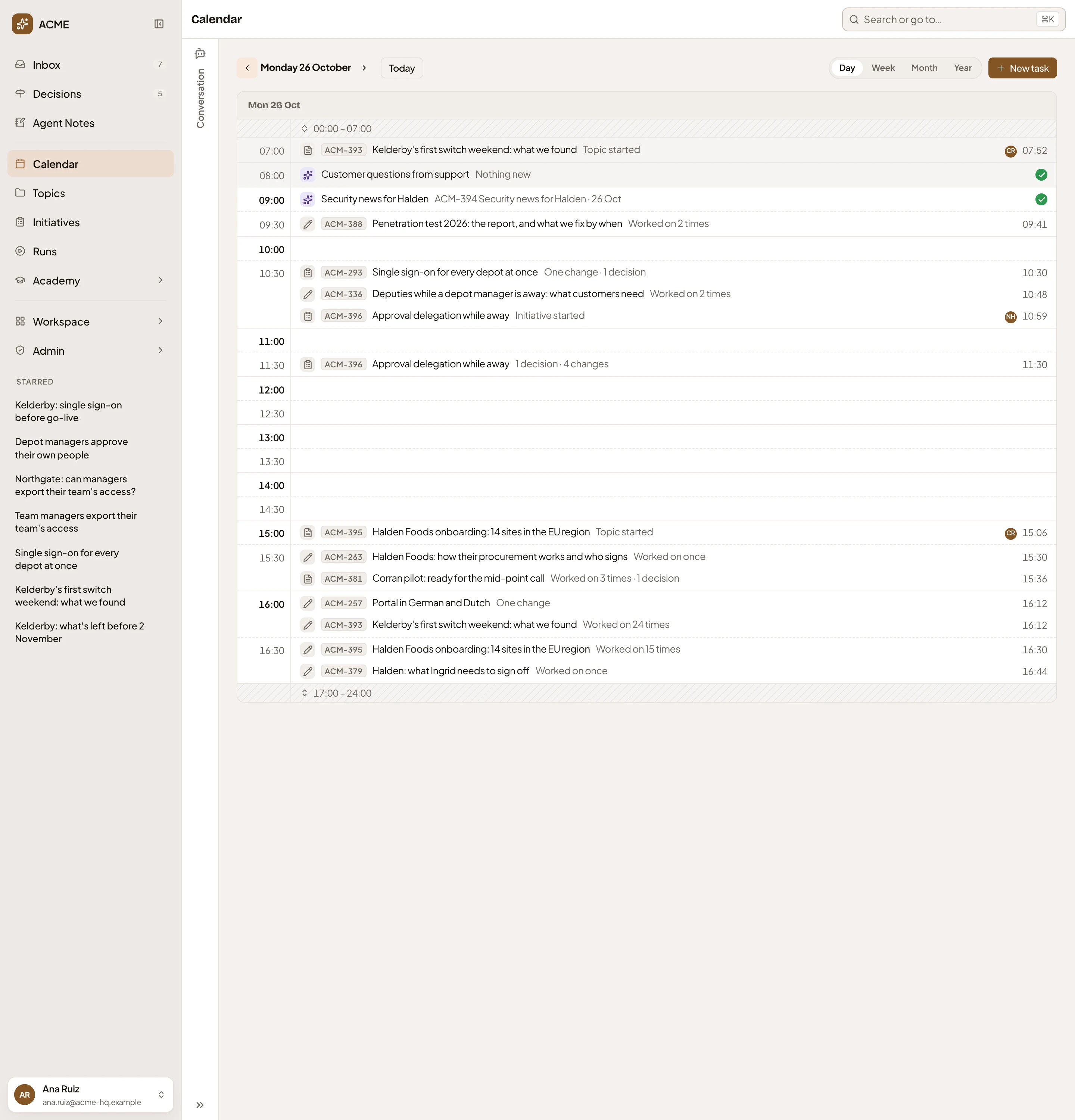
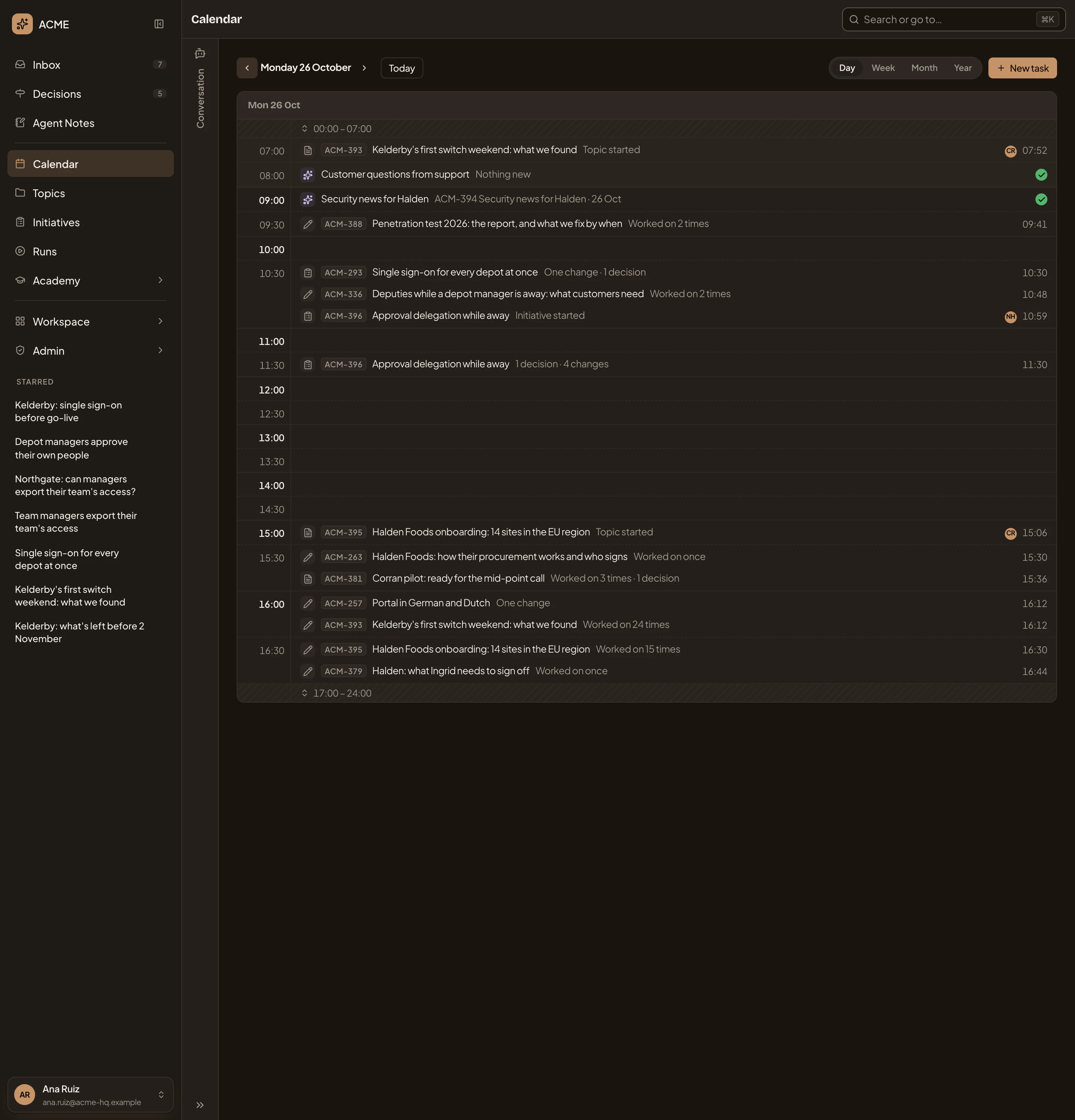
- Day. One day, hour by hour.
- A topic a colleague started, with who started it and when.
- A decision taken on an initiative, in the line of what happened to it.
- The hours after the working day, folded.
Not a meeting calendar
Section titled “Not a meeting calendar”We kept the Calendar away from meetings on purpose. There are no events, invitations or reminders. What waits for you to answer or decide is in your Inbox and Decisions.
Each person’s Calendar is their own view. It shows the topics, initiatives and tasks they can see, so two people looking at the same week see different things. You also see a colleague’s task if they share it with you, or if it fills a list or keeps a topic you can see.