

WorkspacePage by page
A Landscape proposal
Here an approver reviews a proposal for the Landscape, changes what needs changing, and approves it. Open it with Edit under a proposal in Waiting for approval on the Landscape.
Open the proposals waiting (opens Emargen in a new tab)The picture shows an approver at ACME opening Region step with Edit. The security lead proposed the term once the step was built and a customer had gone through it, and the Landscape had no word for it.
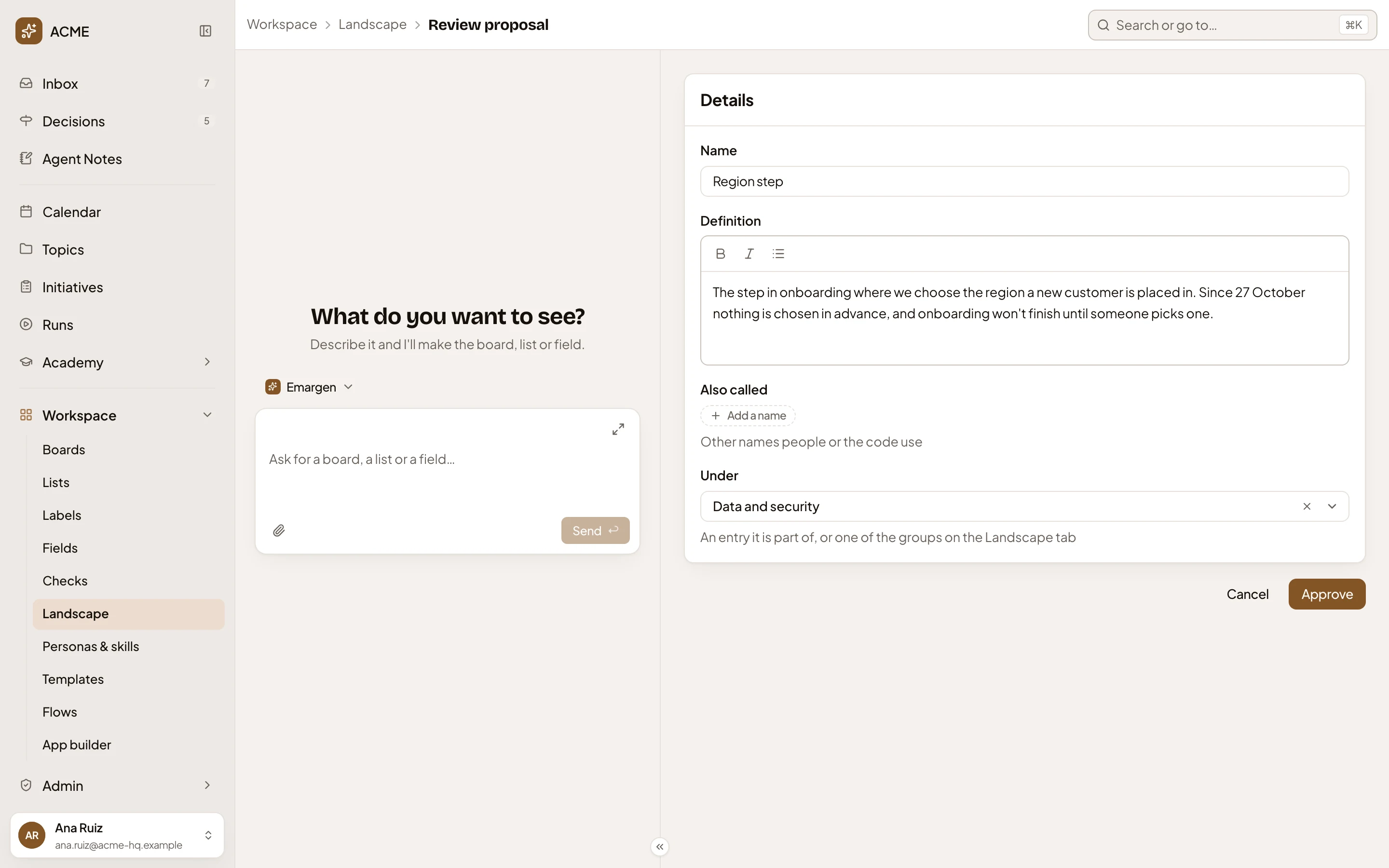
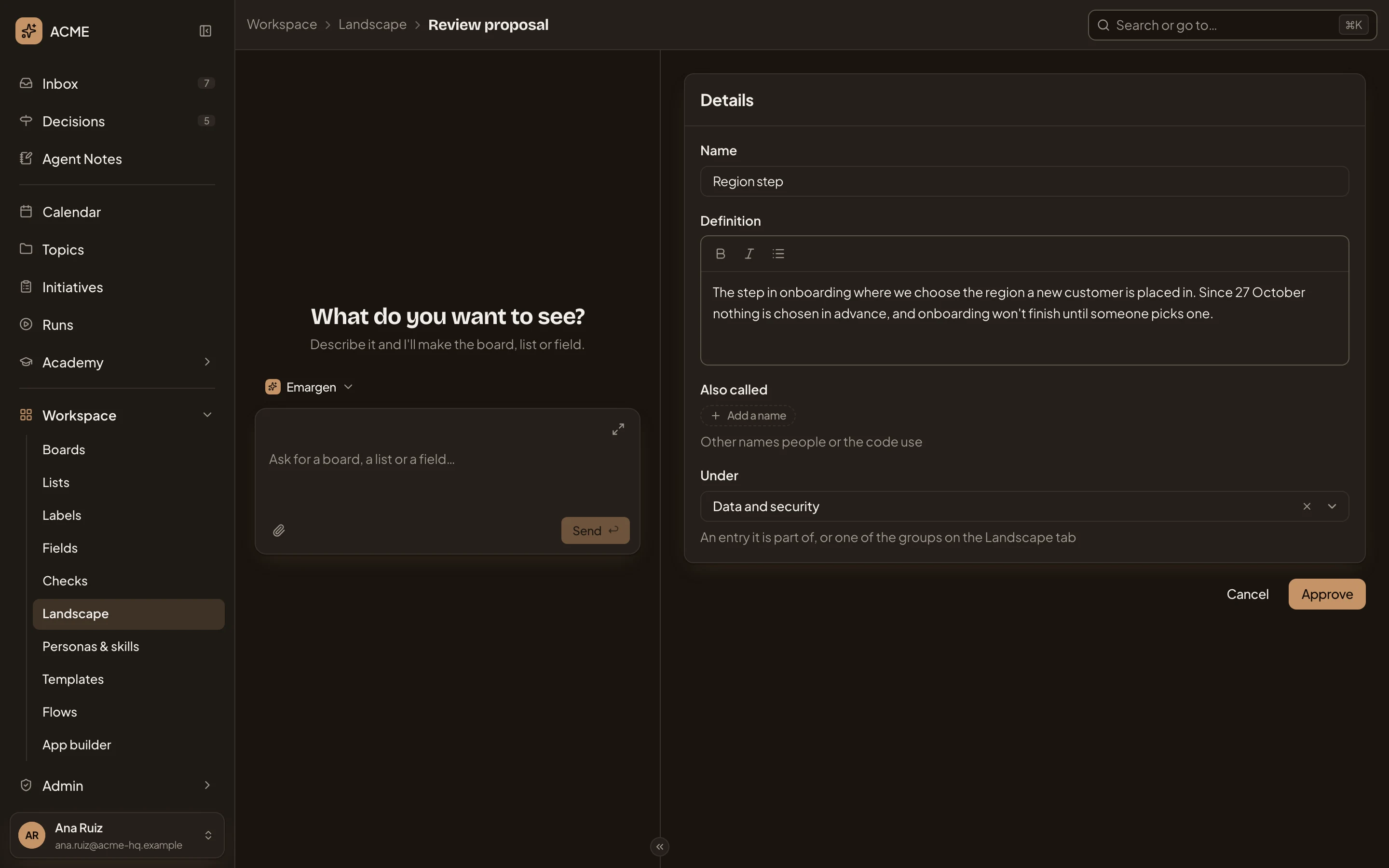
- You’re at Workspace, Landscape, then Review proposal. Use Landscape to go back.
- Name. The name as proposed.
- Definition. What it is, as proposed. Change it if the next reader would misread it.
- Also called. The other names proposed, here none. Add or take away names here.
- Under. Where it would belong: here the group Data and security.
- Cancel. Goes back to Waiting for approval. The proposal stays undecided.
- Approve. Adds the entry as the page shows it now, with your changes, and goes back to Waiting for approval. The agents use it from then on.
To turn the proposal down, or to keep its names as other names of an entry you already have, go back and use Reject or Another name for… under it.
A proposal someone has already decided can’t be opened again. The page says “This proposal has already been decided.”
Access
Section titled “Access”Only people whose role lets them approve Landscape changes, such as administrators. See Approve a Landscape proposal.