

AgentsIdea
Flows
A flow sets out a kind of work that goes the same way every time. It says the steps, who takes each one, and when the work moves on. A step can be a person’s, an agent’s or Emargen’s own. Each time the work comes up, someone starts a run of the flow, and the run takes that case through.
The next step, and who takes it
Section titled “The next step, and who takes it”A topic holds what your team has gathered about something. A flow holds how a kind of work moves, who takes each step, and whose answer the work waits for. Each run keeps a record of how its case went.
Take a customer’s security questionnaire. An agent drafts the answers, security approves them, and the owner confirms them. Written as a flow once, every questionnaire runs the same way. The approval can’t be skipped, and the person asked finds the request in their Inbox.
Written with the agent
Section titled “Written with the agent”A flow is written in plain sentences that Emargen reads as rules. The personas agent writes the flow with you, from your words or from the page where your team already wrote the procedure down. Emargen marks how it read each line, as a rule it keeps exactly, a judgement the agent makes, or guidance. A flow with a line Emargen can’t read can’t run until someone fixes it.
You can also change a flow on its map. A step you pick opens as a form, which rewrites the sentences for you. Where two steps run at once, the map shows both ways and where they meet.
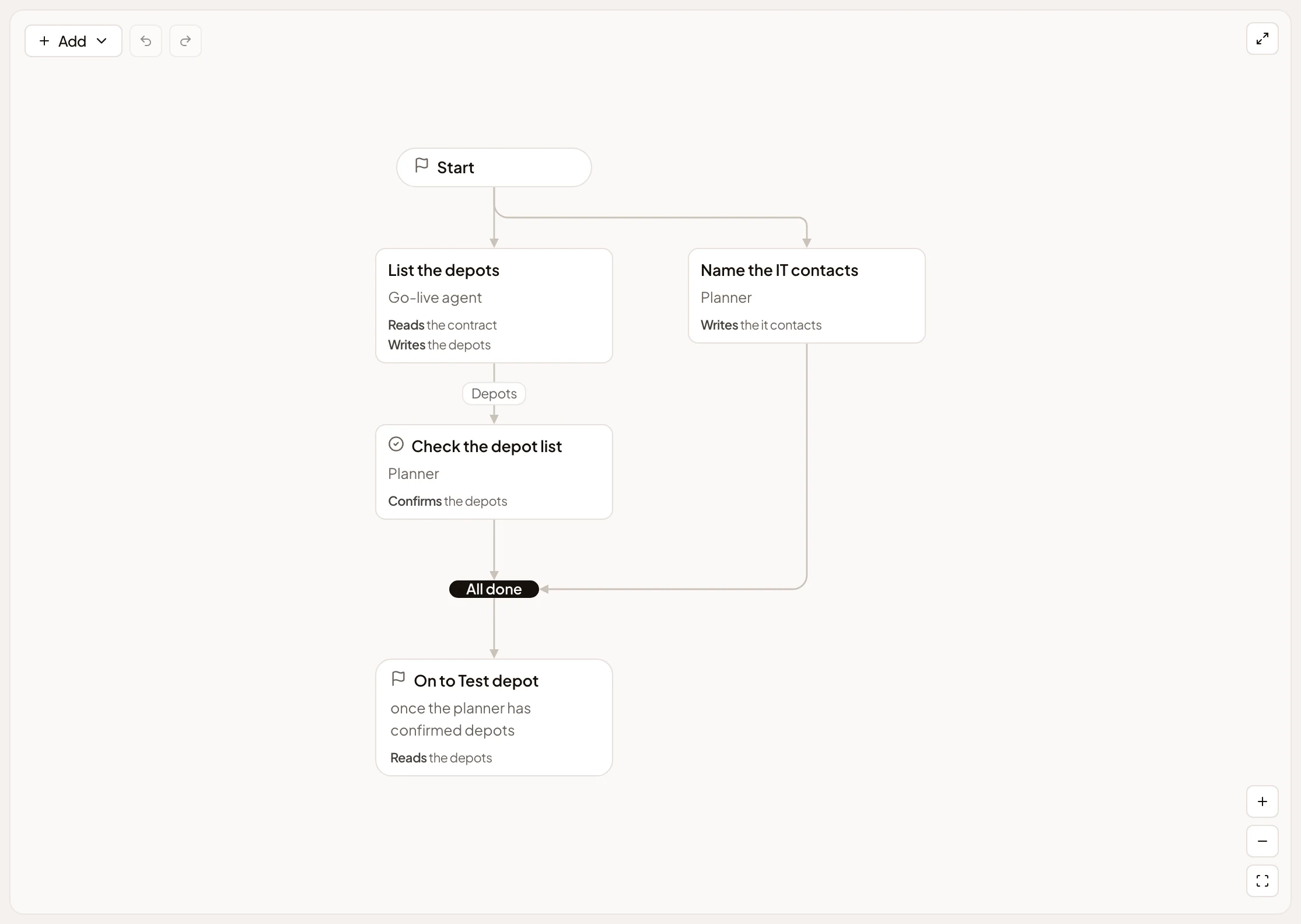
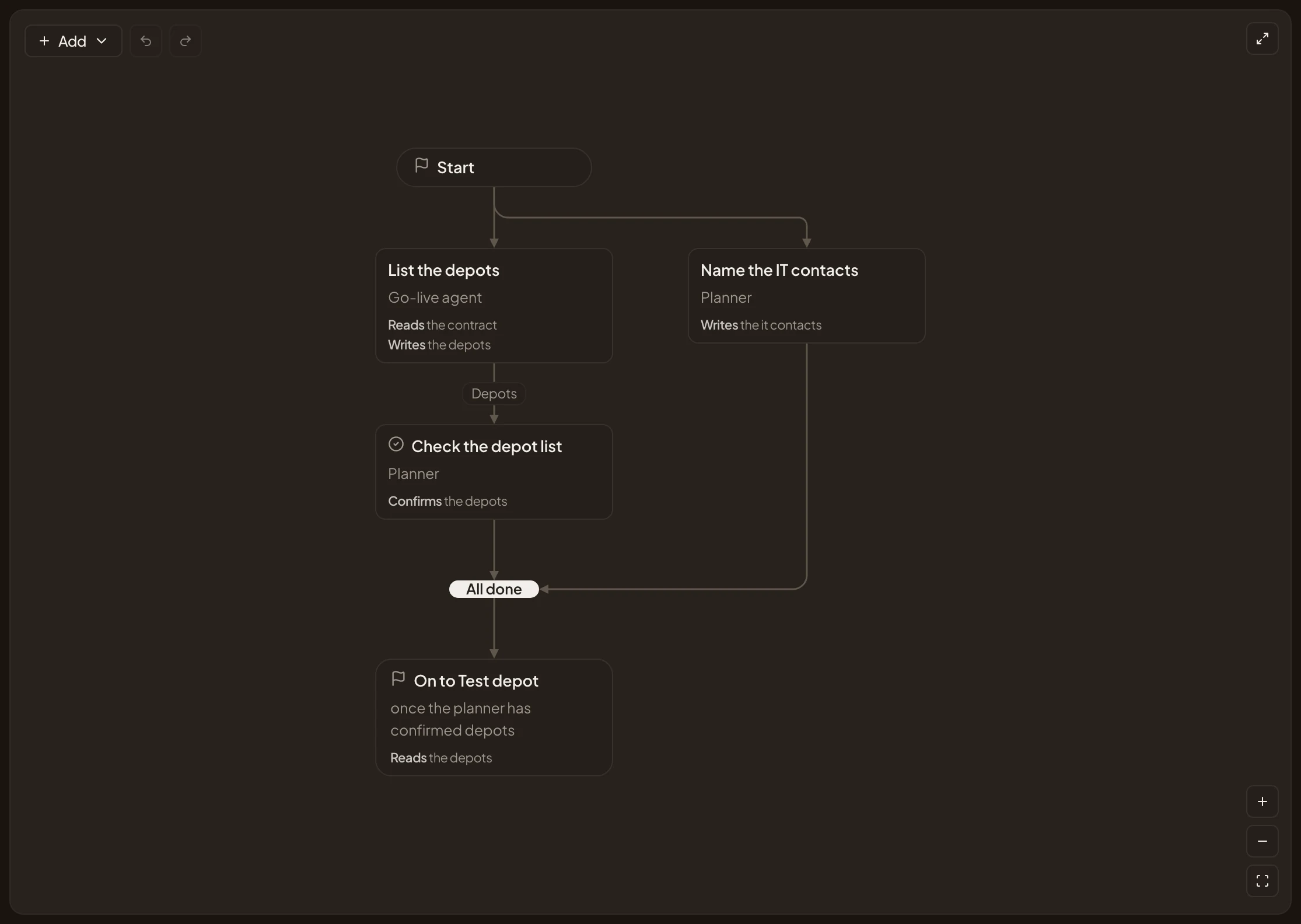
A flow names its inputs and outputs: what a run needs to start and what it makes. Try it runs the flow on sample inputs before anyone relies on it. The agent drafts for real and you answer as each person, but nothing is sent and no run is saved.
A run of its own
Section titled “A run of its own”A run is its own thing, like a topic or an initiative. To start one, you pick the flow on New run and paste what you have, such as the ticket. The agent fills in the inputs from that and from your organisation’s knowledge, and shows where each one came from. Nothing runs until you press Start run. A flow can also start runs by itself, on a schedule or when something changes in a connected tool.
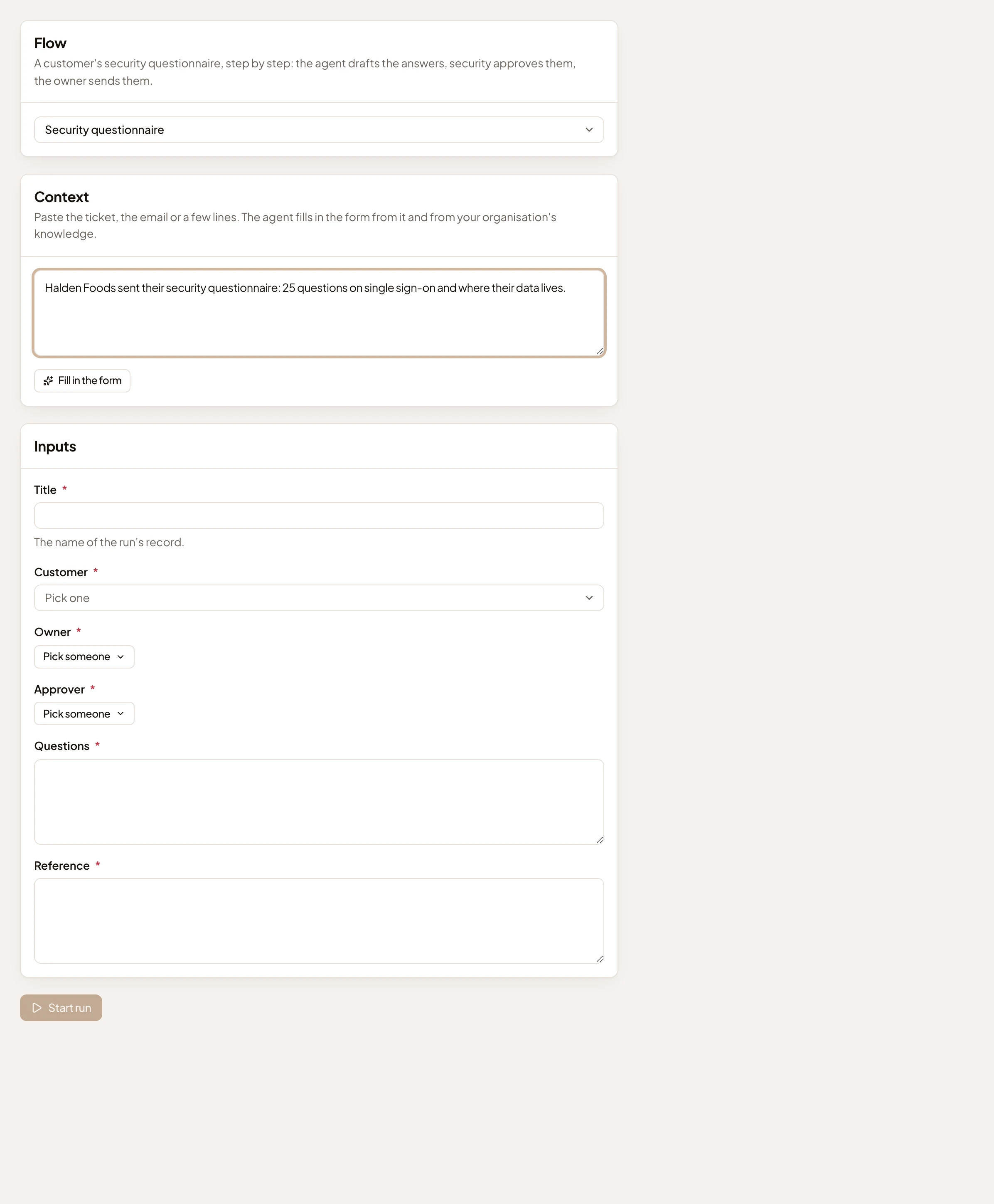
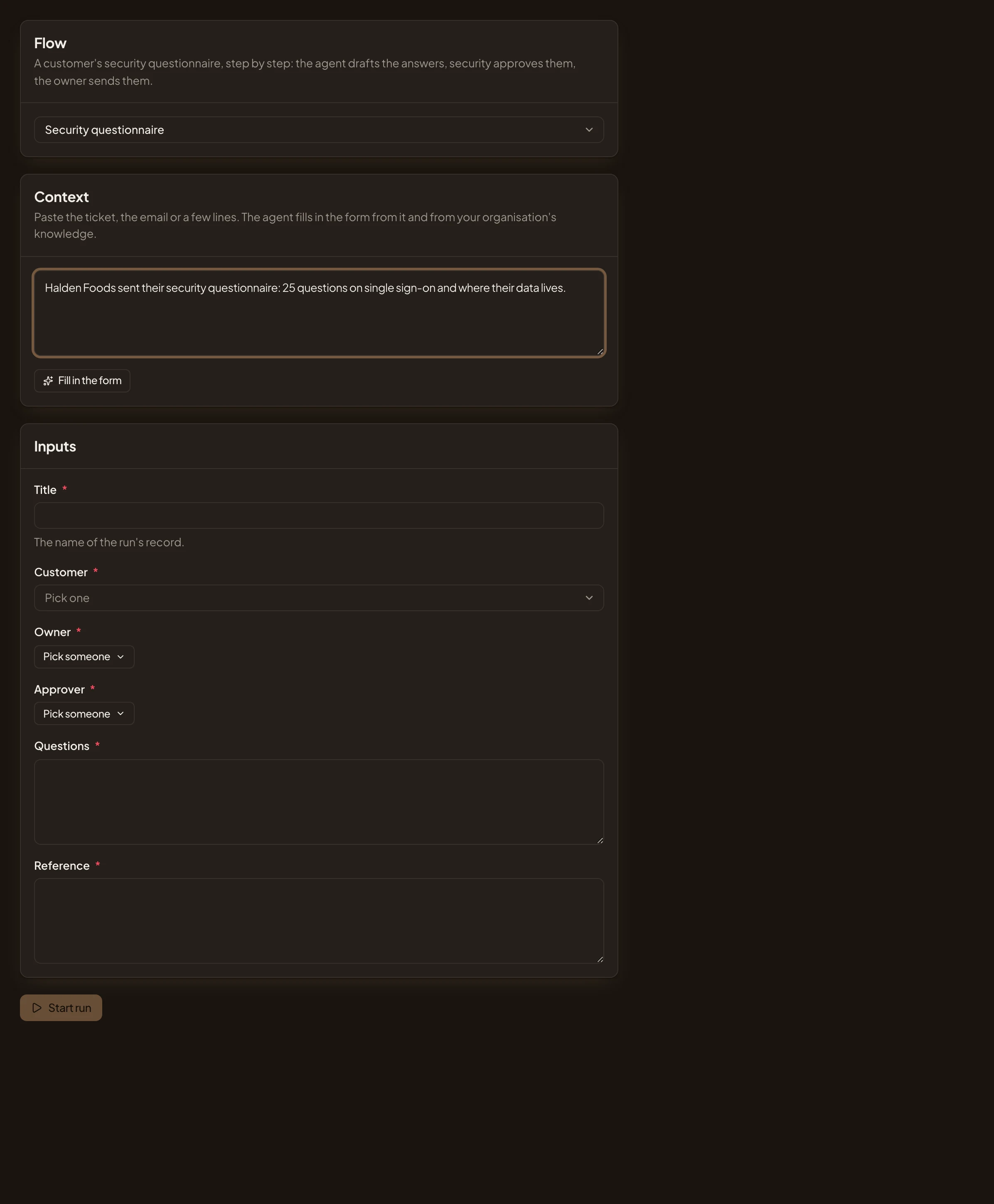
Each run has its own key, and a page that shows where it stands on the map and what waits for you. Each run writes a topic of its own, its record. People answer the run’s requests there, and each request also reaches their Inbox. The people a flow names can read the record and answer, even if it isn’t shared with them.
A run stays on the version of the flow it started with, unless someone moves it to a newer one and says why.
Changes in your other tools
Section titled “Changes in your other tools”A flow can read and change your organisation’s other tools through the connection tools switched on for agents. When a tool reaches outside your organisation, the person the step names approves what goes before it’s sent. A tool marked as reaching only inside is used without asking.
Owning a flow
Section titled “Owning a flow”Flows are the organisation’s or someone’s own, like templates. People whose role lets them manage templates make and change the organisation’s. A flow’s owner gives others Views to read it, Runs to start runs of it, or Edits to change it.
A flow isn’t a checklist, which is one job of your own, done once. A flow runs again and again, between several people.