

AcademyPage by page
A challenge
A challenge’s page is where you answer its cards and, once you’ve both finished, see how each of you did. Open it by clicking its row on your challenges. A challenge you just sent opens here by itself. See challenges for the idea.
A finished challenge
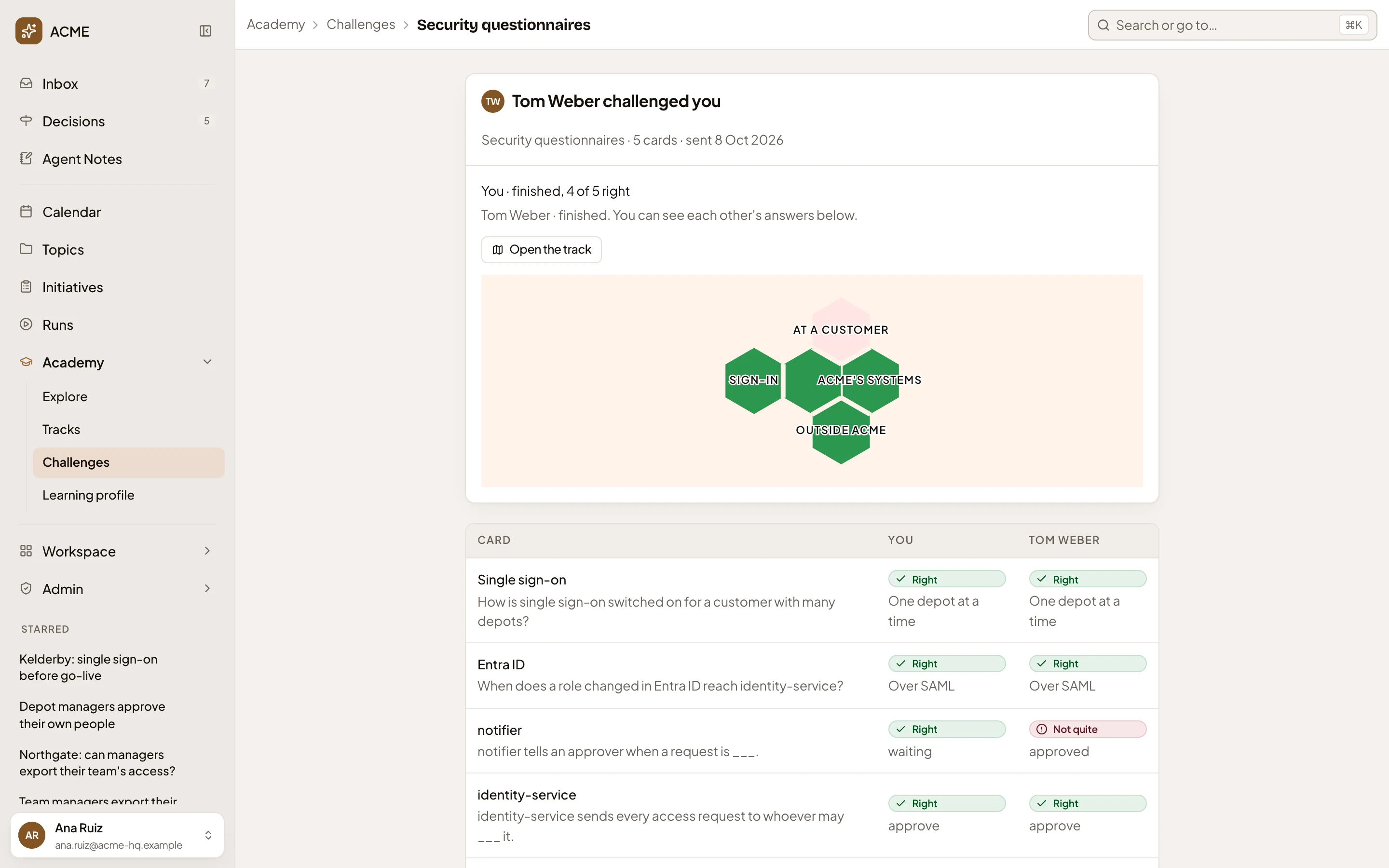
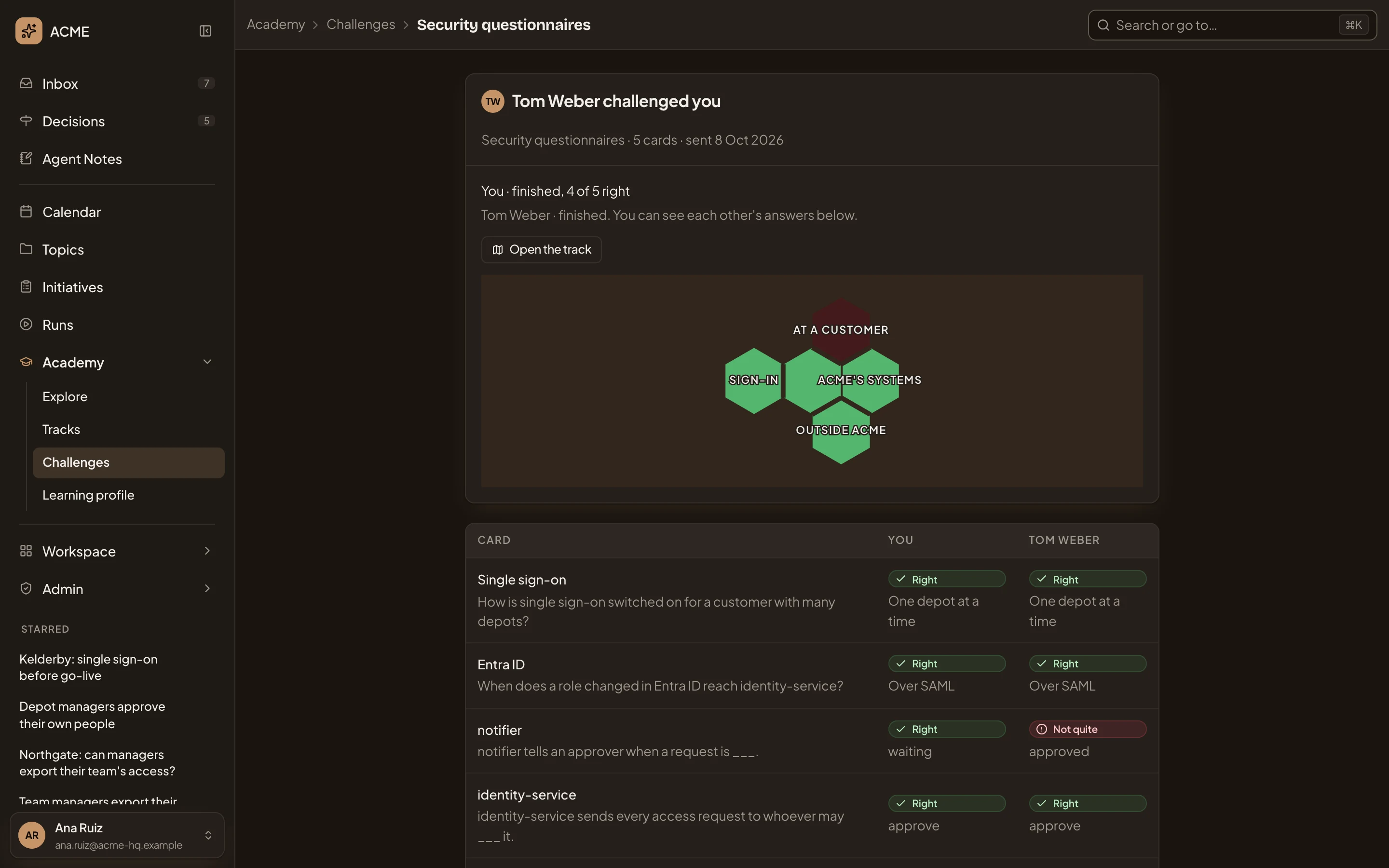
Section titled “A finished challenge”A sales engineer at ACME challenged a colleague on Security questionnaires before a customer’s call. They both finished, so each sees the other’s answers.
- Click Challenges to go back to the list.
- Tom Weber challenged you names who challenged whom. On a challenge you sent, it says You challenged and their name. Under it, what it’s on, how many cards and when it was sent.
- How you did, here You · finished, 4 of 5 right, or how many you’ve answered so far. Under it, whether the other person has finished.
- Open the track. Opens the track you saved from this challenge. Before you save one, the button is Save as a track (see Save as a track).
- The challenge’s small map. It shows the spots its cards come from, by Landscape group, each coloured by your answer. Green is right, amber partly right and pink not quite, and a spot stays plain until you answer. The table below names each spot.
- Each card with both answers shows the spot and its question, your answer and theirs. Each is marked Right, Partly right or Not quite.
Until both of you have finished, the other’s column says “Hidden until you’ve both finished”.
Answering a challenge
Section titled “Answering a challenge”In the picture, someone in support at ACME was challenged on Access request and Approver and hasn’t started, so the page opens on the first card.
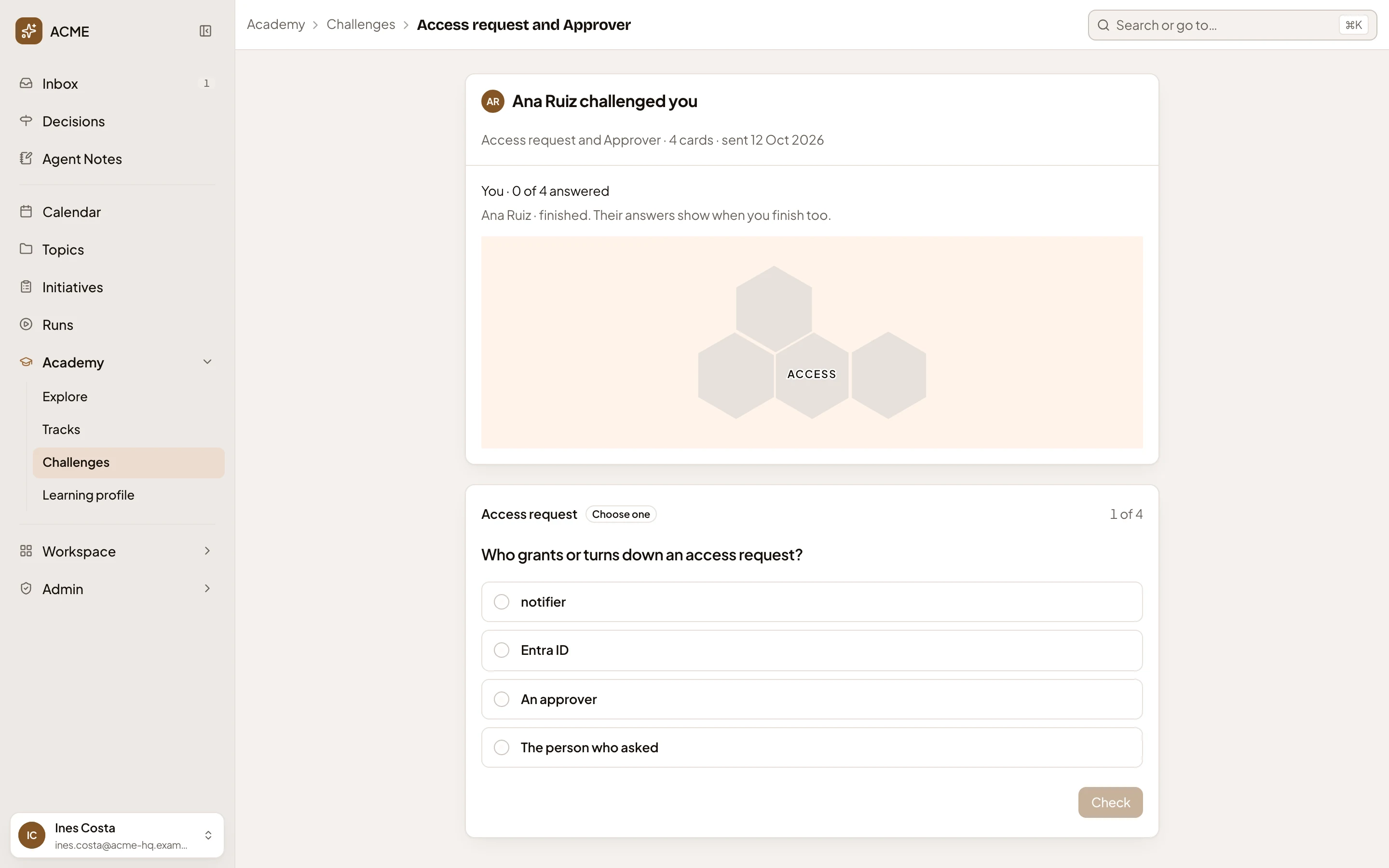
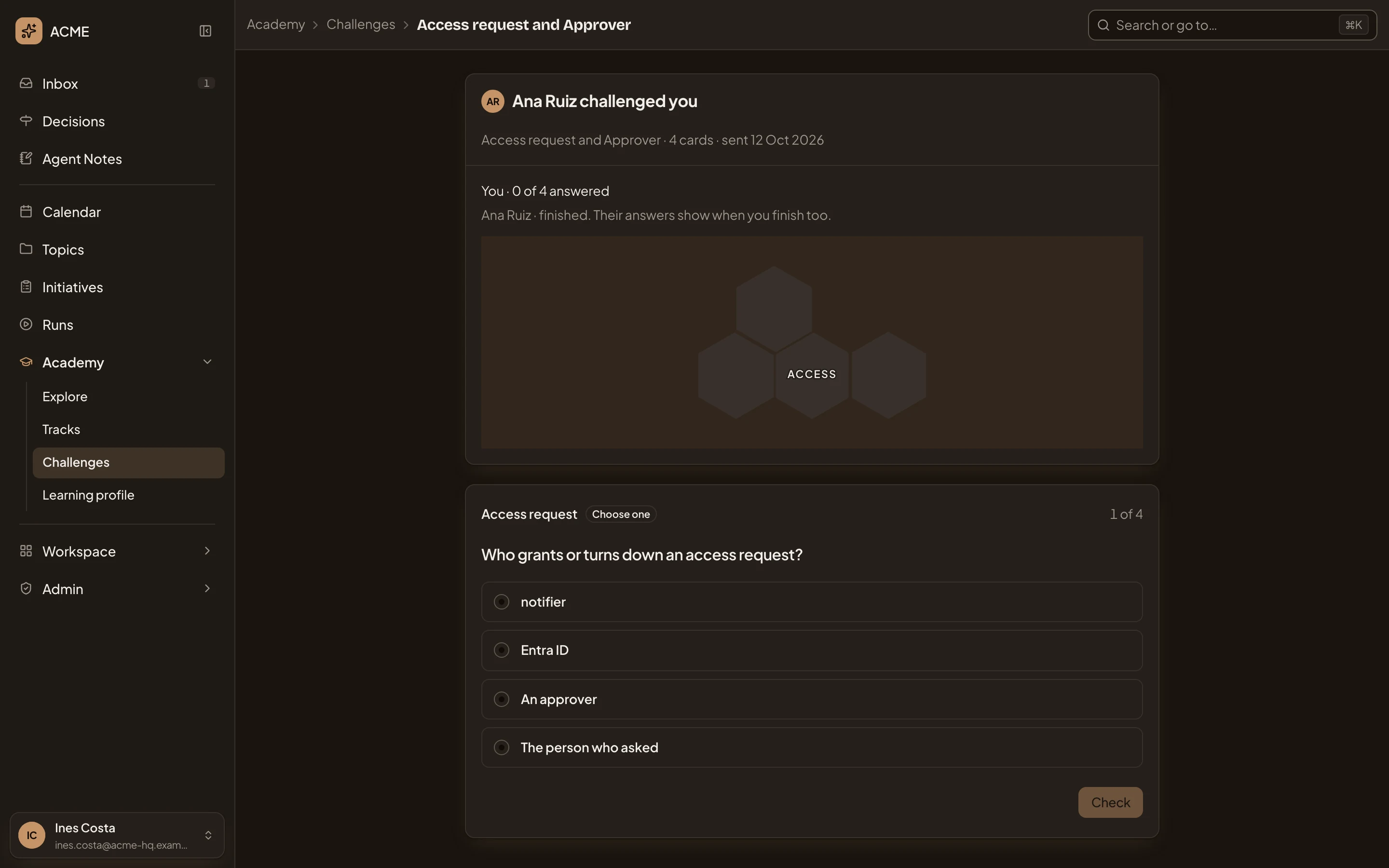
- Ana Ruiz challenged you, with what it’s on, how many cards, and when.
- You · 0 of 4 answered, with how far you got.
- The small map, plain until you answer.
- The card shows its spot, its kind and which card this is, 1 of 4.
- Your answer. The options to choose from, a gap to fill, or a box to write in, as in practice.
- Check. Shows if your answer is right, once you’ve given one.
A challenge doesn’t ask how sure you are, because it doesn’t touch your practice. Your answers stay in the challenge, and your practice and your map are as they were.
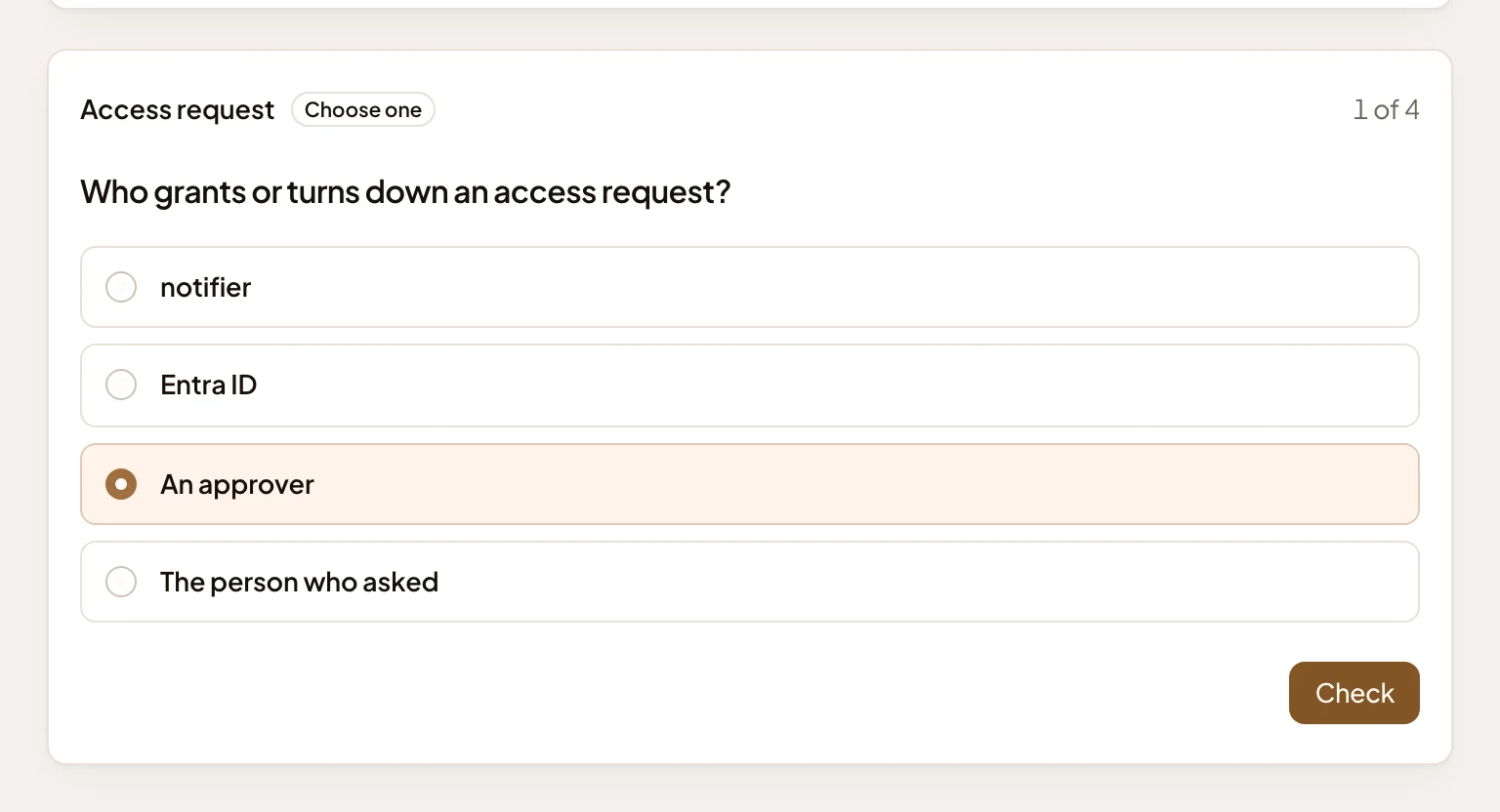
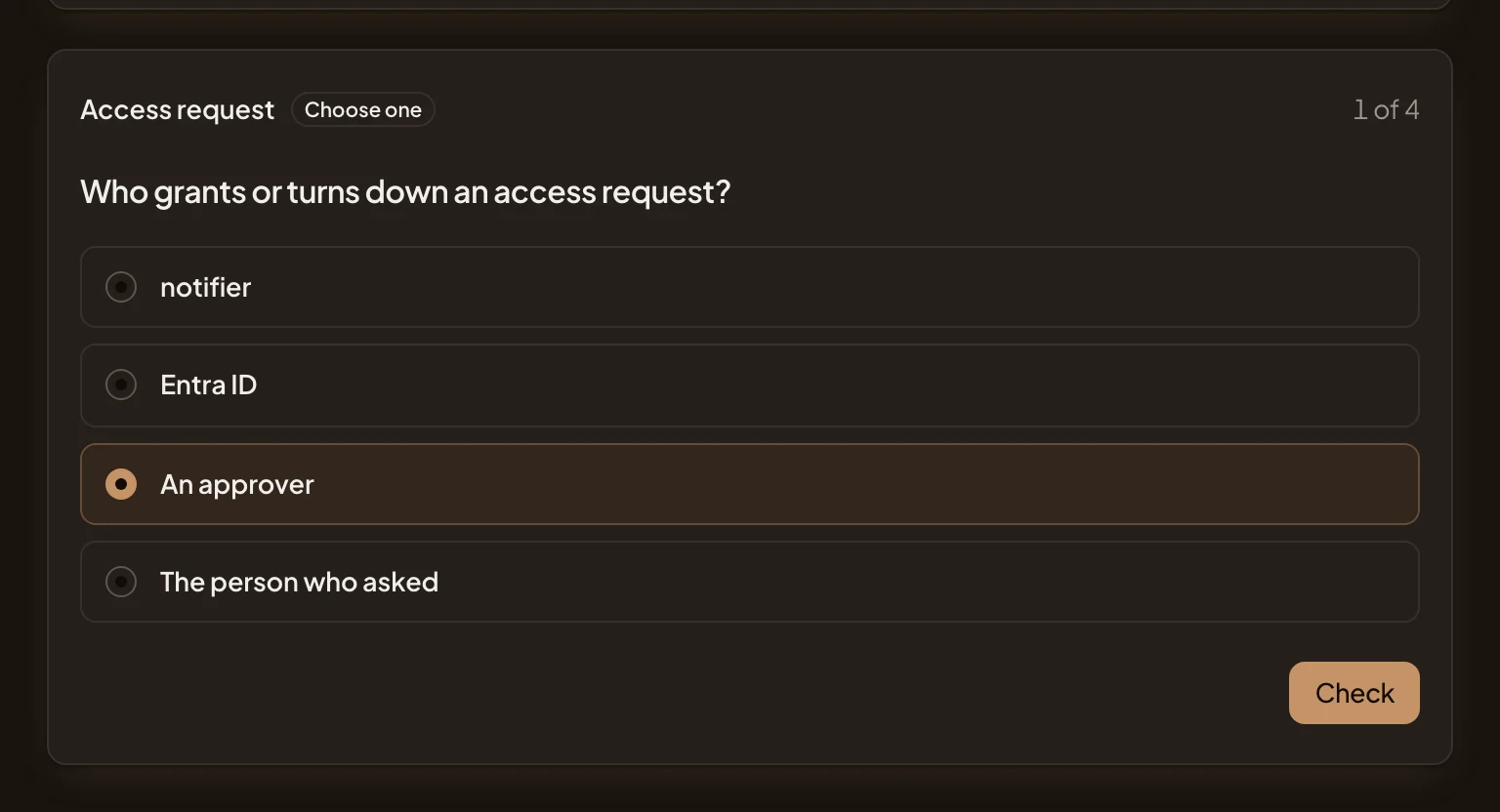
Check shows how you did, as in practice. Click Next for another card, or Finish on the last. The table then hides their answers until they’ve finished too. Your answers can’t be changed once checked.
When you finish, the challenge’s task leaves your Inbox. Whoever finished first gets word in their Inbox when the other finishes.
Save as a track
Section titled “Save as a track”Once you’ve finished, Save as a track builds your own track from the challenge’s spots and opens it. Each player keeps it for themselves. The sales engineer still sees Save as a track on the same challenge, where their colleague, who saved it, sees Open the track.
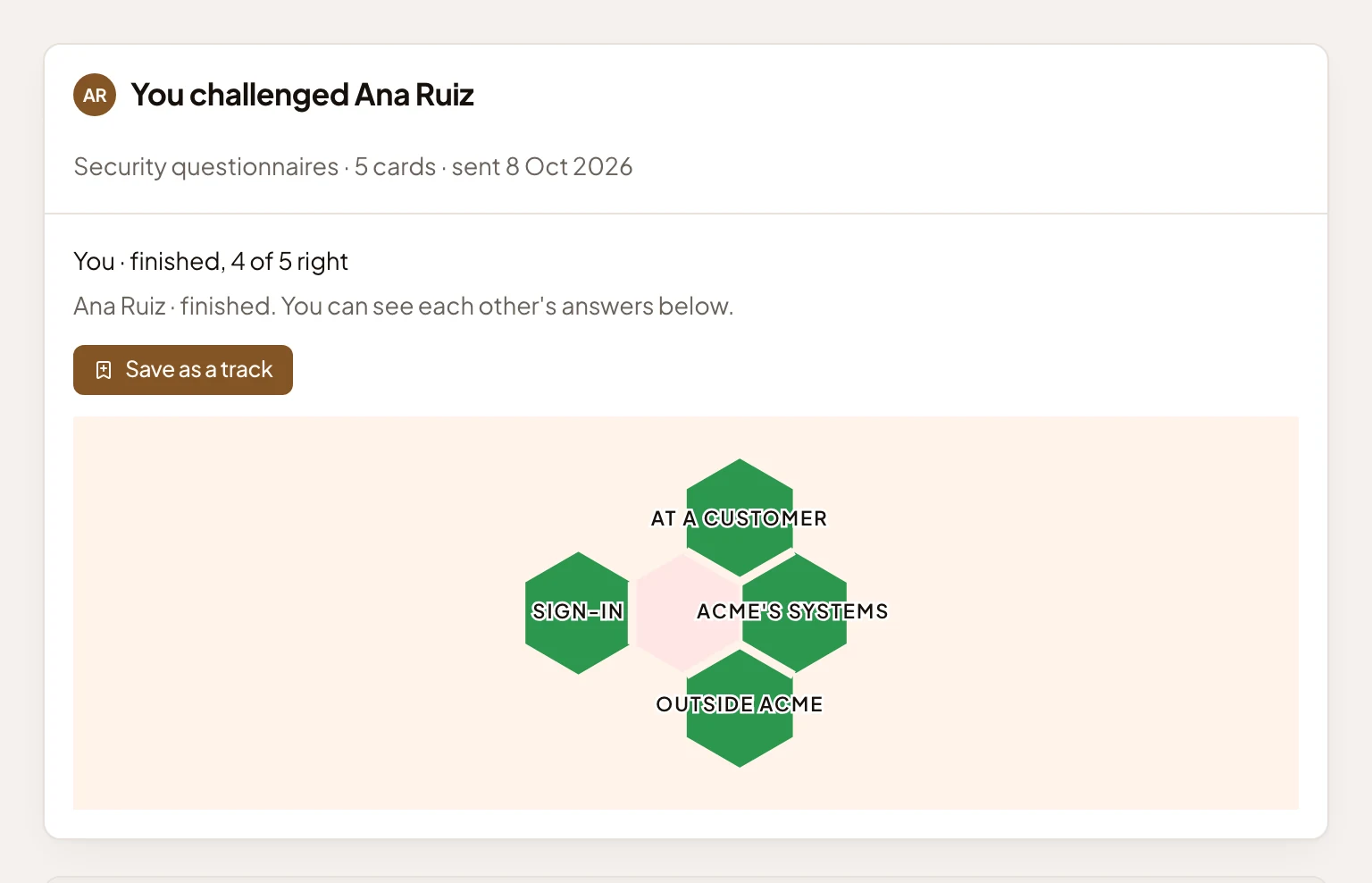
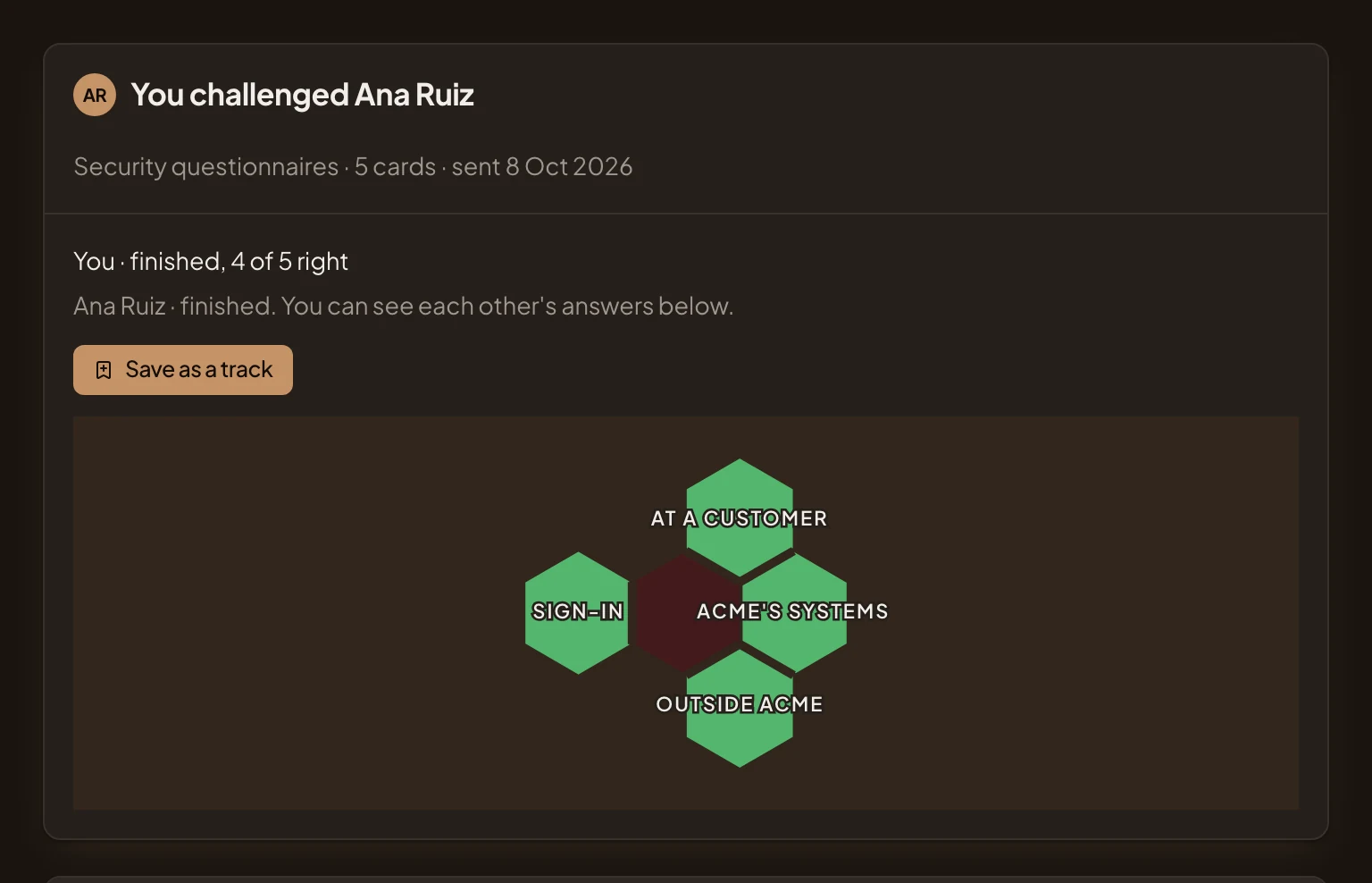
- Save as a track.
Access
Section titled “Access”Only the two players. You see your own answers as you go, and theirs once you’ve both finished. Nothing is kept on anyone’s profile.