

AdminIdea
Setup
Setup is how a new organisation gets ready before its people start. You give the agent your AI, your knowledge and your code in a few steps. Then a launch opens the organisation for everyone. Until then, nobody can start a topic or an initiative.
Two steps you need, two you may want
Section titled “Two steps you need, two you may want”The first thing most people do in Emargen is ask the agent about their own work. What it can answer depends on what it can reach, and setup is where one person decides that.
Two steps are required. You add an AI provider. You choose a model for chat, one for agents, and the program that runs them. We made that required because your organisation’s work runs on models it chose. You also say where your team’s knowledge lives. Two more are optional. You can invite someone with access to your AI provider or your tools. You can also add the code behind your products.
You don’t tick a step. It’s done once what it needs is in place, like a provider with both its models. Each step is the Admin page of the same name, and whatever you set up stays there after the launch.
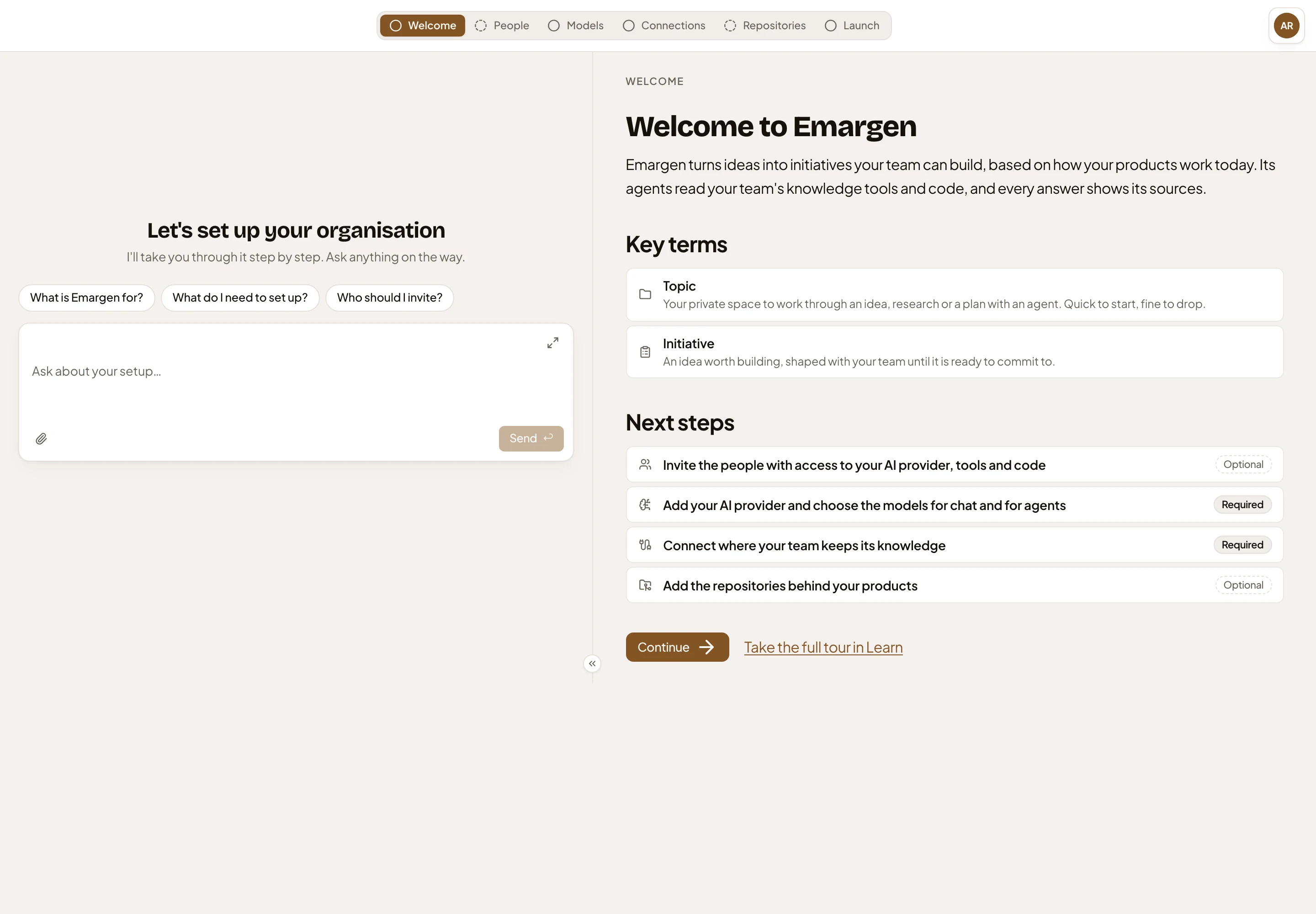
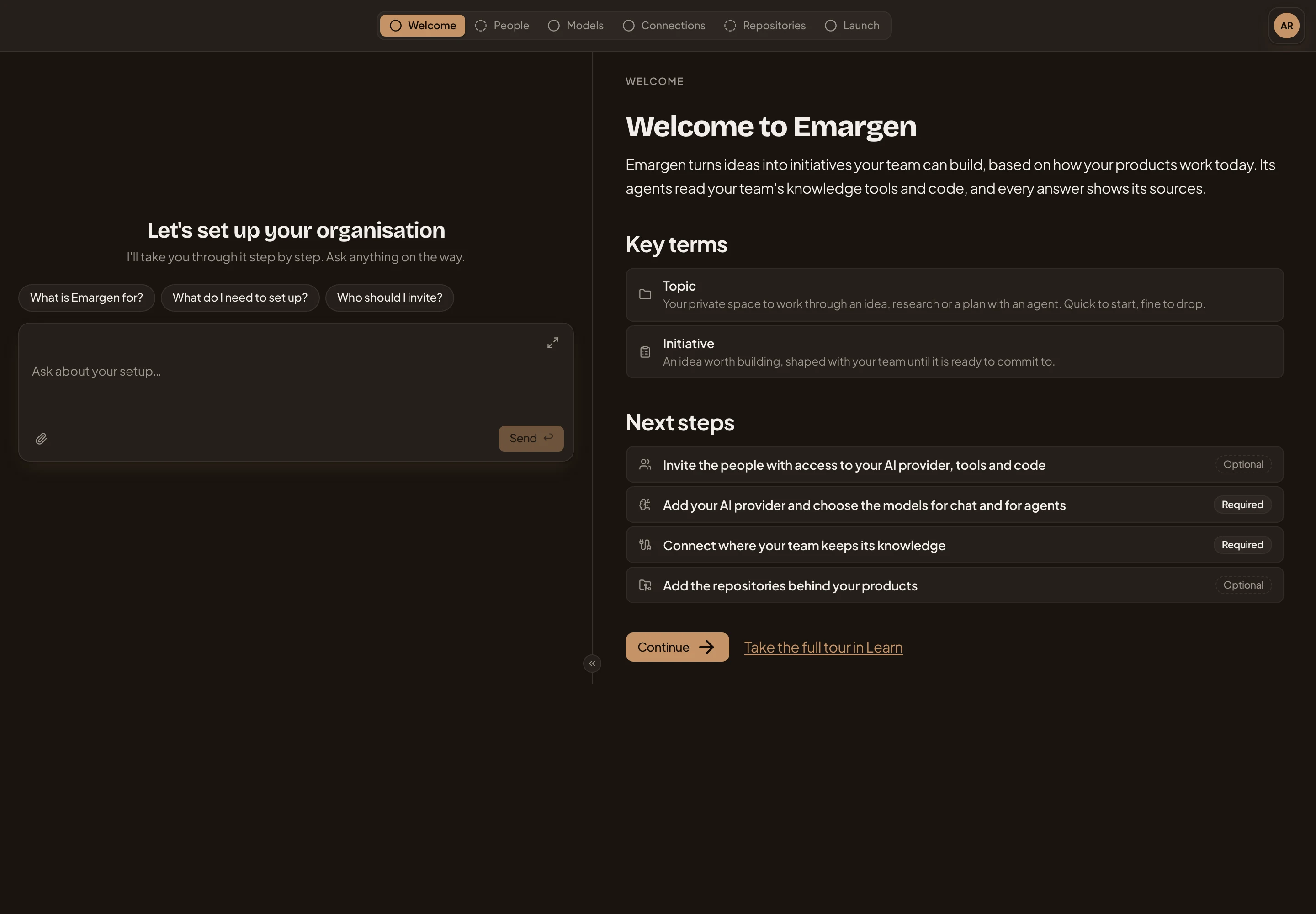
- The steps, from Welcome to Launch. Each is the Admin page of the same name.
- Questions that start the admin agent. It answers, and opens the step beside the chat.
- Next steps: the four steps between the welcome and the launch.
- Required: a step the launch waits for.
Your knowledge, in a tool or not
Section titled “Your knowledge, in a tool or not”Say your support team keeps its tickets in Jira. You answer In a tool we use, connect Jira, and the step is done once its searchable content passes its check. If your team’s knowledge sits beside its code, you answer In our repositories, and one ready repository finishes the step. If you’re starting from nothing, Nowhere yet is done at once. Emargen keeps what your team decides from the first topic, and you can connect a tool later.
We added that last answer because an organisation with no Confluence, Notion or Jira should still be able to launch.
The admin agent does it with you
Section titled “The admin agent does it with you”You bring the keys and the decisions: which provider, which account connects Jira, which repositories matter. The admin agent explains what each step needs and opens it beside the chat. Ask it to do a step with you, and it puts changes like a new model, an invitation or the launch on a card for you to confirm. Telling it where your knowledge lives takes effect at once. A key goes from its card straight to Emargen, never through the chat.
The agent runs on a model Emargen chose, so it works before you’ve added a provider.
Launch
Section titled “Launch”Launch shows where each step stands. It opens once Models and Connections are done and Repositories is added or skipped. Launching opens topics and initiatives for everyone, and it can’t be undone.
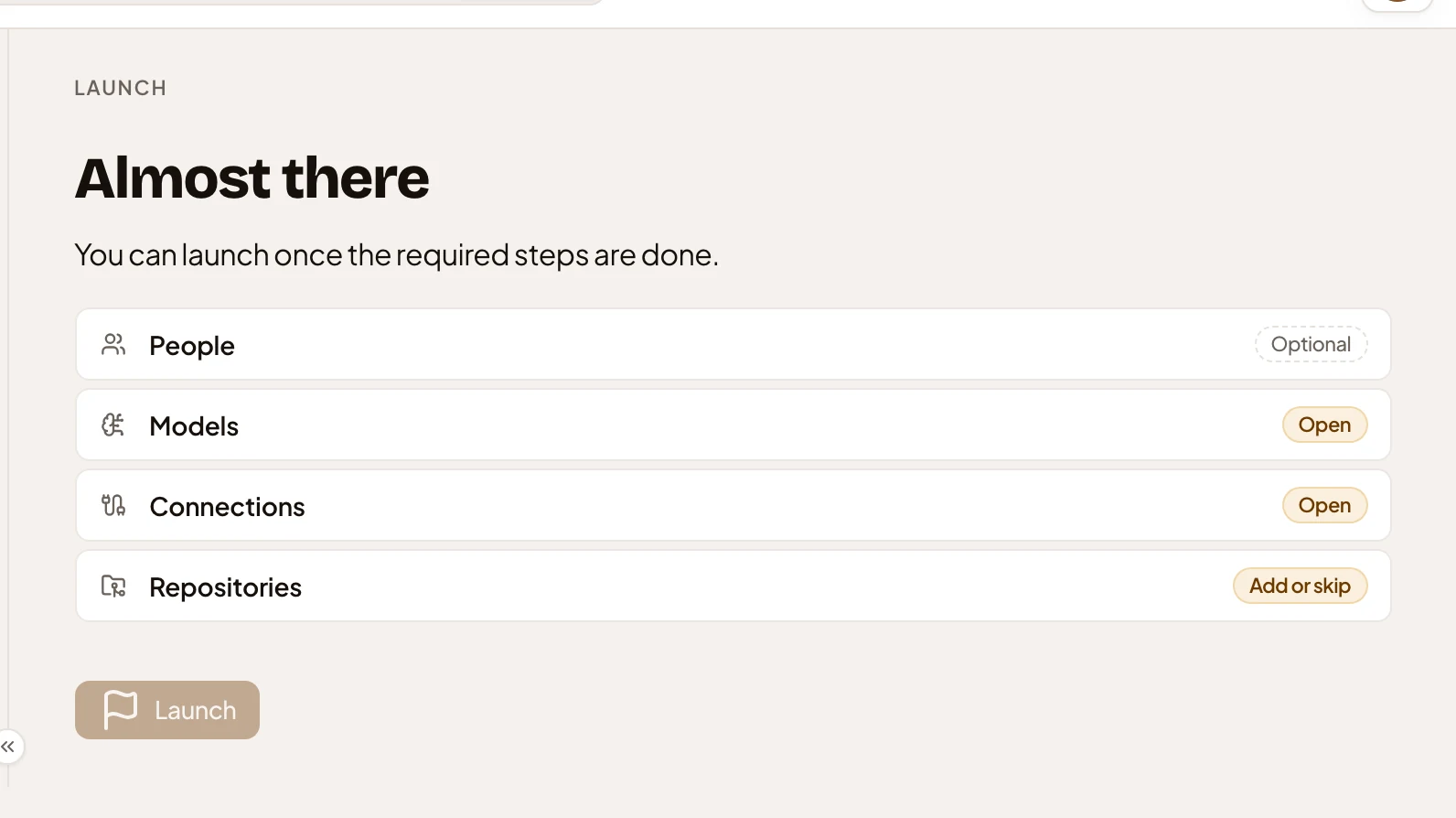
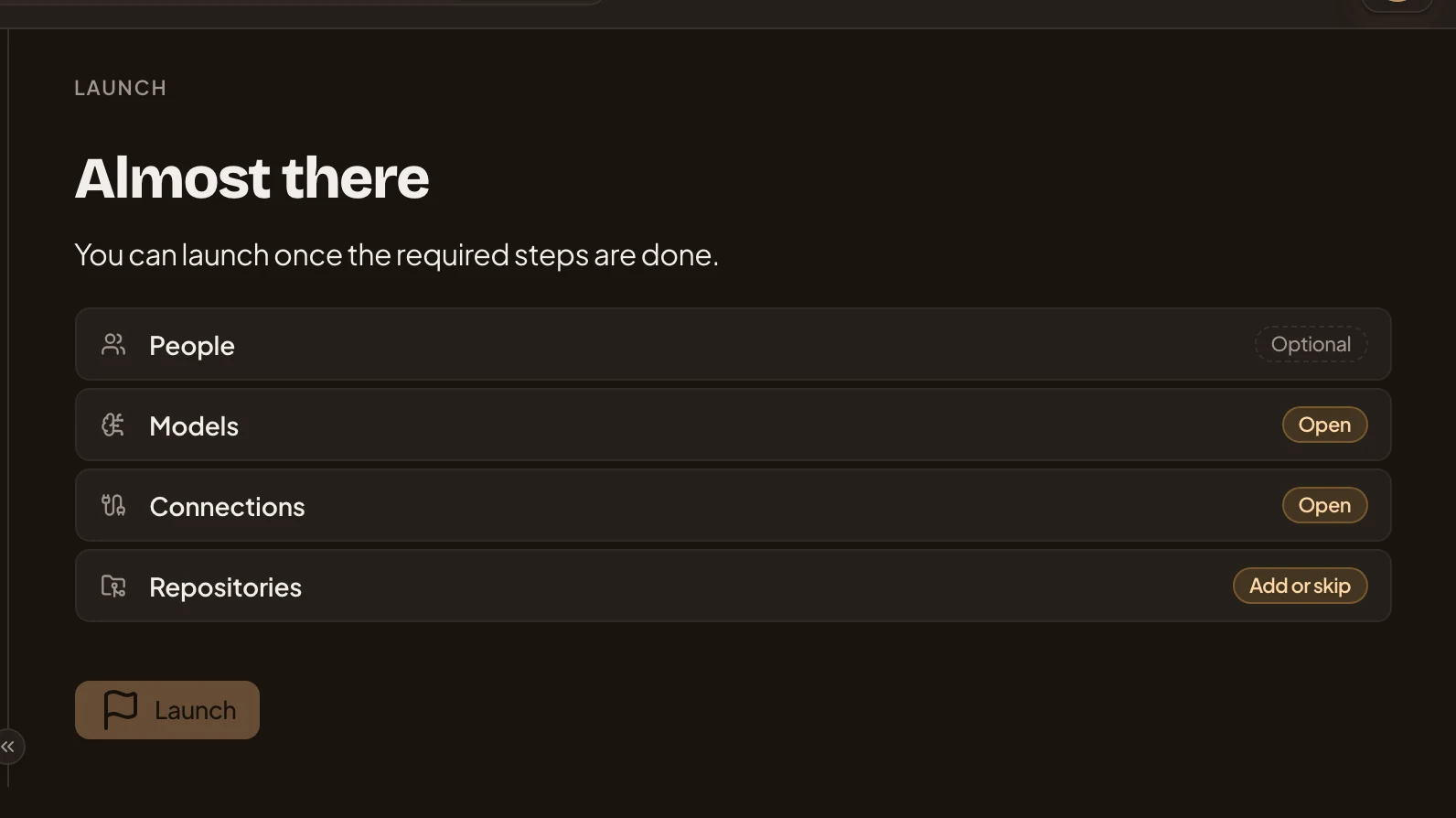
- People, optional: the launch doesn’t wait for it.
- Models, still Open until a provider has both its models.
- Connections, still Open until you say where your team’s knowledge lives and it’s in place.
- Repositories: add one, or skip it.
- Launch, greyed out until the required steps are done.
Setup doesn’t have to happen in one sitting. Each step waits where you left it, and people who join early see the welcome until the launch. An administrator launches the organisation.