

WorkspaceIdea
Labels
A label is a word your organisation uses for what work is about, like a customer’s name or Security. Anyone can put it on a topic or an initiative, so you find the work about one subject together.
One subject, many pieces of work
Section titled “One subject, many pieces of work”The same subject runs through work that different people started for different reasons. One customer shows up in a security questionnaire and in an initiative to keep their data in the EU. Label both with the customer’s name, and you find them together, whoever started them.
A label is the lightest way to say what something is about. There’s no template to pick and nothing to set up. And everyone picks from the same list of labels, so a customer’s work can carry one name across the organisation.
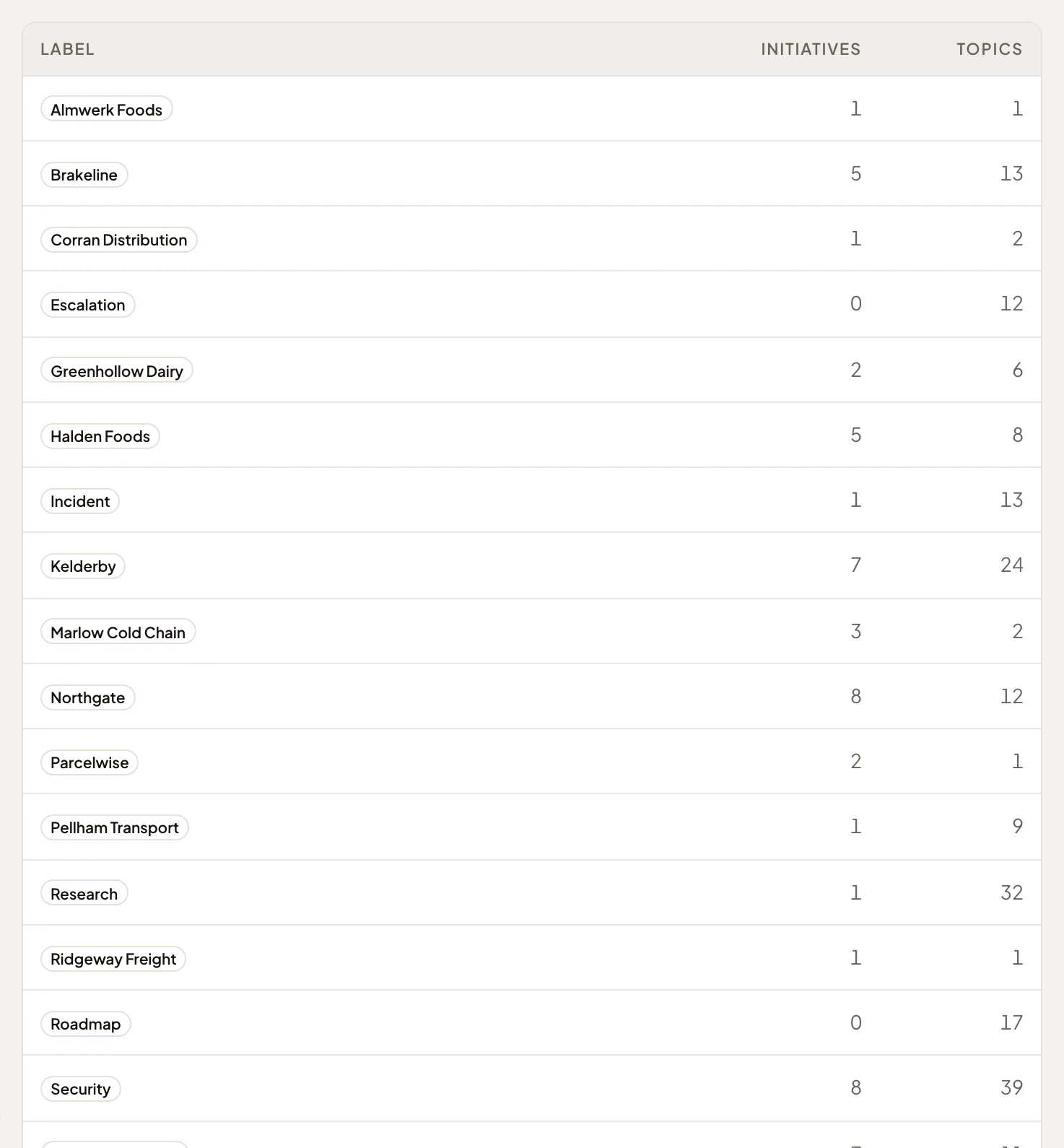
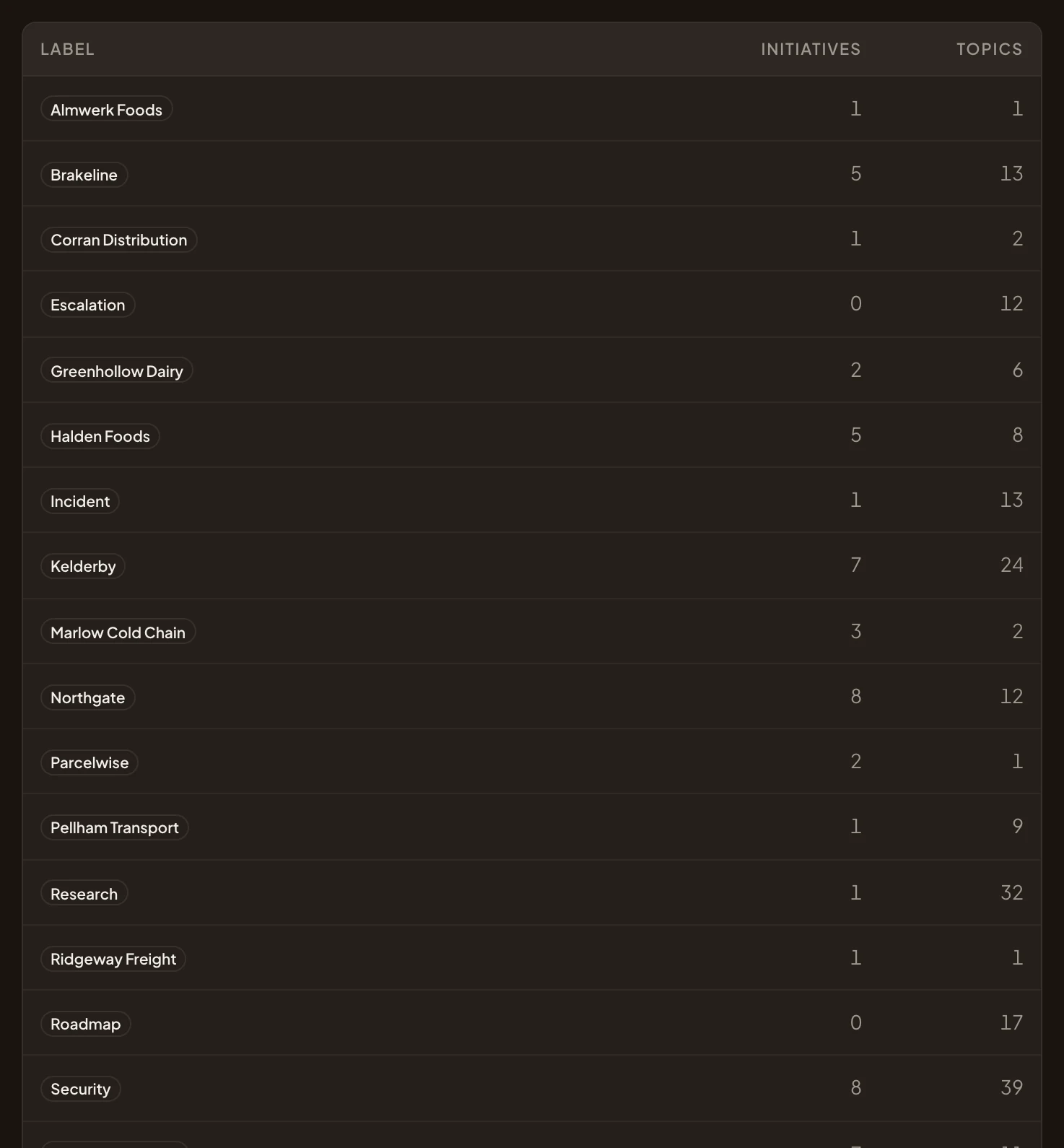
- A customer’s name as a label, from the one list everyone picks from.
- How many initiatives carry it.
- How many topics carry it.
- A label for a subject rather than a customer.
Made where you need it
Section titled “Made where you need it”You make a label the first time you need it, by typing a new name where you put labels on a topic. From then on it’s in the organisation’s list, for everyone.
Labels filter, fields group
Section titled “Labels filter, fields group”Filter by “label is Security” to see only the work about security, or use it in a board’s or a list’s conditions. Someone in security can make a board of every topic labelled Security that way, and see a customer’s questionnaire and its single sign-on answers without anyone telling them they exist.
To group work by a fact, use a field instead. A Customer field gives each customer question one customer, which a board turns into columns. A label gathers everything about a customer, topics and initiatives alike, however many other labels each one carries.
Labels are flat: no label sits under another. A topic carries up to twenty. A label changes nothing about who sees a topic.
Kept tidy
Section titled “Kept tidy”Anyone can make a label and put labels on what they can see, even topics they only read. People who manage the organisation’s settings, like administrators, can rename labels, change their colour, merge duplicates or delete them. When two labels are merged, their work carries the one that’s kept. Deleting a label takes it off everything, and the work stays as it was.