

InitiativesHow to
Merge or split an initiative
Merge an initiative when another one already does the same work. Split one when part of it is work of its own, for other people or with a different result. The agent often spots it first and proposes it. You review what moves and press the button. The agent never merges or splits by itself.
Before you start
Section titled “Before you start”- Who can
- You own the initiative, or it’s shared with you to edit. To merge it, you also need to see the initiative it goes into.
- Good to know
- You can only merge an initiative that isn’t approved yet. An approved one is a commitment: change it with change requests, or reject it. A merge is final. If you regret a split, merge the new initiative back.
- The pictures
- Initiatives at ACME, the company in the docs’ pictures. ACM-290’s merge page has ACM-382 picked. Nothing is sent. ACM-323 shows a merge done, after the agent proposed it. The agent proposes splitting ACM-324, a sign-in log and idle sign-out that share nothing but a customer’s questionnaire.
-
Open the initiative from the initiatives list. If the agent proposes a merge, a banner at the top says into which initiative, and why. Press Review. The proposal also waits in your Decisions. With no proposal, click the ⋯ at the top right and pick Merge into….
Open the initiatives list (opens Emargen in a new tab) -
The merge page opens beside your chat with the initiative’s agent. Under Into, check the initiative it goes into, or pick one from the list. With a proposal, it’s the agent’s pick, and you see why.
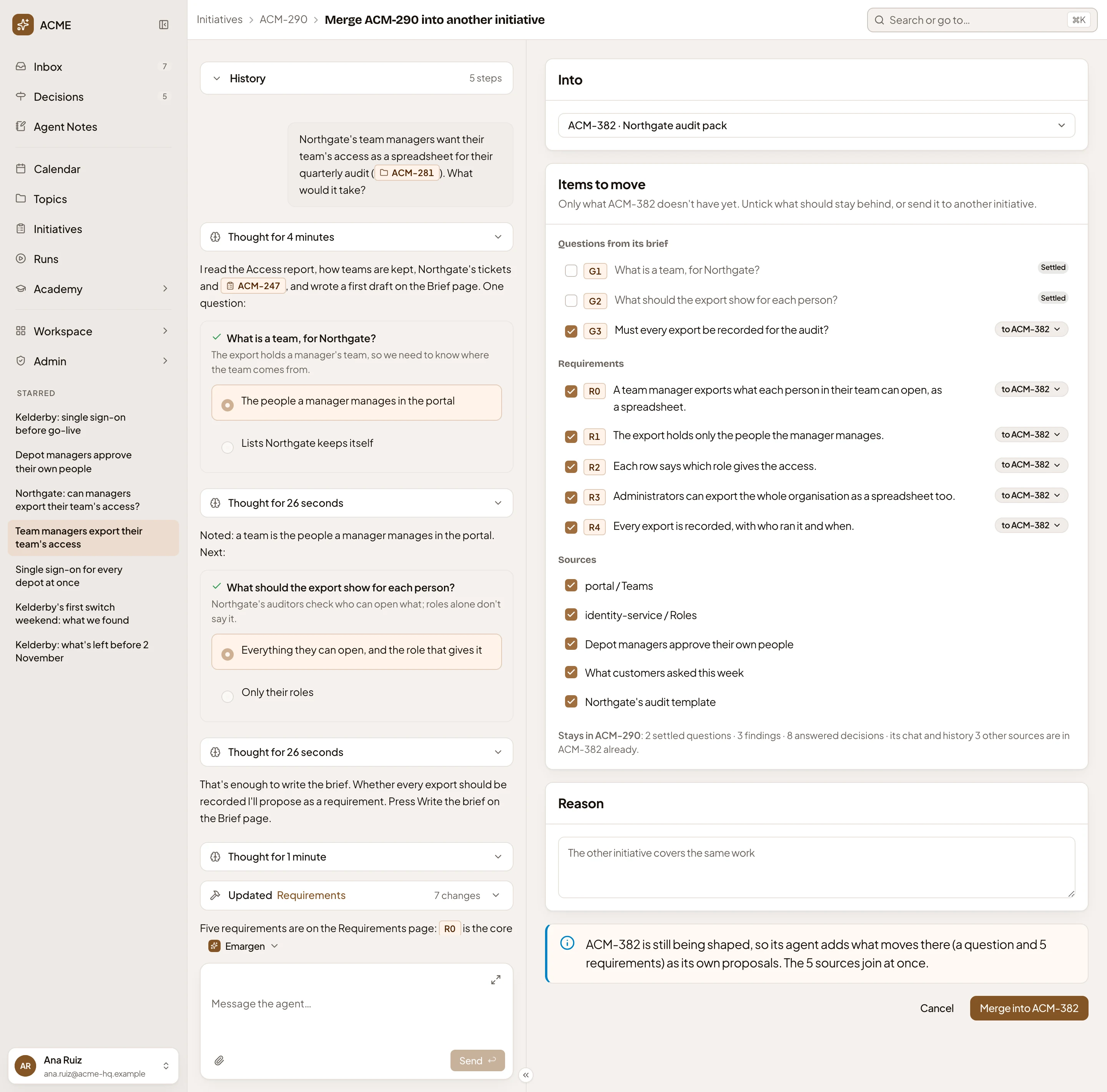
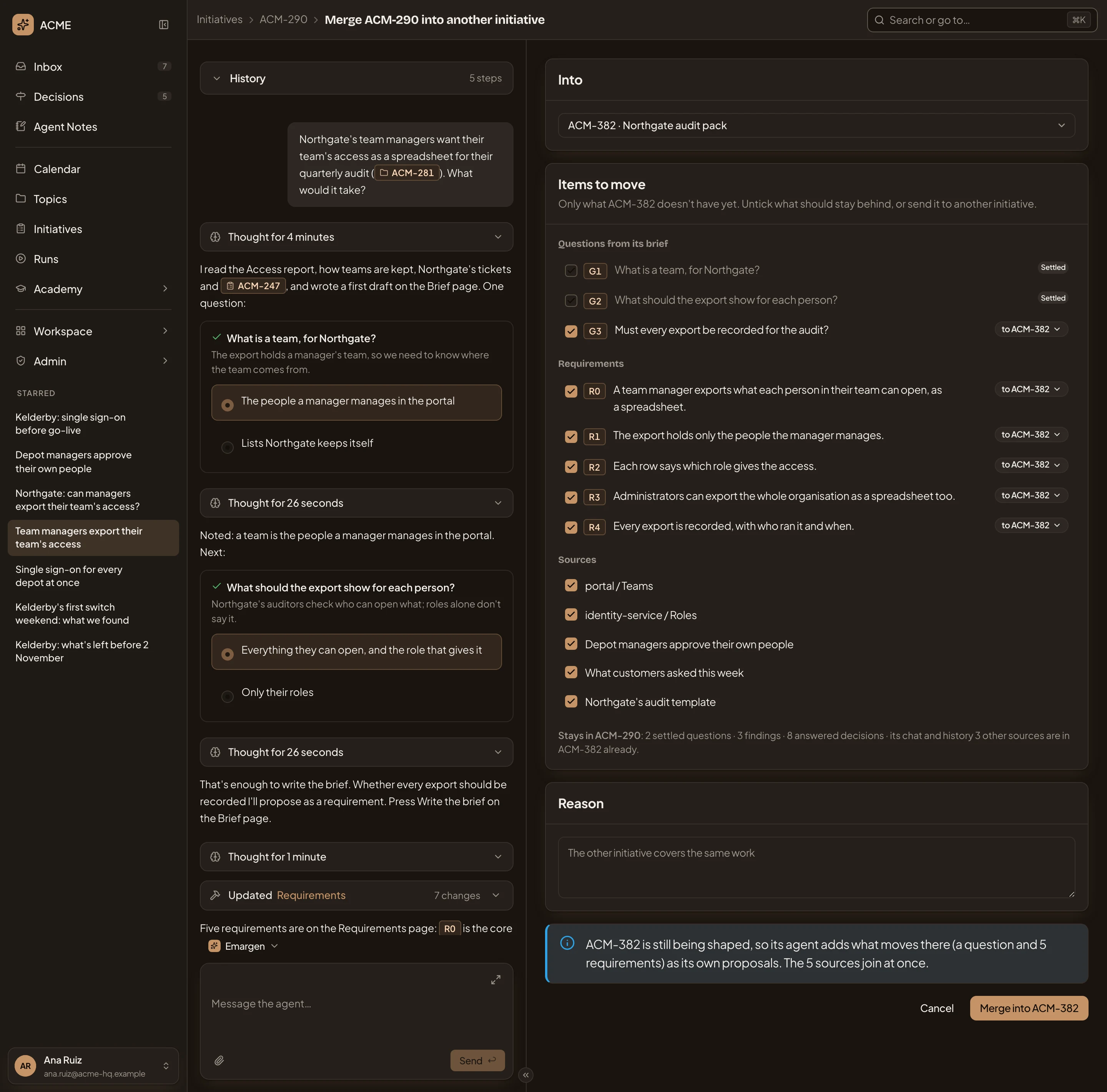
- Into. The initiative it goes into.
- Items to move. Questions from its brief, its requirements and its sources, ticked to go. A source the other one already has isn’t offered.
- Where an item goes. Here, to ACM-382.
- Reason. Why they are the same work.
- What happens to what moves.
- Merge into ACM-382.
-
Under Items to move, untick anything that should stay behind. To send a question or a requirement to another initiative, click where it goes and pick that one. Under the list, you see what stays behind. The chat and the history always stay.
-
Write in Reason why they are the same work. With a proposal, it starts with the agent’s reason.
-
Read the box above the buttons. While the other initiative isn’t approved, its agent adds what moves as its own proposals. Once it’s approved, its owner decides what moves, as one change request. Nothing changes there until they do. Sources join at once. If people who see the other initiative can’t see this one, you see them named, since what moves becomes theirs to read.
-
Press Merge into, which carries the initiative’s key, such as Merge into ACM-382. With a proposal you don’t want, press Put the proposal aside instead, which clears it, or Cancel.
-
Open the initiative. If the agent proposes a split, a banner at the top names the requirements it would move and the new initiative’s name, with why. Press Review. A split proposal never waits in Decisions.


With no proposal, click the ⋯ at the top right and pick Split….
-
The split page opens. Under New initiative, name it. It’s yours, shared the way this one is.
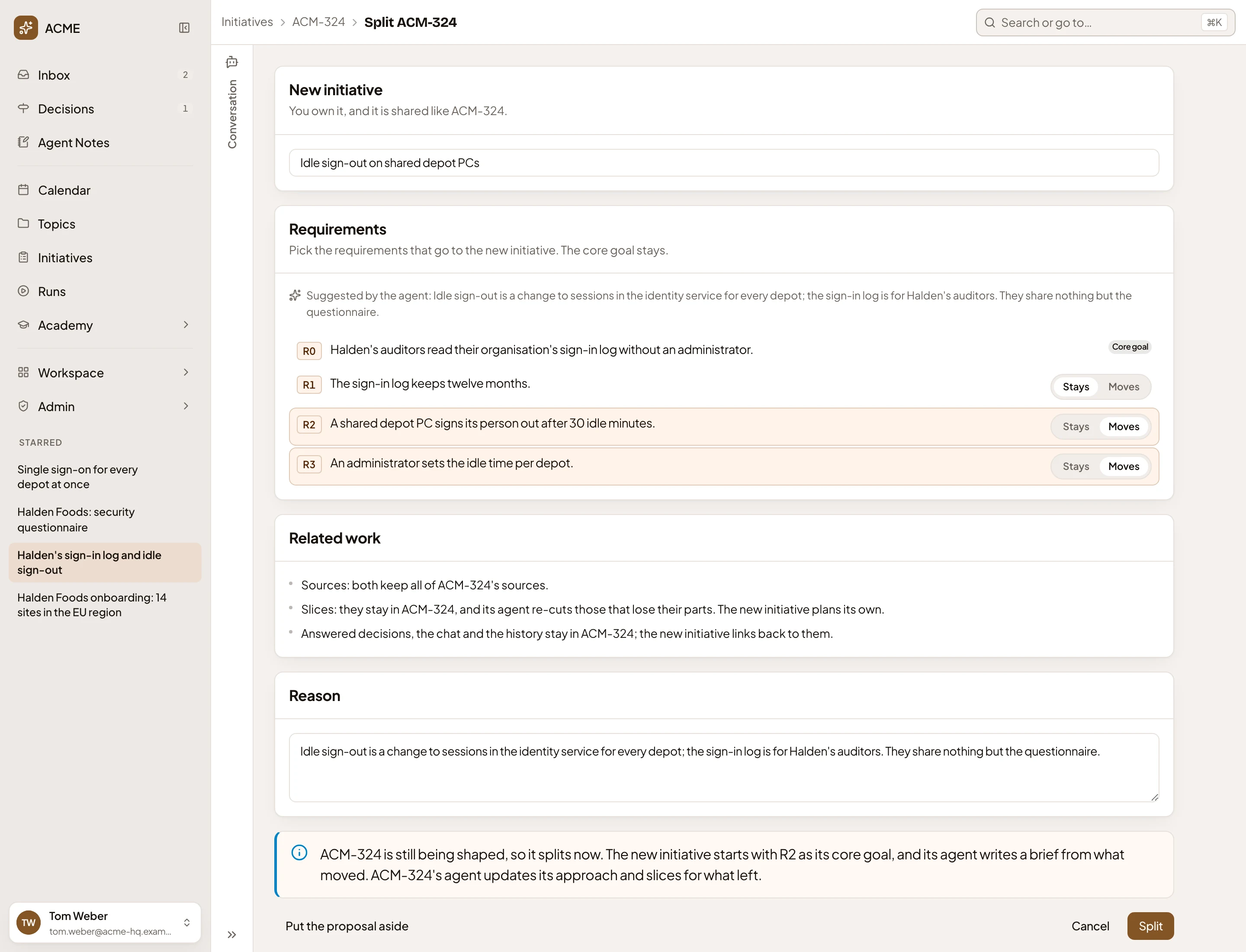
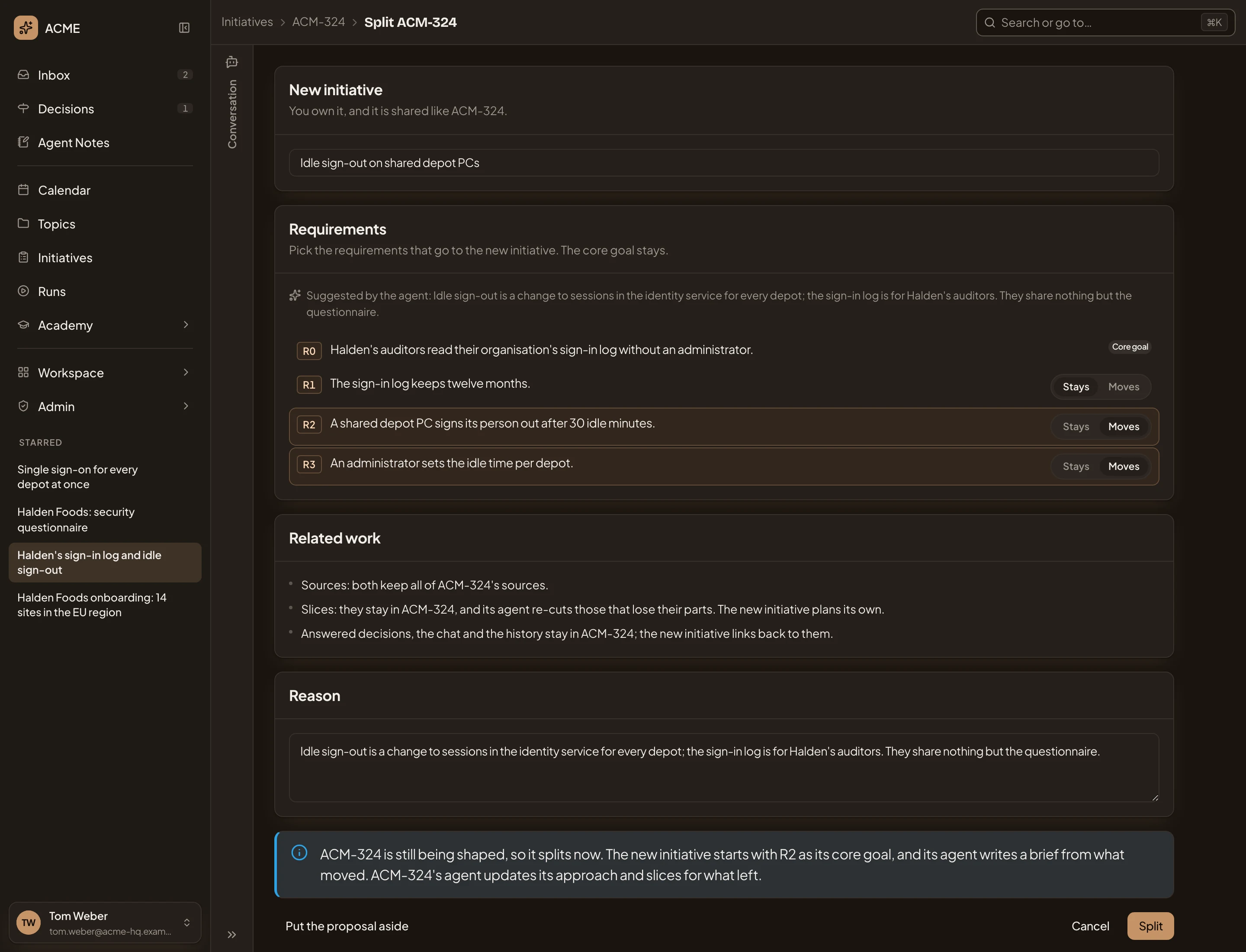
- New initiative. Its name.
- Stays or Moves, for each requirement but the core goal.
- Related work. Where the sources, slices and history go.
- Reason.
- Split.
-
For each requirement, pick Stays or Moves. The core goal always stays. With a proposal, the requirements the agent picked start on Moves.
-
Read Related work. Both initiatives keep every source. Slices stay here, and its agent re-cuts the ones that lose their parts. The new initiative’s agent plans its own. The chat, the history and what was decided stay here, and the new initiative links back to them.
-
Read Reason, and change it if you need to.
-
Press Split. On an approved initiative the button is Propose the split: the split becomes a change request its owner decides.
What you get
Section titled “What you get”- A merged initiative closes as Merged. Its page stays readable at its key, says what it went into, and its chat is closed. Changing its status can’t reopen it. Search and the agents point to the initiative it went into instead. In the picture, ACM-323, merged into ACM-293:


- A split before approval happens at once. The new initiative starts with the first requirement that moved as its core goal, and its agent reads what came over to draw its own brief. This initiative’s agent checks its approach and slices after the split. After approval, the split waits as a change request. Choosing it starts the new initiative, which needs a Kickoff and an approval of its own.
- Both initiatives say on their pages what they were split from, or split into.