

InitiativesPage by page
Background: the brief and sources
Background is an initiative’s first section. It holds the brief and its sources. The brief says what the problem is and what is true today. Click Background on the rail of an initiative’s page. It has two tabs, Brief and Sources.
The brief
Section titled “The brief”The agent drafted ACM-290’s brief from the owner’s answers and a customer’s ticket, then checked it against the code.
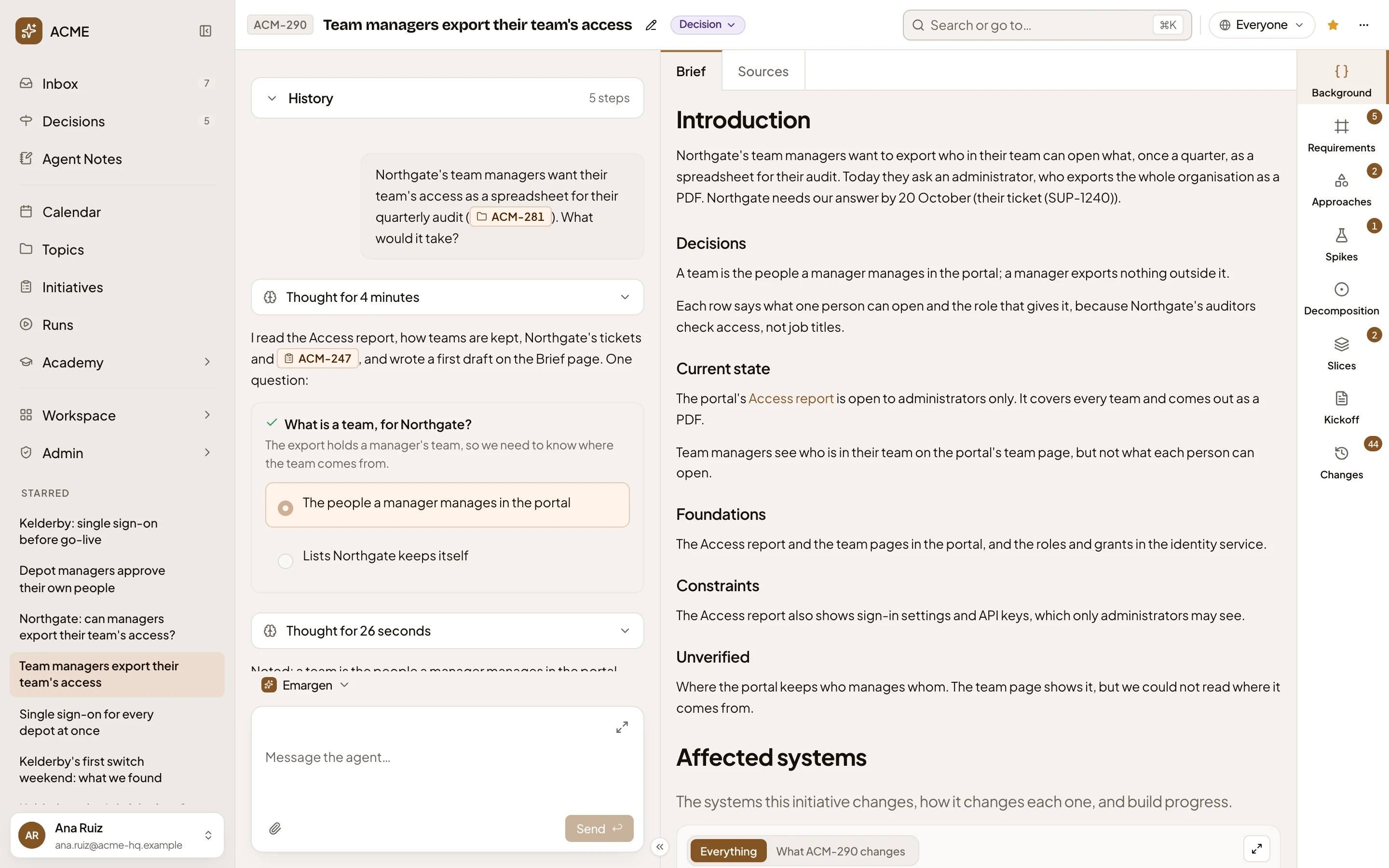
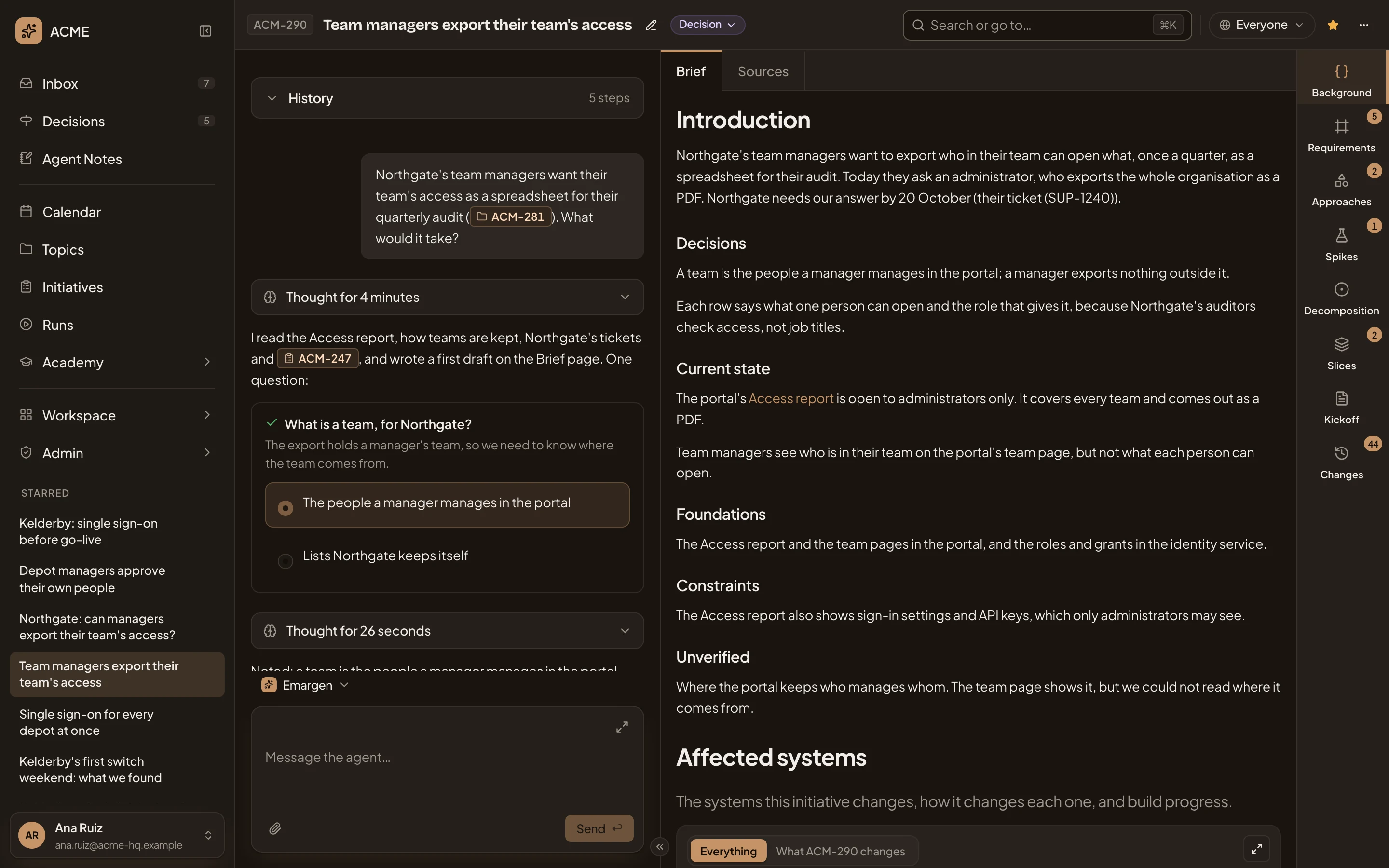
- Brief. This tab.
- Sources. Everything the brief was written from (see Sources).
- Introduction. The problem: who has it, how it shows, and by when.
- Decisions. What your answers to the agent’s questions decided.
- A source. The agent links what it found to where it found it: here, the Access report in the portal’s code.
- Unverified. What the agent looked for and couldn’t confirm. Read it before you build on the rest.
Current state is what exists now. Foundations is what the work can reuse. Constraints is what it must not break. A section with nothing to say doesn’t show.
The two maps
Section titled “The two maps”Under the sections, the agent draws two maps. Affected systems shows the systems the initiative changes, how it changes each one, and how far the build has got. Each box says where it stands. Confirmed: the agent checked it against a page or the code. Decided comes from the brief. Unknown names someone who may know.
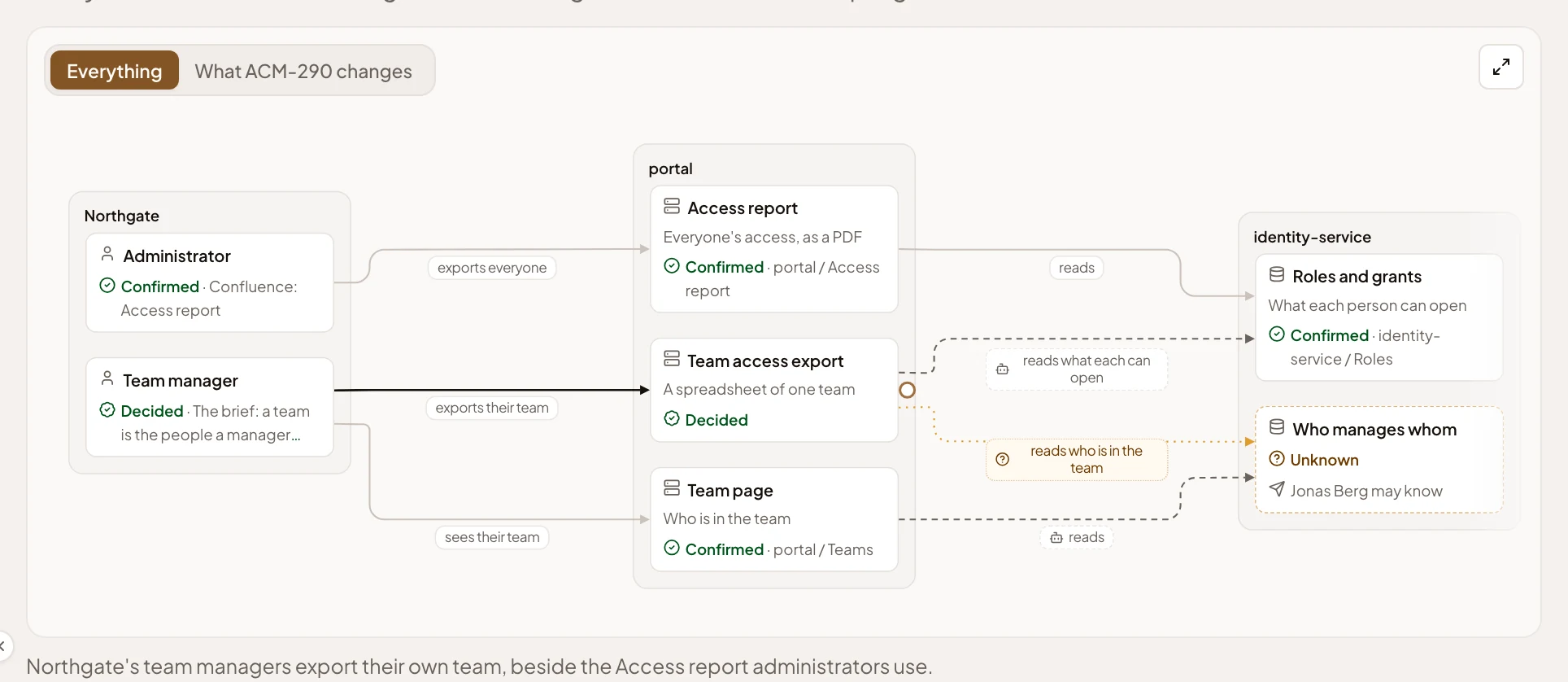
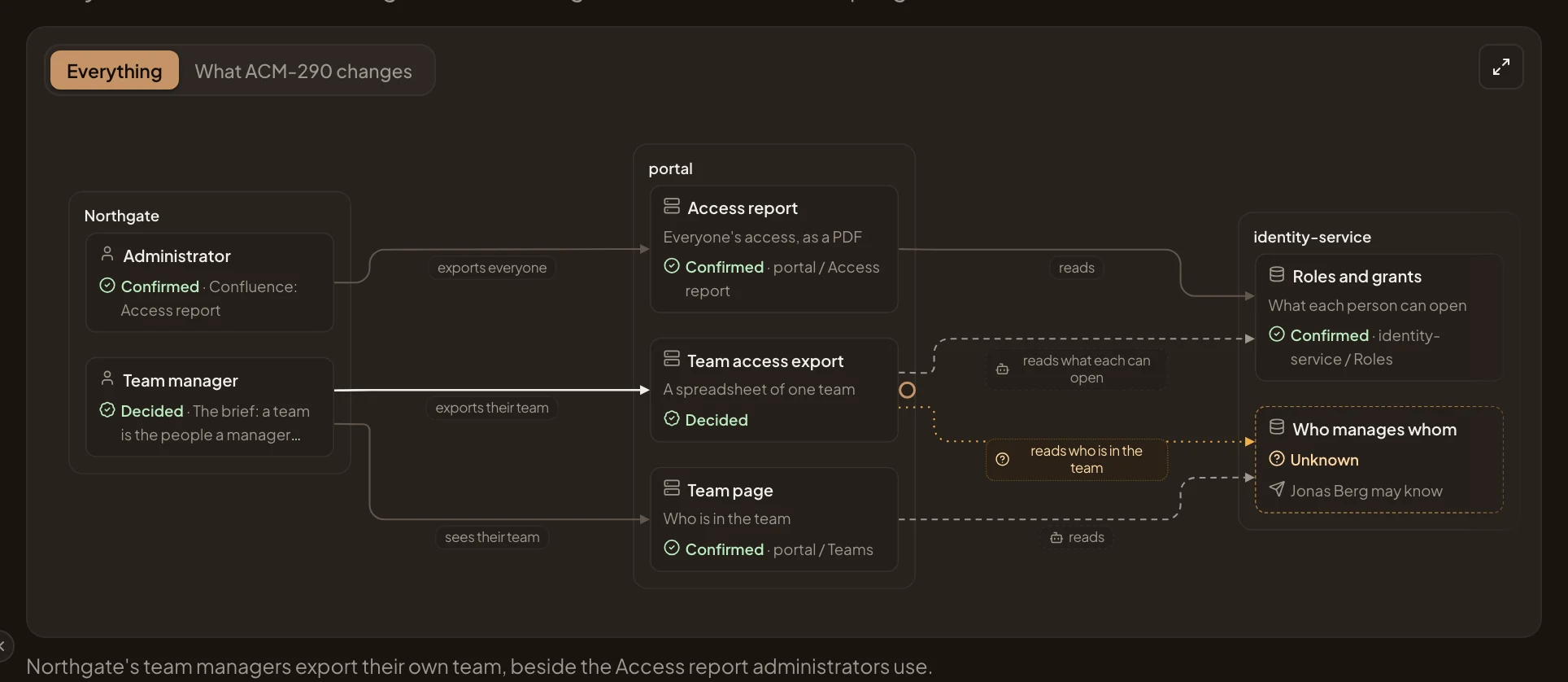
- Everything and What ACM-290 changes.: all systems, or only what this initiative changes.
- Open the map. The map, full screen.
- A box marked Unknown: here, where identity-service keeps who manages whom, with who may know.
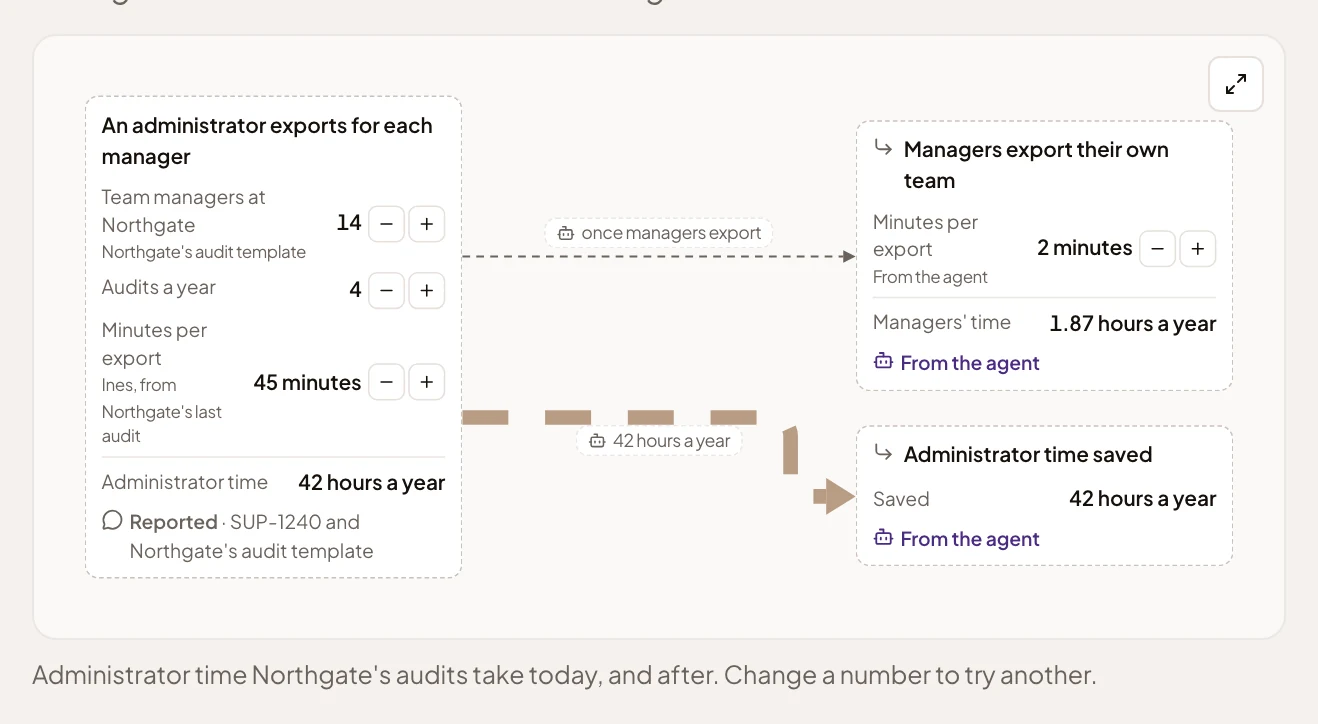
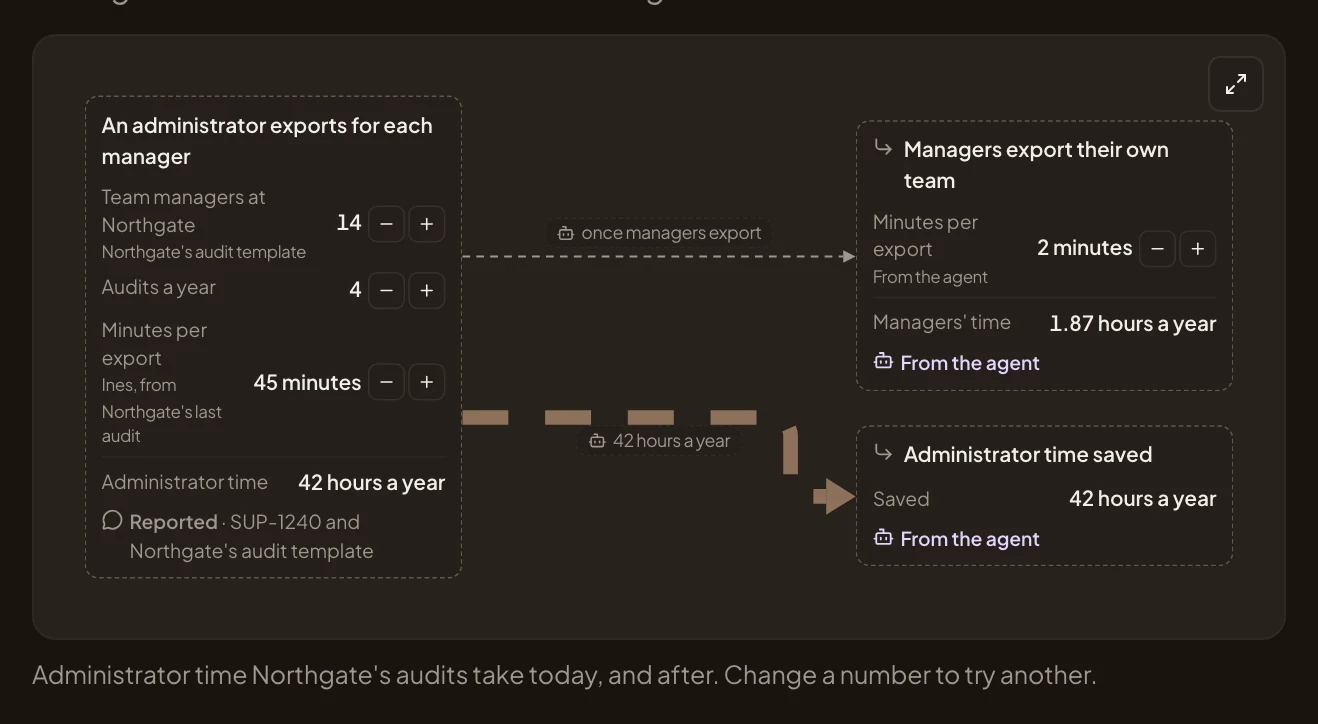
Business case sets out the numbers behind the work, today and after. Each number says where it comes from. Press − or + beside one to see the effect: the rest follow, and nothing is saved.
The draft it grew from
Section titled “The draft it grew from”At the end of the brief, History unfolds the draft it grew from. It holds what the agent understood first, what it found, and the questions you answered.
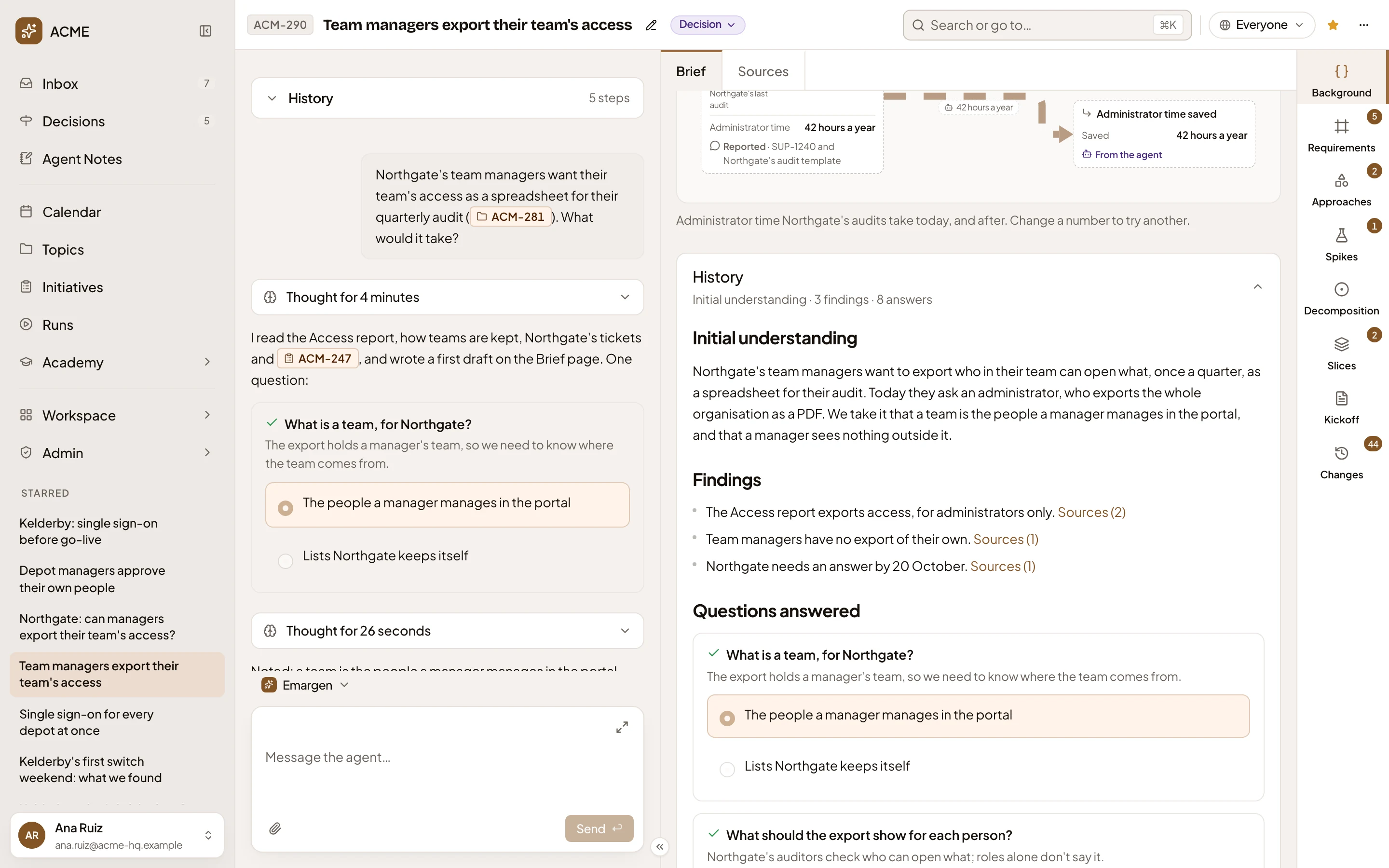
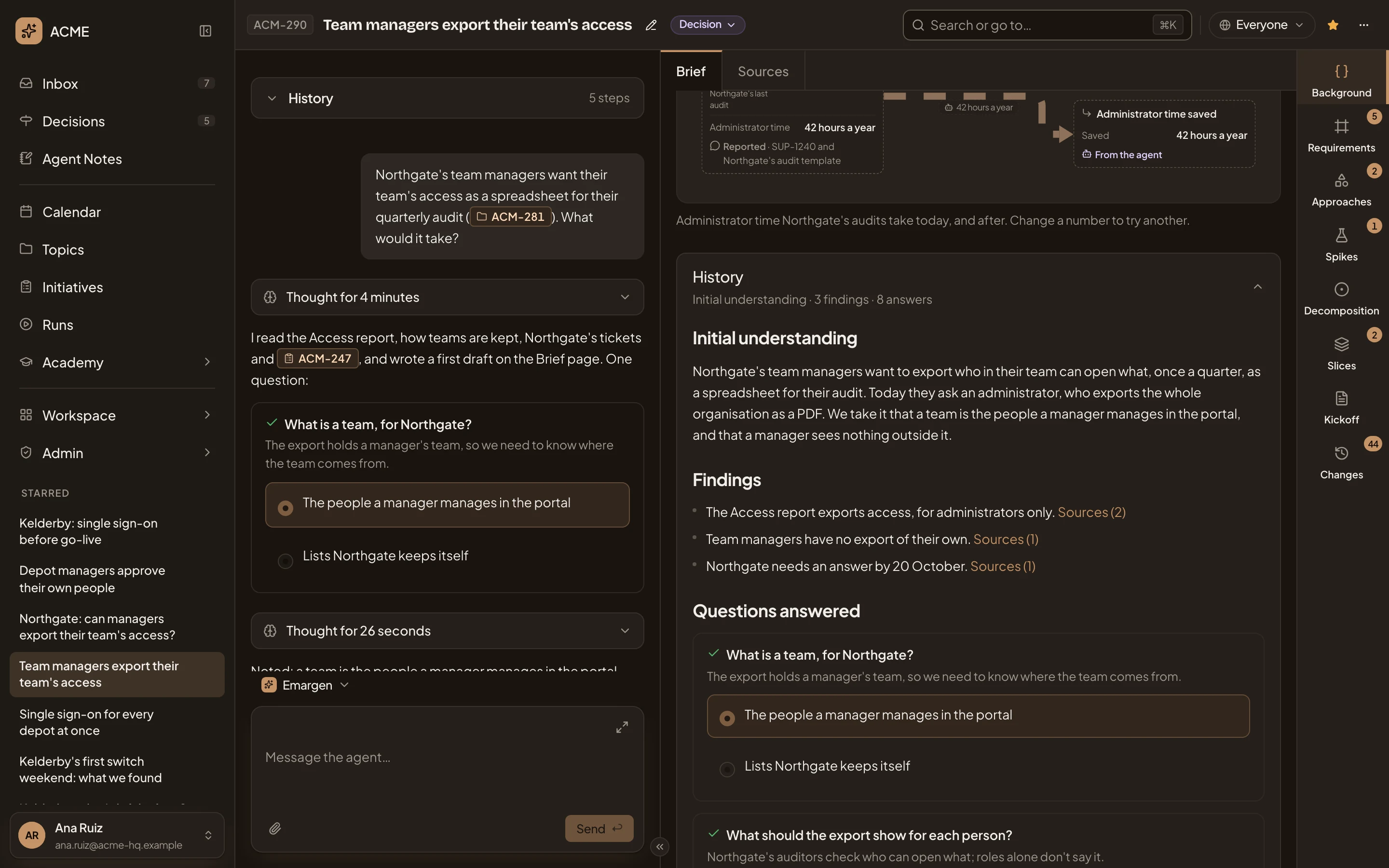
- Initial understanding. The problem as the agent first understood it.
- Findings. One line per finding.
- Sources (2). Where a finding comes from. Click it to see the sources and open them.
- Questions answered. Every question the agent asked, with the answer given, the requirements’ levels among them.
Before the brief is written
Section titled “Before the brief is written”Only the people who edit the initiative move a brief on.
- No background yet. The agent drafts it from the chat, after asking about the initiative and reading your sources. Until then, the page shows the four steps below.
- The draft. The agent reads up on the problem and writes what it found and the questions answered so far. A card on top says how ready the draft is, such as Clarifying intent, and what comes next. The agent asks its questions in the chat, one at a time. When no question is waiting, Ask more reads any new sources and asks what’s still unclear.
- Ready to write the brief. The card offers Write the brief. The agent reads your code to check every claim, and writes the brief in its sections. While it does, the page says Verifying the brief, with Stop. It takes a few minutes. If it doesn’t finish, Write the brief tries again.
- The brief is verified. The brief as above, with Start the requirements, which has the agent write the requirements from it. Until then, Adjust asks the agent to rewrite the brief with a note of yours.
ACM-350’s brief is still a draft, as its owner sees it:
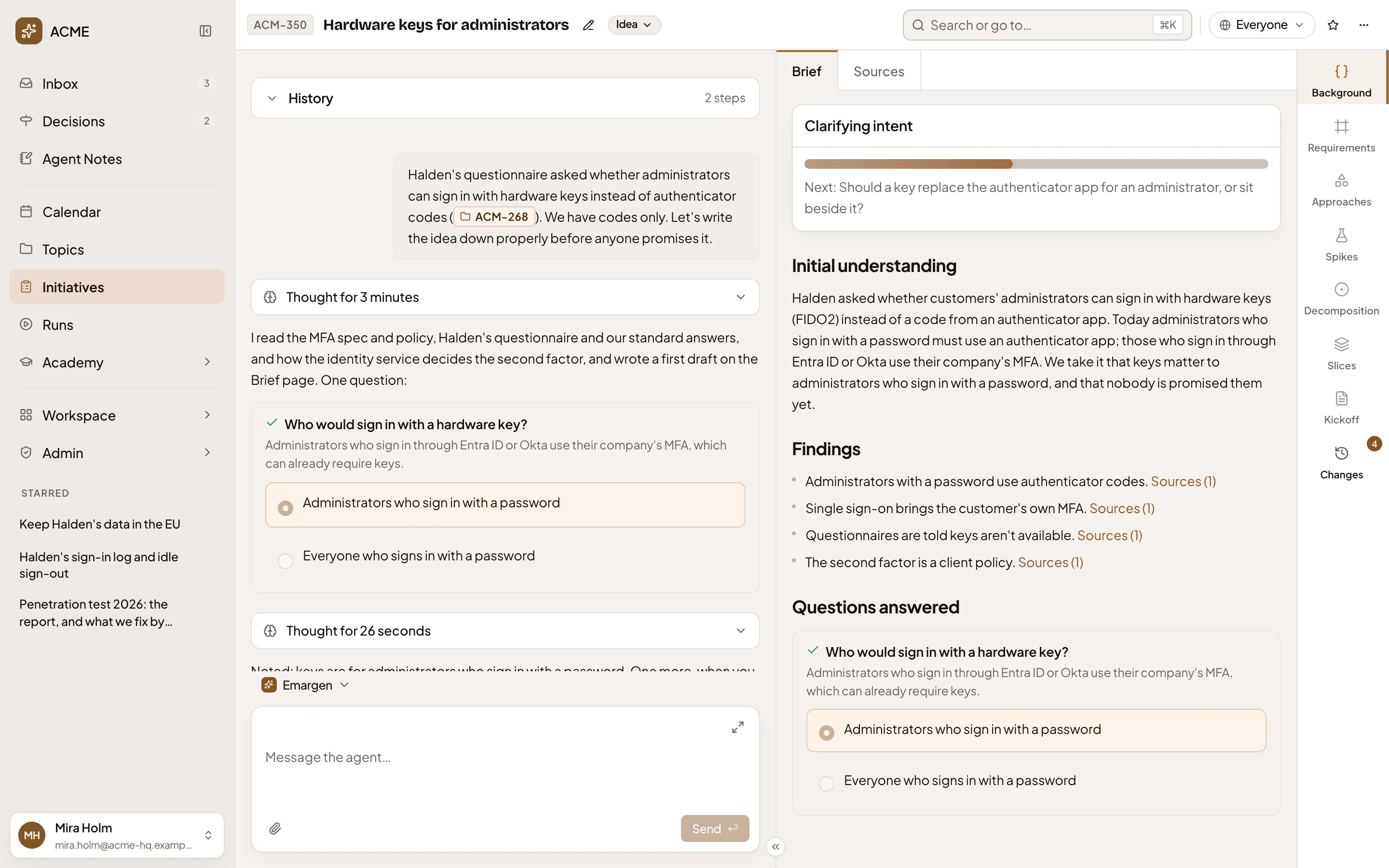
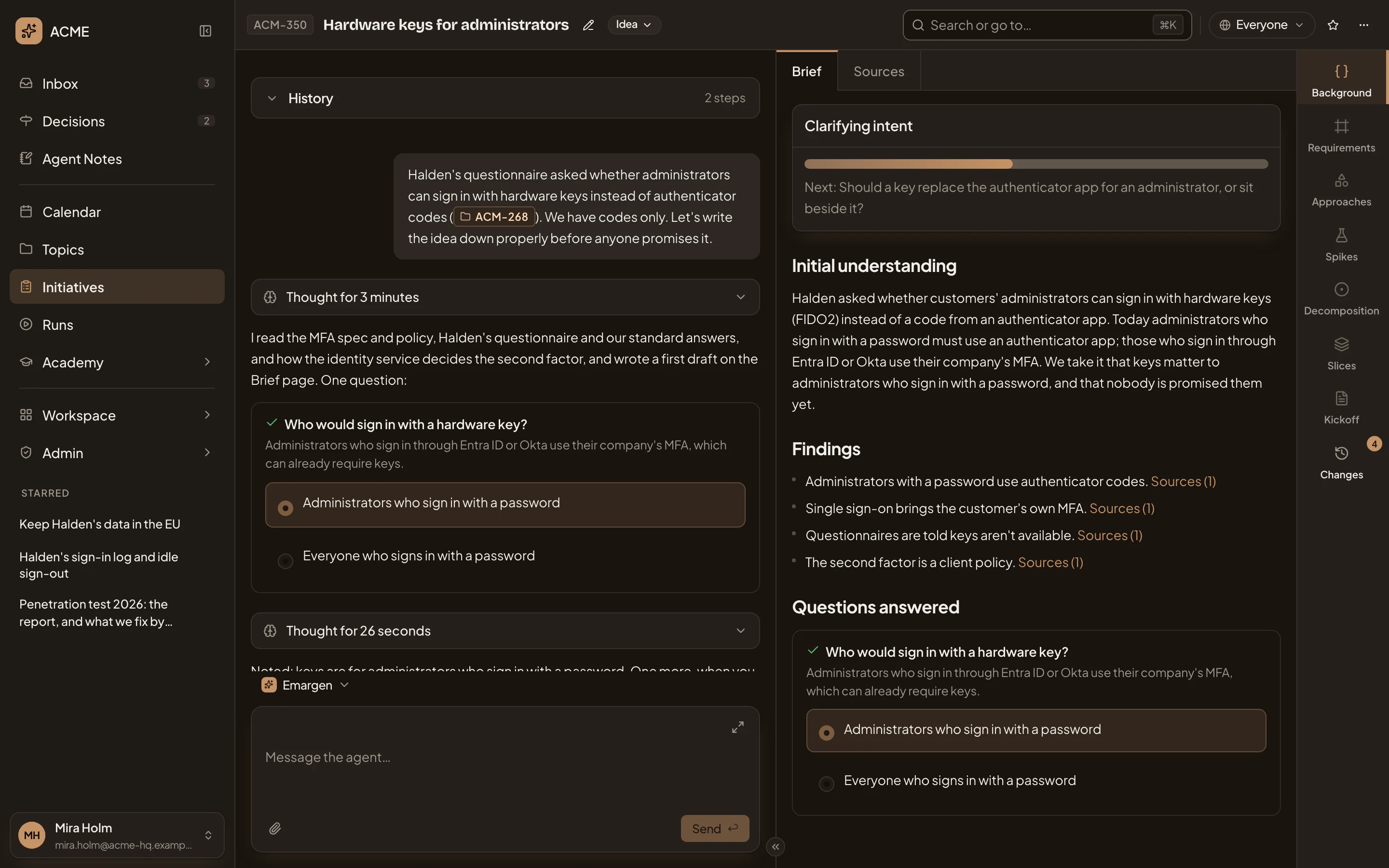
- Clarifying intent. How ready the draft is.
- What comes next: here, the question the agent asks in the chat.
- The draft: Initial understanding, then what the agent found and the questions answered.
Once requirements exist, the agent doesn’t check the brief from scratch again. If a sentence turns out wrong, tell the agent in the chat, and it corrects it.
Sources
Section titled “Sources”Sources lists everything the initiative was worked out from. Files and links people added. Earlier work the agent found. The tickets and pages it read, and the code.
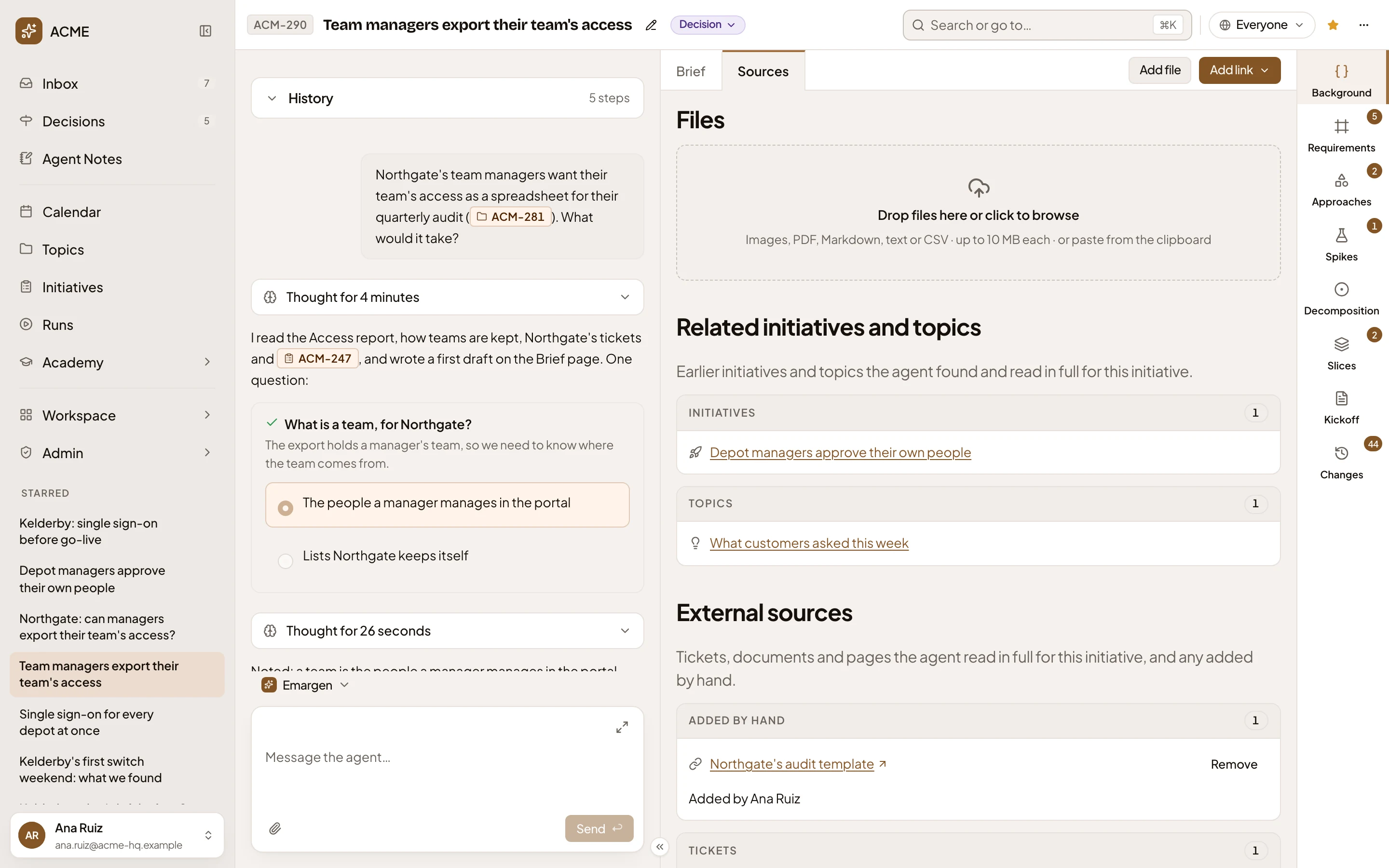
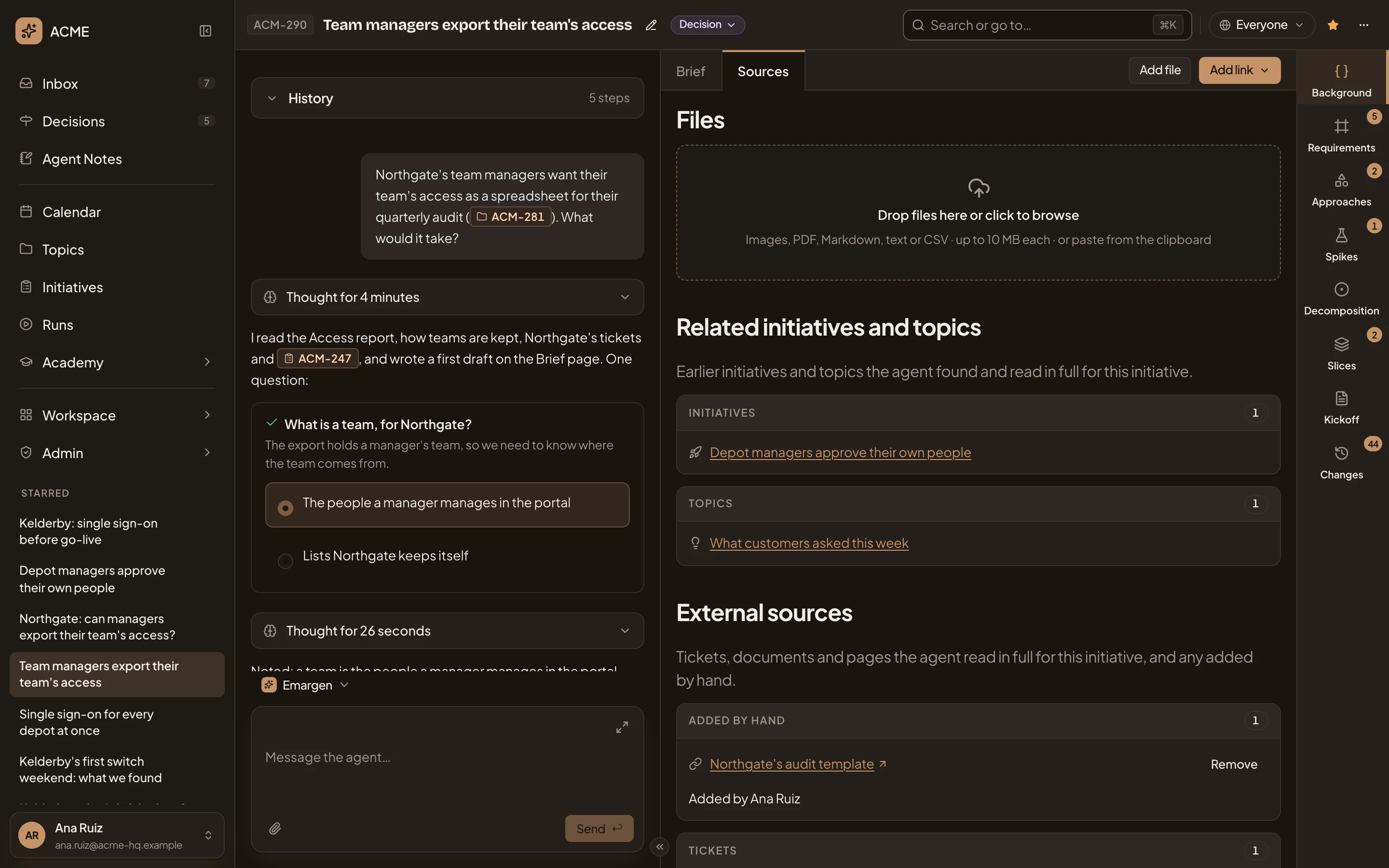
- Add file. Adds a picture, PDF, Markdown, text or CSV file, up to 10 MB.
- Add link. Adds a web address, or a topic or initiative (see Adding a link).
- The drop zone. Drop files here, click to browse, or paste from the clipboard.
- Related initiatives and topics. Earlier initiatives and topics in your organisation that the agent found and read in full. The list only grows.
- Added by hand. The links people added, with who added each.
- Remove. Takes a link or file off the initiative, after asking. Whoever added it, and the people who edit the initiative, can remove it.
Further down are the tickets and pages the agent read in your organisation’s connected tools, and the code. Each row tells you what the source is about. Open Key points to read its points, where each one is in the source, and what it leaves open:
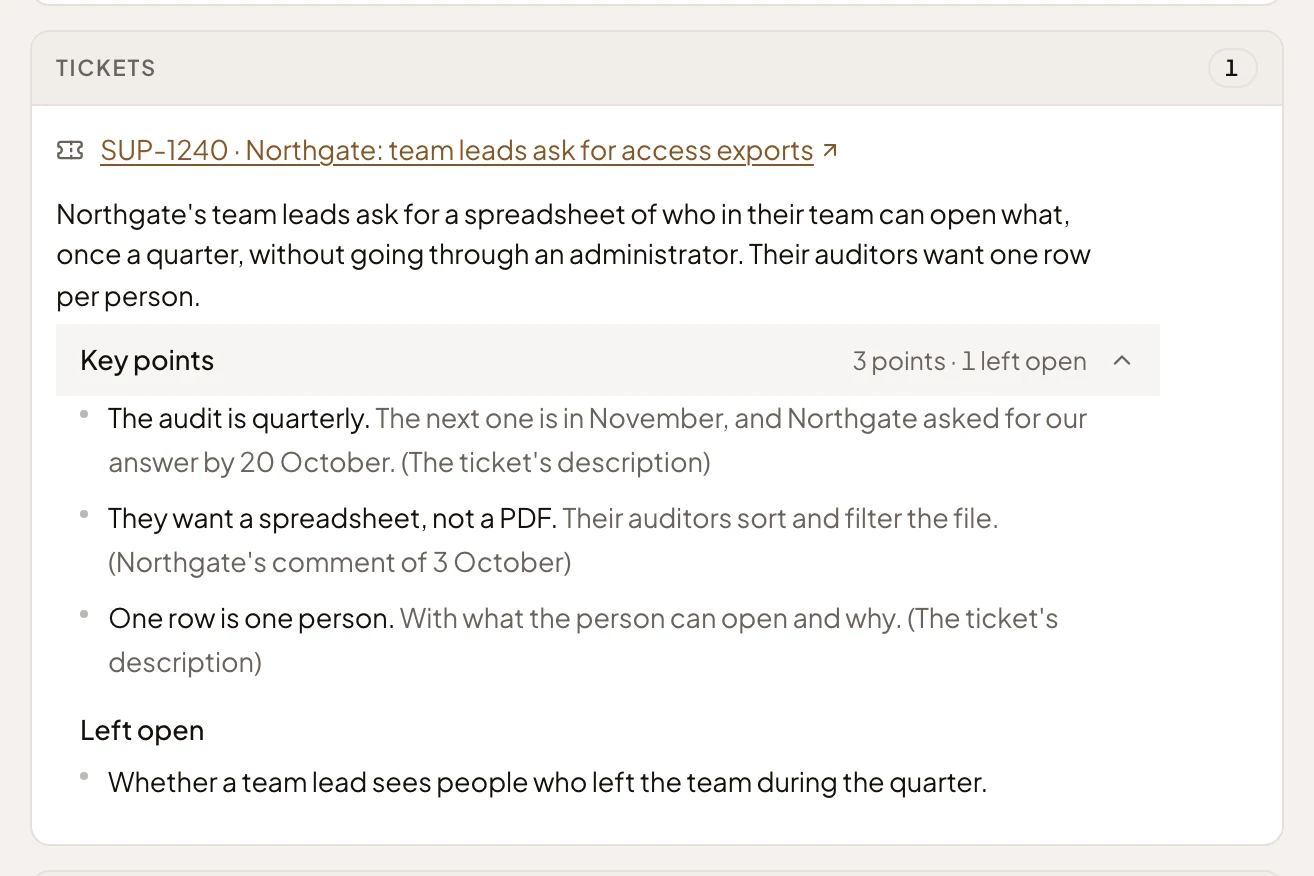
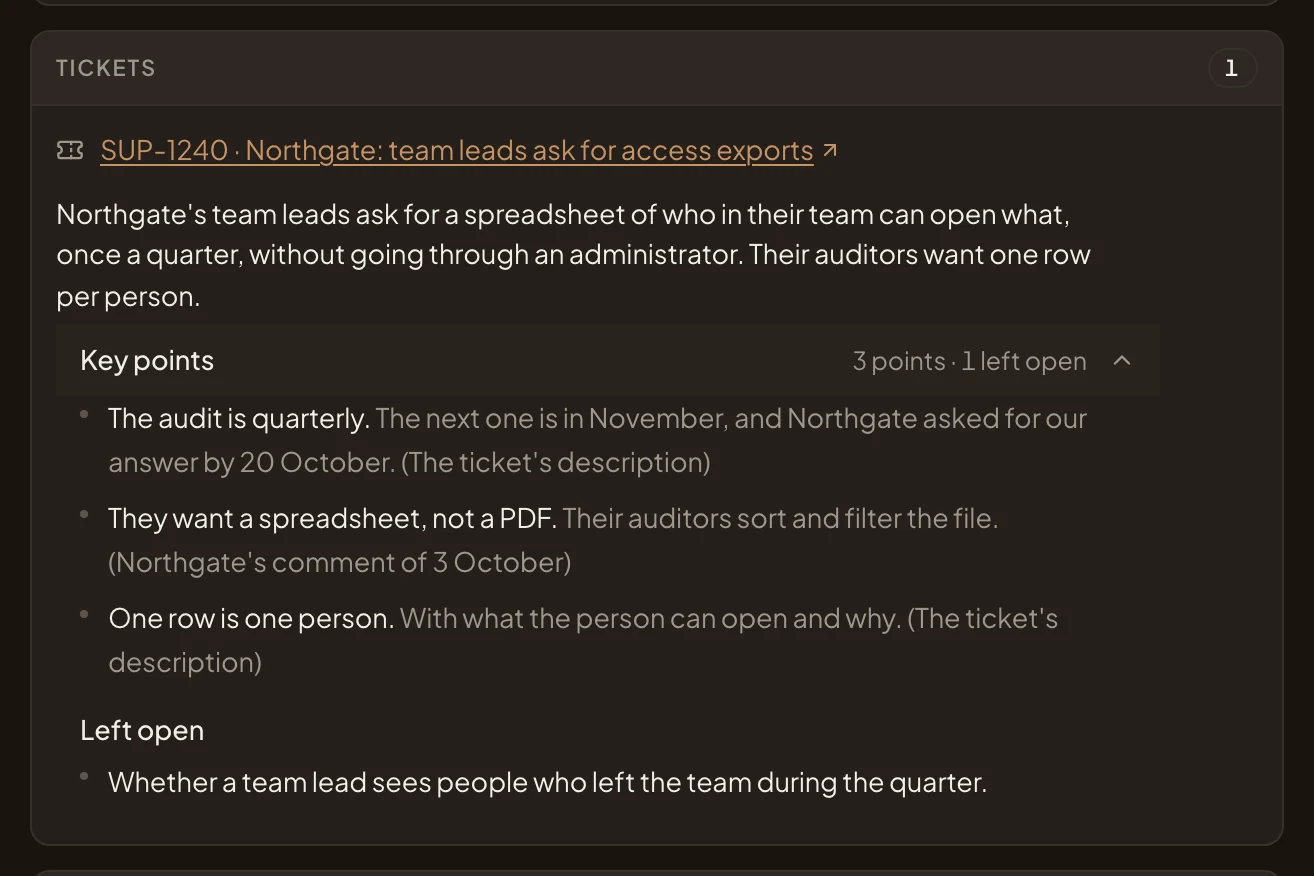
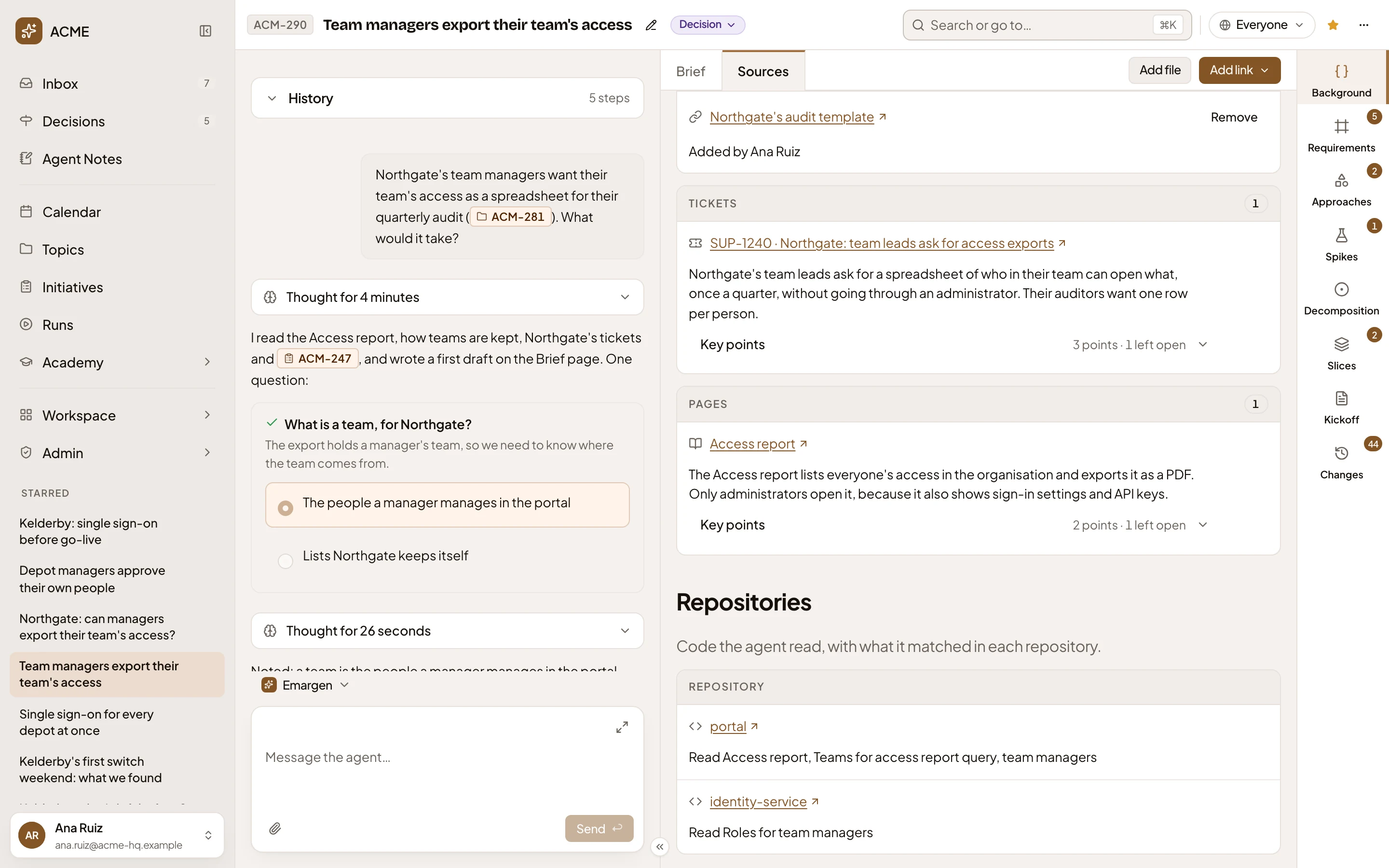
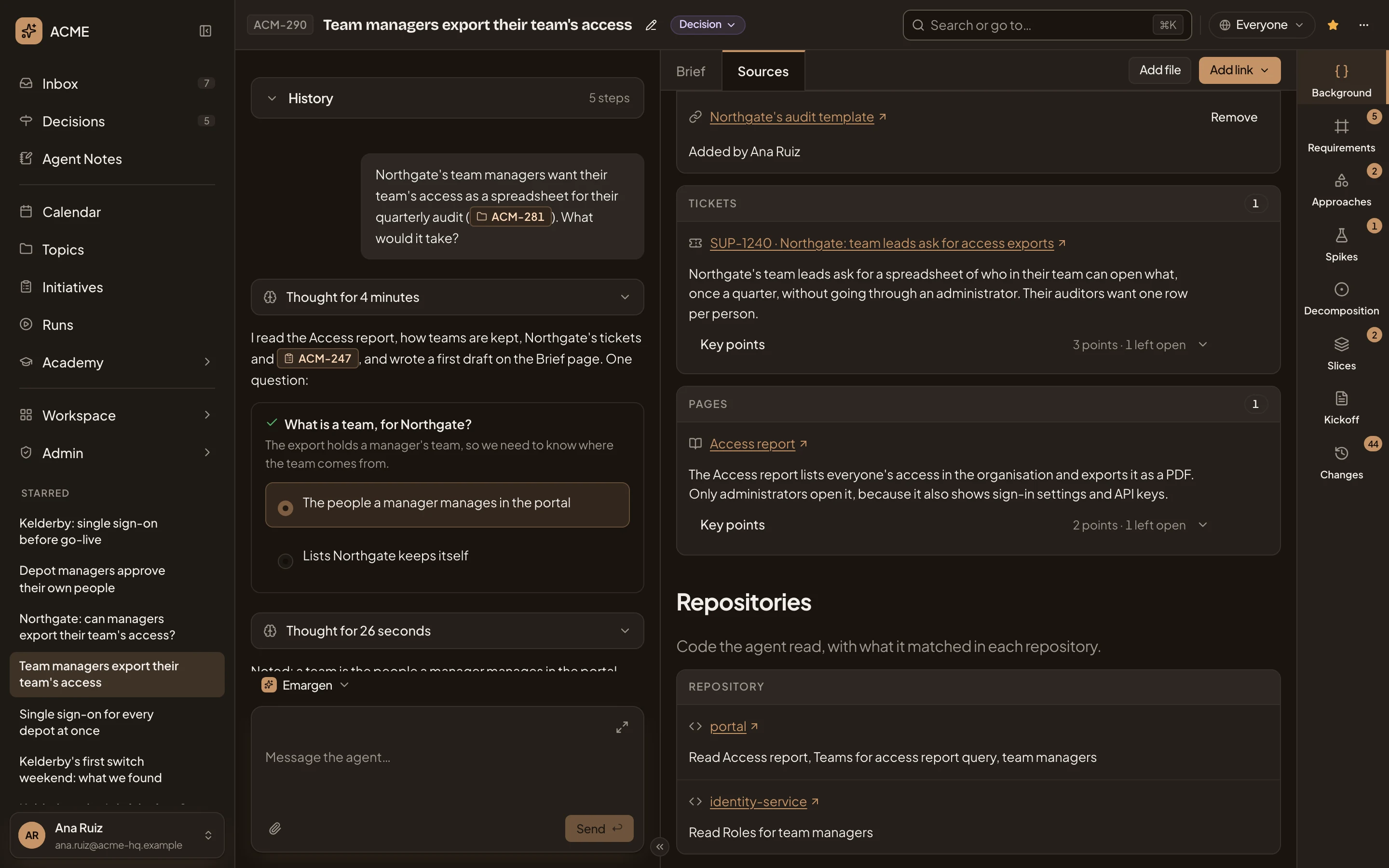
- Tickets. The tickets it read. Open one to see it where it lives, in a new tab.
- Pages. The pages it read. Documents and other kinds get lists of their own.
- Repositories. The code it read, one row per repository, with what it read there.
A file you add shows as a card with a short summary. Click it to read it, open the original or remove it. Files you add from chat, or attach to a comment, show here too. When the agent couldn’t read some sources, the chat names them for the people who edit the initiative, with Read again.
Adding a link
Section titled “Adding a link”Add link offers two kinds:
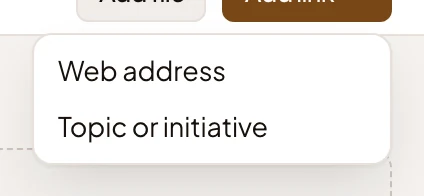
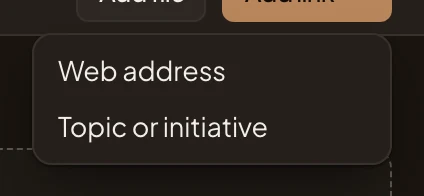
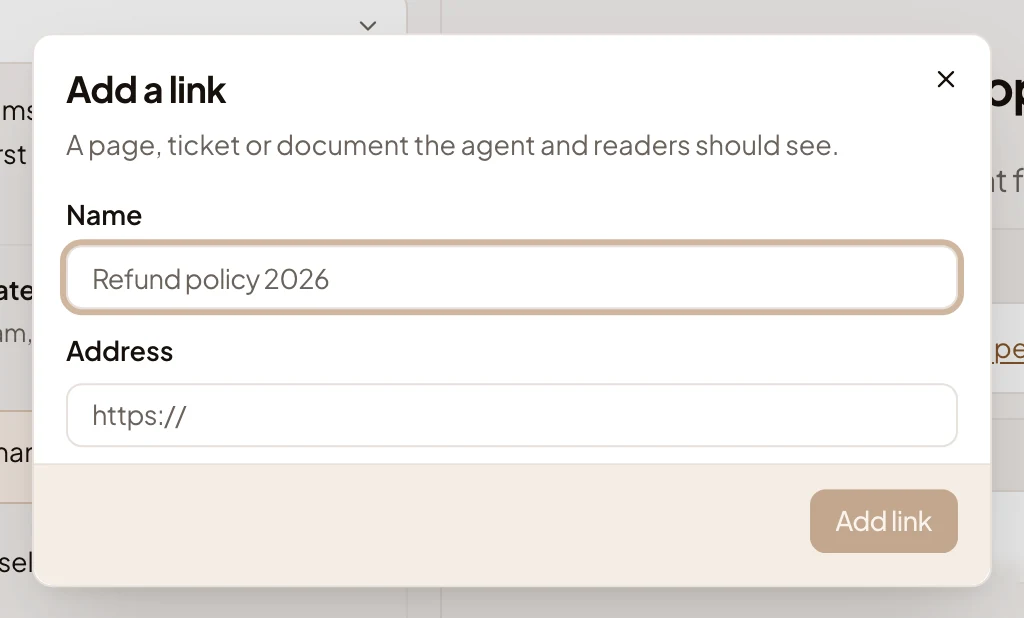
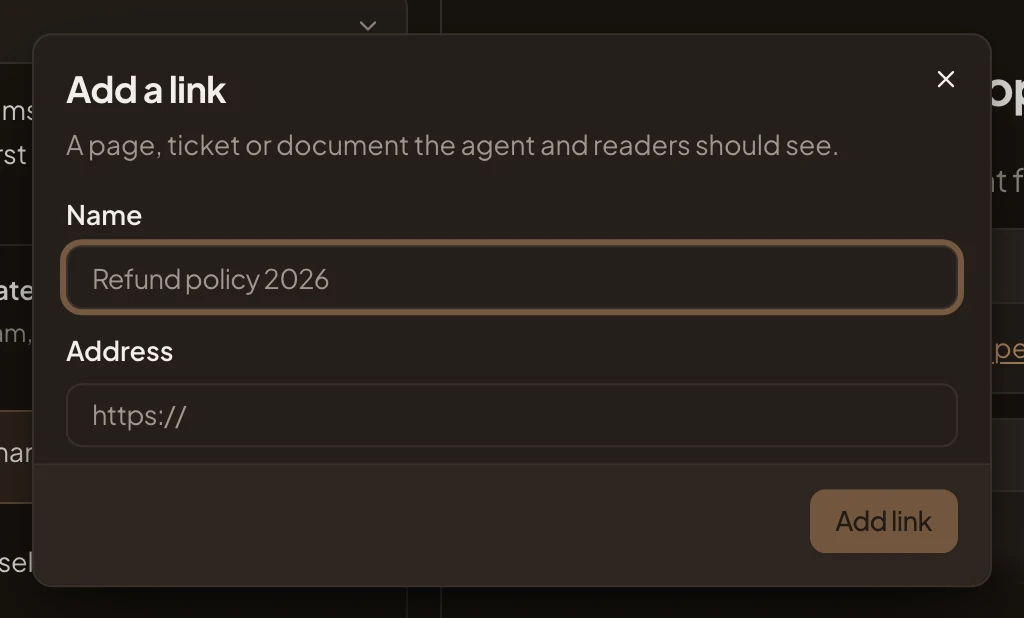
- Web address: a page, a ticket or a document the agent and the readers should see. Give it a Name and its Address, then Add link.
- Topic or initiative: one the agent should read along with this initiative. Type a few words or its key, and pick it. It is added at once.
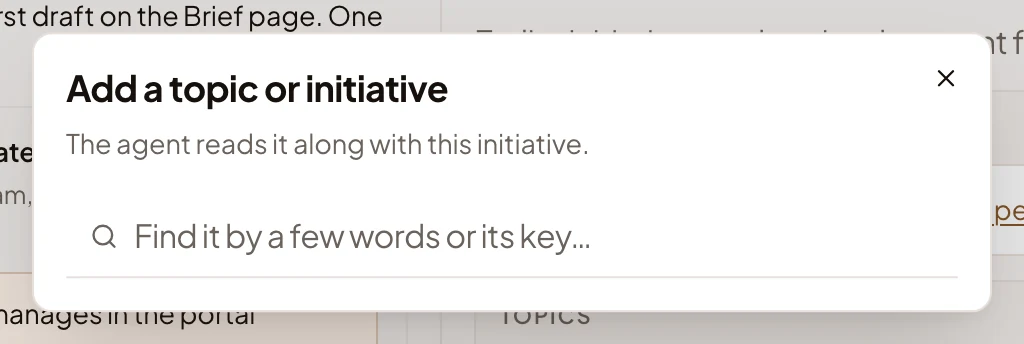
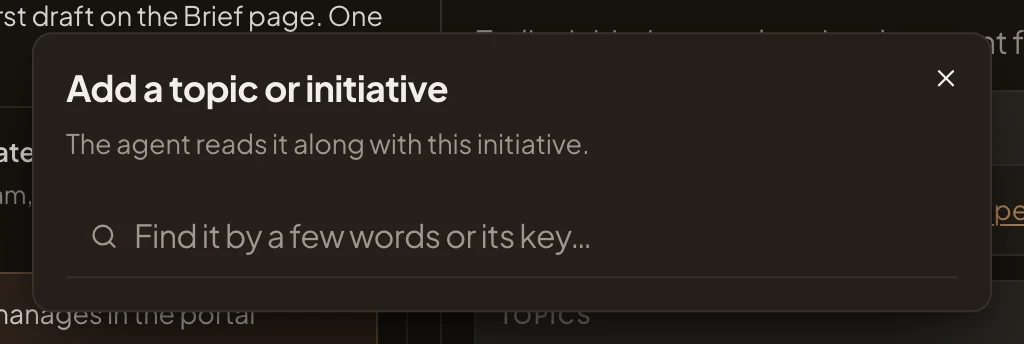
The agent never opens a web address itself. It knows the name and where it points, and searches your organisation’s connected tools for it. To have it read a page that lives in none of them, save the page as a file and add that. A topic or initiative you add, it reads in full.
Access
Section titled “Access”Everyone who can open the initiative reads its Background and adds files and links to its Sources. Moving the brief on (Write the brief, Ask more, Adjust, Start the requirements) is for the people who edit it. Earlier initiatives and topics the agent found show only to them.