

AgentsPage by page
A skill's page
A skill’s page is where you read or change one skill, know-how the agent follows when the work calls for it. Open it by clicking a skill’s name on the skills list.
Customer reply is an organisation’s skill for anything a customer reads.
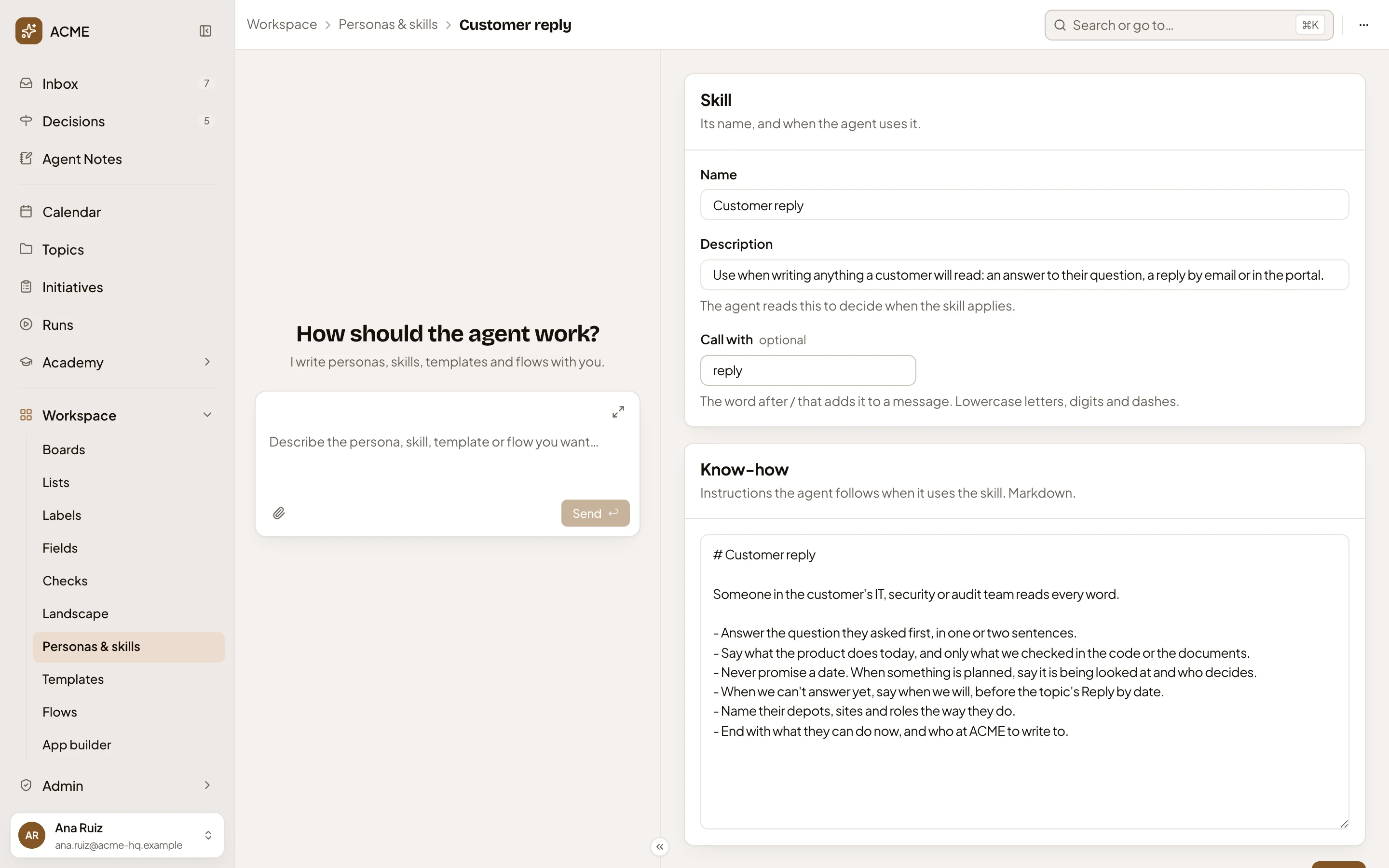
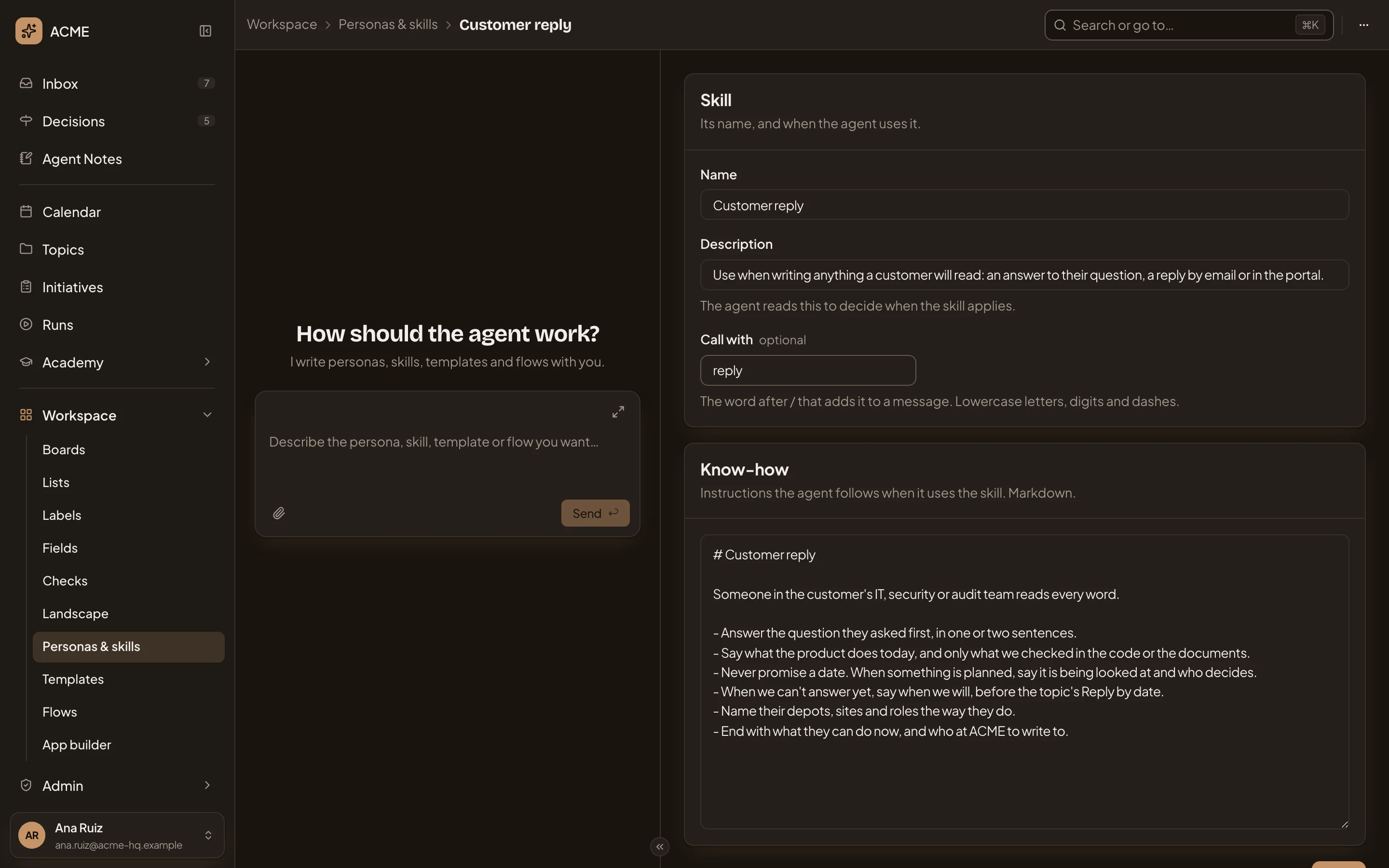
- The path: Workspace, Personas & skills, then the skill’s name. Personas & skills goes back to the skills list.
- More actions for Customer reply. The ⋯ menu, with Copy link, and Duplicate, which makes your own copy and opens it.
- Name. The skill’s name.
- Description. One or two sentences on when to use it. The agent reads this to decide when the skill applies, so say when, not what: “Use when writing anything a customer will read.”
- Call with. The word after / that adds the skill to one message, in any chat with a persona above its message box. Lowercase letters, digits and dashes. It’s optional, and each word belongs to one skill.
- Know-how. What the agent follows once it loads the skill, in Markdown. Rules, steps, or wording to use or avoid.
The personas agent on the left writes skills too. Describe the know-how, or paste the notes your team already keeps. It fills the page, then asks in the chat before saving (see The personas agent).
Save and versions
Section titled “Save and versions”The buttons come under the know-how, then the skill’s versions.
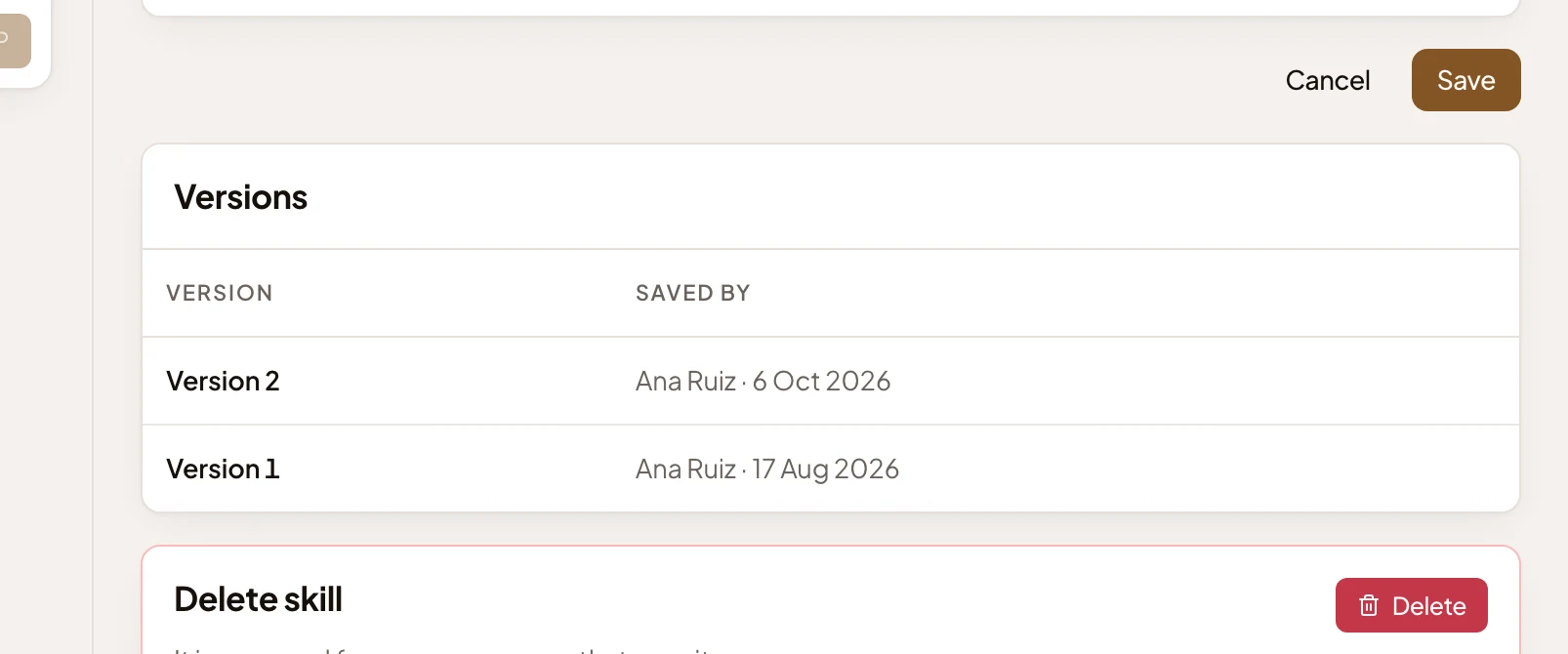
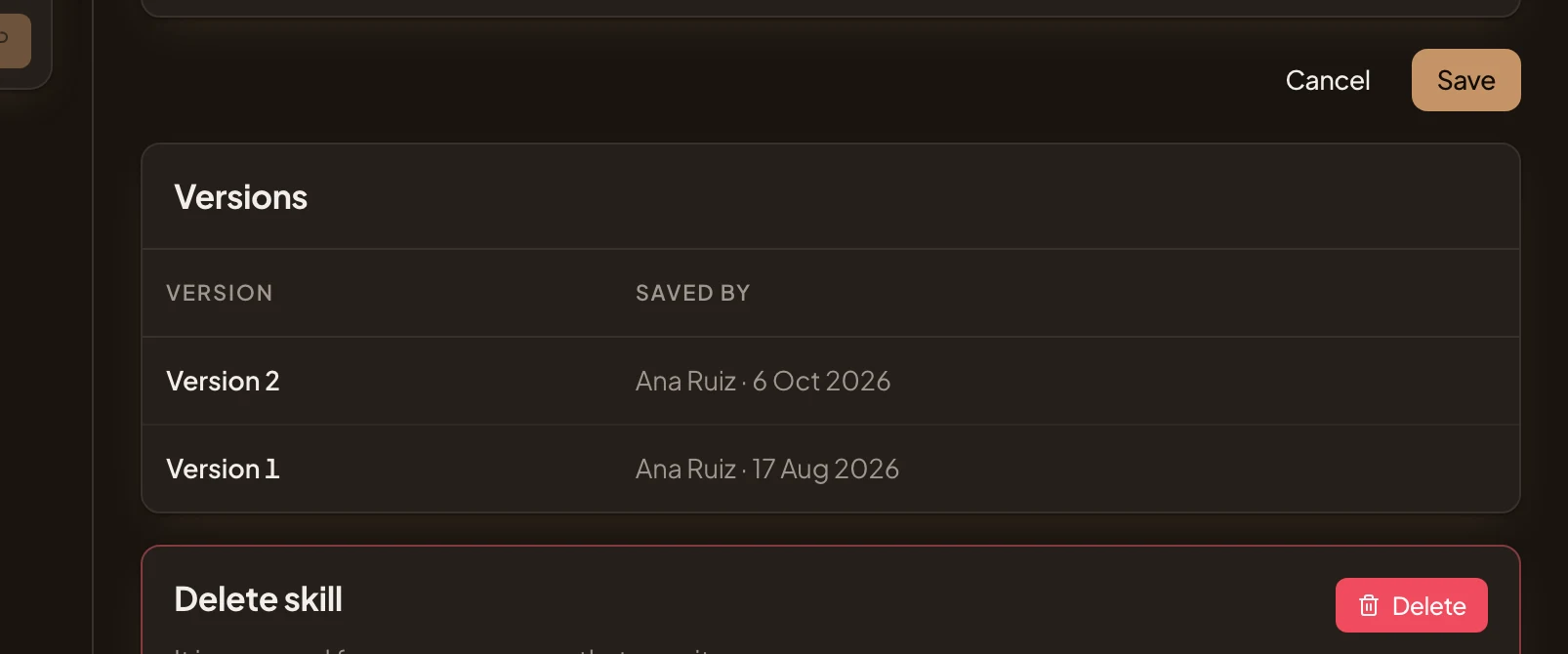
- Save. Saves the skill and goes back to the skills list. Cancel leaves without saving.
- Version 2. Every save is a new version, newest first, with who saved it and when. Ana added a line about the topic’s Reply by date on 6 October.
- Version 1. The skill as Ana first wrote it.
Delete, in the last section, asks first. Deleting a skill removes it from every persona that has it on.
A built-in skill
Section titled “A built-in skill”Emargen’s own skills, such as Pressure-test, can’t be changed.
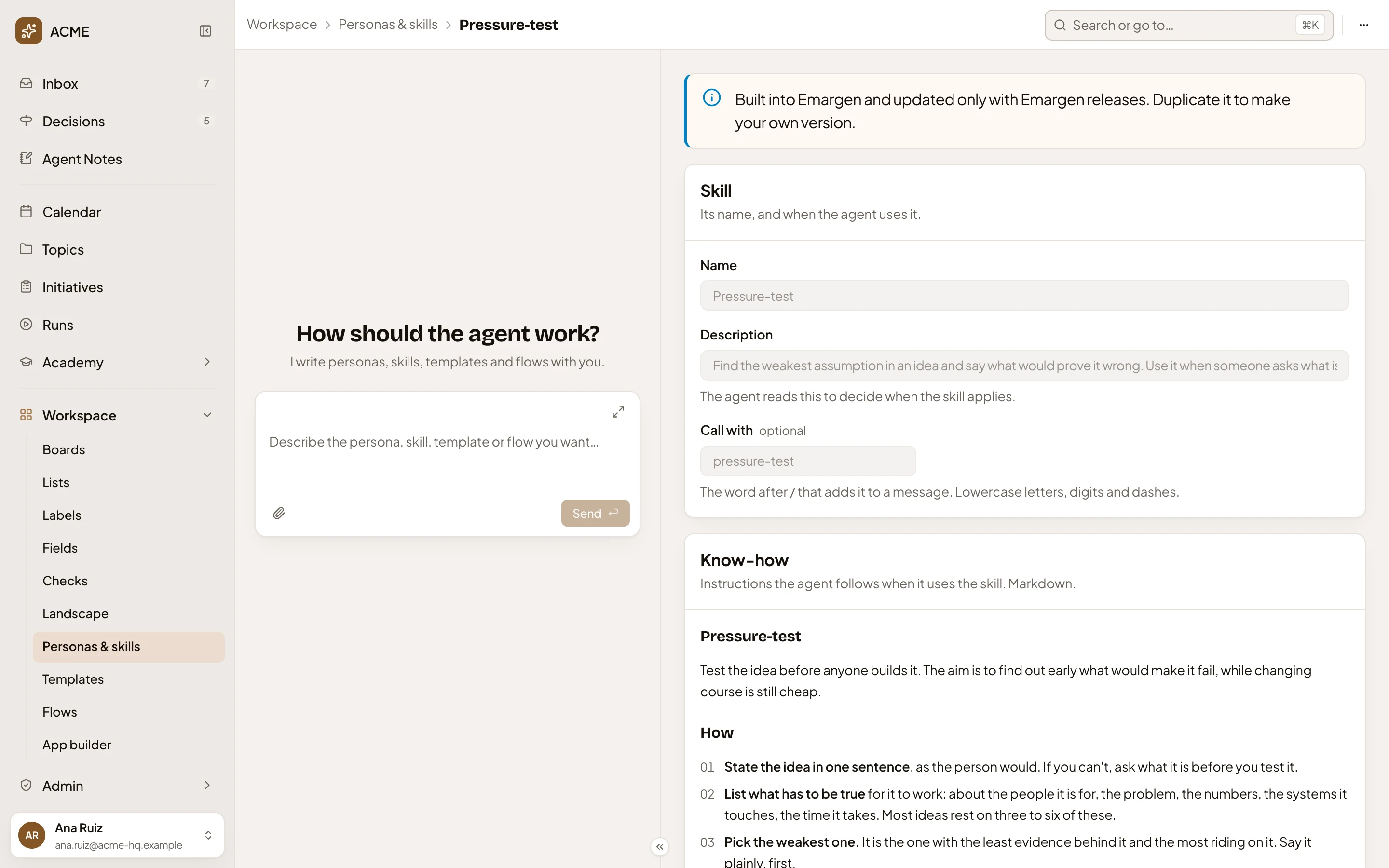
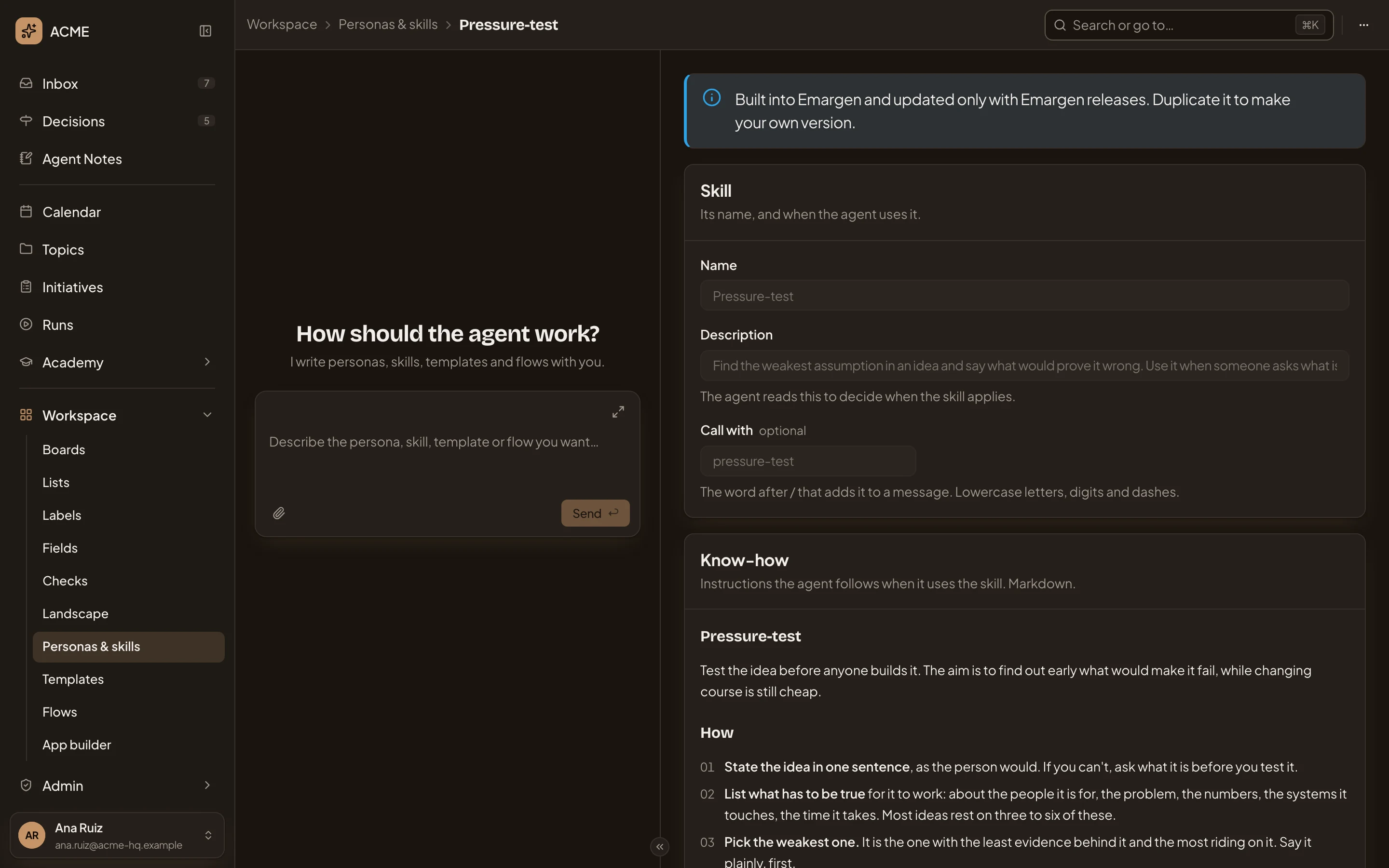
- “Built into Emargen and updated only with Emargen releases. Duplicate it to make your own version.”
- More actions for Pressure-test. Its Duplicate gives you a copy you can change.
Each of its versions says Emargen saved it. A skill you may use but not change looks the same, with its fields greyed out and a line asking you to duplicate it.
A skill of your own
Section titled “A skill of your own”Your own skill has a Sharing section before its buttons. A sales engineer shares Single sign-on questions with everyone in the organisation.
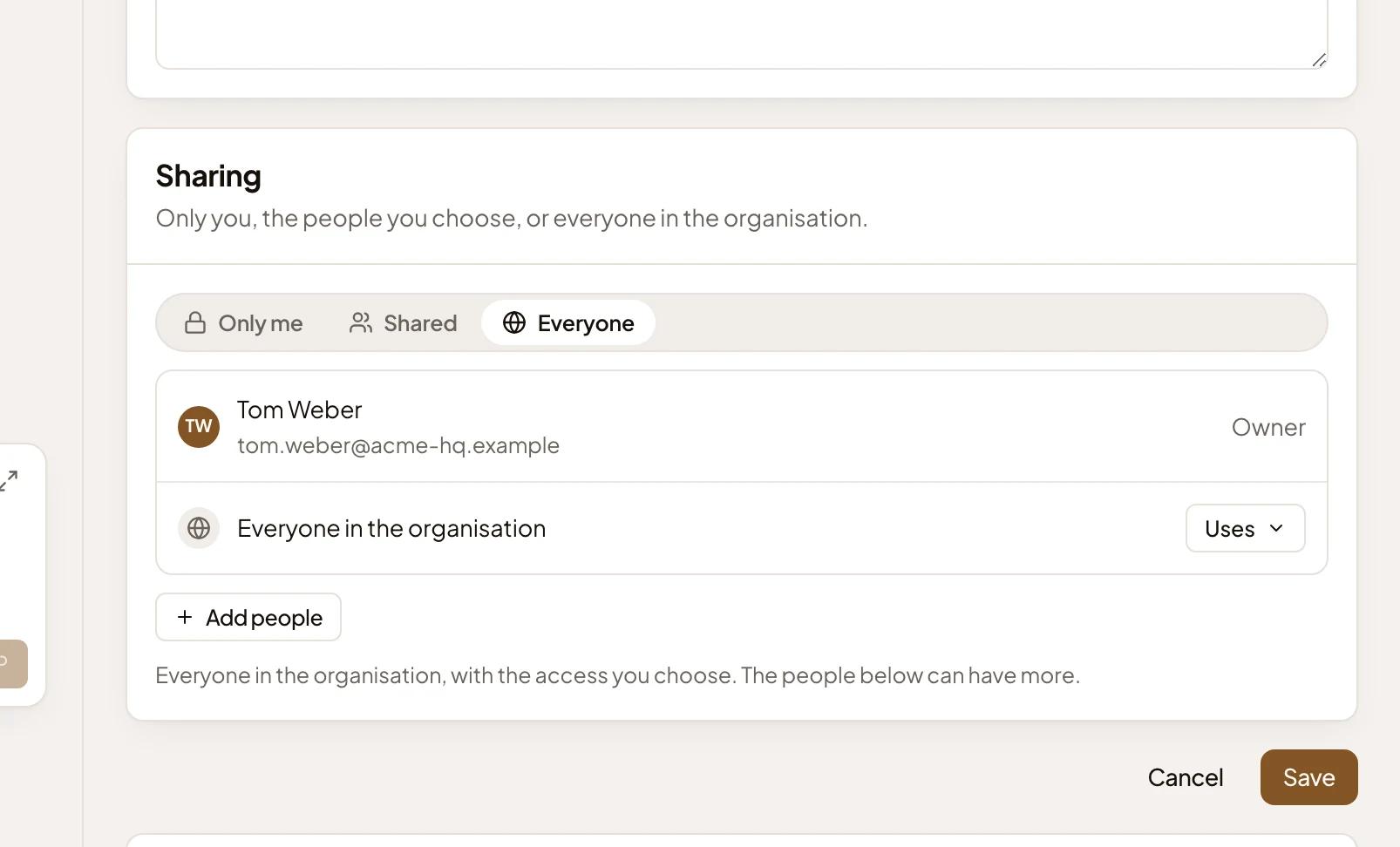
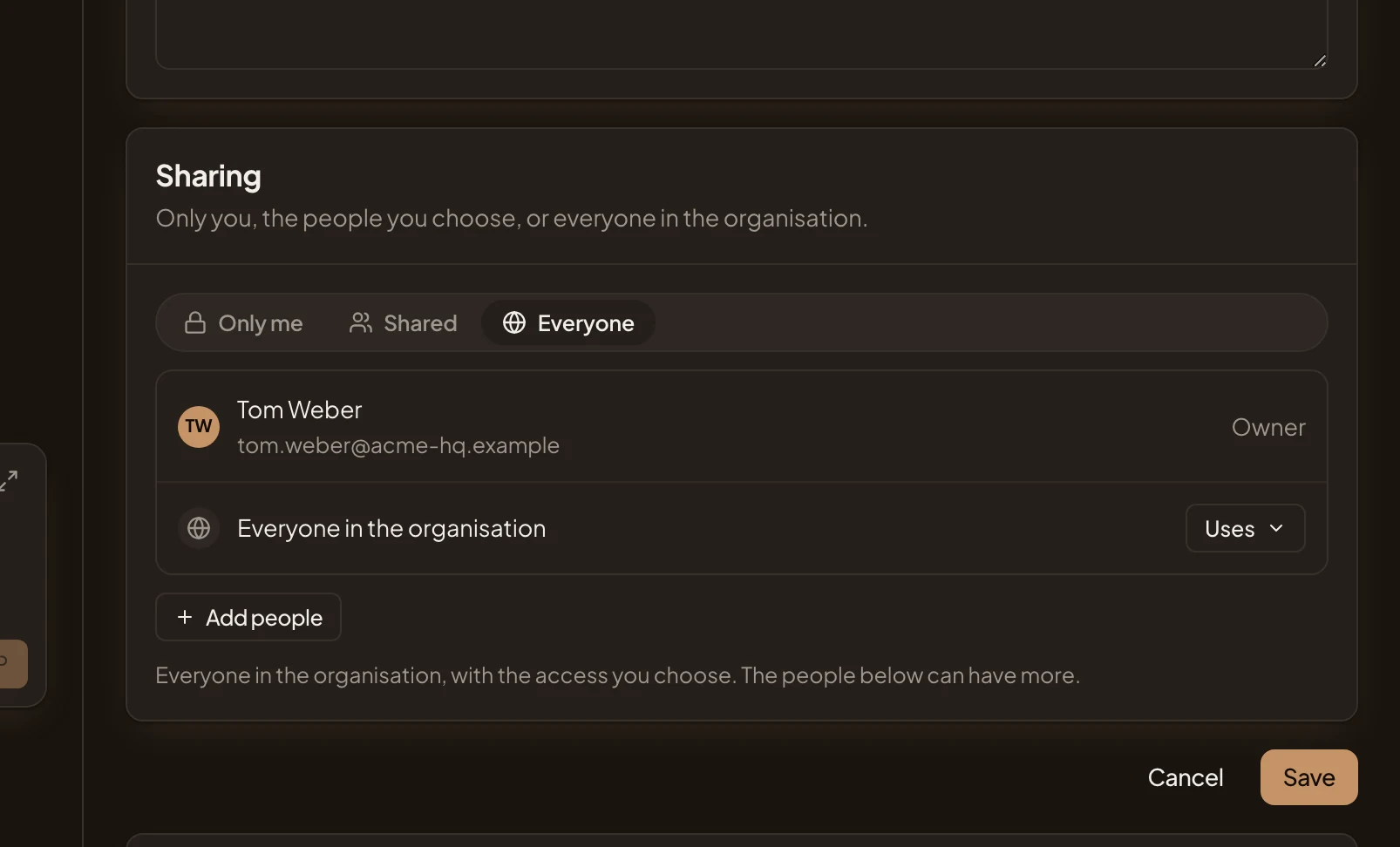
- Sharing. Only me, Shared or Everyone.
- Access for everyone. Uses can turn the skill on in their personas and call it with its word. Edits can change it too.
- Add people. Pick someone, then choose what they may do. The people you list may do more than everyone.
Press Save to keep changes to who sees it.
New skill
Section titled “New skill”New skill on the skills list opens an empty page.
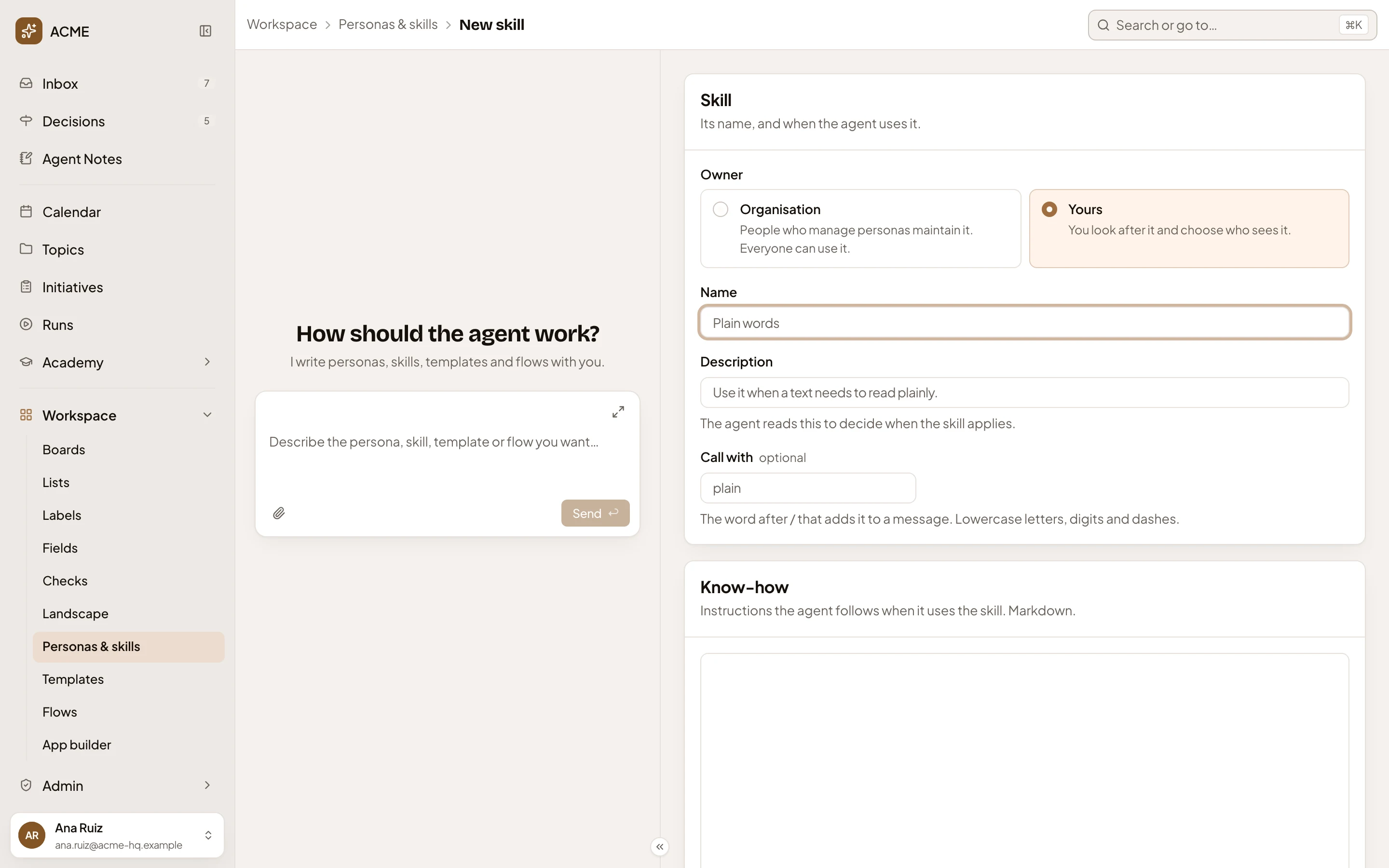
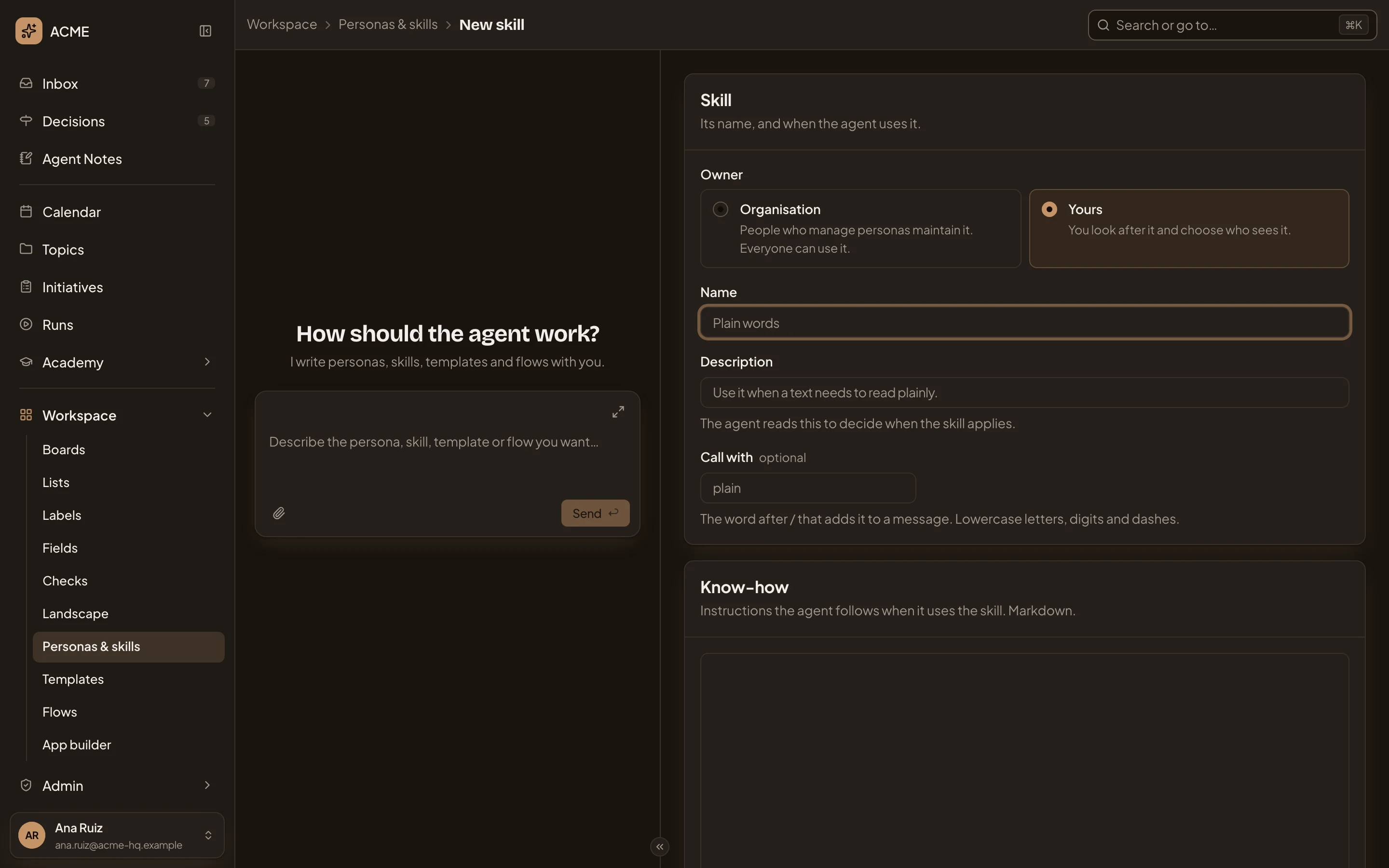
- Owner. Organisation or Yours. Only people who manage personas and skills see this choice. For everyone else a new skill is their own.
- Call with. The word after /.
- Know-how. What the agent follows.
Under the know-how, a skill of your own has Sharing, starting at Only me. Create skill stays greyed out until the skill has a name, a Description and some know-how. It saves the skill and opens its page. To use the skill, turn it on in a persona (see Write a skill), or call it with its word.
Access
Section titled “Access”Anyone can open a skill they can use. People whose role lets them manage personas and skills change the organisation’s skills. You, and anyone you’ve given Edits, can change your own. Nobody changes a built-in skill.