

TopicsHow to
Research something
Research something in a topic when you need to get it right before anyone acts on it. It might be where a customer’s data is kept, or what a new rule means for your product. The agent reads your sources, shows you what it found and where, and asks you about the gaps.
Before you start
Section titled “Before you start”- Who can
- Anyone in the organisation can start a topic. It’s yours alone until you share it.
- You need
- What you need to find out, who it’s for, and what they’ll do with the answer.
- The agent reads
- What your organisation has connected to Emargen: your code, documents, and tools like Jira and Confluence. It searches the web too, when your AI provider offers that.
- The pictures
- ACM-269 at ACME, the company in the docs’ pictures, as its owner in security sees it. A colleague in sales needs to know whether a customer’s data can stay in the EU.
-
Open New topic.
Open New topic (opens Emargen in a new tab) -
Write what you need to find out, and who needs the answer. If the research is for another topic, name it by its key, like ACM-268, and the agent reads that one too.
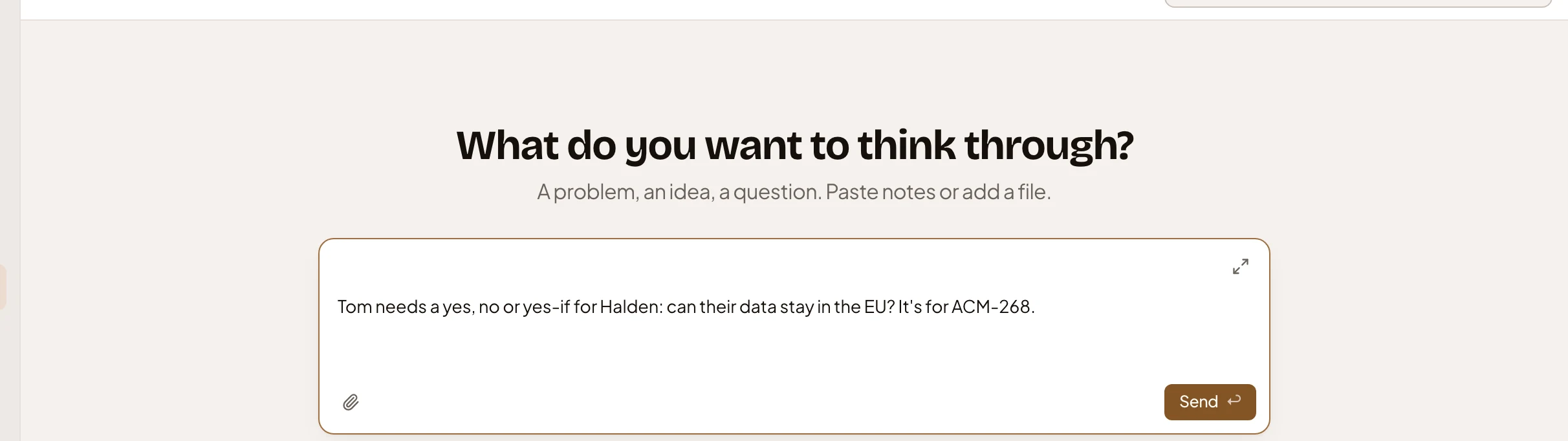
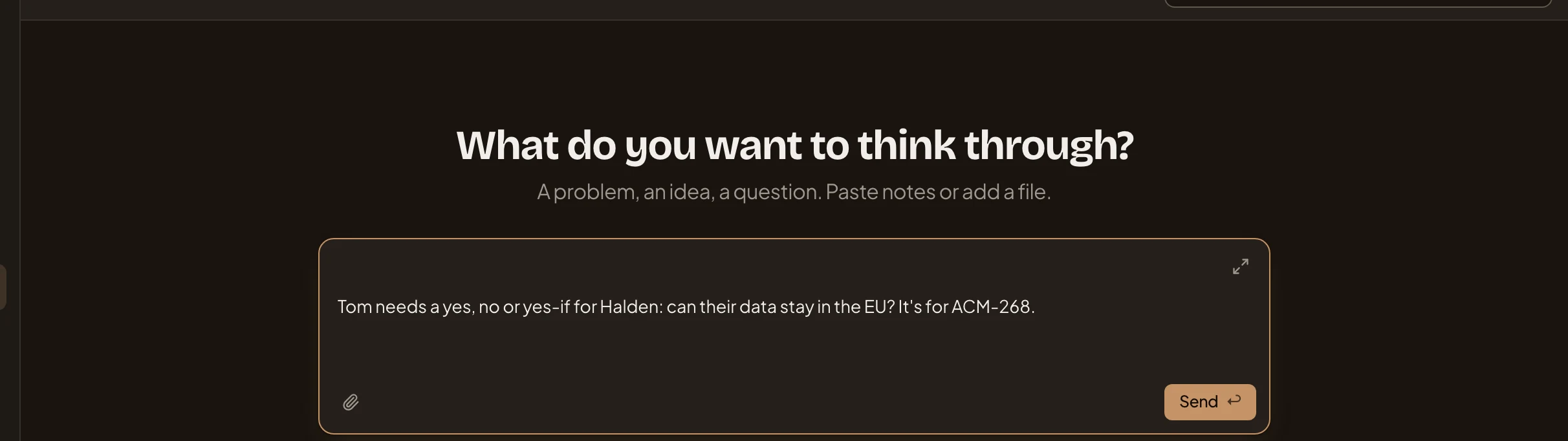
-
Click Send. The topic’s page opens, and the agent starts reading. Click “Thought for 38 seconds” (yours will say its own time) to see how it means to go about it. Here, it reads where a client’s region is set, where backups are written, and what says where support works from.
Each “Checking” line is one question it checks against your code and documents. The checks run in the background, and each result lands in the document when it’s done. Ask the agent what it found, and it tells you, and asks about what the checks couldn’t answer.
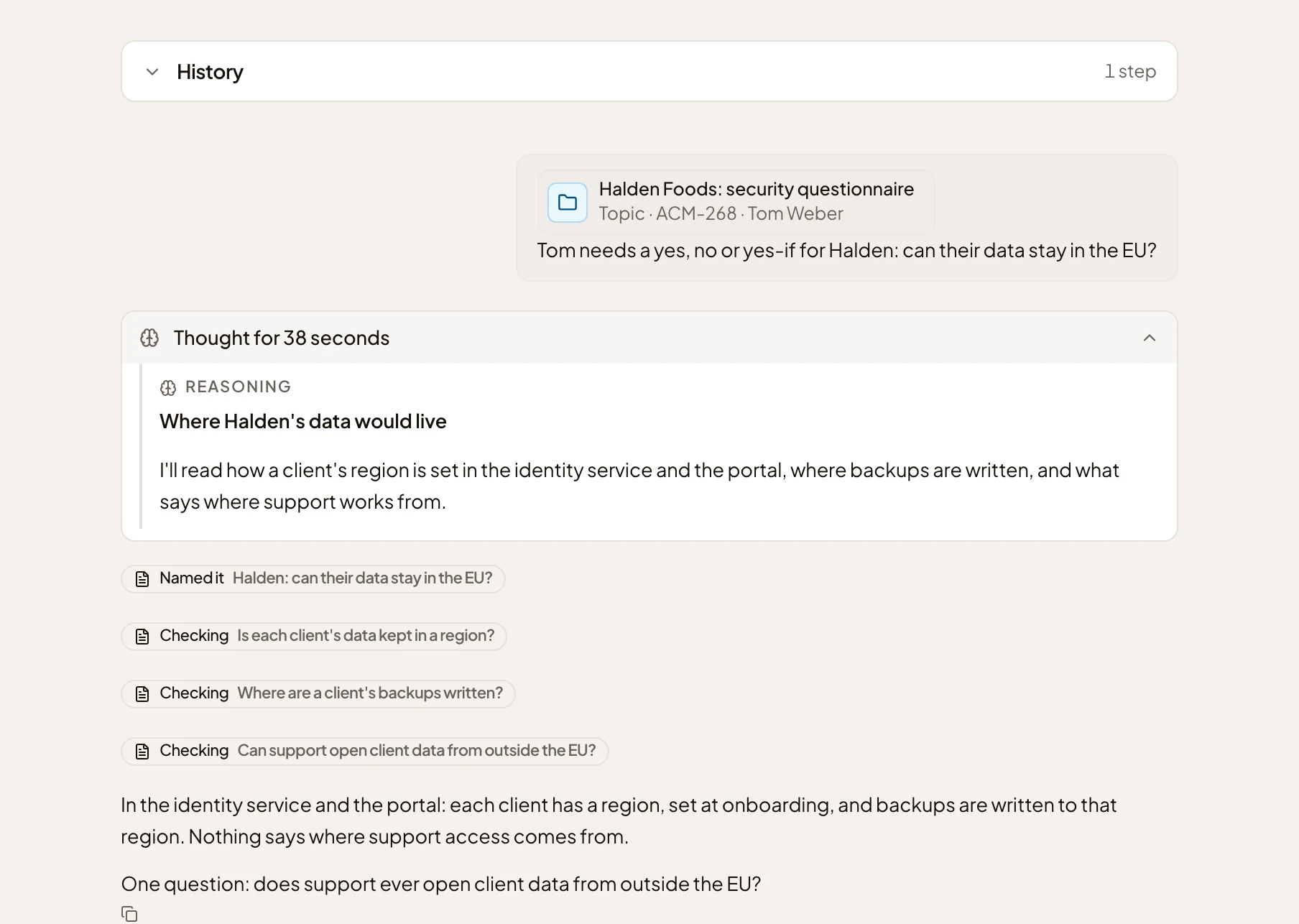
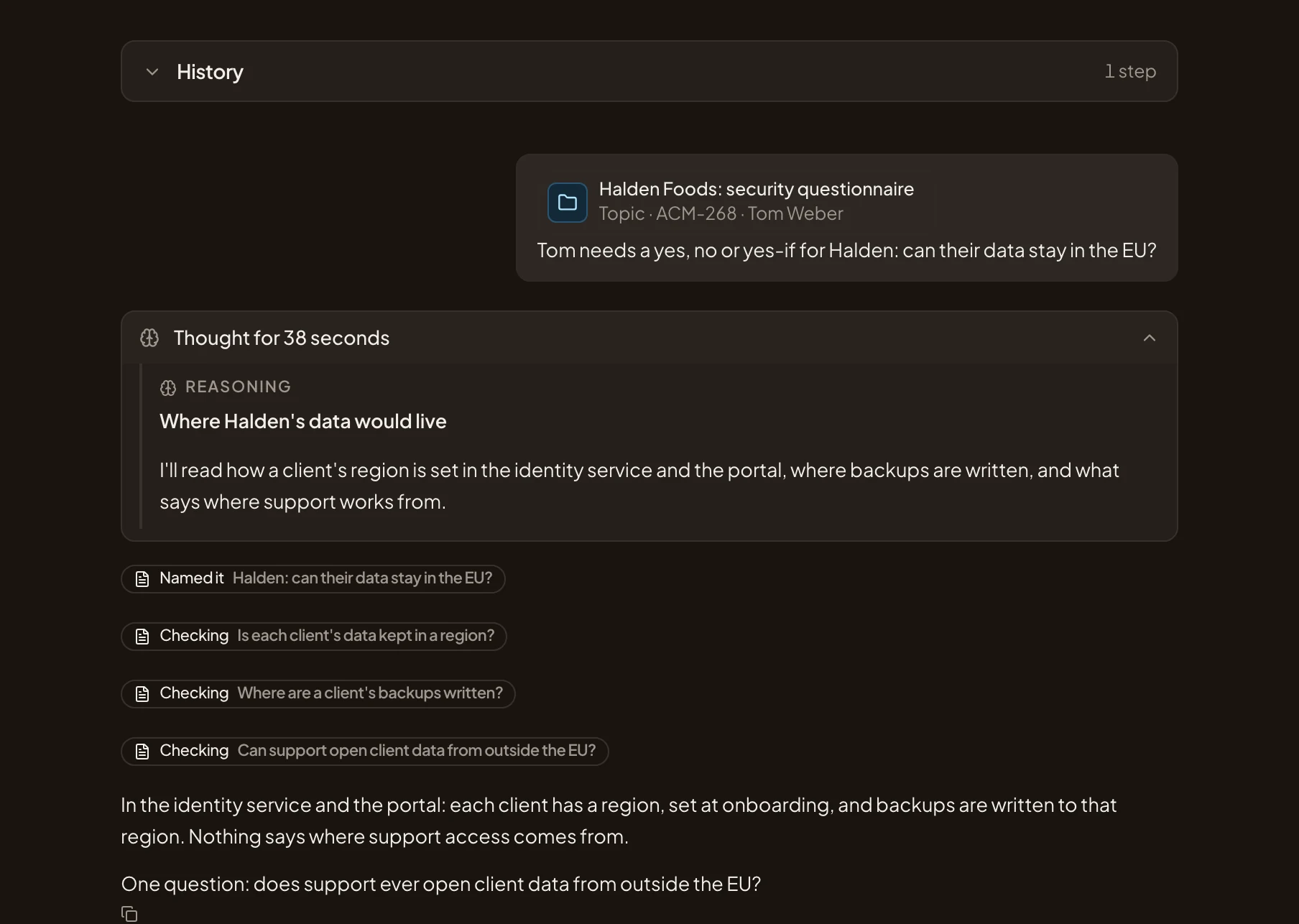
- “Thought for 38 seconds”, opened: what the agent set out to read.
- Three “Checking” lines, one for each question it checked.
- The question no source answered.
-
Open the document (the small document’s “Open” button) and read the checks. Each says what it found: “Exists”, “Exists in part”, “Missing” or “Unclear”. Under it are the places it looked. If it couldn’t look somewhere, or found nothing, a line under the check starts “Not seen:”.
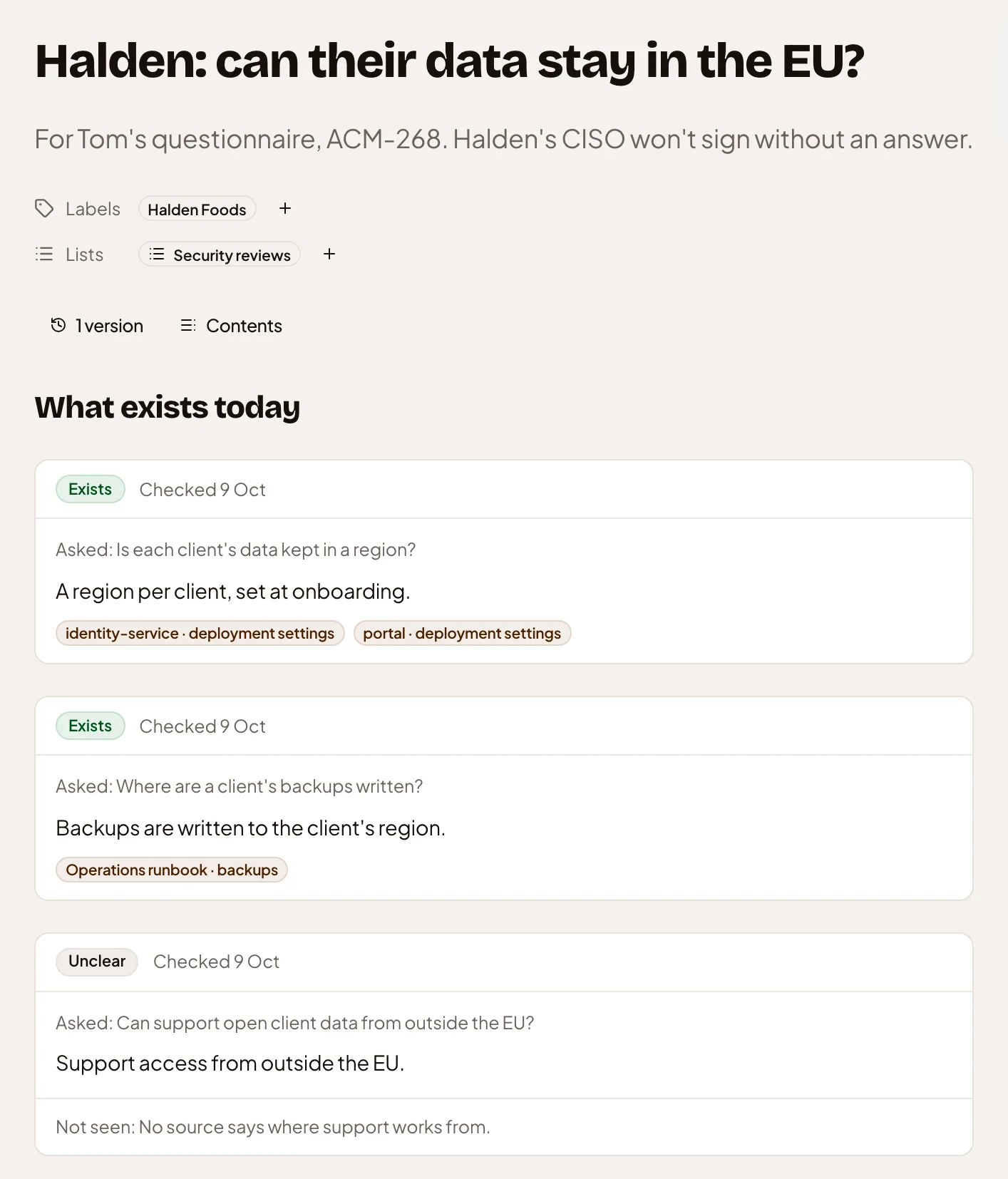
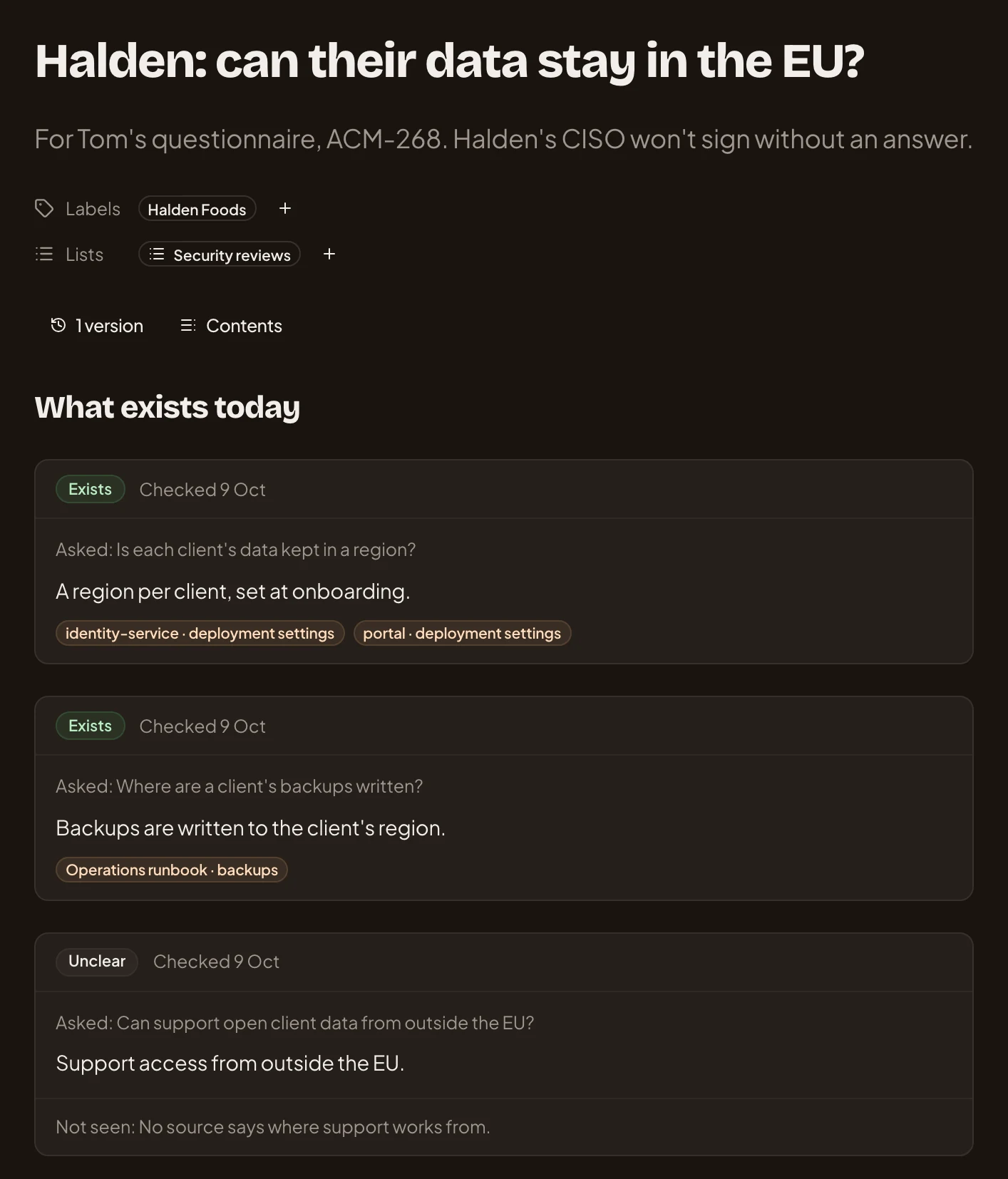
- A check that found it: “Exists”, with when it checked and what it asked.
- Where it looked.
- “Unclear”, and what it couldn’t see.
-
Answer the agent’s question in the chat, and add anything you know that the sources don’t say. Here: “No. Support works from Amsterdam.” When you know where else the answer might be, say so.
-
Ask for the answer in the shape you need. The agent writes it into the document. It might be a straight answer, a table, or a few options set side by side, with the one it would pick. In the pictures, it set out three ways to answer, and recommended “Yes, if”. When it leaves a choice for a person, see Decide an open question.
What you get
Section titled “What you get”- A topic that says what’s true today, with each check, where it looked and what it couldn’t see.
- What you told the agent, written into the document beside what it found.
- Your own chat with the agent on the topic. Nobody else reads it.