

WorkspacePage by page
Checks
Checks are what your team wants decided before an initiative is published. Every initiative’s Kickoff goes through them, after Emargen’s own checks. Open the page from Checks under Workspace in the menu.
Open Checks (opens Emargen in a new tab)In the picture, ACME has two checks. The customer agrees with the brief, and security has read what changes.
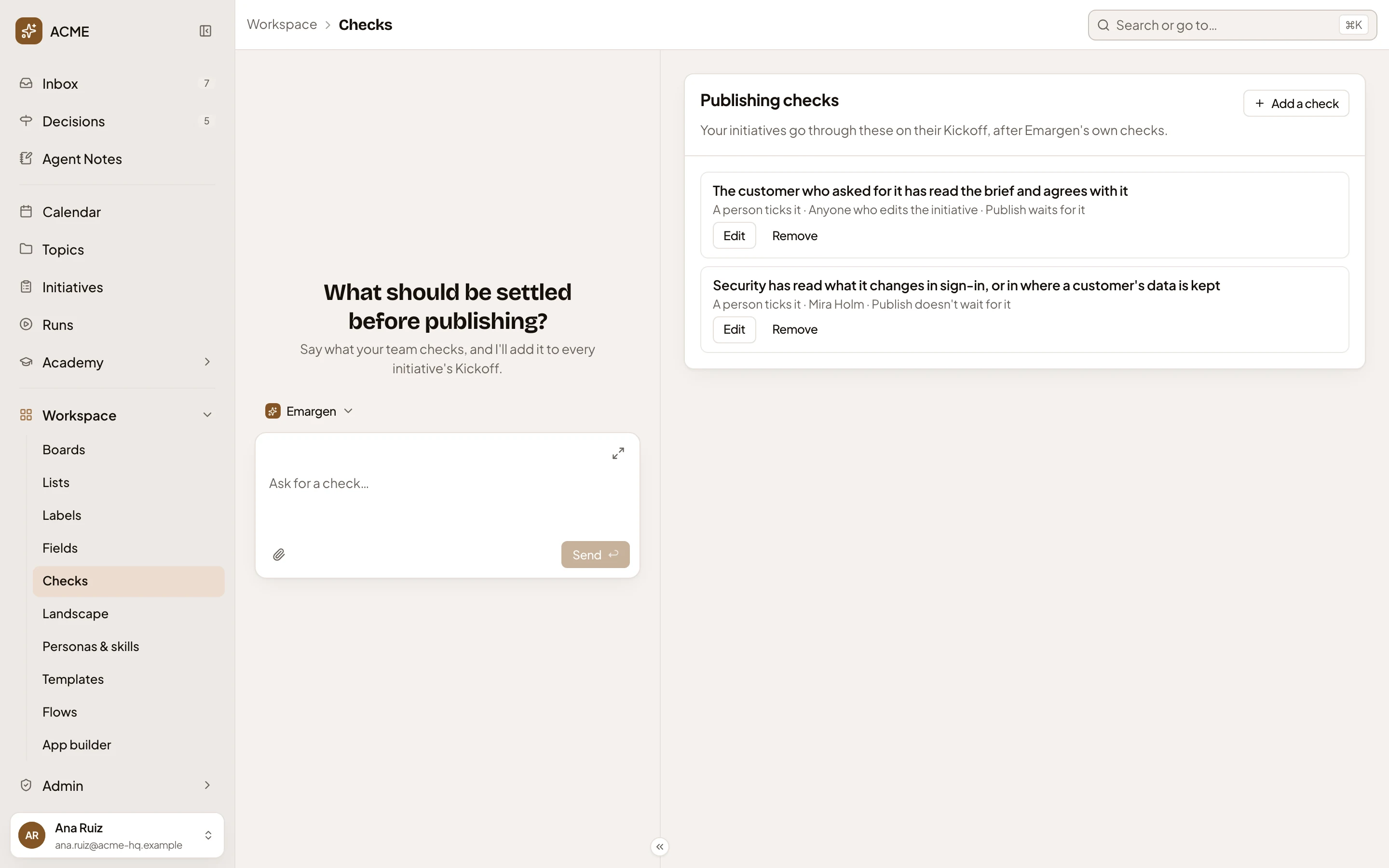
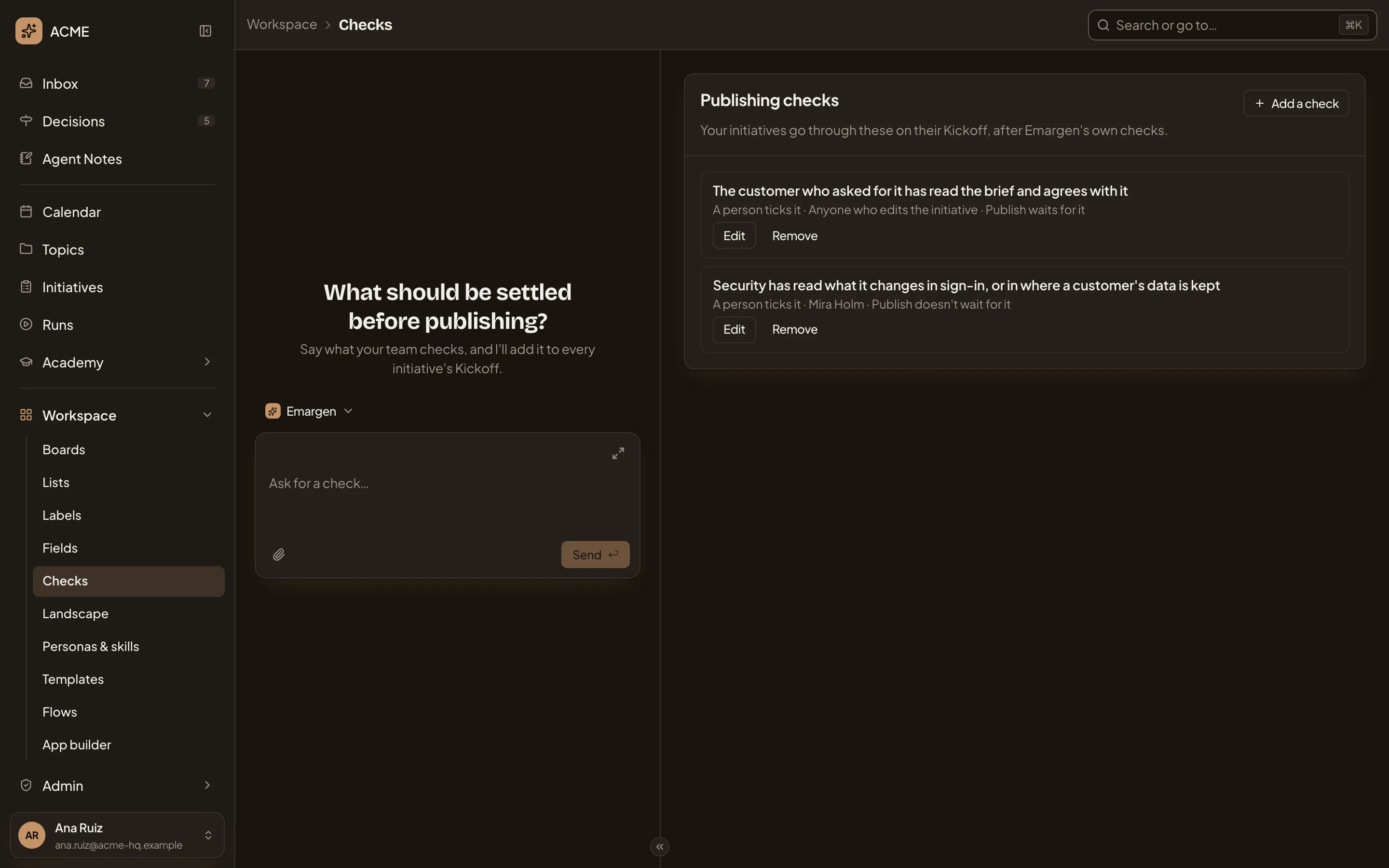
- Add a check. Opens the box below (see Adding or changing a check).
- A check, as an initiative’s editors read it on the Kickoff.
- How it’s checked: who ticks it, and if Publish waits for it.
- Edit. Opens the same box.
- Remove. Takes the check away, after asking. Initiatives stop going through it. Those already checked keep their results.
The workspace agent is on the left. Here it asks what should be decided before publishing. Say what your team checks, and it drafts the check with you.
Adding or changing a check
Section titled “Adding or changing a check”Add a check and Edit open the same box, Add a check or Edit check. The picture shows the second check, which one named person ticks.
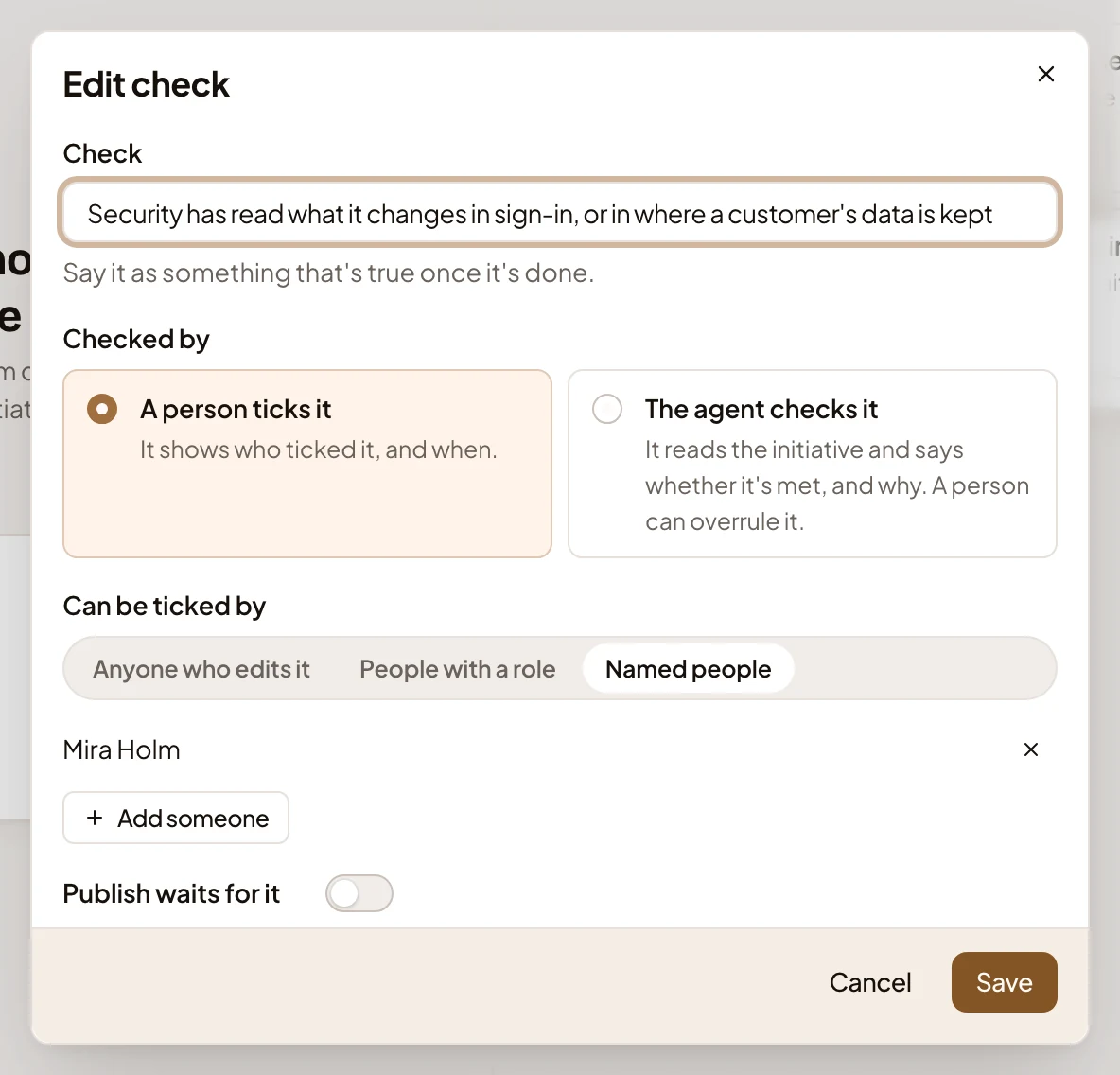
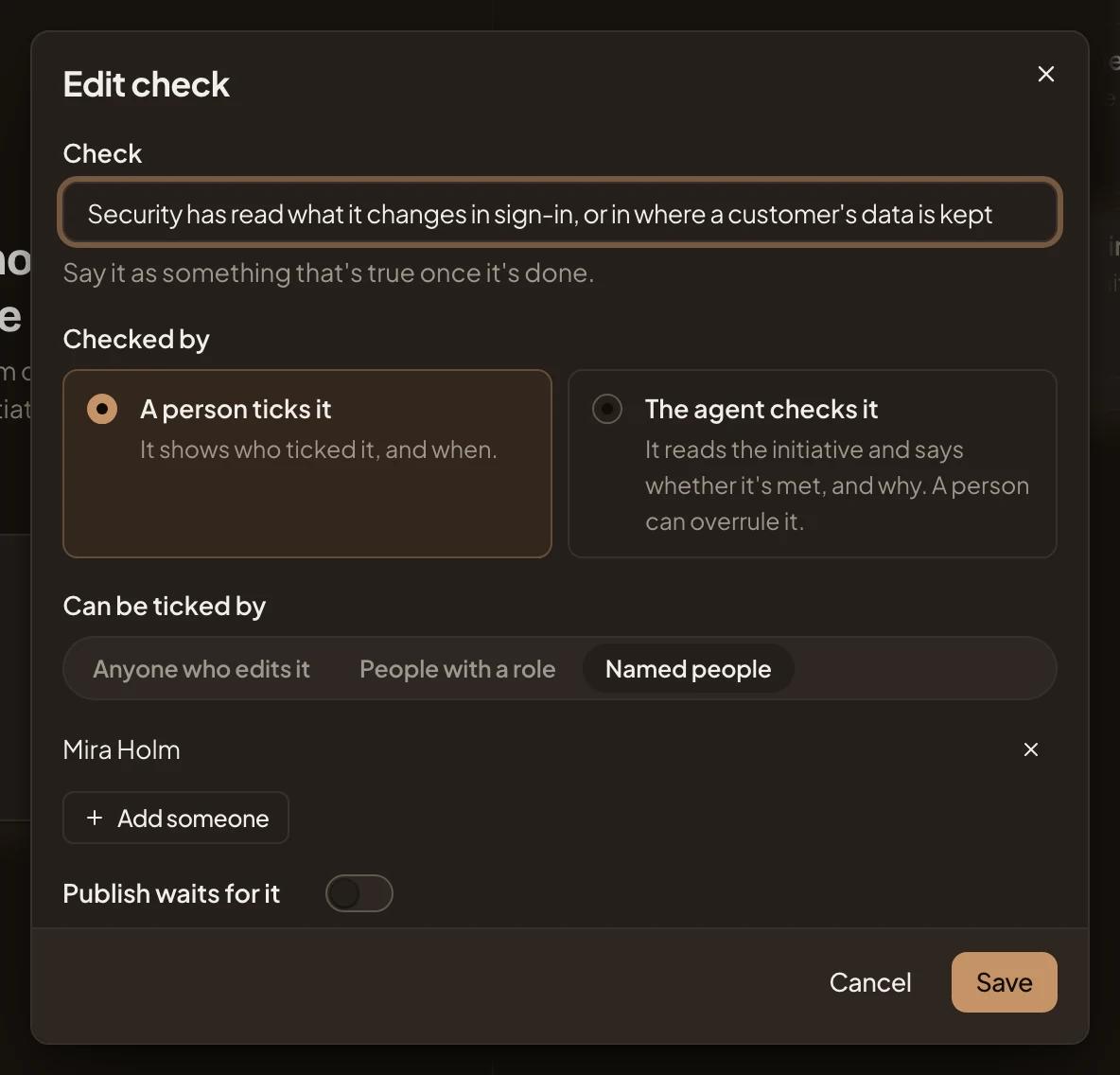
- Check. Say it as something that’s true once it’s done.
- Checked by. A person ticks it, and the Kickoff shows who ticked it and when. Or The agent checks it, reading the initiative and saying if the check is met, and why. A person can overrule it.
- Can be ticked by. For a person’s tick, pick Anyone who edits it or People with a role, then the Role. Or pick Named people, and add each with Add someone.
- Publish waits for it. On, Publish waits until the check is ticked or met in the agent’s reading. The initiative’s editors can also set it aside with a reason. Off, the Kickoff still shows the check, and Publish doesn’t wait for it.
- Save. You can press it once you’ve written the check and picked the role or people it needs.
The agent reads the checks it’s given whenever someone opens an initiative’s checks, before publishing and after. So a check you add later shows on initiatives already published too, where an approver sees it at the Kickoff.
A new workspace has no checks. The page says “No checks yet. Add the ones your team wants settled before publishing.” People who may change the list also get suggestions to start from, under Some teams check. One is “Design has seen the screens”.
Access
Section titled “Access”Everyone in the organisation reads the list. People whose role lets them manage the organisation’s settings, administrators among them, add, change and remove checks. Everyone else sees the checks without Add a check, Edit or Remove.