

AcademyHow to
Practise
Practise for a few minutes when cards are due, say before a call where you’ll need what you know. See practice for how cards are chosen and when they come back.
Before you start
Section titled “Before you start”- You need
- A track (Make a track).
- How long
- A few minutes. One practice asks up to eight cards at a time.
- The pictures
- Ana Ruiz at ACME, the company in the docs’ pictures, who has two tracks and eight cards due today.
-
Open the Academy and click Practise at the top right. The number is how many cards you’ll answer now, up to eight. In the picture, Practise 8. With none due, the button isn’t there. You can also press Practise on today’s practice in your Inbox.
Open the Academy (opens Emargen in a new tab)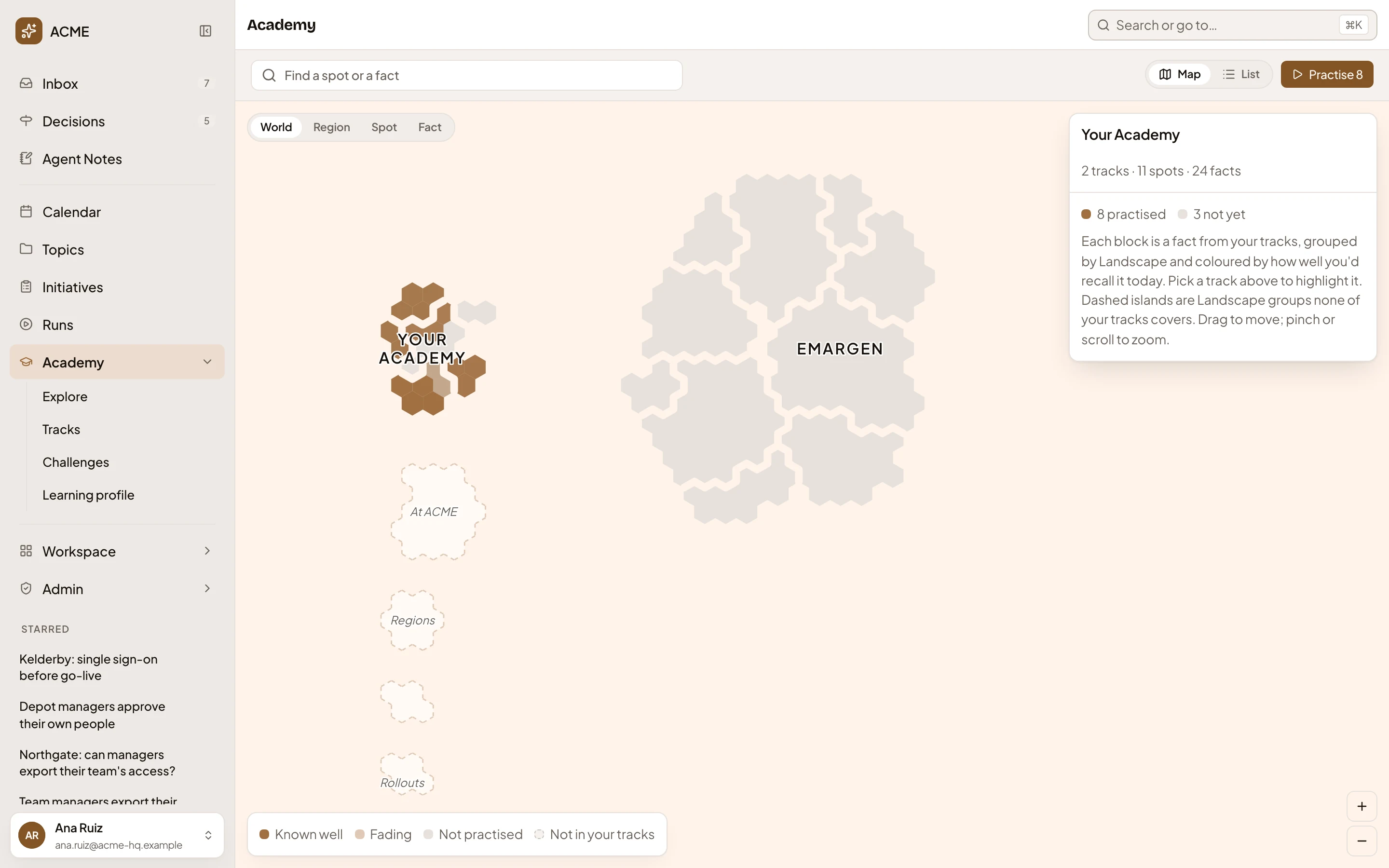
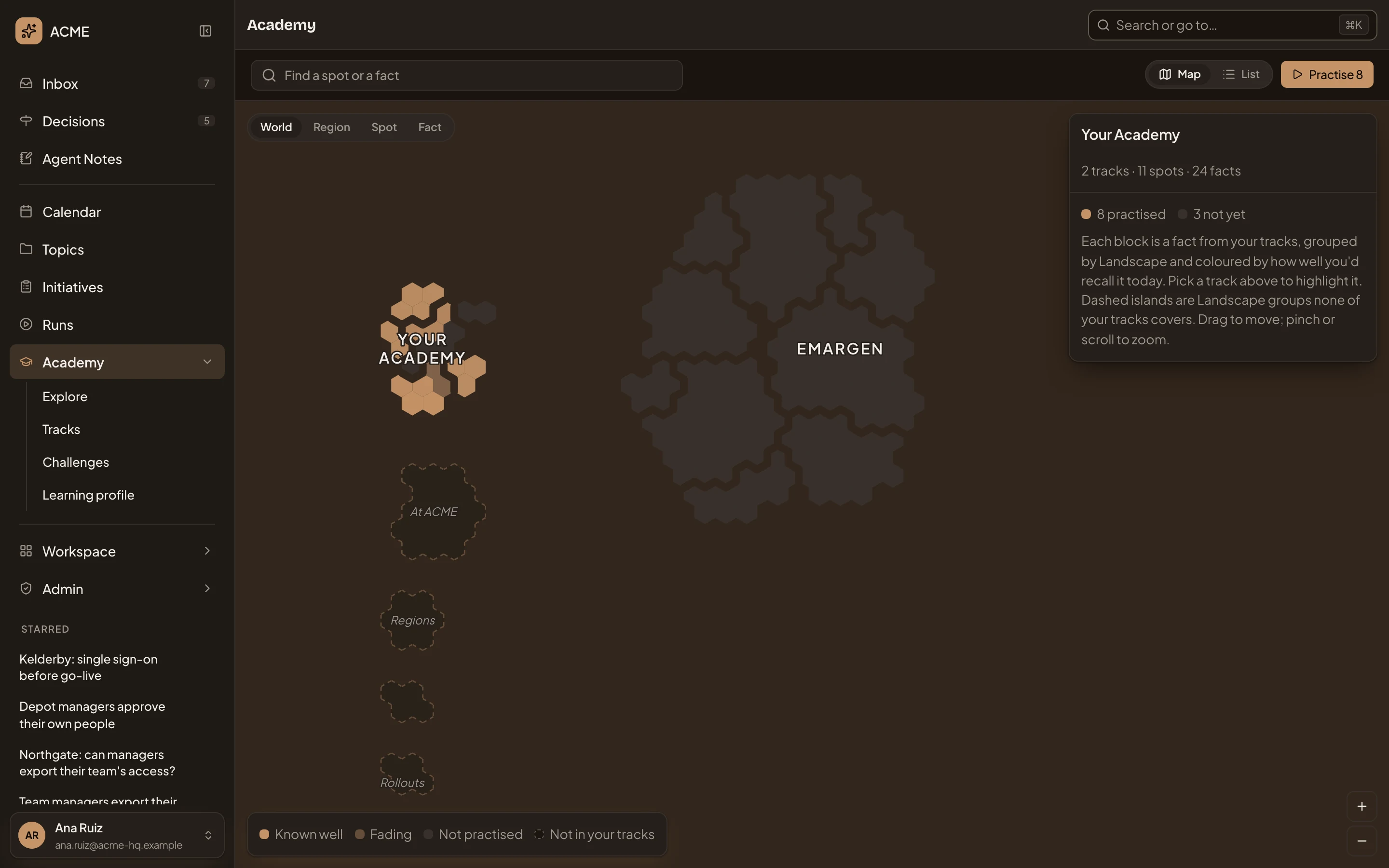
- Practise 8.
-
The first card opens. Read the question. Above it are the track it comes from and the kind of card. A card marked Changed has a fact or wording that changed since you last practised it.
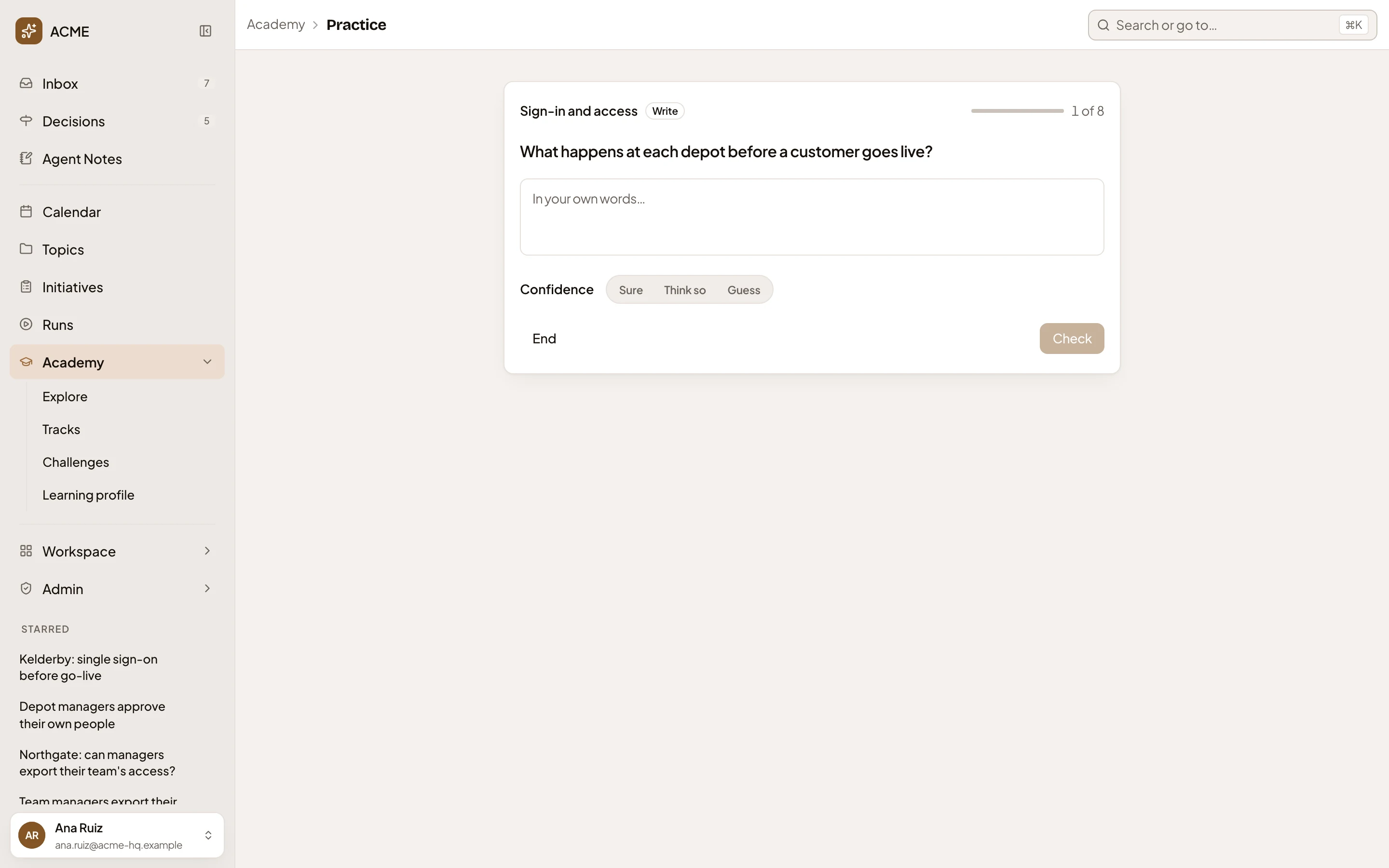
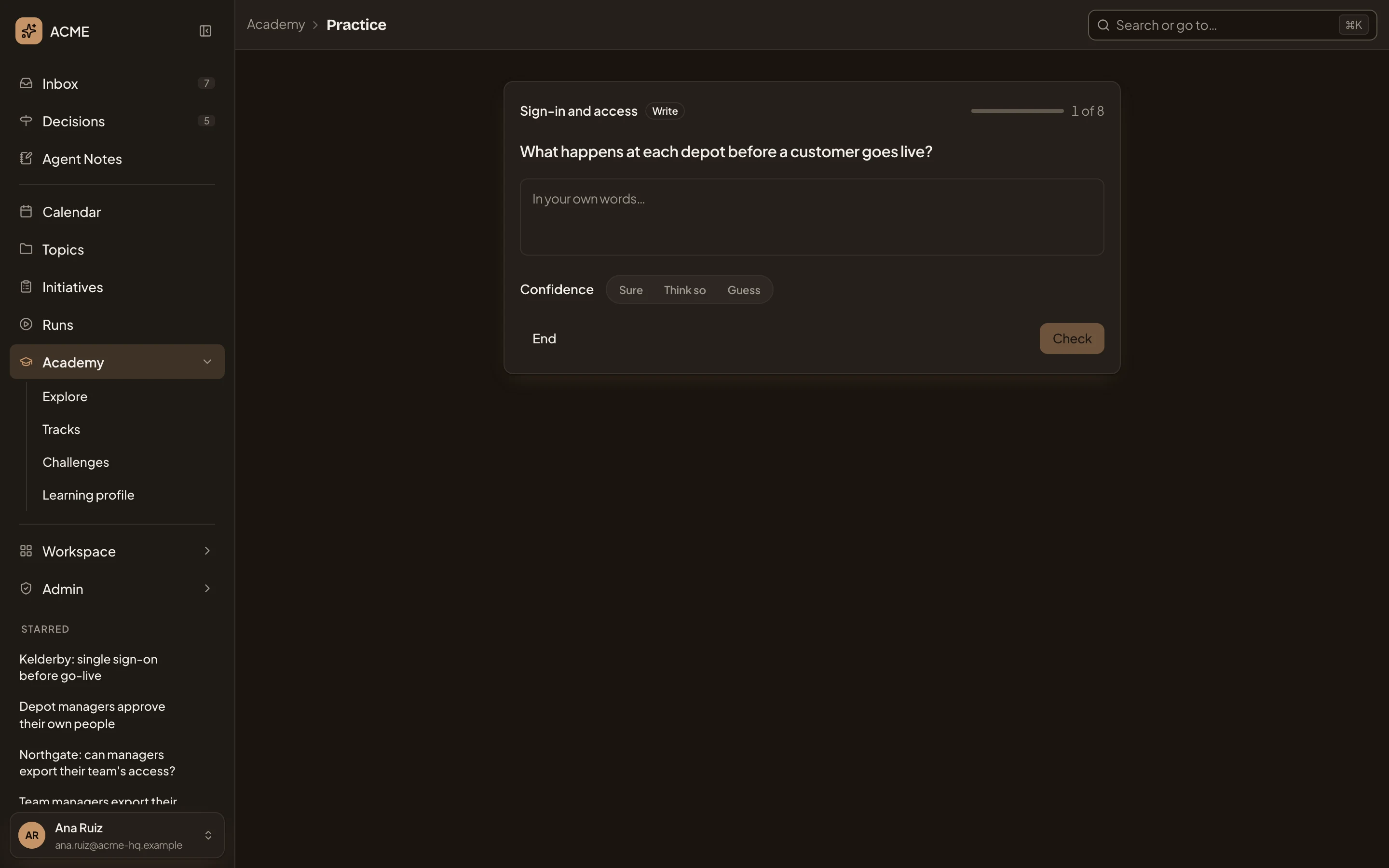
- The question.
- Your answer.
- Confidence.
- Check.
-
Answer it. Depending on the kind, you pick an option, fill the gap, write a sentence or two, or pick each name’s definition. A written answer is read for its meaning, so say it your way.
-
Under Confidence, choose Sure, Think so or Guess. Your choice sets when the fact comes back. Nobody else sees it. Check turns on.
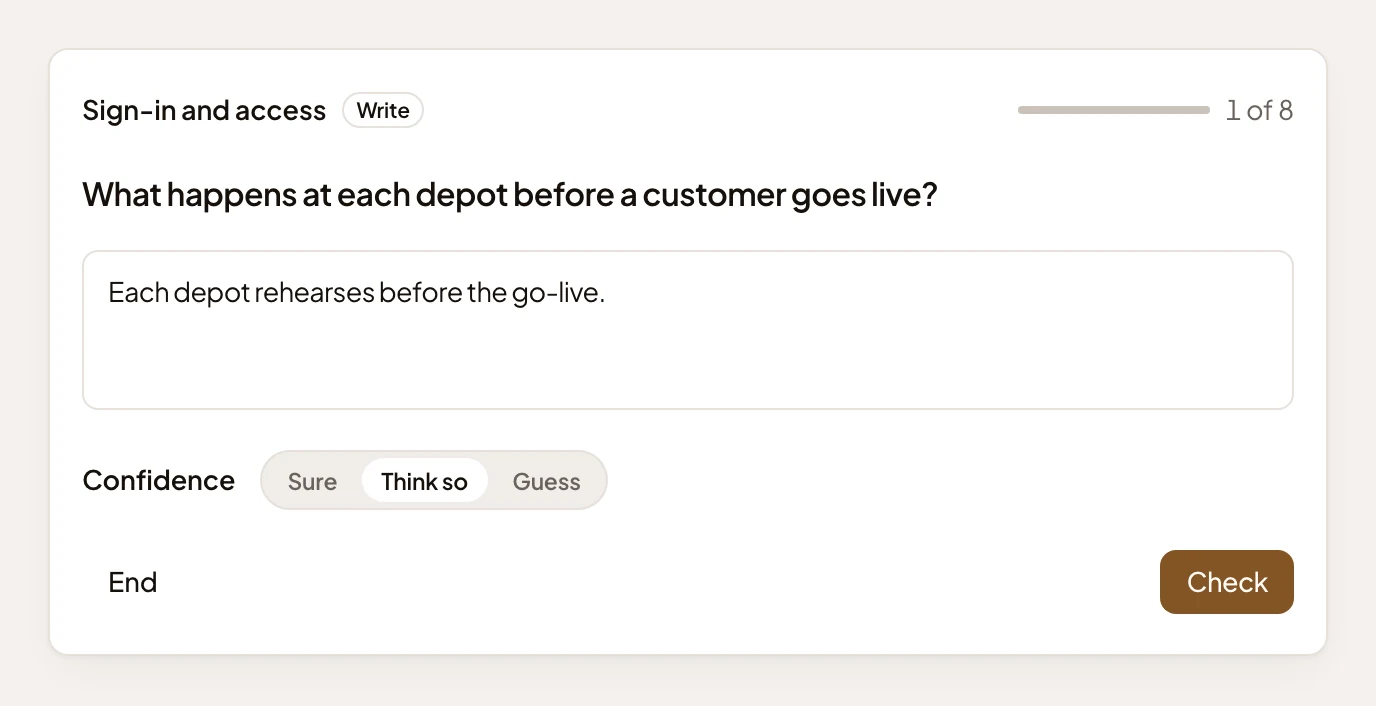
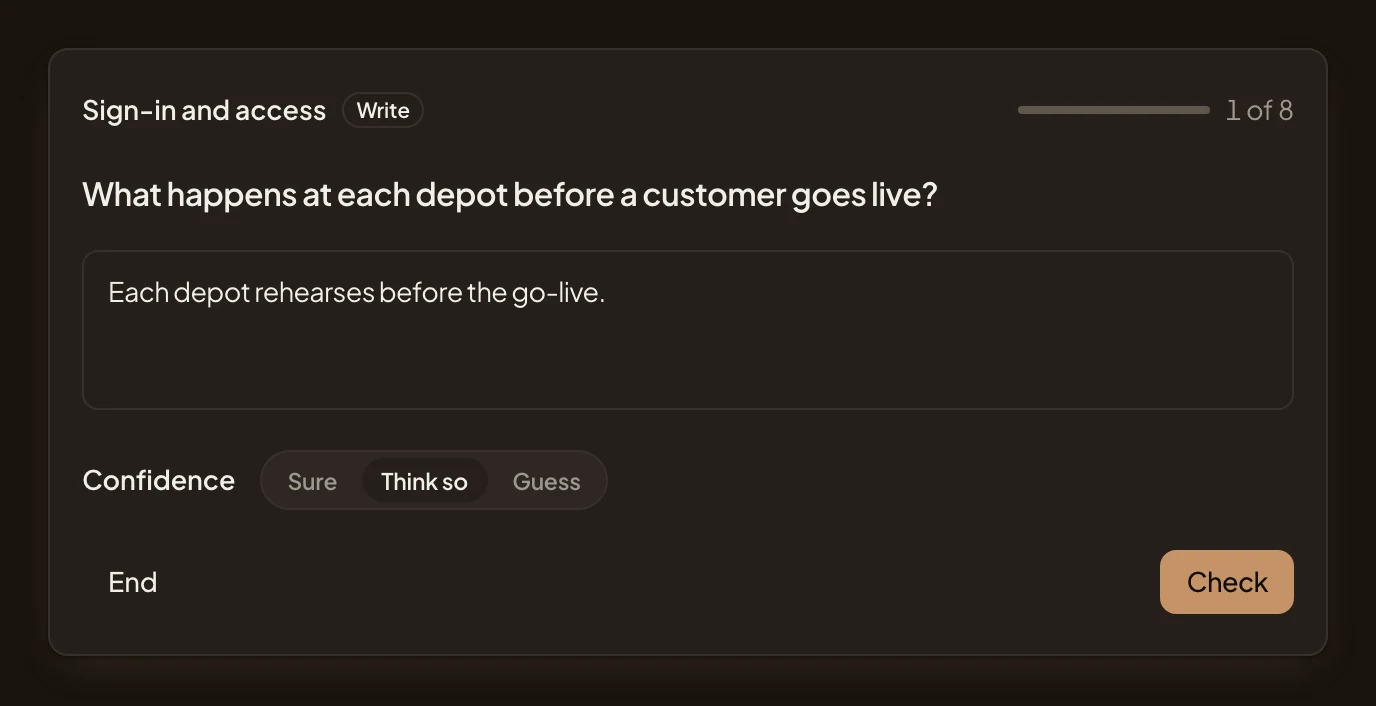
-
Click Check. Checking a written answer takes a few seconds. Then you see:
- Right, Partly right or Not quite.
- For a written answer, the points you made and missed. If your answer claims something the source doesn’t say, it can’t count as Right.
- For a choice, a gap or a match you didn’t get right, the right answer.
- What the source says, quoted. A match card shows each fact instead.
- When the fact comes back.
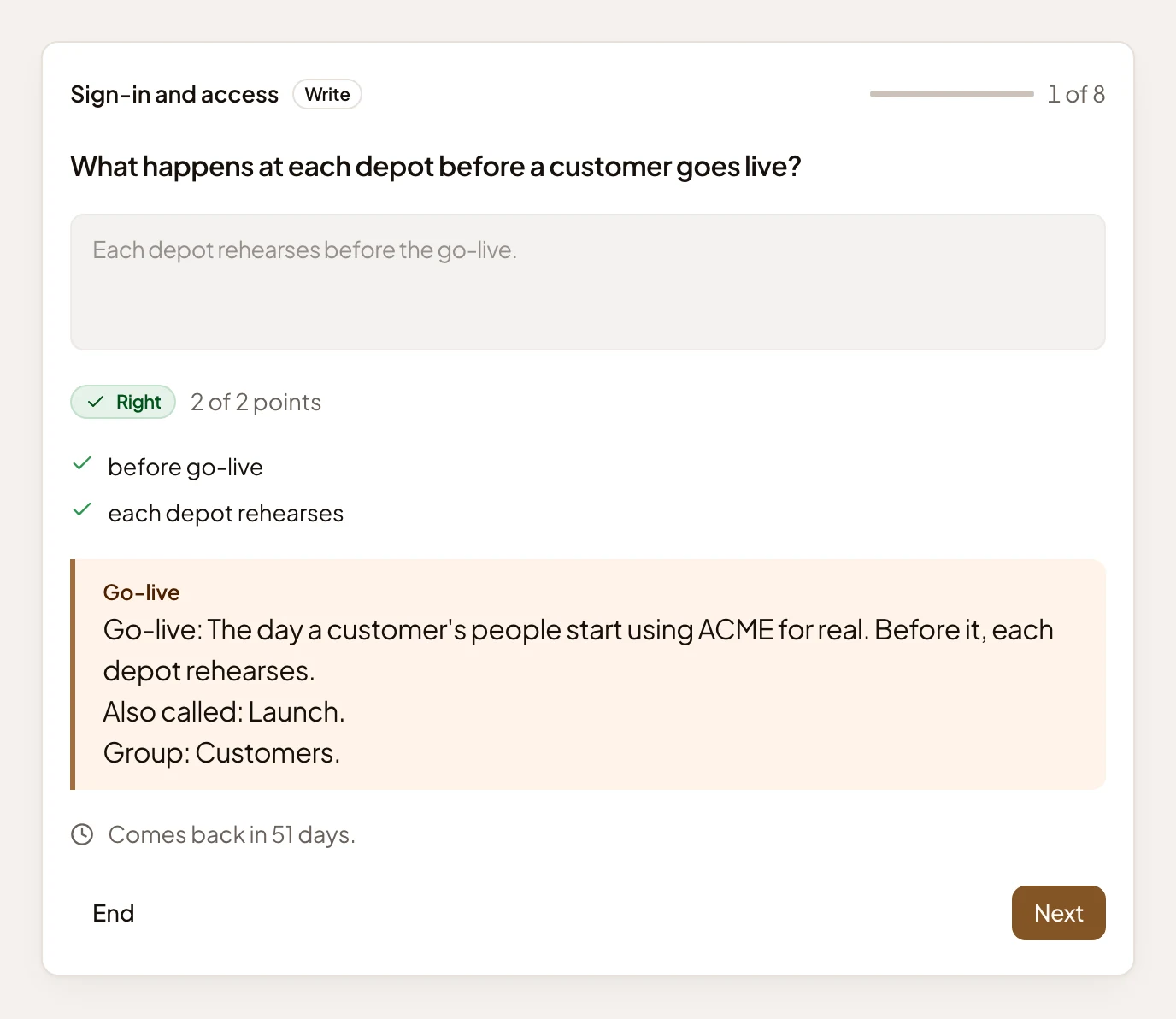
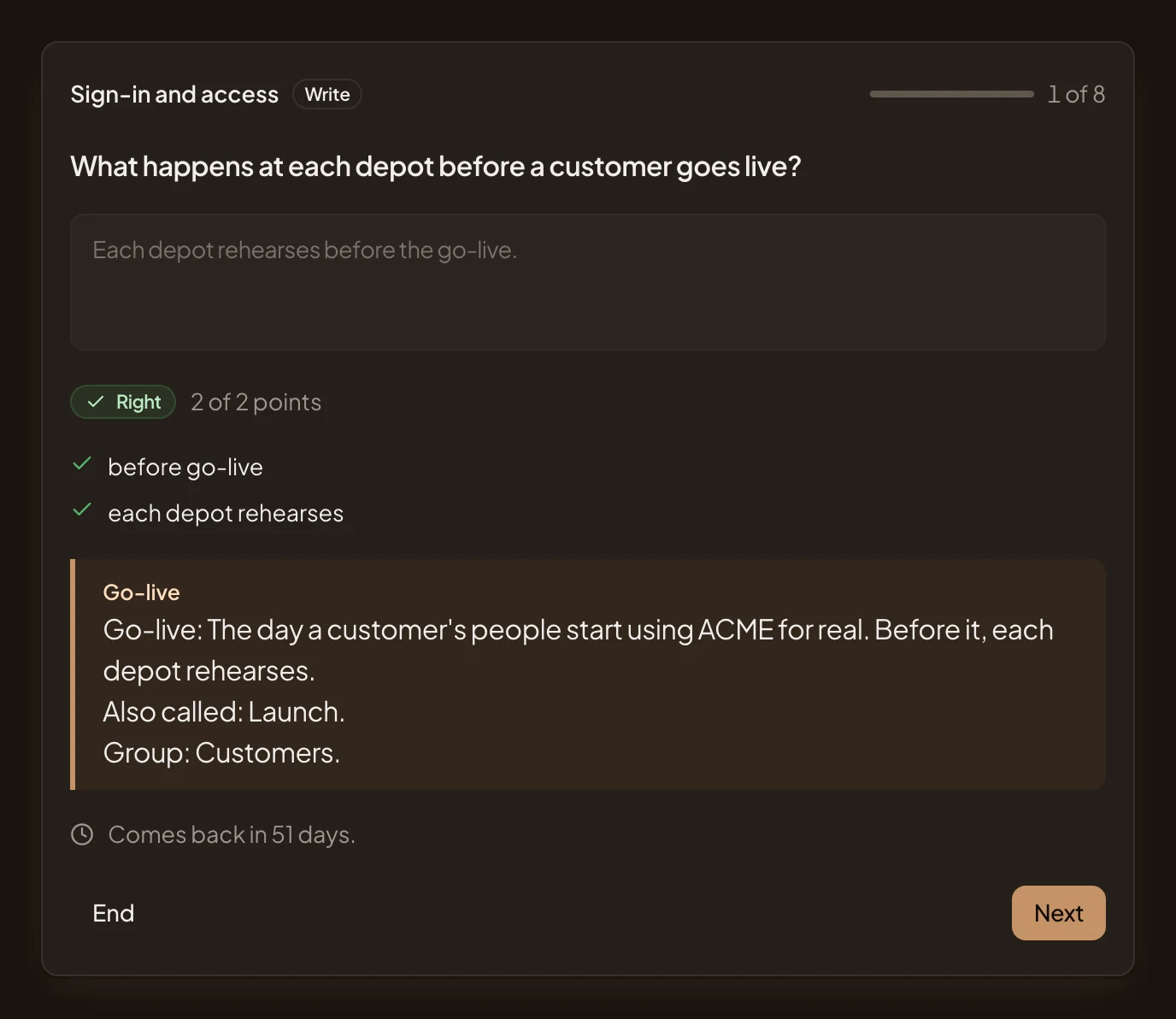
- The verdict, and how many points you made.
- The points a full answer covers.
- What the source says.
- When the fact comes back.
- Next.
-
Then click Next. On the last card, click Finish.
What you get
Section titled “What you get”- The page says “Today’s practice is done”, with how many you got right, and a button back to the Academy.
- Each fact comes back when it’s due. That’s soon if you missed it, and later the surer you were of a right answer. A fact someone rewrote starts over, so it comes back within days even when you get it right. A reworded card keeps its schedule.
- If more cards are due than one practice asks, you can start the rest straight away: the button shows Practise with the new number.
- Today’s practice in your Inbox is done once nothing more is due today. Its count is that morning’s first practice.
To stop before the end, click End. The cards you didn’t answer wait for later.
Practise one track or one spot
Section titled “Practise one track or one spot”- One track. In the Academy’s box, click Find a spot or a fact, choose Track and tick the track. Then click Practise on its card. If a spot or a region is still picked, click World at the top left to show the track’s card.
- One spot. Click a spot on the map. The card shows the spot, or the fact you clicked, with Practise this spot. A spot’s own page has the same button.
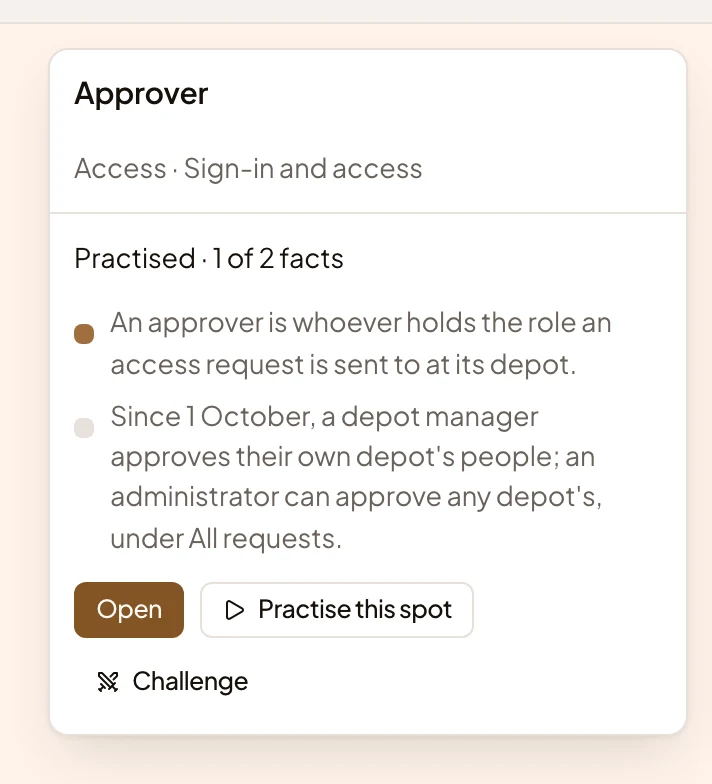
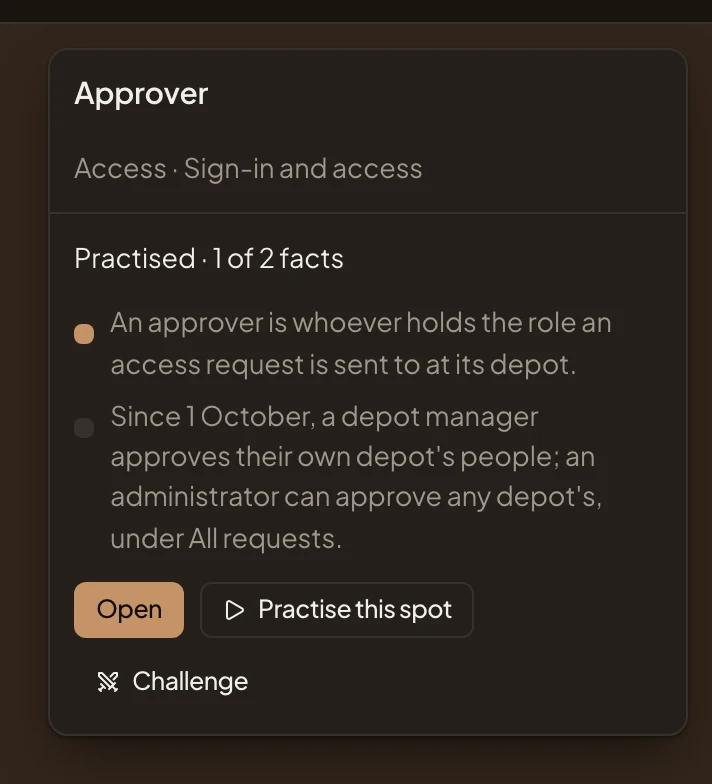
- Practise this spot.