

AdminGuide
Plans and limits
Your organisation’s plan limits how much work Emargen does for you at once. That’s all it limits. It doesn’t cap how many people you have, how many topics they start, or what you spend on AI.
We added plans after forty agents started on one large repository in under a minute, with nothing left for anyone else. A plan shares the work out, so one busy job can’t take every agent your organisation has.
Two kinds of work
Section titled “Two kinds of work”A chat answer is the agent writing back to you in a conversation. An agent run is a job the agent works through on its own, apart from the chat. Reading a repository to write its analysis is one. So is a spike, or a check of a topic against your code.
One question can start both. Ask if the portal can export a report, and the answer comes back in the chat while a check of the code starts beside it. The check reports back when it’s done.
The three limits
Section titled “The three limits”- Agents at once. How many agent runs work at the same time. More wait their turn.
- Agent runs waiting. How many runs may wait for a free agent. Past that, a new run is refused until some have finished.
- Chat replies at once. How many answers the agent writes for your organisation at the same moment. More wait until one finishes.
A person goes first
Section titled “A person goes first”When runs wait, a person’s question starts before background work, such as an analysis nobody is watching. And with two agents or more, background work always leaves one free for a person. We built it that way so a question asked in a chat starts within seconds, even while a large repository is being analysed.
Emargen keeps a few more limits for the work nobody watches, like writing summaries and keeping search up to date. You don’t see them. That work runs apart from the chat, so your answer doesn’t queue behind it.
Reaching a limit
Section titled “Reaching a limit”A run that waits says so where you follow it, like under a spike’s question or in a repository’s area. It reads “Waiting for a free agent”, then how many runs are ahead of it, or “next”. It starts on its own when an agent frees up. Nobody has to do anything.
A run past the waiting limit fails straight away, and says “Too many agent runs are already waiting in this organisation.” Start it again once some have finished.
Chat answers just start a little later when many people send a message at once. Nothing is lost.
A morning at the limit
Section titled “A morning at the limit”Say your plan allows three agents at once, and a repository’s analysis is under way. It’s background work, so it uses two agents and leaves the third for a person.
Someone in support asks a topic if a customer’s managers can see their own site’s requests. The check of the code starts at once, on the agent that was kept free. A minute later, someone in security asks a spike’s question about where a customer’s data is kept. It reads “Waiting for a free agent · next”, and starts as soon as the support check comes back.
On Plan, Agents at once reads “3 running · 1 waiting” for that minute.
Your plan in Admin
Section titled “Your plan in Admin”Plan, under Admin in the menu, shows your plan and its start date, then each limit with what’s allowed and what’s in use now. It reads the numbers again every half minute, so it’s the place to look when someone asks why their run is waiting.
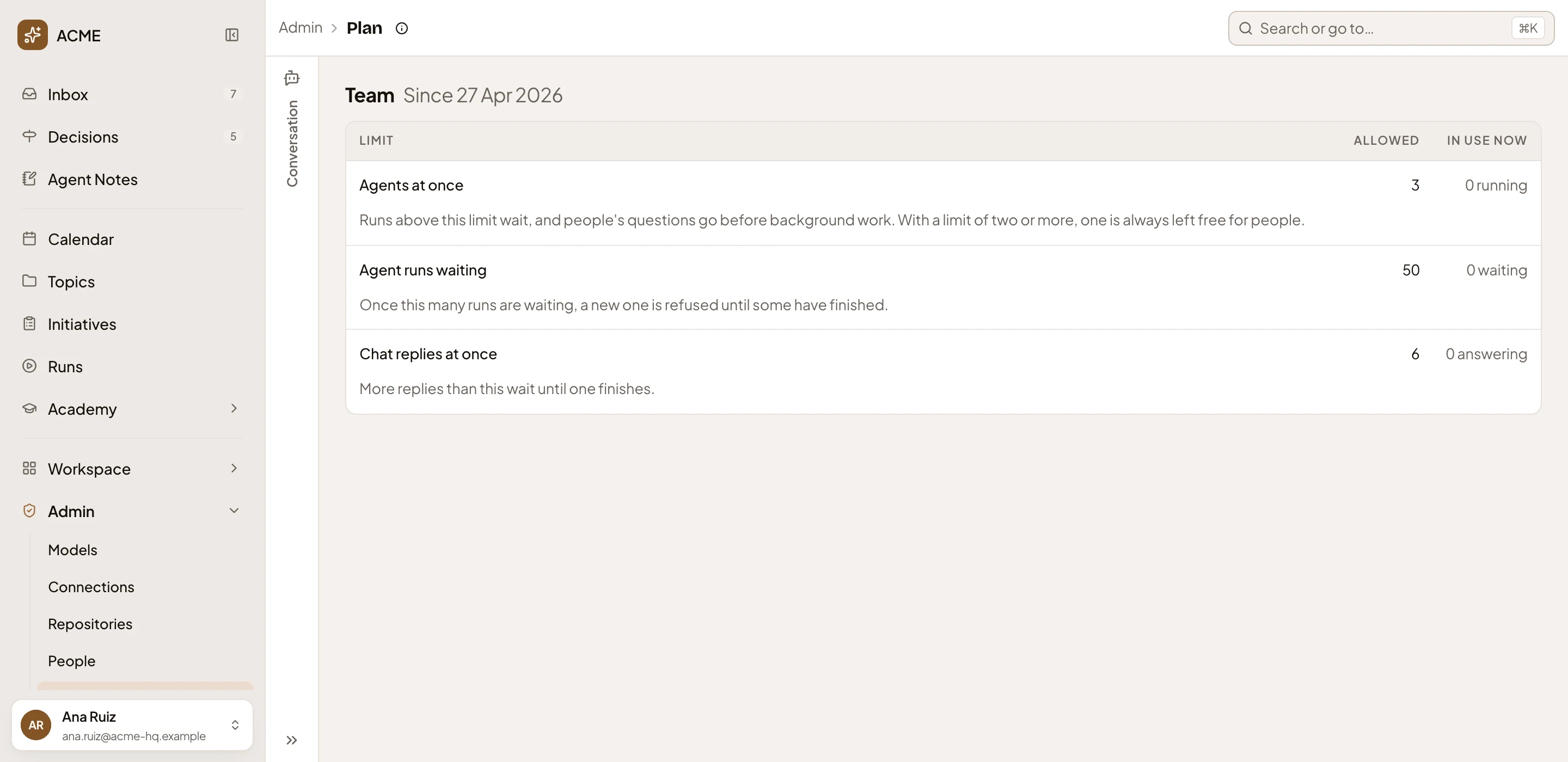
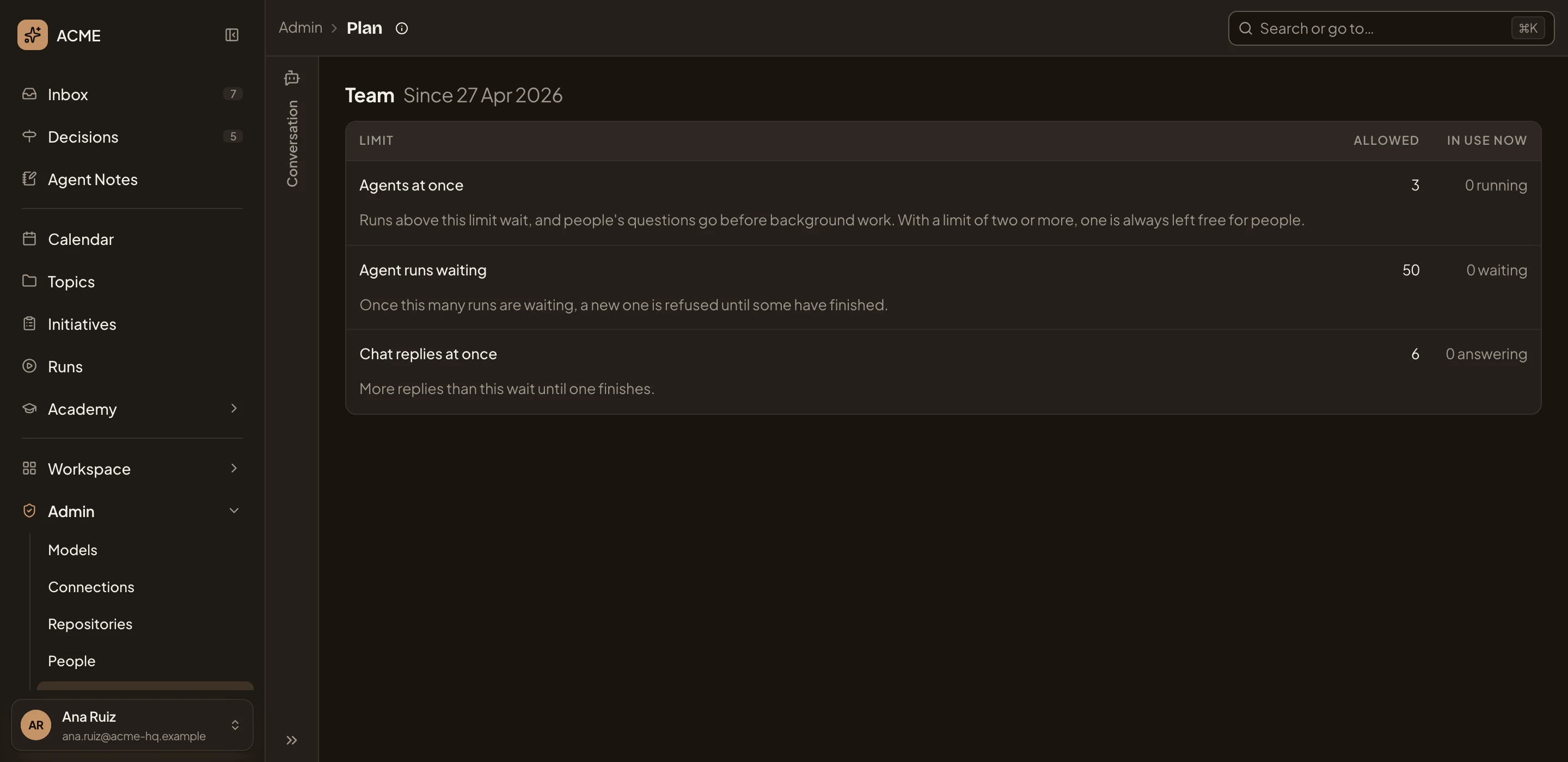
- The plan, Team, and the day it started.
- Agents at once, with what happens at the limit.
- Agent runs waiting: once this many wait, a new run is refused.
- Chat replies at once: how many answers are written at the same moment.
- What’s in use now. Here nothing is running.
Anyone with an Admin permission, such as managing models or inviting people, can open it. Everyone else sees a note that it’s for the people who look after the organisation in Admin.
Changing your plan
Section titled “Changing your plan”Emargen sets your plan and its limits, and can give your organisation a limit of its own. Plan shows only the number in force. To change your plan, ask Emargen.