

TopicsIdea
Templates and fields
A template is the shape of one kind of topic. It gives the sections a topic starts with, sometimes in tabs, and the fields it carries. Fields are short facts like the customer, where things stand and the day a reply is due.
The same kinds of work come back. A support lead wants every customer question to say what was asked, what exists today and what to tell the customer. A product manager wants every decision brief to show the options and who chose. A template has the agent start each one the same way, so nobody has to remember what a good one covers.
A starting shape, not a form
Section titled “A starting shape, not a form”A template guides the agent. Nobody fills it in. Start a customer’s question as a Customer question. The agent writes what was asked from your message, and what exists today from its check of the code. “What we tell them” stays planned, with the template’s line on what goes there, until someone asks the agent for the reply. You add what the agent can’t know, in the chat.
Emargen comes with five templates, from Decision brief to Rollout. Your organisation can make its own, and so can you, to keep or share. New topic offers the four your organisation uses most, and finds any other by a word. You can also ask the agent for one as you talk. It offers the template on a card, and nothing changes until you take it. You can add a template to a topic later the same way.
Topics the agent makes on its own can follow a template too. An agent task that fills a list of support questions can make each new request a Customer question, with its fields filled in from the request.
Fields keep facts out of the prose
Section titled “Fields keep facts out of the prose”Fields put the facts people look for where everyone sees them, at the top of the topic and on its row in your lists. Boards group topics by them, and filters narrow by them. We added fields because facts like a bug’s severity lived in prose, where neither the agent nor a board could use them.
The agent sets fields from the conversation as it goes, using each field’s meaning to pick its value. People who take part in the topic can change a value from the field’s menu, and every change shows in the topic’s versions.
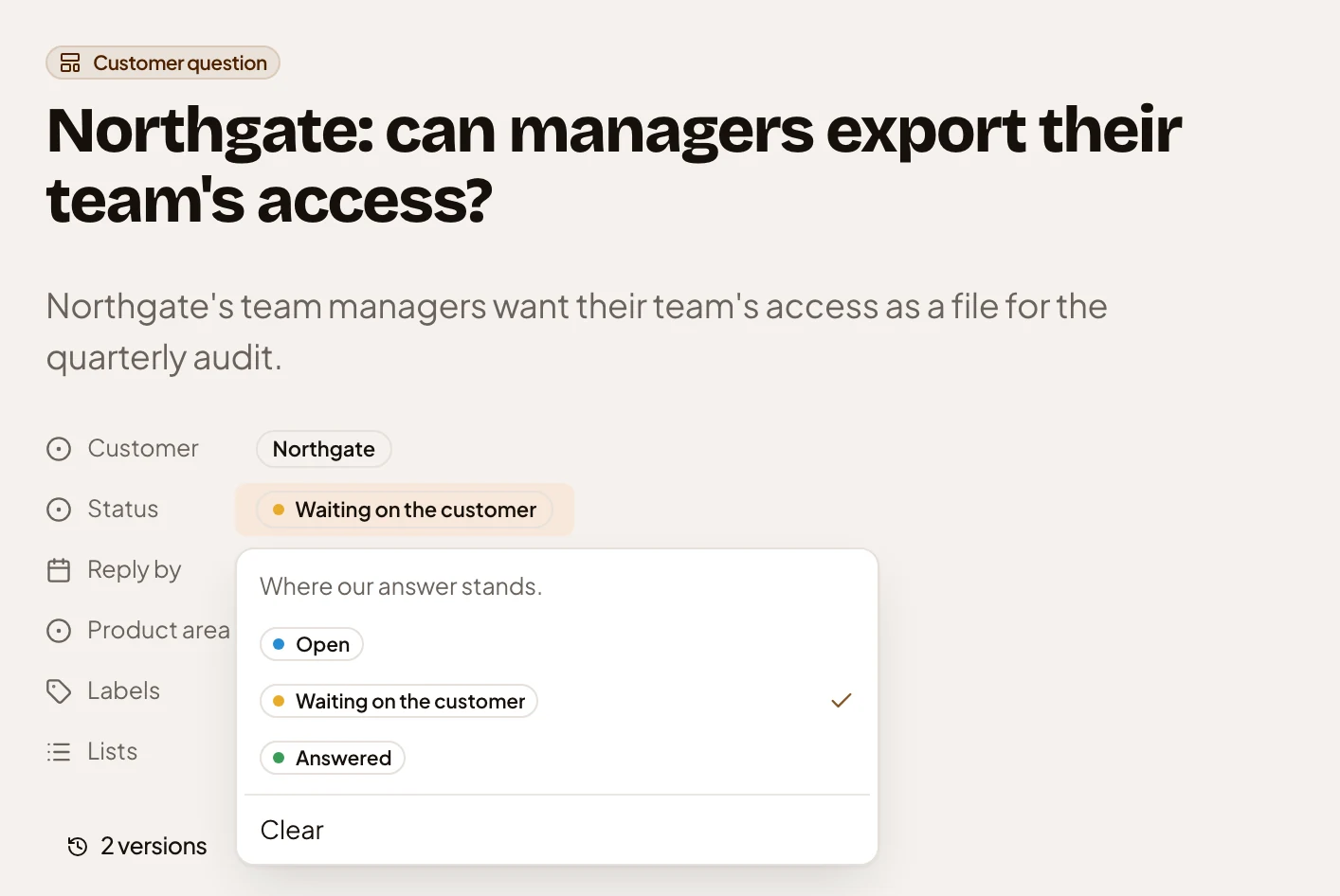
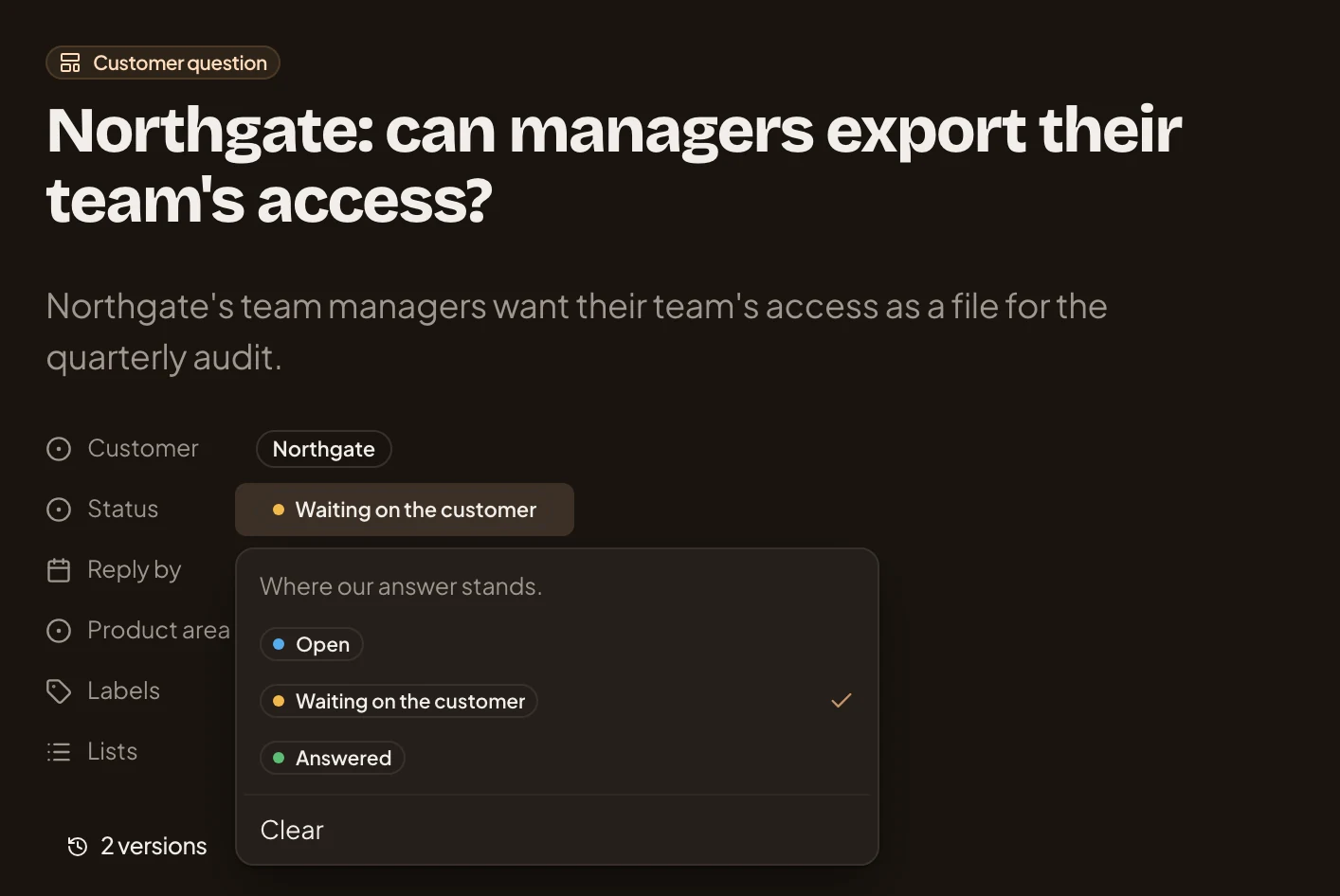
- Customer question, the template the topic follows.
- Customer, a field the agent set from the conversation.
- What the Status field means. The agent reads it to pick a value.
- The value it has now, ticked, among the ones it can take.
Fields belong to your organisation. Whoever makes a template picks which of them its topics carry. Emargen’s own templates have none. To give one fields, duplicate it and add them to your copy.
Sections are copied, fields stay live
Section titled “Sections are copied, fields stay live”When a topic starts, it gets a copy of its template’s sections. Later changes to the template reach new topics only, and any topic can add sections of its own. Fields work the other way. Add one to a template, and every topic that follows it has the field at once.
You can take the template off a topic and keep every section. The template’s fields and their values go, so Emargen asks first if any field has a value. The versions keep the old values. A topic whose shape works well can become a new template.