

AdminPage by page
A new connection
You connect a new system here. Click Connect on a card on Connections. Open a kit’s card for a page that asks only for what that system needs. The Any MCP server card opens a form you fill in yourself. Connect Jira or Confluence covers the whole job.
A kit with a token
Section titled “A kit with a token”Jira Cloud (API) takes an Atlassian API token.
Open Connect Jira Cloud (API) (opens Emargen in a new tab)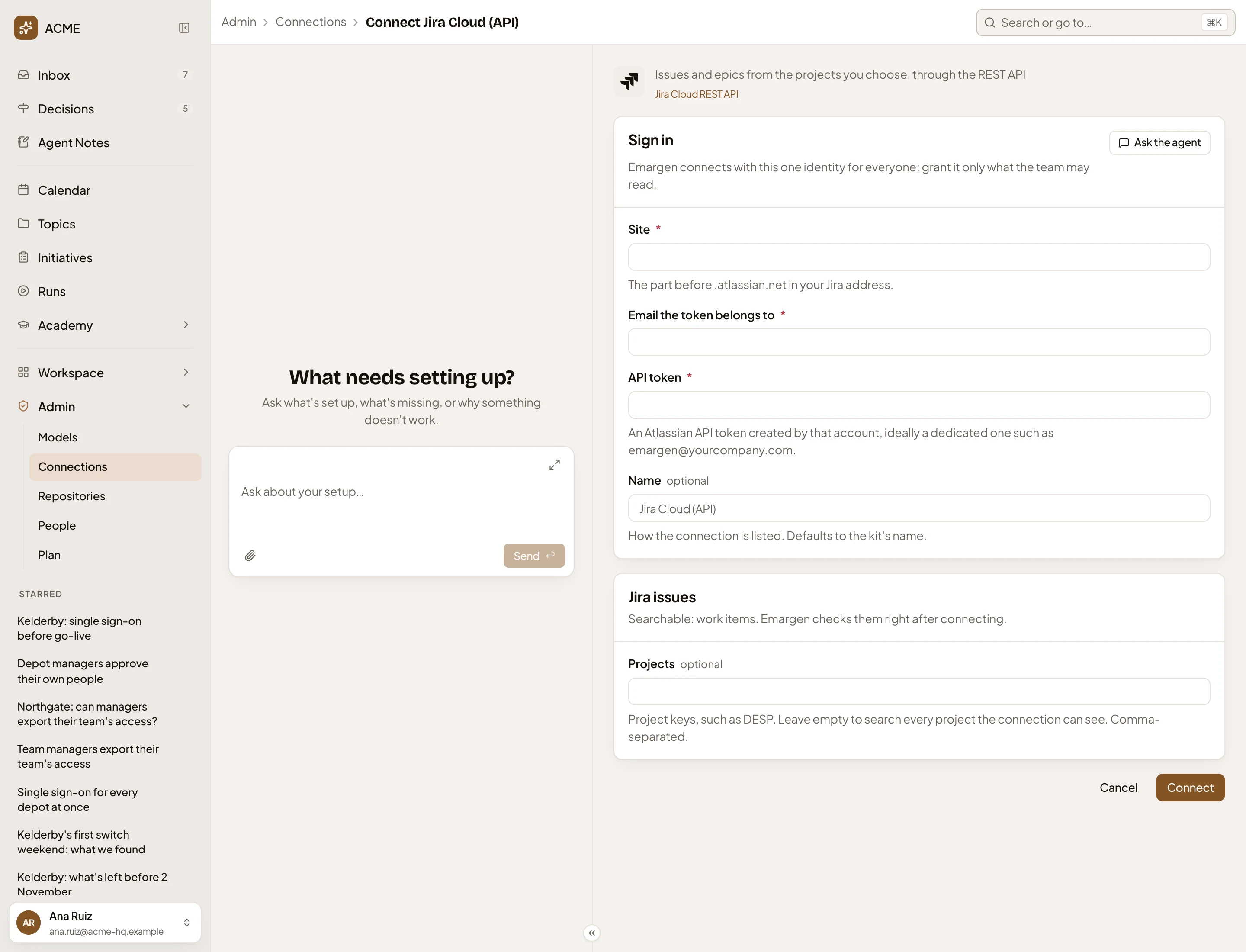
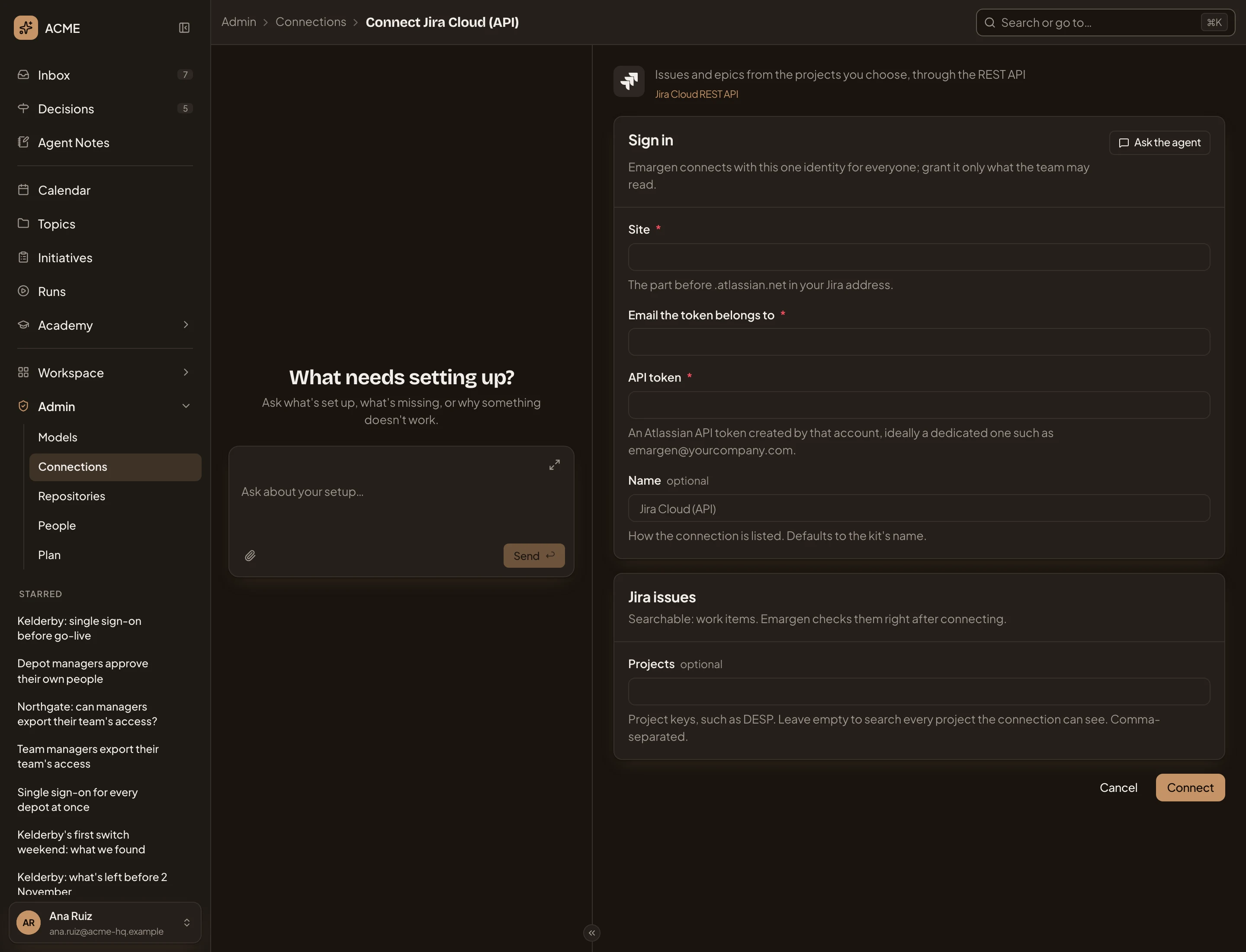
- See Atlassian’s own documentation.
- Ask the agent. The admin agent walks you through the setup in the chat. Nothing you typed in the form goes with it.
- Site. The part before .atlassian.net in your Jira address.
- API token. A token made by the account under Email the token belongs to. Emargen connects as that one account for everyone, so pick one that sees only what the whole team may read, ideally one kept for Emargen.
- Projects. Which Jira projects become searchable, by key, separated by commas. Left empty, every project the account can see.
- Connect. Sets up the connection with what you entered.
Name is how the connection is listed. Left empty, it takes the kit’s name. The kit adds a searchable content for each card under Sign in, here Jira issues. Confluence Cloud (API) asks for the same sign-in, with Spaces in place of Projects.
After Connect, Emargen sets up the connection and switches on the tools the kit needs. It adds each searchable content as a draft. Then the first content’s page opens and runs its check on the kit’s sample searches, which takes a few seconds. When the check passes, the content is Active and gets searched. When a part fails, the page says why: see A searchable content.
A message names any tool the kit expected and didn’t find, and any content it couldn’t make without it.
From a kit, signing in in the browser
Section titled “From a kit, signing in in the browser”Atlassian Cloud connects the Jira and Confluence of one site at once. You sign in to Atlassian in the browser instead of making a token.
Open Connect Atlassian Cloud (opens Emargen in a new tab)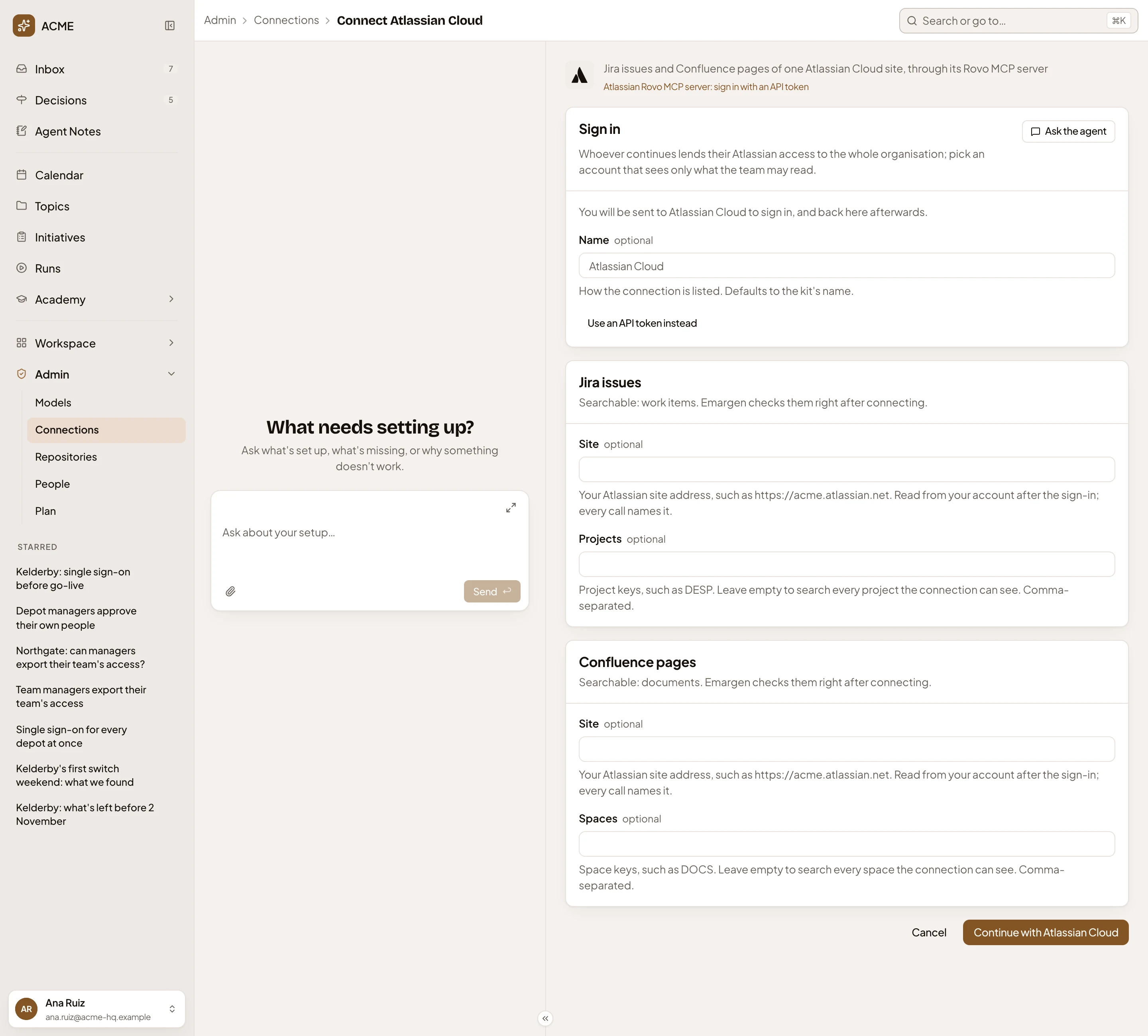
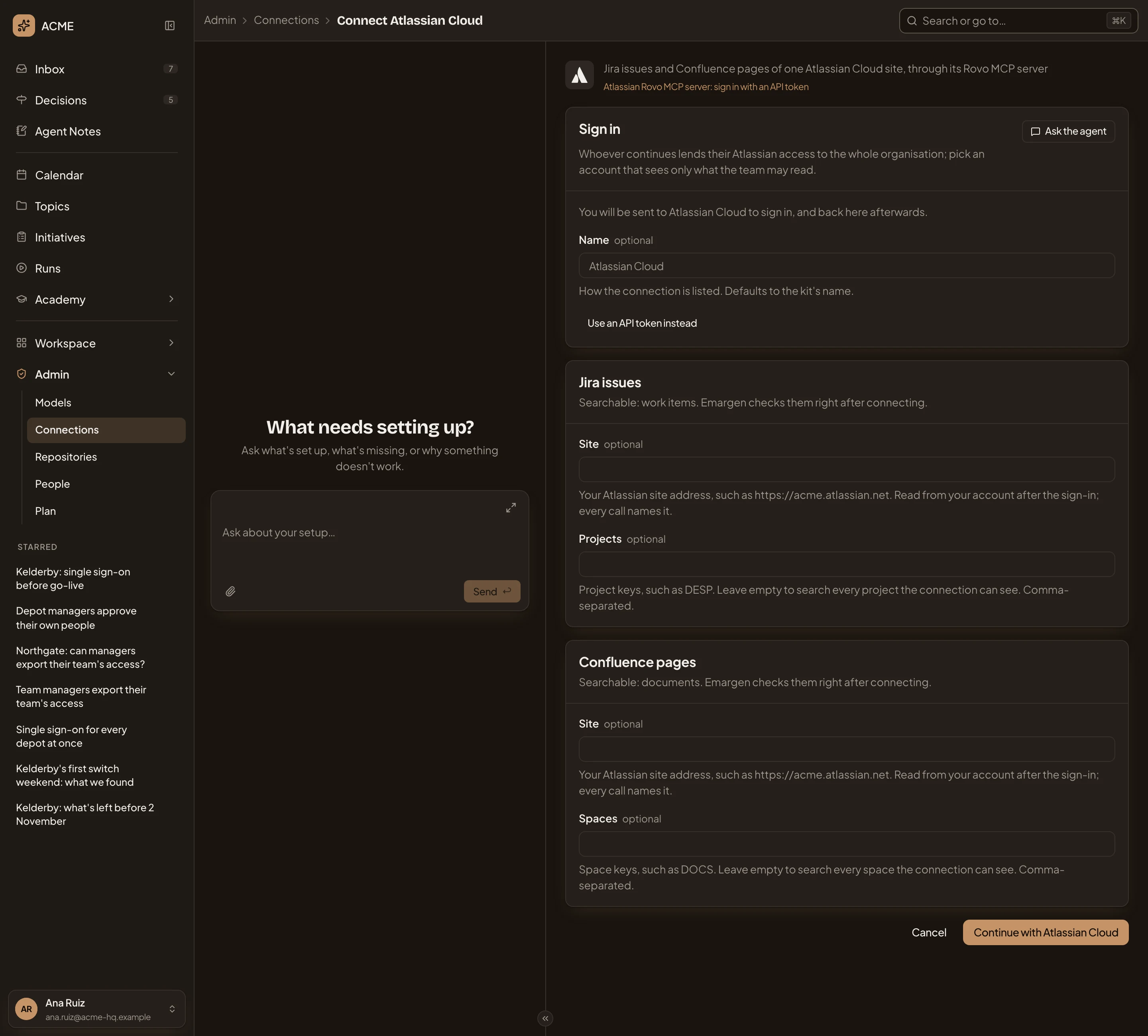
- You’re sent to Atlassian to sign in, and come back here afterwards.
- Use an API token instead. Shows the fields for a token in place of the sign-in.
- Jira issues. The Jira content, with its Projects. Confluence pages below it, with Spaces. Site is read from your account once you’ve signed in.
- Continue with Atlassian Cloud. Sends you to Atlassian. When you come back, Emargen finishes the connection as it does after Connect.
Whoever signs in lends their own Atlassian access to the whole organisation, so sign in with an account that sees only what the team may read.
By hand
Section titled “By hand”Open the Any MCP server card when no kit covers the system. It can be an MCP server that agents call, or a REST API.
Open New connection (opens Emargen in a new tab)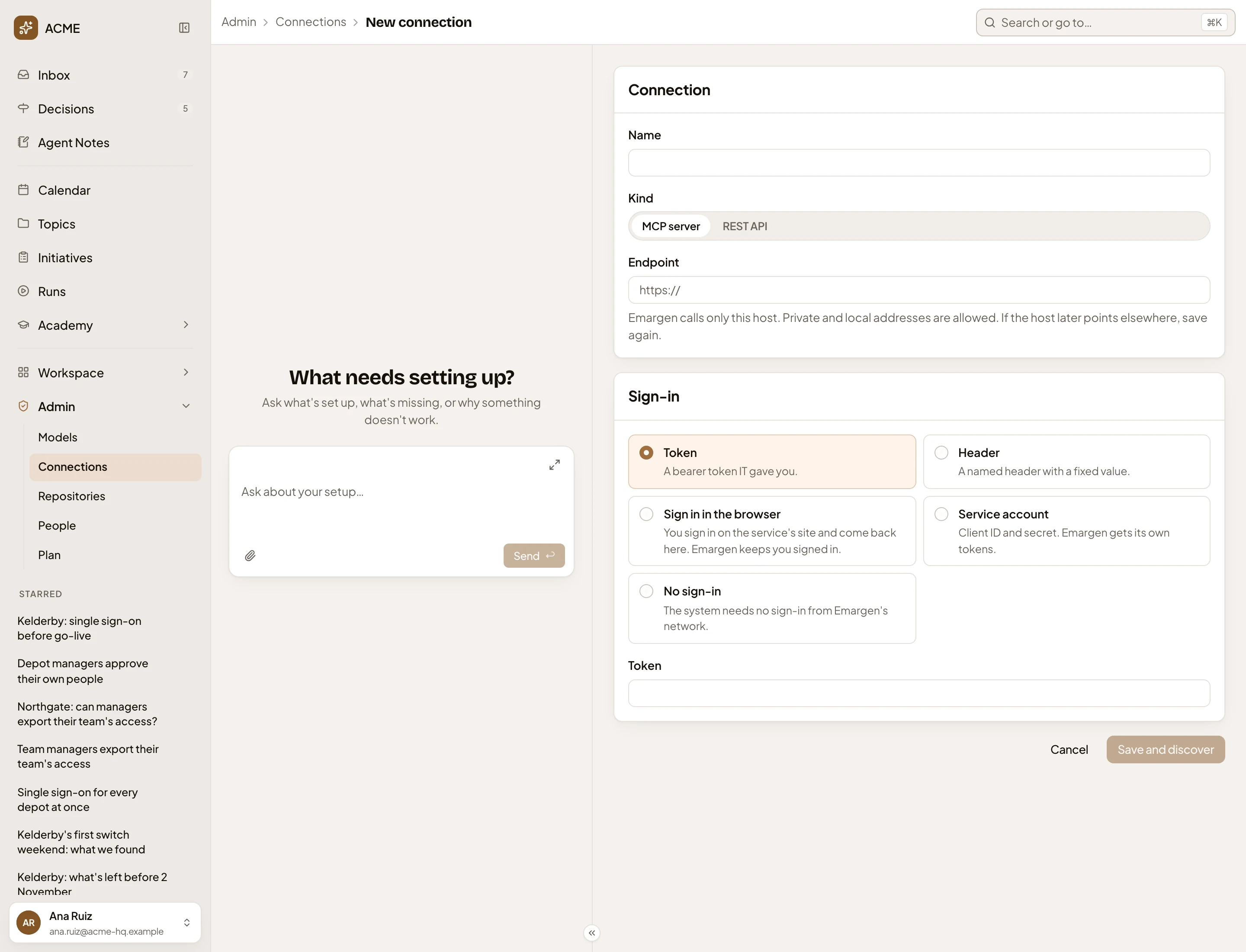
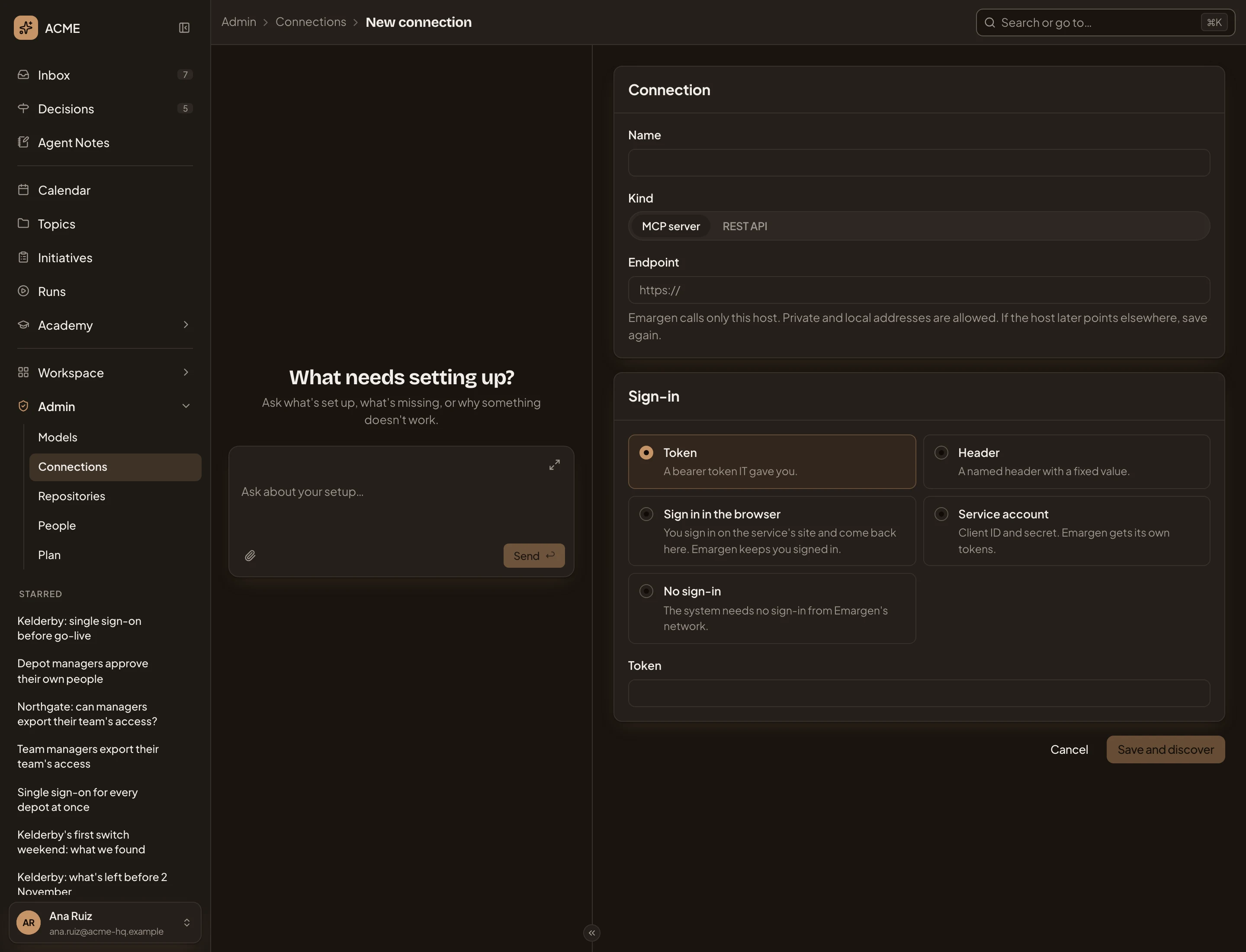
- Kind. MCP server or REST API. It can’t be changed later.
- Endpoint. The address Emargen calls. Emargen reaches only this host.
- Sign-in. How Emargen signs in. The fields under it follow your choice. A token needs only the Token. A header needs its name and value. A service account needs its client id, secret, token address and scope.
- Save and discover. Saves the connection and opens its page. An MCP server’s tools appear under Available tools, all switched off. With Sign in in the browser, the button says Continue and sends you to sign in first.
Name above Kind is how the connection is listed. A secret you type is stored and never shown again. Nothing is searched yet. Set up its searchable content on the connection’s page. For an MCP server, switch on the tools you approve first.
Open the Any REST API card for a shorter kit page instead. It asks for the API’s base address, a bearer token if it needs one, and a name. Each searchable content then says which paths under that address it calls.
On a phone
Section titled “On a phone”The page and the admin agent’s chat take turns on the screen. See Admin.
Access
Section titled “Access”Anyone in the organisation can connect a system, and change the connections they made. To change someone else’s connection, your role must let you manage connections. An administrator’s does.