

InitiativesPage by page
Change requests
After approval, you need a change request to change what was shaped. The Change requests tab lists them. Click Change requests in the bar on the right of an approved initiative. Click a request’s title to open its page.
Tom owns ACM-293, Single sign-on for every depot at once, has nothing left to decide, and looks under Decided. A colleague’s Codex, building a task, raised the request there when it found that every depot still needs its own app in the customer’s Entra ID.
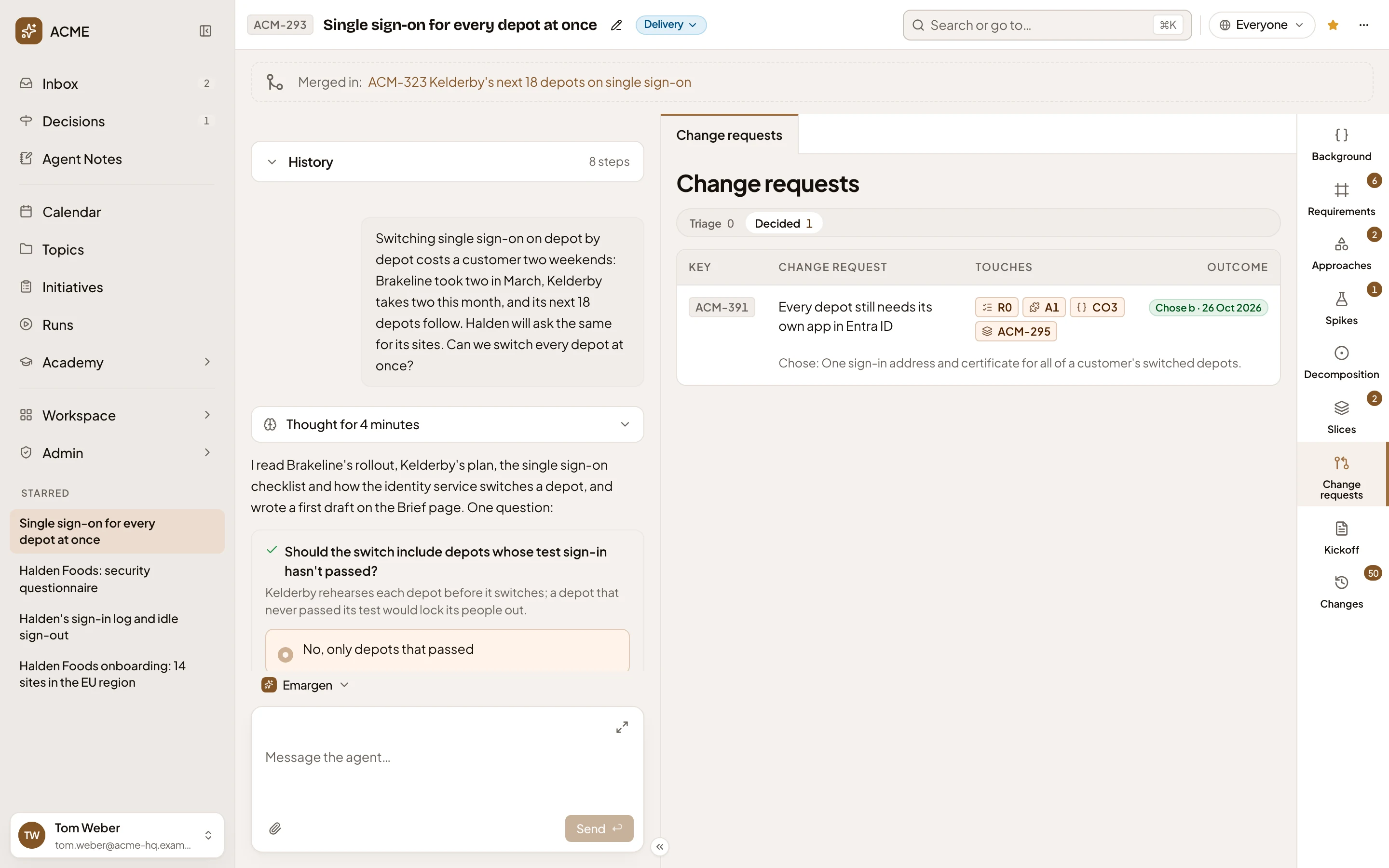
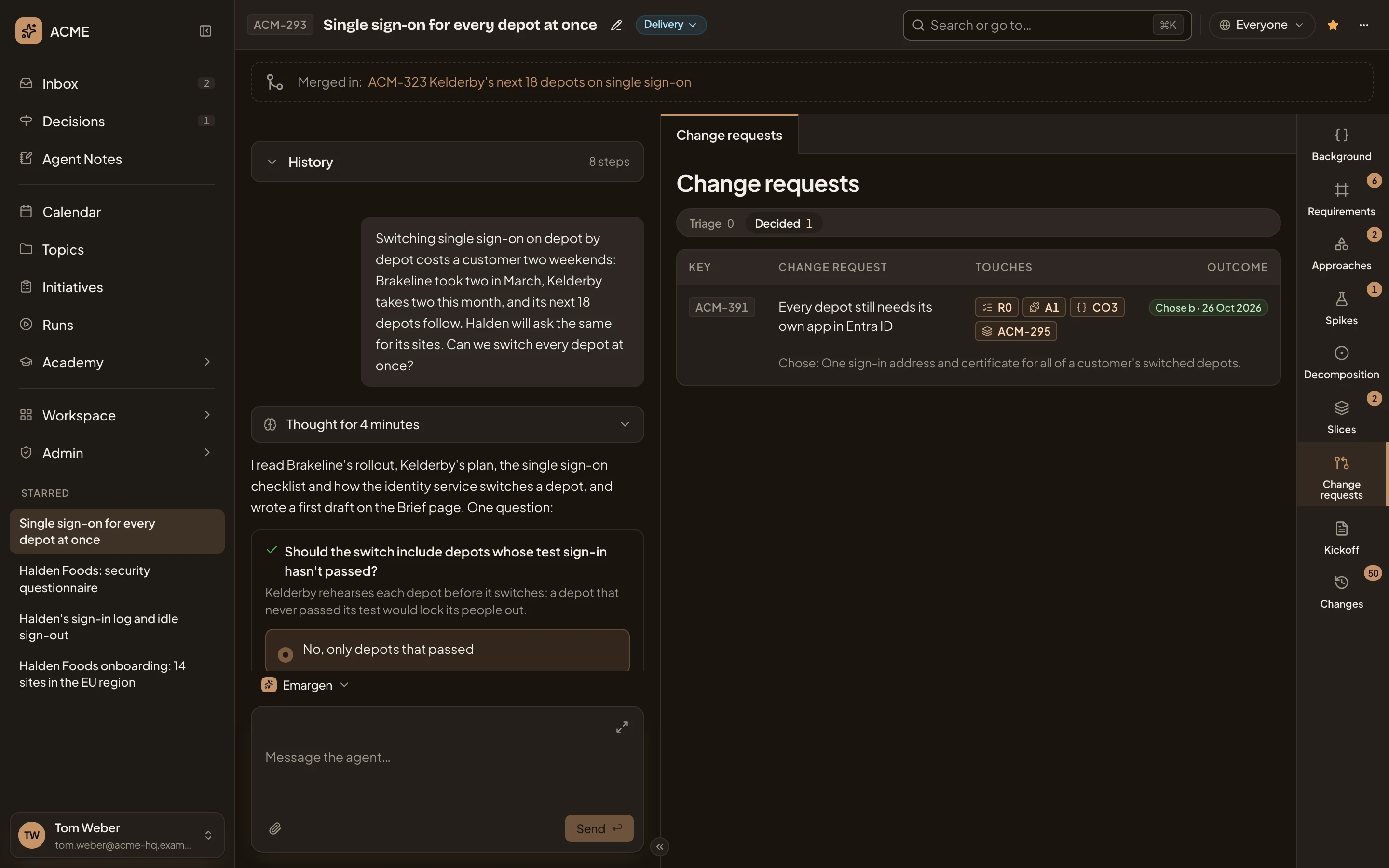
- Change requests. Open a request and it replaces the list. To come back, click Change requests in the bar on the right.
- Triage and Decided. Triage lists open requests in the order you’ll decide them. Decided lists the rest, newest first. Each says how many.
- ACM-391. The request’s key.
- Every depot still needs its own app in Entra ID. What it asks to change. Click it to open the request.
- R0 A1 CO3 ACM-295. What it touches. A requirement, a part of the approach, a piece of the decomposition and a slice. Click a key to see it.
- Chose b · 26 Oct 2026. What was chosen, or Rejected, and when. Under Triage, this column says what each request waits on. It shows Waiting on you, Waiting on the owner for everyone else, or Blocked by the request to decide first.
- The option chosen. Under Triage, this line says how many options a request has, the one the build goes on with meanwhile, and where it came from.
- Change requests. The tab in the initiative’s bar, with a count while requests wait.
A request still being written says “The options are being written.” until the agent has written them.
Proposing a change
Section titled “Proposing a change”- From the build: a coding agent building a task raises one when what it builds can’t meet what was shaped. See Building slices.
- From a person: on an approved initiative, click a requirement, a part of the approach or a piece in the decomposition’s list, then choose Propose. On the Slices tab, Re-cut slices proposes cutting the slices again (see Slices).
Propose opens a box about the row you picked:
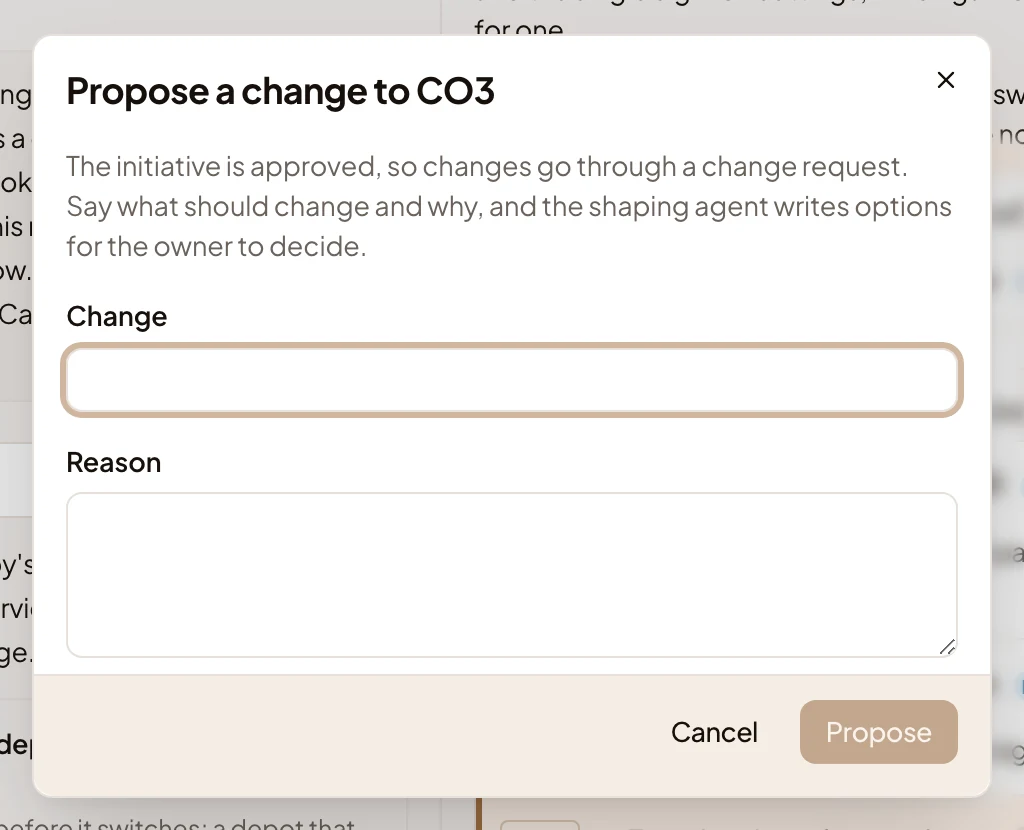
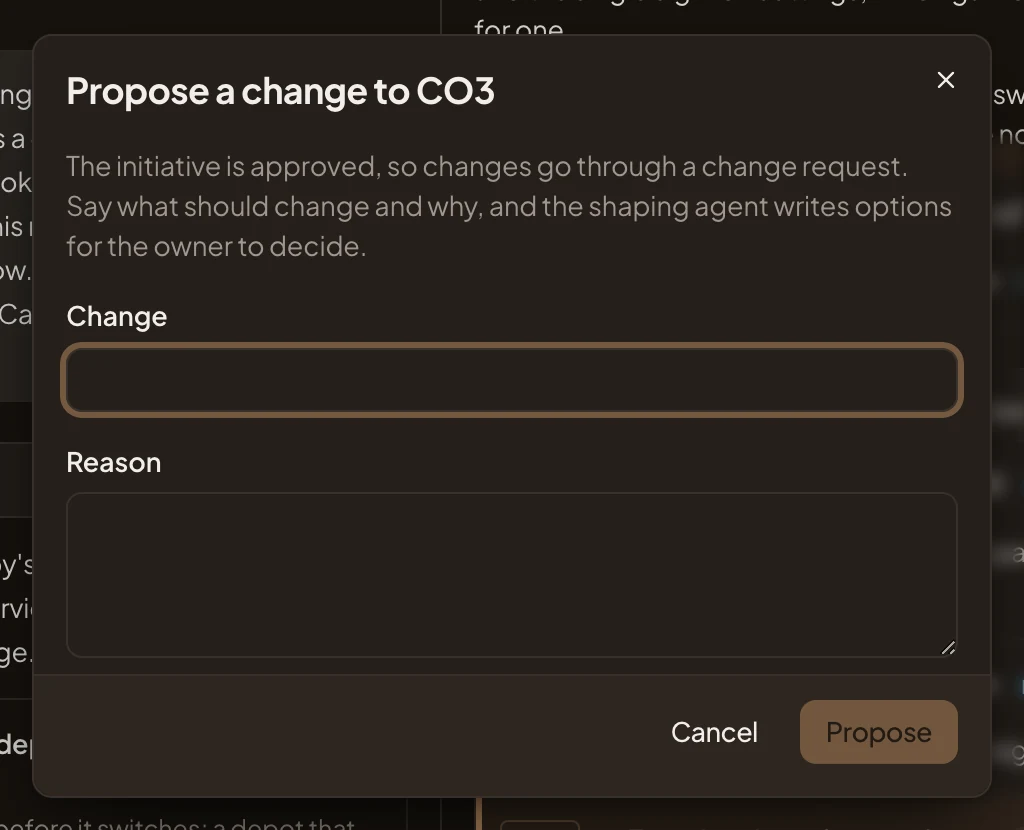
Write the Change and the Reason, then click Propose. Your new request opens. The agent writes its options, and what each would change, for the owner to decide. When the agent finds a new request holds the same problem as one already open, it adds yours to that one instead.
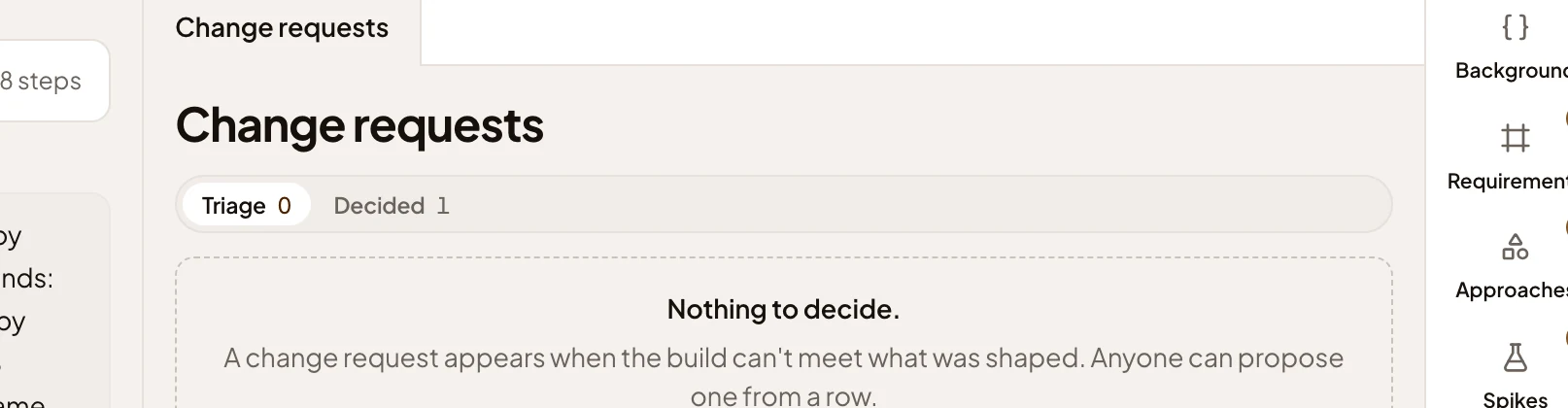
With nothing to decide, Triage shows “Nothing to decide.” and says a change request appears when the build can’t meet what was shaped. Decided says “Nothing decided yet.” until the owner decides one.
Access
Section titled “Access”Everyone who can open the initiative sees its change requests, and can propose one once it’s approved. Only the owner, and anyone who edits the initiative, decide them. The tab shows only on an approved initiative.