

TopicsIdea
Sharing
When you start a topic, only you can see it.
Most work starts out messy. A hunch. A customer case you haven’t untangled yet. You should be able to work on it without an audience, and open it up when it’s ready.
Three choices
Section titled “Three choices”Open Sharing on a topic and pick one:
- Only me. Nobody else sees it.
- Shared. The people you add with Add people.
- Everyone. The whole organisation.
- Only menobody else sees it
- Sharedthe people you add, each reading it or taking part
- Everyoneeveryone in the organisation, with what everyone may do; people you name may do more
You can change it whenever you like. Someone in security might keep an audit finding to themselves, share it with the two engineers who’ll fix it, then open it to everyone once it’s fixed.
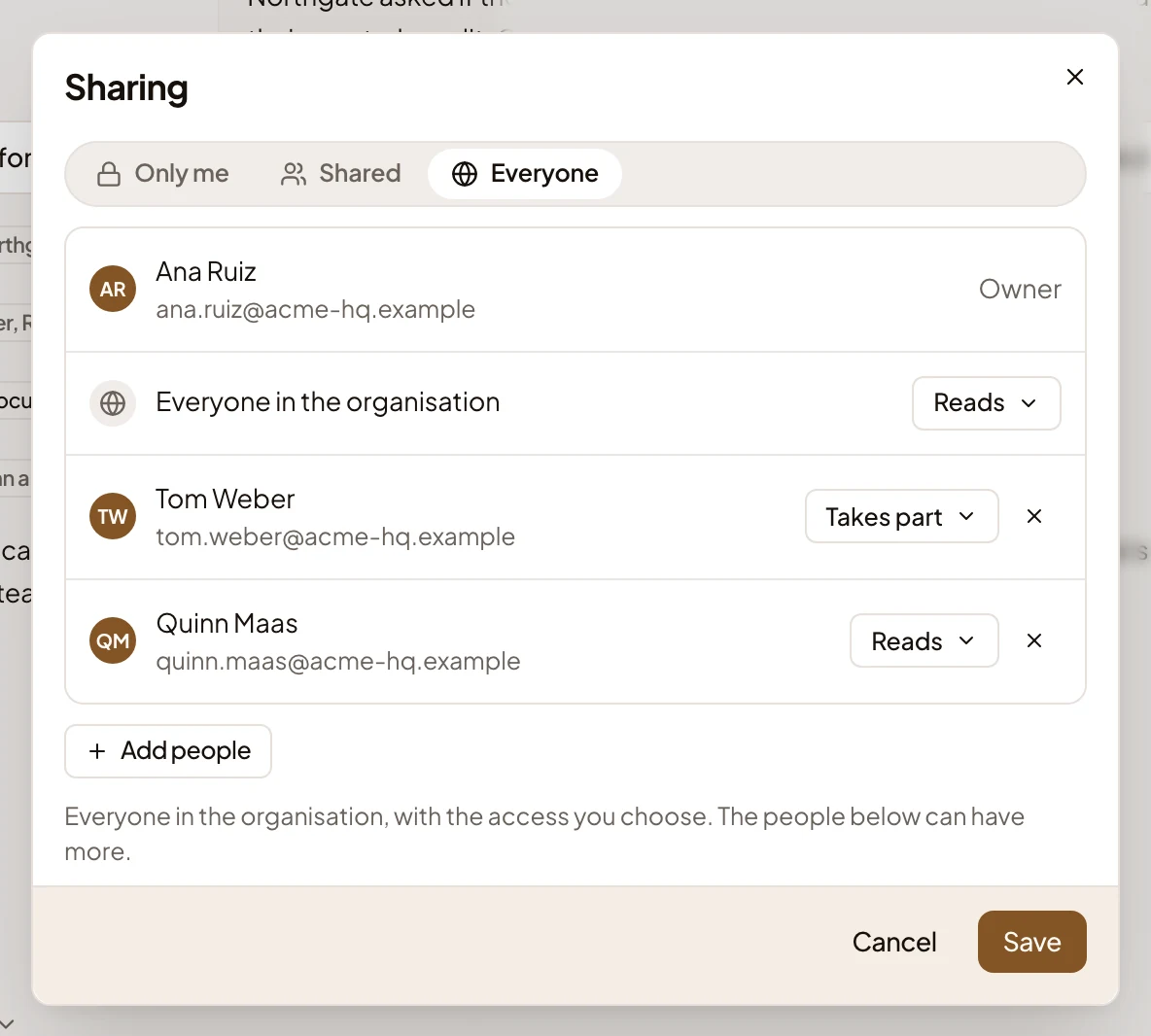
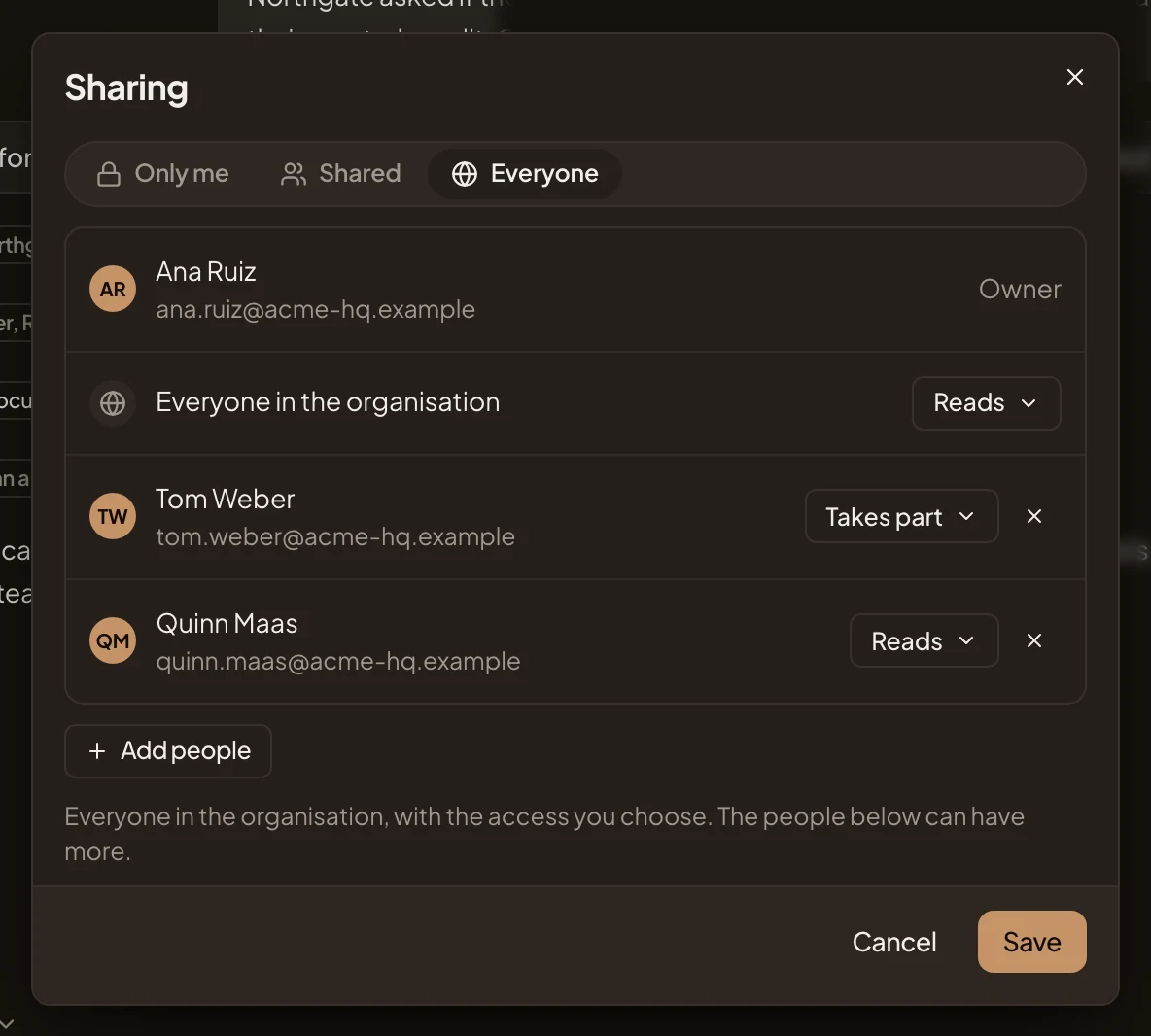
- The three choices: Only me, Shared and Everyone.
- What everyone in the organisation may do. Here they read it.
- What one person may do. Tom Weber takes part.
- Add people, to name someone else.
Reads or takes part
Section titled “Reads or takes part”You also pick what each person can do.
Give someone Reads and they can read the document, comment, and ask the agent about it in a chat of their own. That agent explains. It doesn’t change anything. If they want something changed, it drafts a comment to you. They can add labels and put the topic on their own lists.
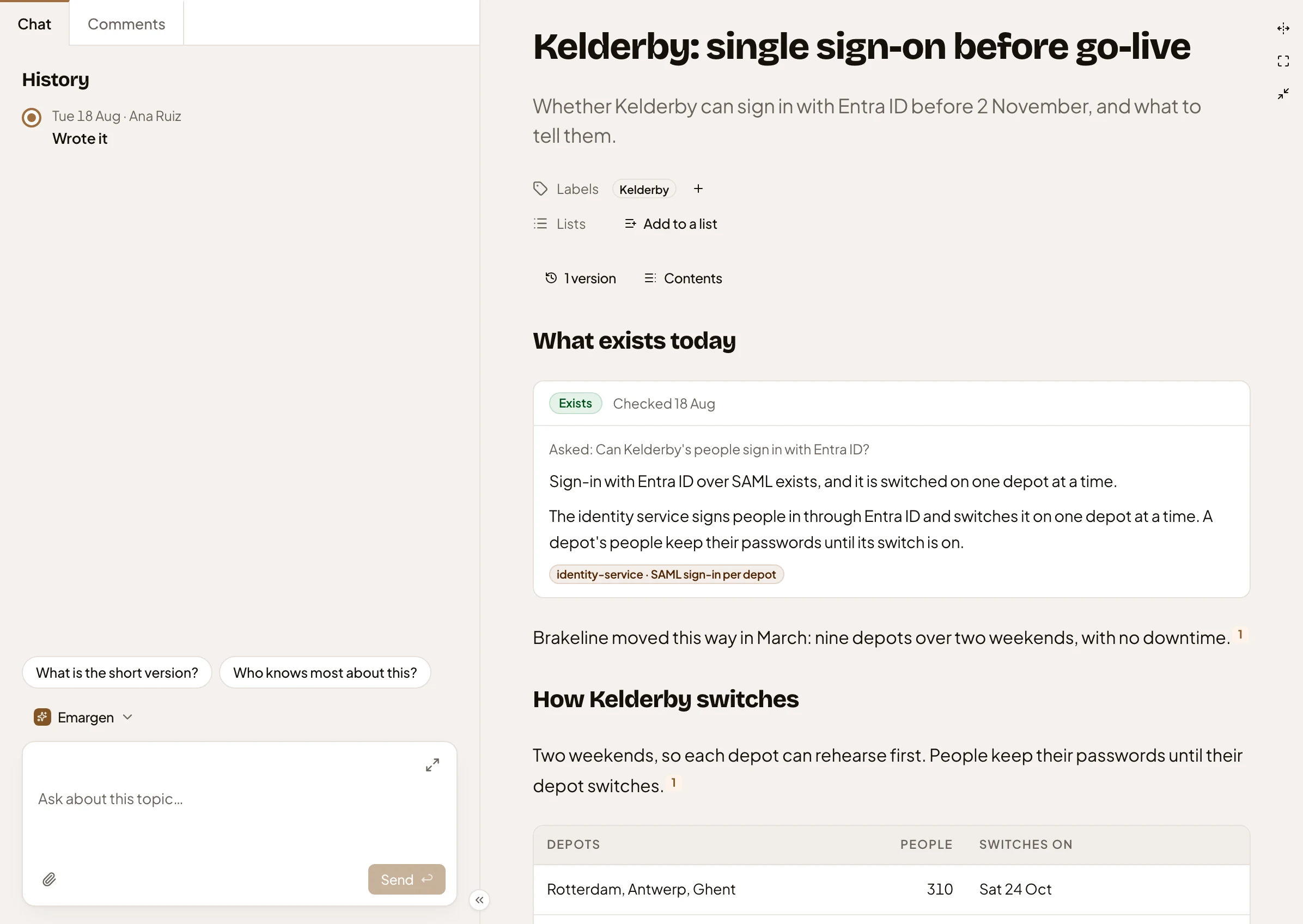
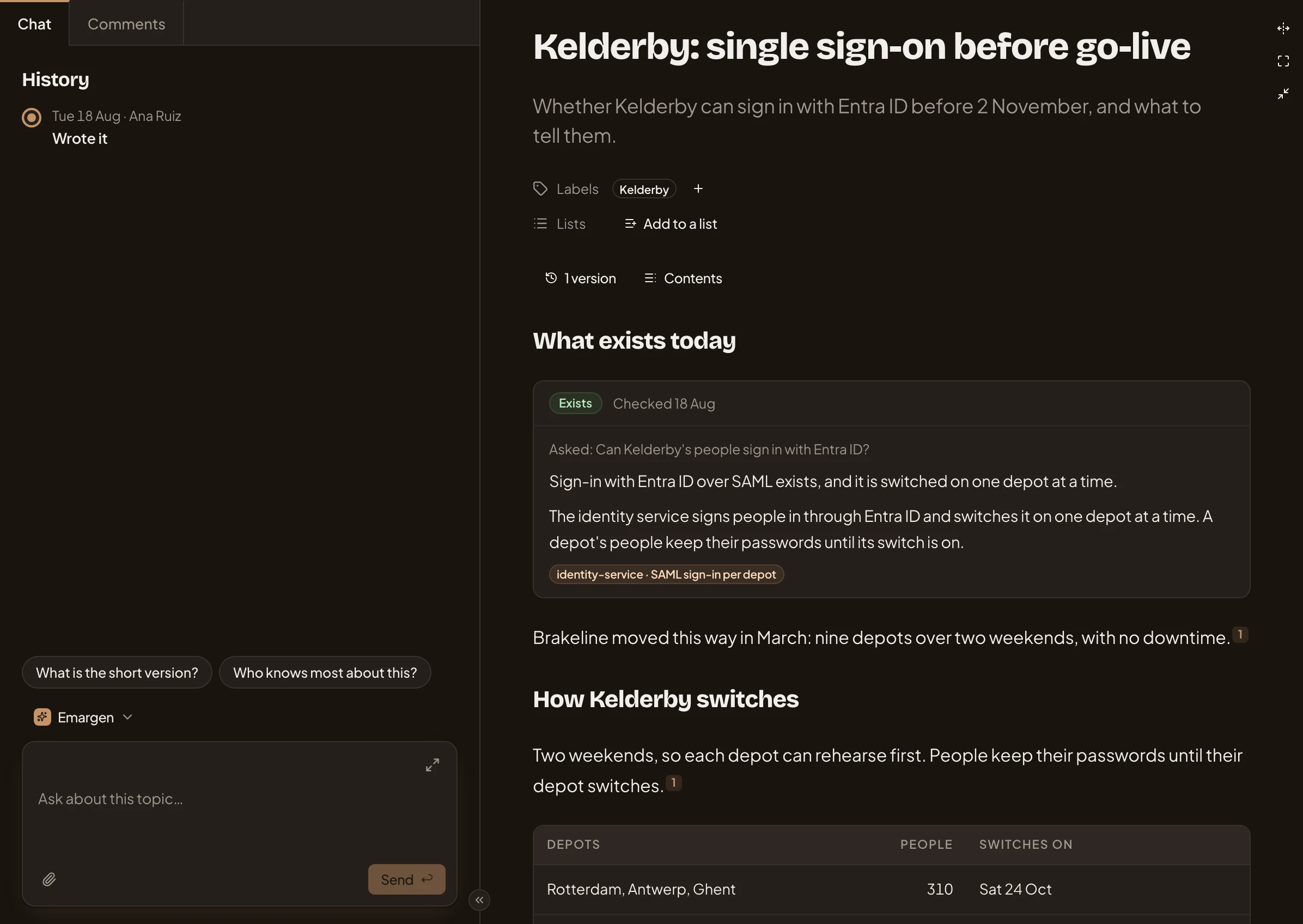
- The topic’s History: who did what to it, and when.
- Questions to start with. One click asks it.
- The message box, for questions about the topic.
- The document, open beside the chat.
Give them Takes part and they can change it. Their agent writes into the document for them. They can edit the fields, decide open decisions and add a subtopic. They can turn a comment into a decision and set up the topic’s agent task.
You, the owner, can do all of that. Only you can change who sees it, or move it under another topic.
Take a customer question. Everyone can read it, so support and sales reuse the answer. The one person writing the reply takes part.
Your chat stays yours
Section titled “Your chat stays yours”People you share a topic with see its document, its files, its comments and its versions. Nobody sees anyone else’s chat, the owner’s included.
The chat is where you think. The document is what you keep.
Finding what’s shared with you
Section titled “Finding what’s shared with you”Topics shared with you by name show up in the Shared with you group on your topics list, until they’re on one of the lists you see. Nobody gets a message. The topic just appears.
A topic shared with everyone that doesn’t name you stays out of your list. You find those with search, a link, or a key someone mentions in another topic.
A subtopic starts with the same sharing as the topic above it, until its owner picks something else.
There’s one exception. If a run of a flow names you, as its approver say, you can always read the topic the run writes and answer what it asks you.
Learn it once
Section titled “Learn it once”The same three choices come back wherever you share something in Emargen: initiatives, boards, lists and templates.
When you share a board or a list, you share the collection, not what’s on it. Each person sees the topics they can already open. Topics an agent task adds to a list start shared with whoever sees the list.