

AgentsHow to
Write a skill
Write a skill when your team has know-how the agent should follow for some work, like how support explains a change of role to a customer. The agent loads a skill only when the work matches its Description. See Personas and skills for the idea.
Before you start
Section titled “Before you start”- Who can
- Anyone can write a skill of their own. People whose role lets them manage personas and skills can also write one for the whole organisation.
- The pictures
- Ines Costa, in support at ACME, the company in the docs’ pictures, writing a skill for questions about requests or access after a role change. Use her words or your own.
-
In the menu, click the chevron beside Workspace to unfold it, then click Personas & skills. Click the Skills tab, then New skill.
Open New skill (opens Emargen in a new tab)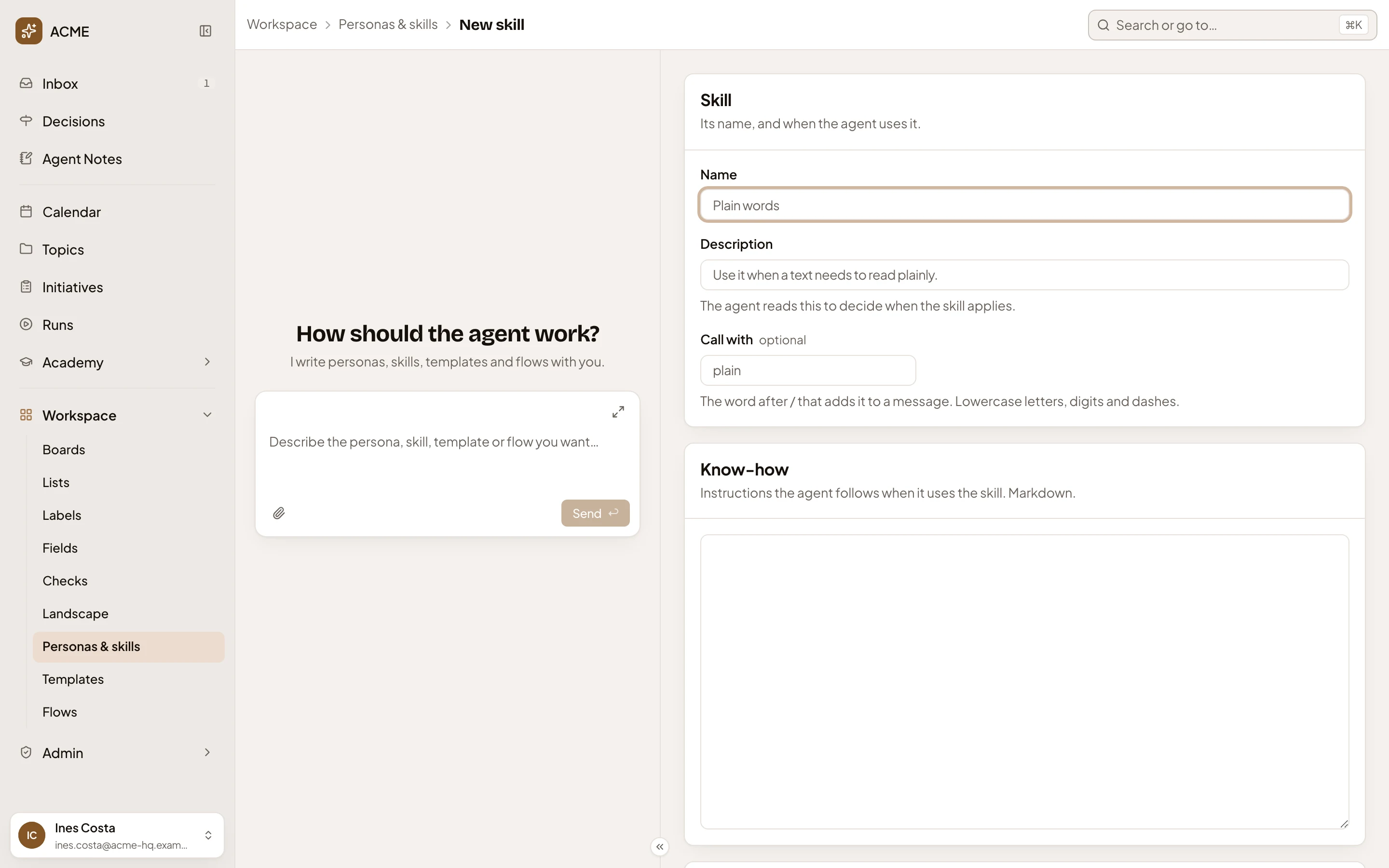
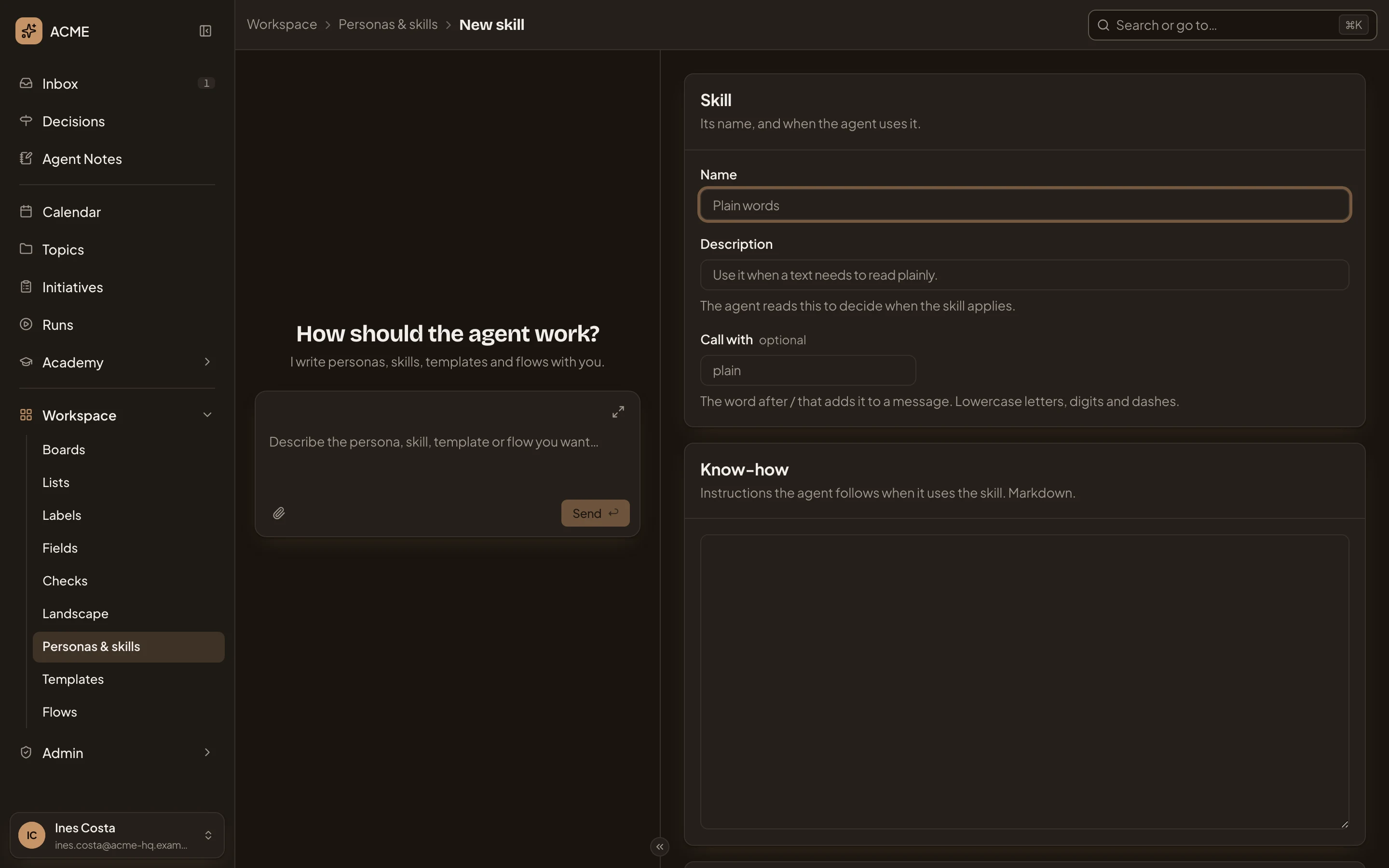
- Name. What the skill is called.
- Description. The agent reads this to decide when the skill applies.
- Call with. Optional: the word after / that adds the skill to a message.
- Know-how. What the agent follows once it loads the skill.
-
In Name, type Role change questions.
-
In Description, say when, not what: “Use when a customer asks why someone’s requests or access changed after their role changed.”
-
In Call with, type role-change: lowercase letters, digits and dashes. Each word belongs to one skill. A skill can do without one, but then nobody can add it to a message with /.
-
In Know-how, write what the agent should do, in Markdown. For example:
# Role change questions- Find the person's old and new role, and when it changed.- Check in identity-service what happens to open requests when a role changes.- Say what the customer can do now, and link the support ticket. -
Under Sharing, choose Everyone, so the rest of support can use it too. Only me keeps it to you, and Shared lets you pick the people. The list under it shows you as Owner, and the others with Uses. To let someone change the skill with you, click Add people, pick them, and give them Edits.
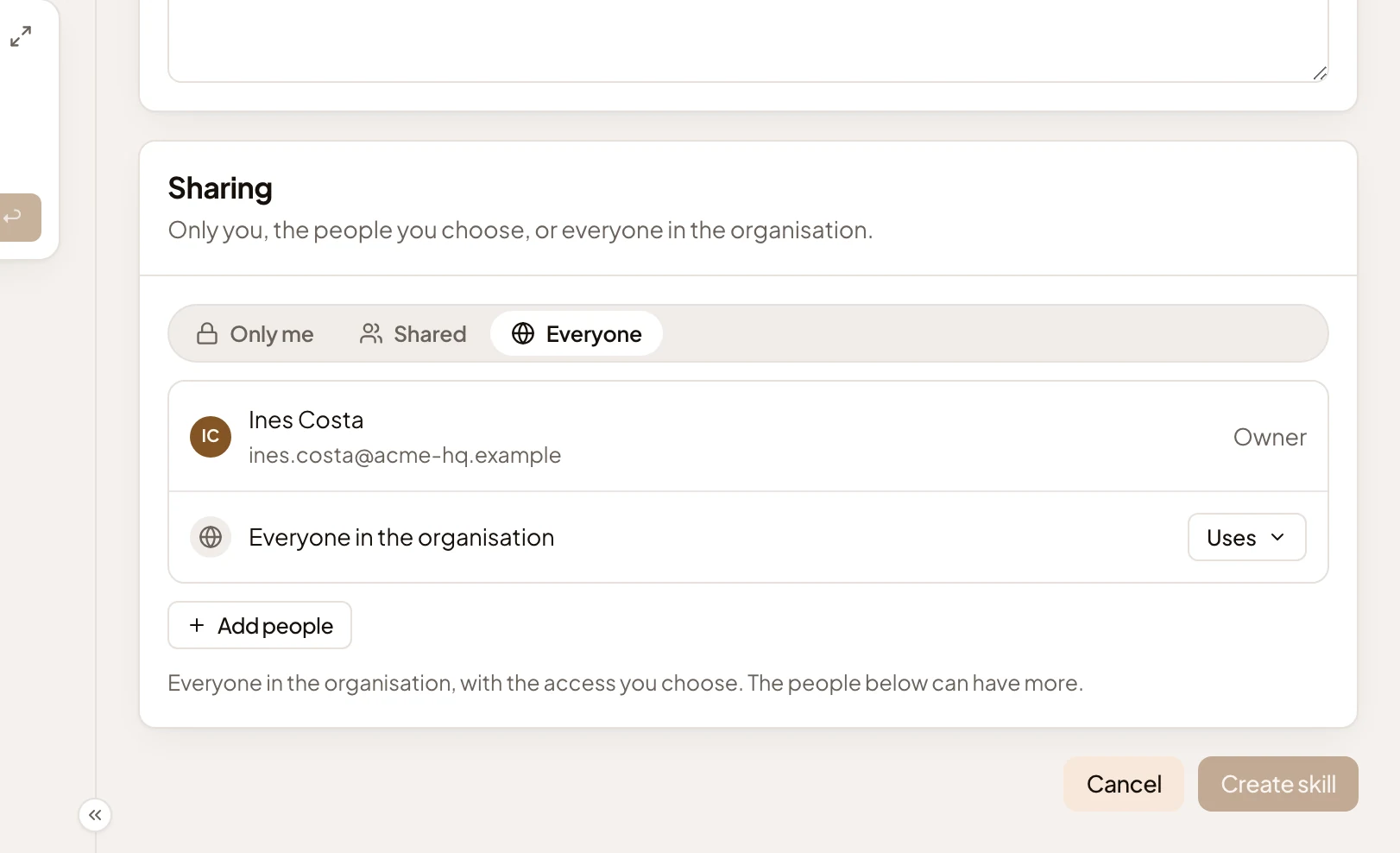
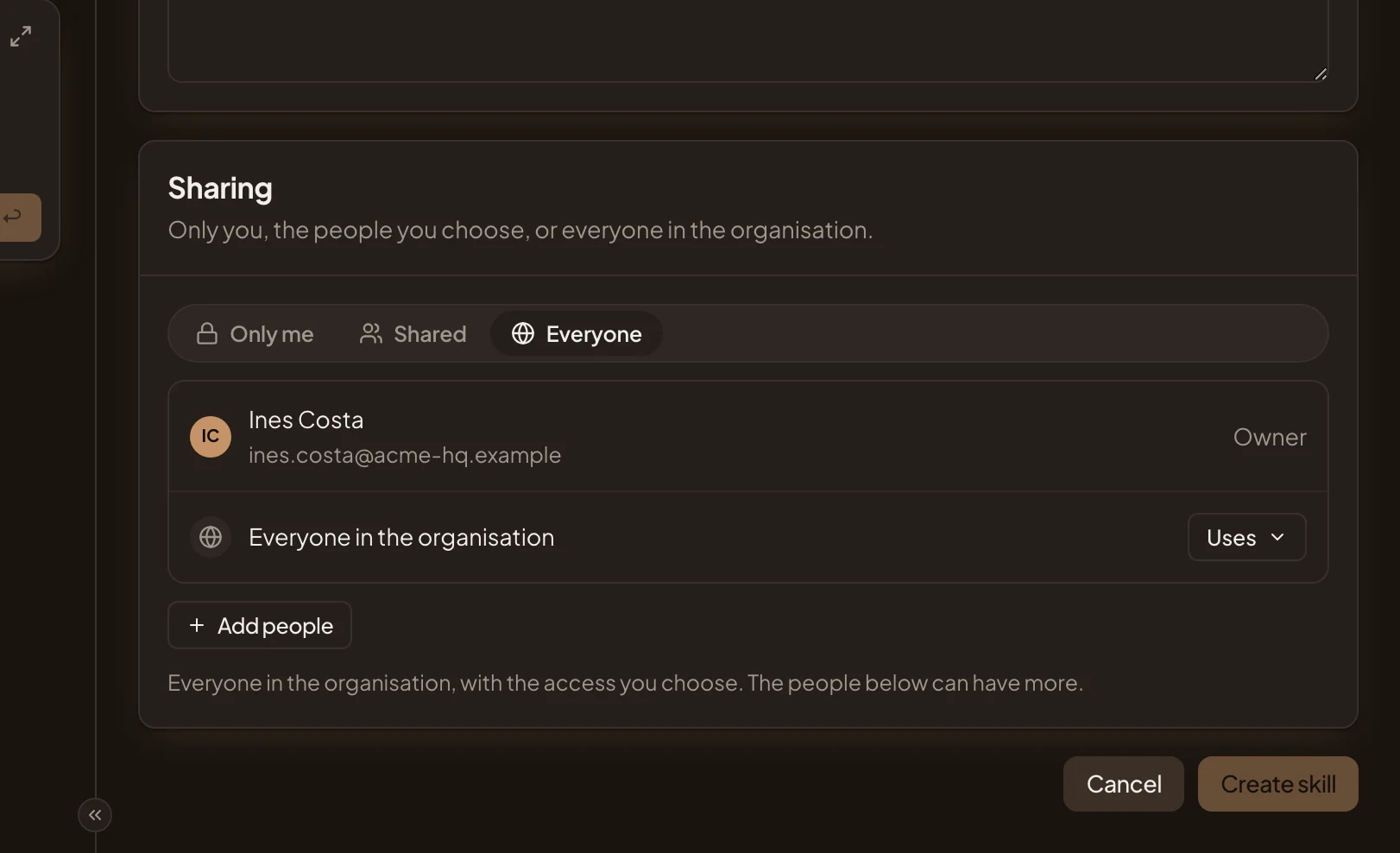
- Sharing. Who may use the skill.
- Access for everyone. Set to Uses, so everyone can call the skill and turn it on in their personas. Click it and choose Edits to let them change it too.
- Create skill. Greyed out until the skill has a name, a Description and some know-how.
-
Click Create skill. The skill’s page opens with the same fields and a Save button. It lists its versions and has a section to delete it. Version 1 has your name and the day.
You can also describe the skill to the personas agent beside the page, or paste the notes your team already keeps. It fills the page and asks in the chat before it saves.
What you get
Section titled “What you get”- Role change questions on the Skills tab, with /role-change under Call with.
- In any chat with a persona, type / to see your skills. /role-change adds it to that one message. The personas agent’s chat, beside this page, has no / list.
- To have it on in every chat with one of your own personas, tick it under Skills on that persona (see Make a persona). The organisation’s personas, like Support analyst, use only organisation and built-in skills. For those, ask someone who manages personas and skills to make it an organisation skill.
- Every save is a version, listed on the skill’s page with who saved it and when.