

InboxPage by page
A note
A note’s page holds the whole note, beside your chat with the inbox agent. Click a note in Agent Notes, or in the Inbox’s To do, to open it. Your notes are numbered N1, N2 and so on, and everyone has their own N1.
Open Agent Notes (opens Emargen in a new tab)In the picture, ACME’s platform engineer’s N1, a trap Claude Code found in the repository identity-service.
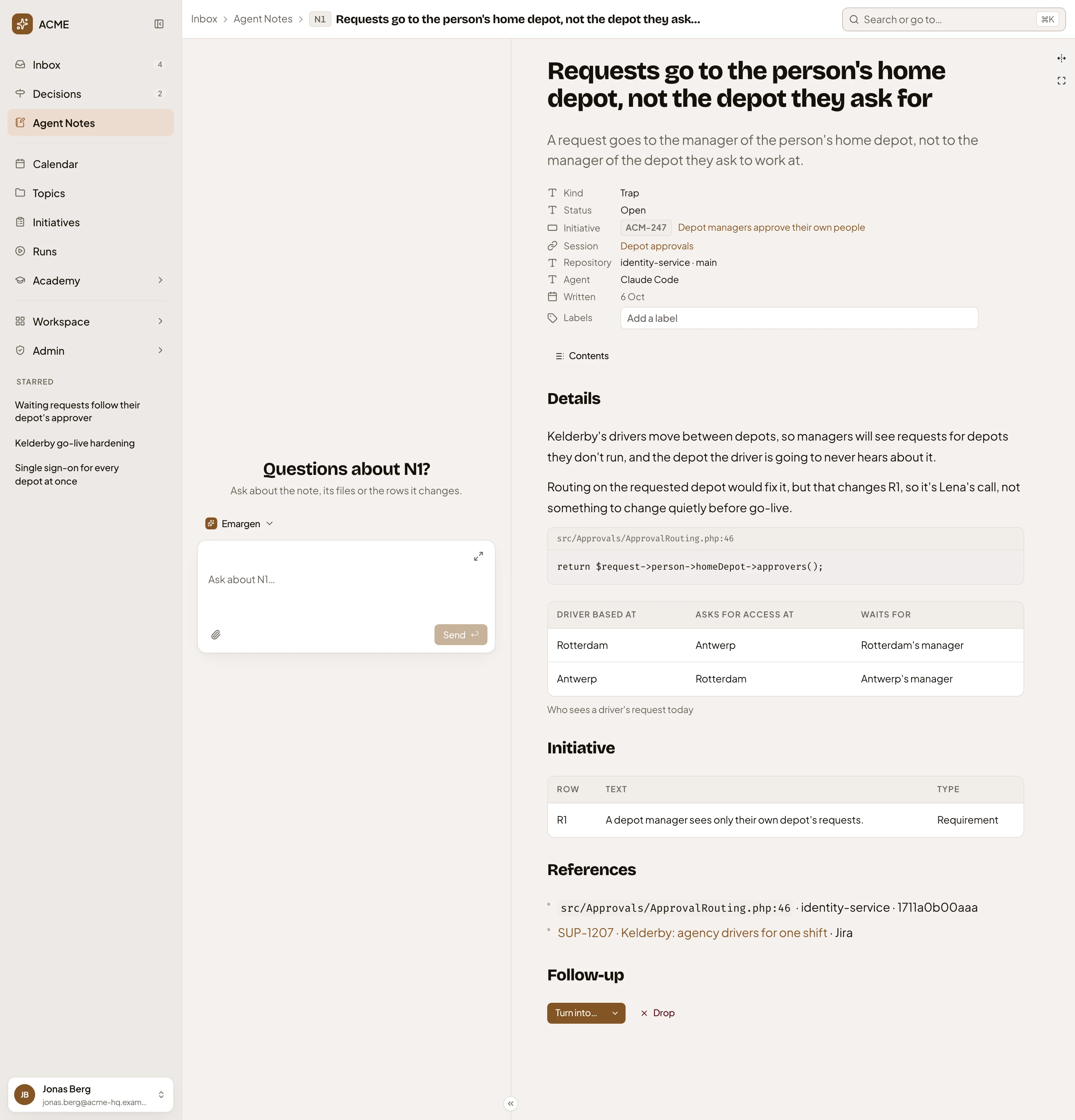
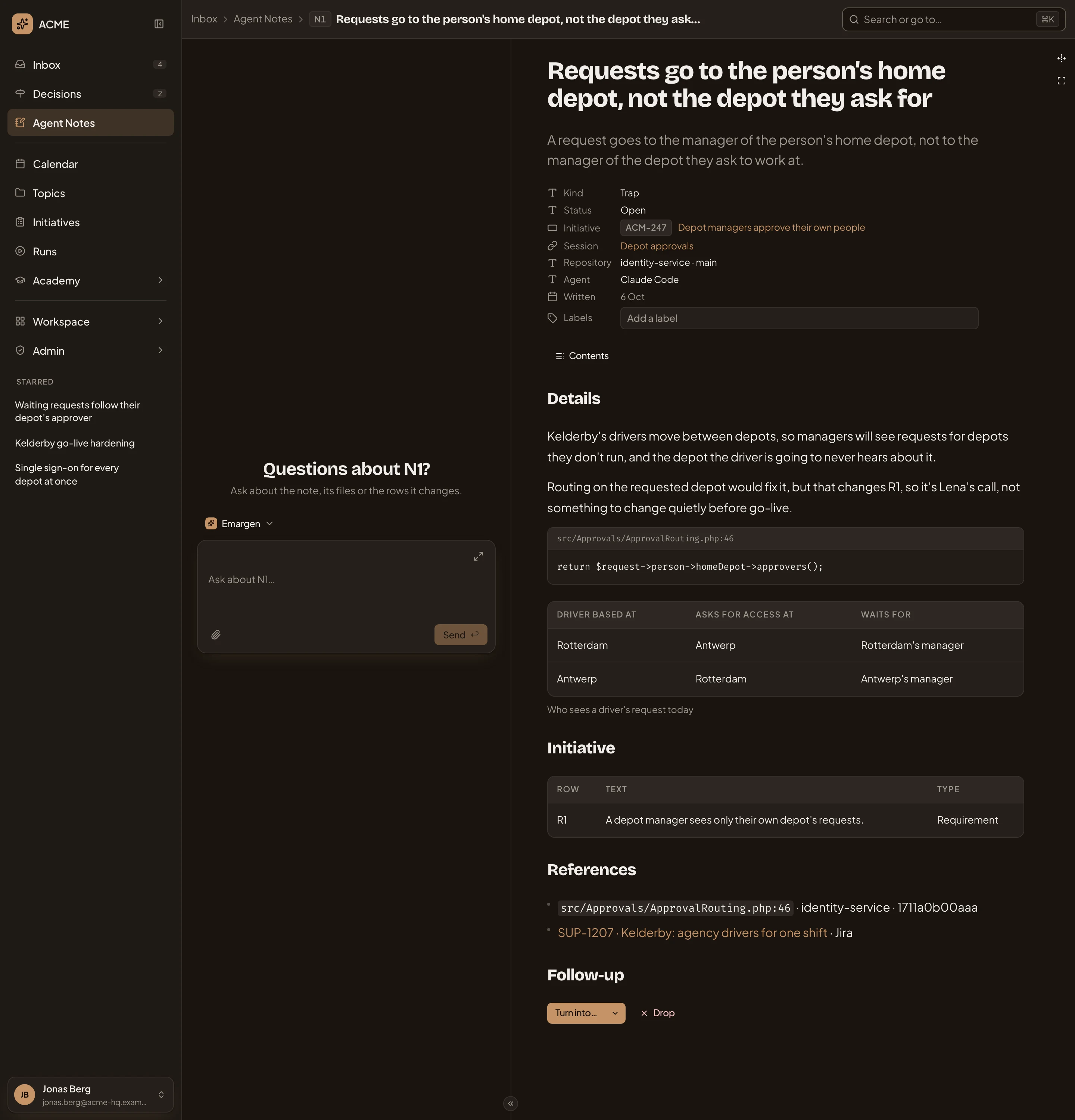
- Inbox, Agent Notes, then the note’s key. Click Agent Notes to go back to the list as you left it.
- The inbox agent. Ask it about the note, its files or the parts of the initiative it touches.
- Ask the inbox agent.
- The title, and the note’s point in a line.
- Its kind and status.
- Session. Click it to see that session’s notes in Agent Notes. Under it, the repository and branch, the agent, and when it was written.
- Labels. Your own words to find the note by. Type one and press Enter. They’re the one thing on a note you change.
- Details. The whole note.
- The code it points at, with its file and line.
- A table. A note can also hold a diagram or a map.
- Initiative. The parts of the initiative the note touches, here R1.
- References. What it points to outside Emargen: a file at the version the agent read, a Jira ticket.
- Follow-up. What you can do with the note (see Turn into, Done and Drop).
A note never changes once written. The agent corrects one by writing a new note.
Turn into, Done and Drop
Section titled “Turn into, Done and Drop”An open note has its buttons under Follow-up. In the picture, N2, a todo.


- Turn into… Opens Turn into with the agent’s suggestion picked.
- More options. Opens Turn into with your own choice picked.
- Done. Marks the todo done, once you’ve done it. Only a todo has it.
- Drop. Puts the note aside.
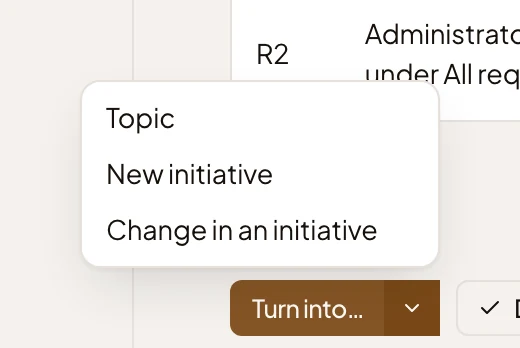
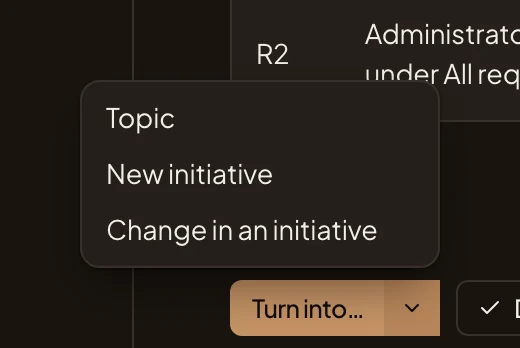
- Topic: something to research and talk through with the agent.
- New initiative: a new initiative of yours, its brief drafted from the note.
- Change in an initiative: a change request on an approved initiative.
Drop asks first.
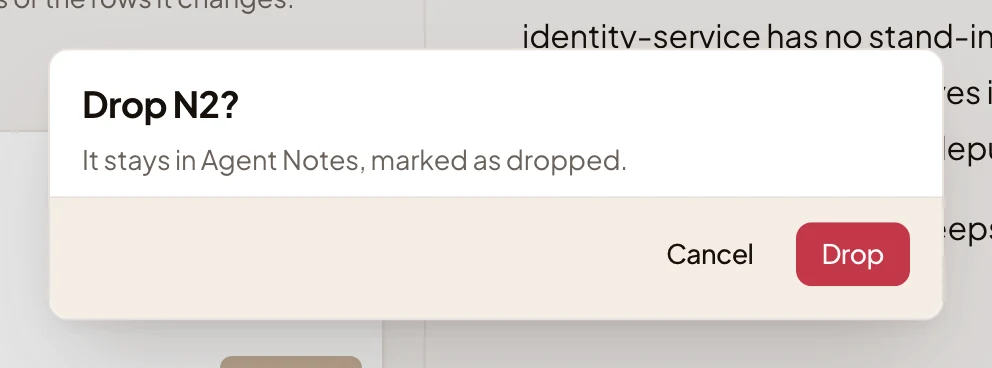
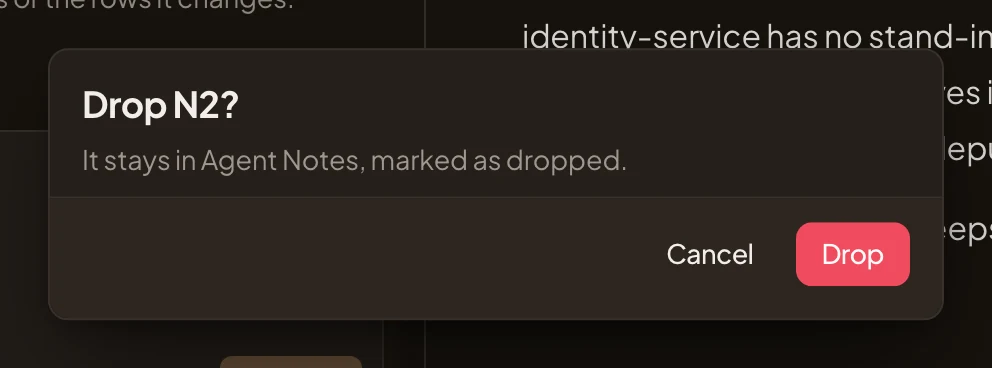
Once a note is done, dropped or turned into something, its buttons go.
Follow-up
Section titled “Follow-up”Follow-up then says what happened. When the agent did a todo itself, it says how, and names the change it made.


Turn a note into something, and Follow-up links to it, like “Turned into ACM-313 · Kelderby: requests nobody approves, a topic”.
When a later note takes an earlier one’s place, both say so. N5 was the agent’s first idea for requests about to close. Later it wrote N7, a better one.
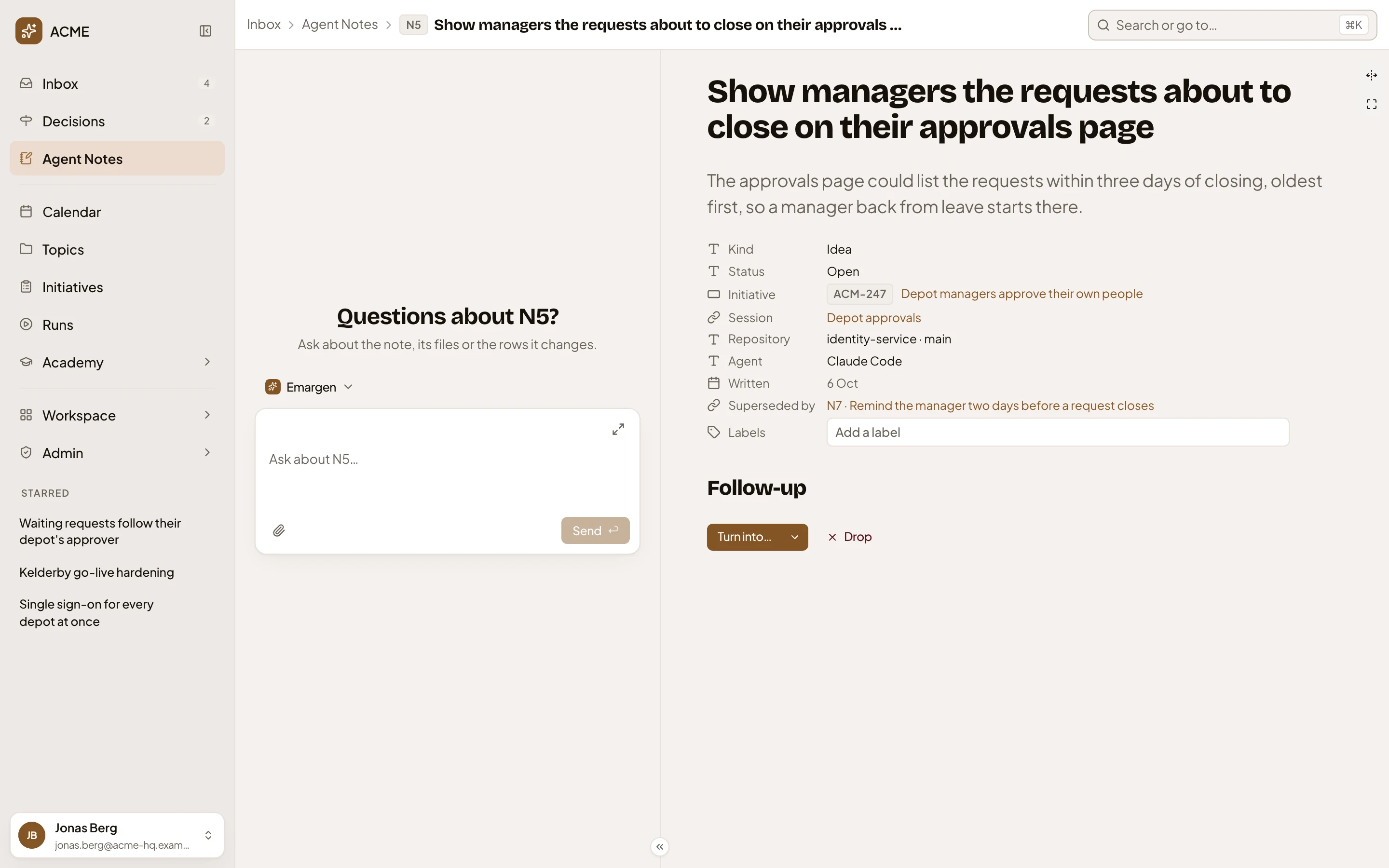
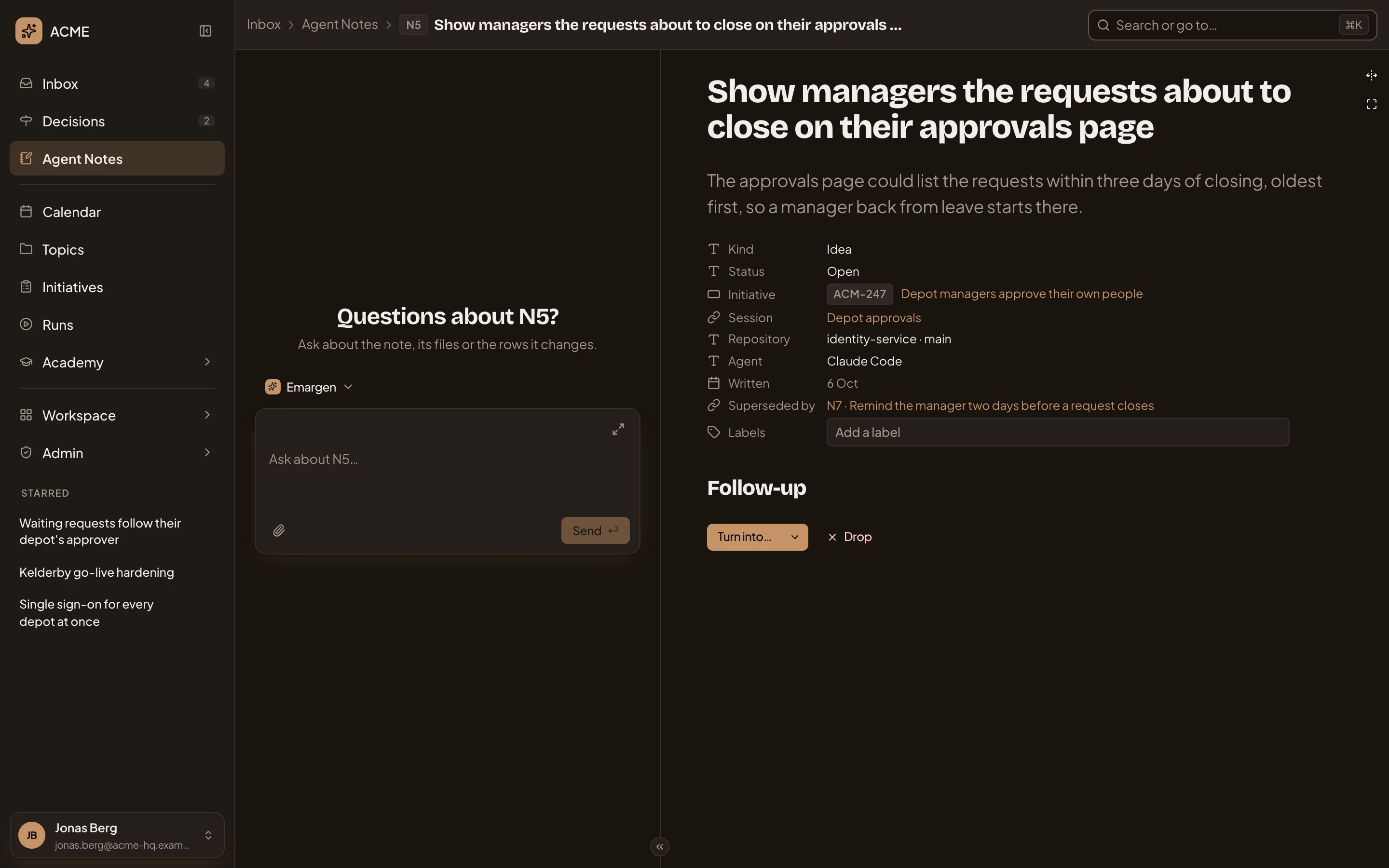
- Superseded by, and the later note. N7 says Supersedes and names N5.
Asked for, and related
Section titled “Asked for, and related”A note you asked an agent for says so beside the agent: “Claude Code, on your request”. Related lists the topics and notes it’s linked to.
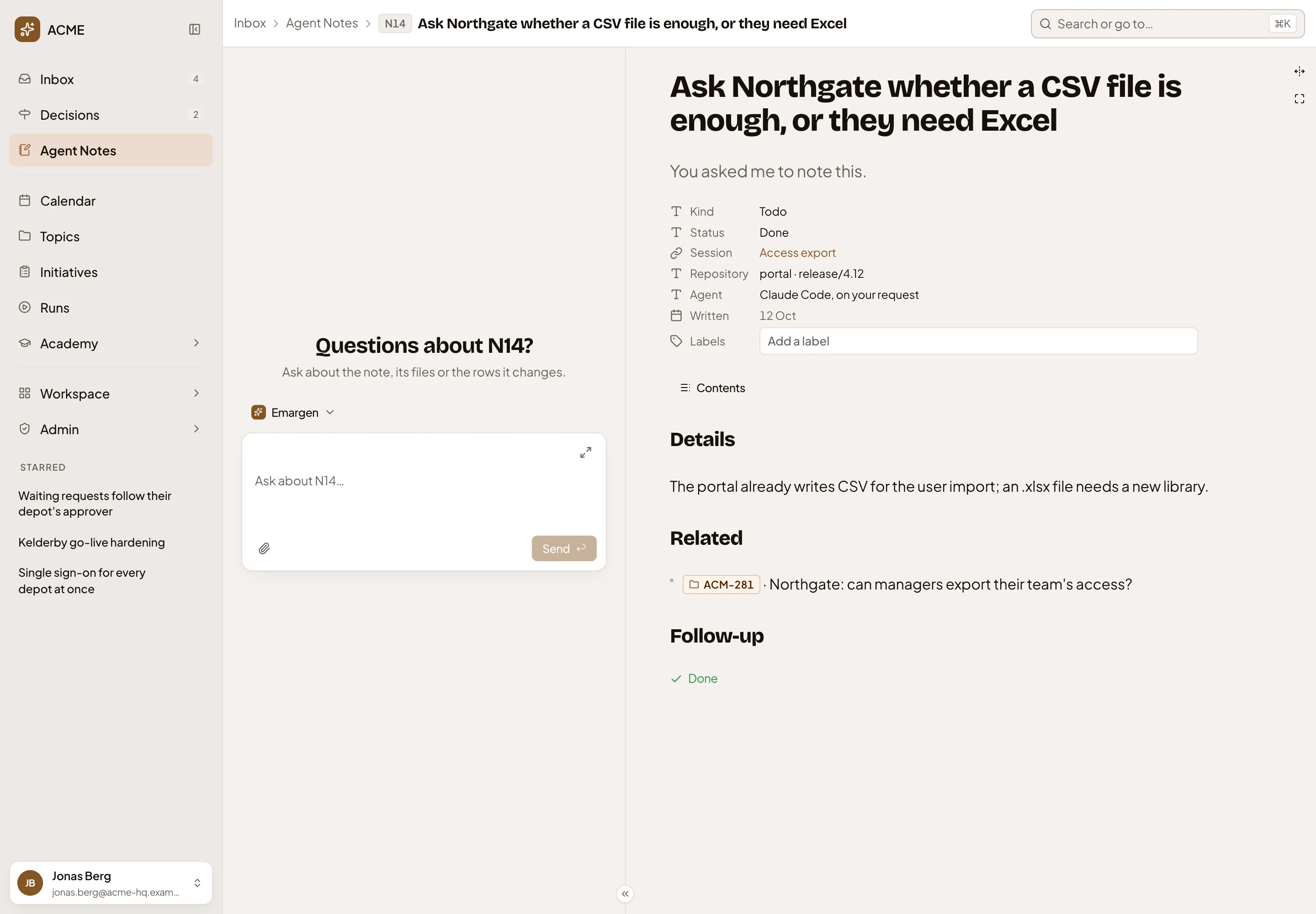
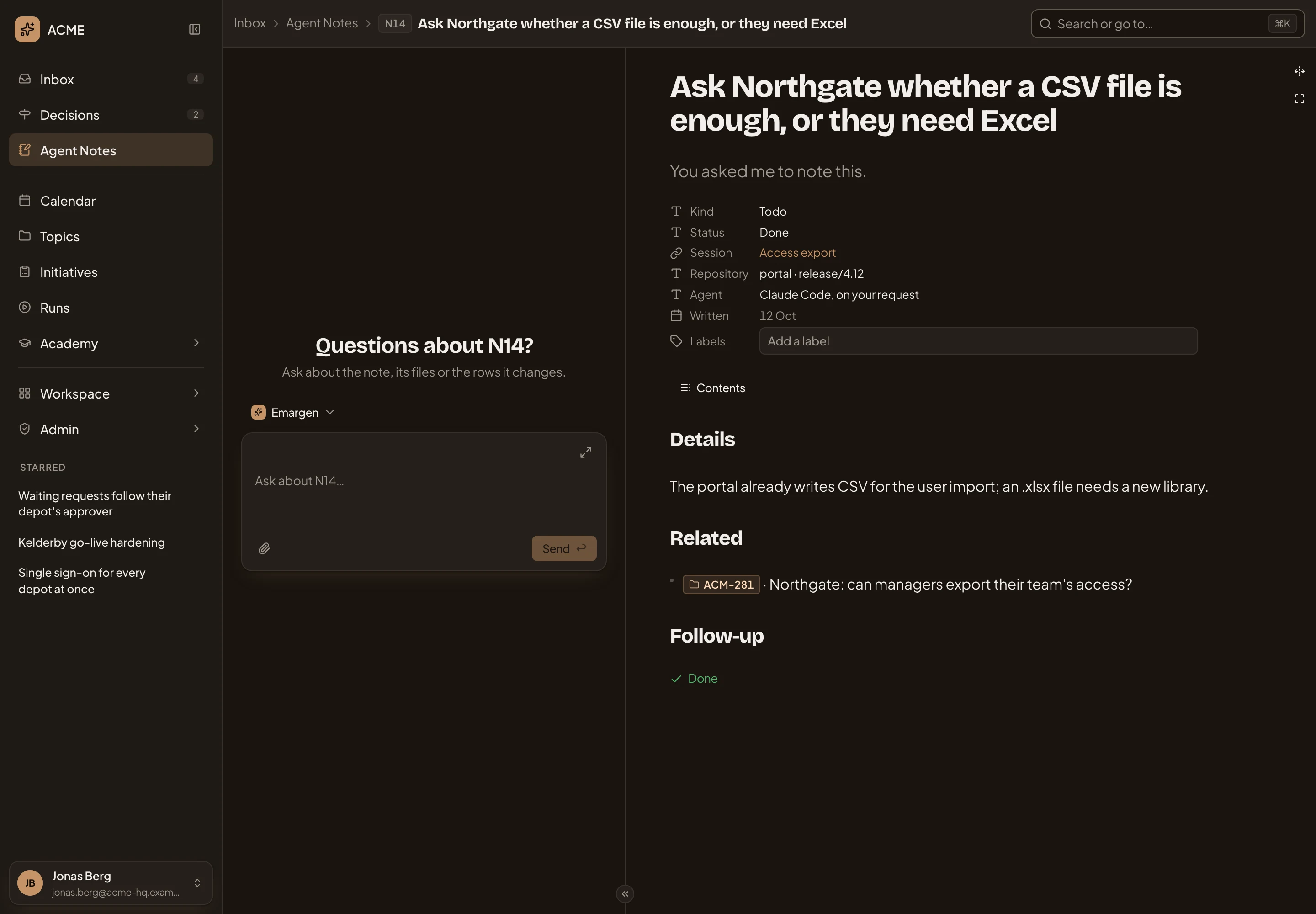
- Claude Code, on your request.
- Related. Here ACM-281, the customer’s topic the session was working for.
On a phone
Section titled “On a phone”The note and the chat take turns.
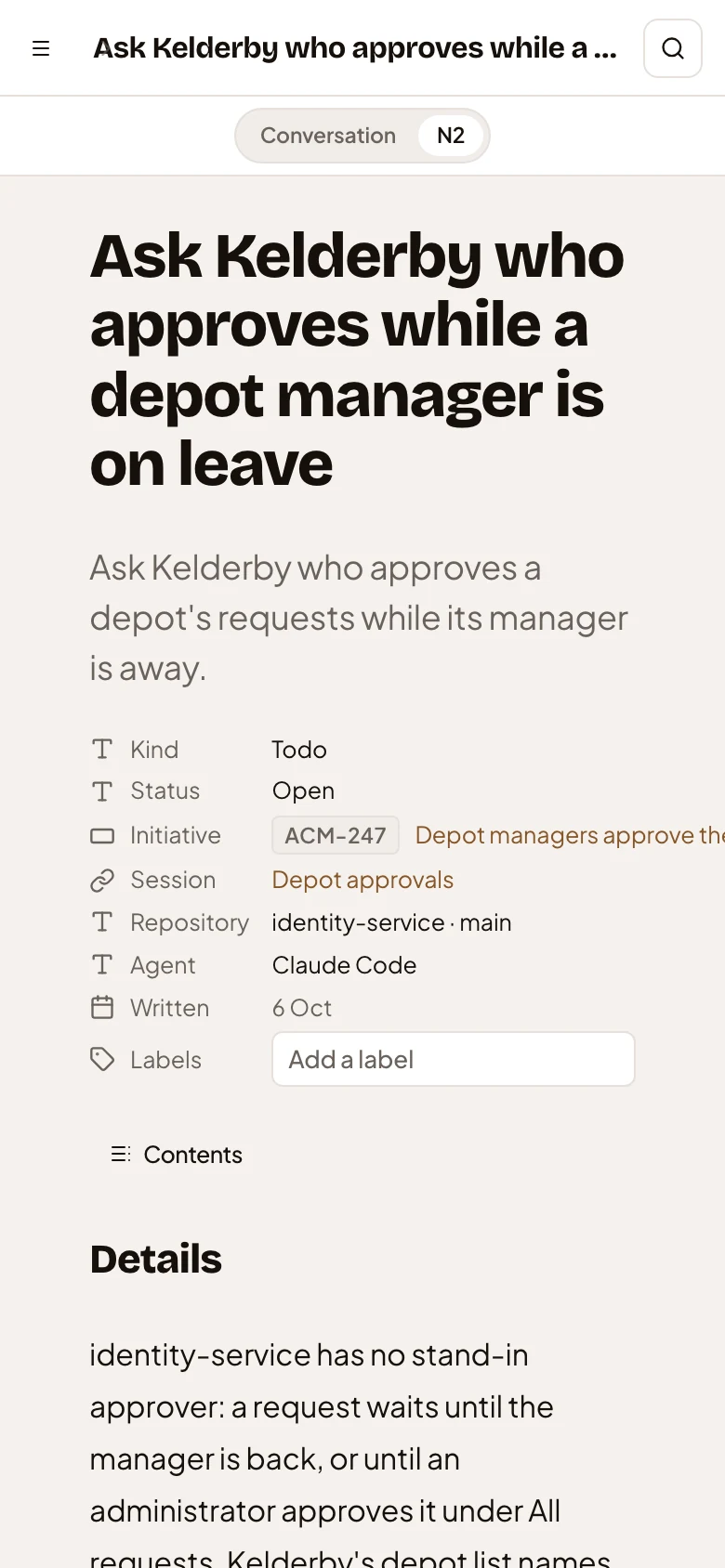
- Conversation and the note’s key.
Access
Section titled “Access”Only you. Nobody else opens your notes, administrators included. A note’s address holds only its number, so a link to one opens the reader’s own note of that number. To show a colleague a note, turn it into a topic and share that.